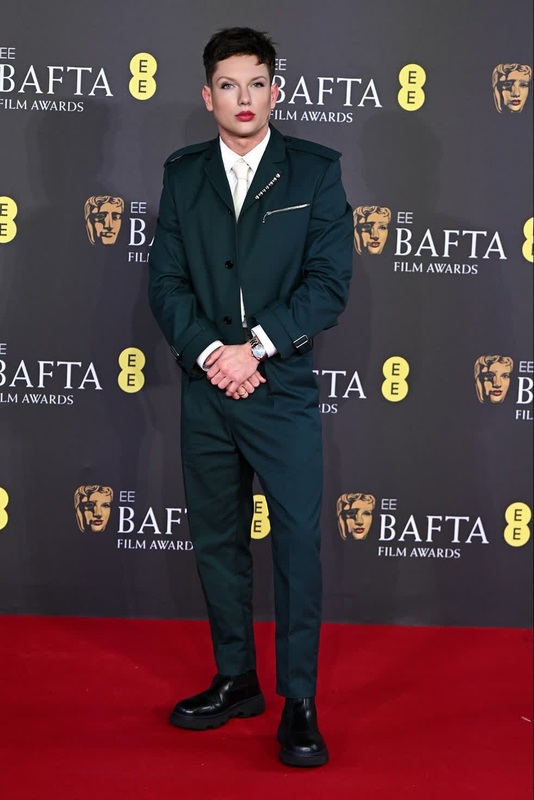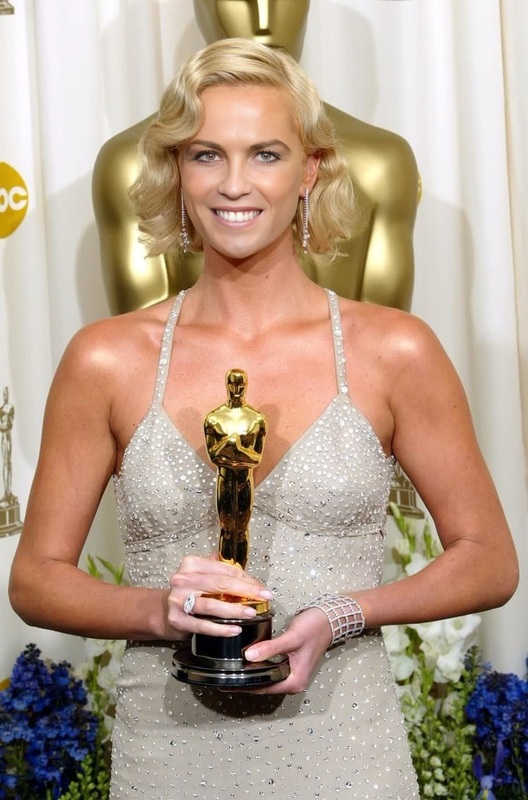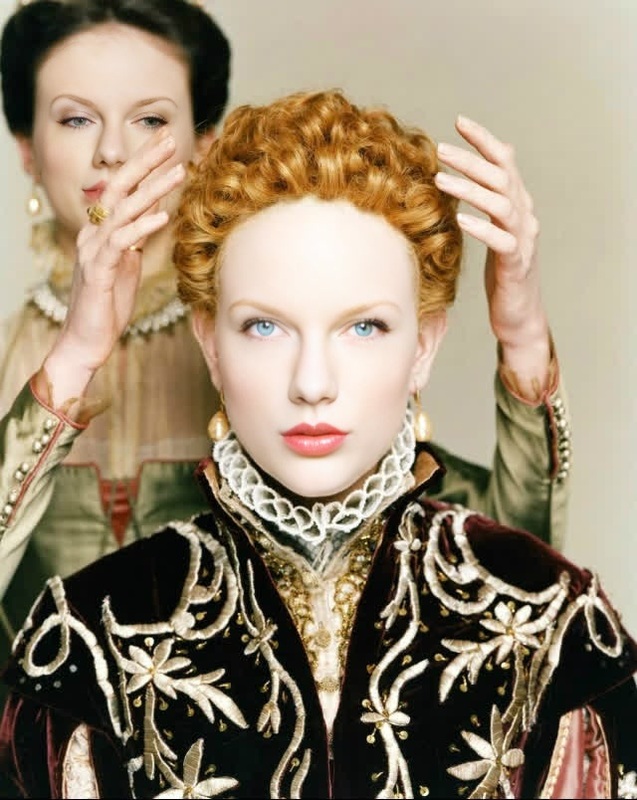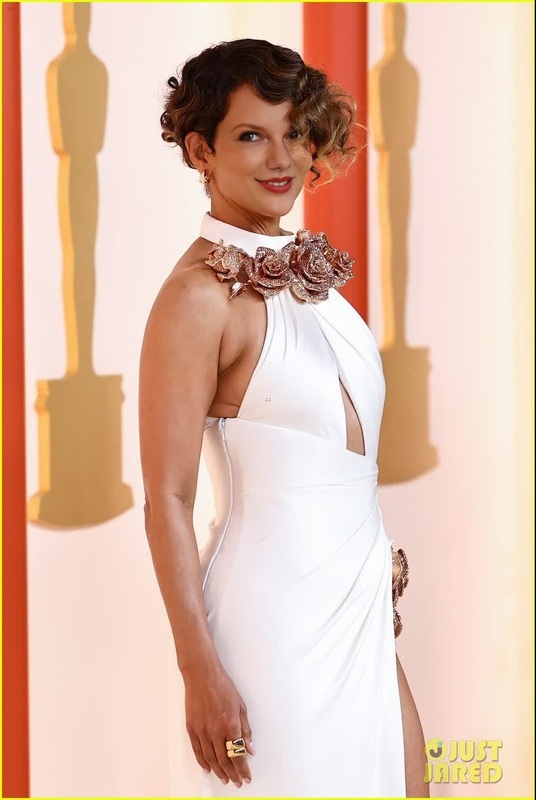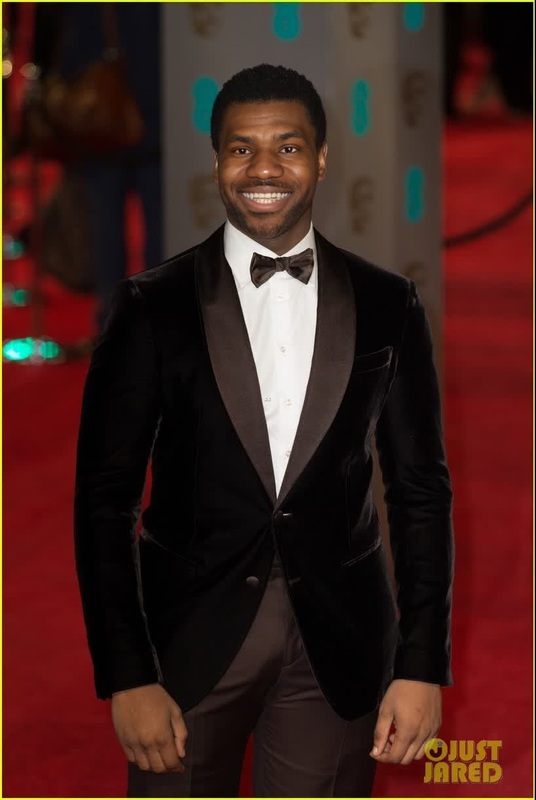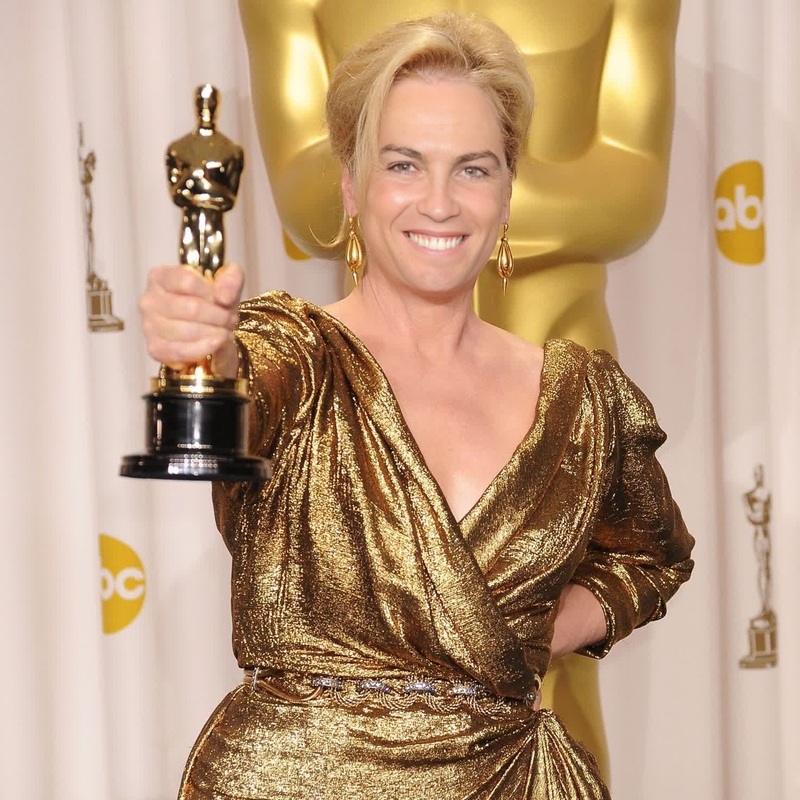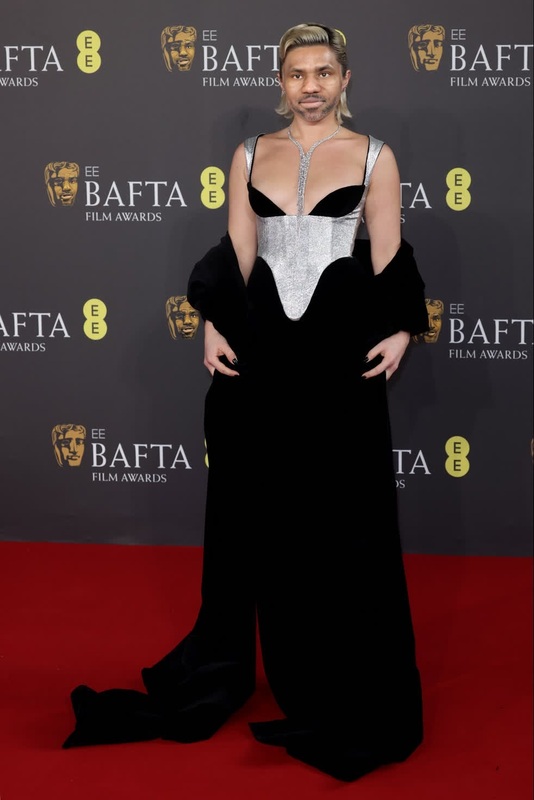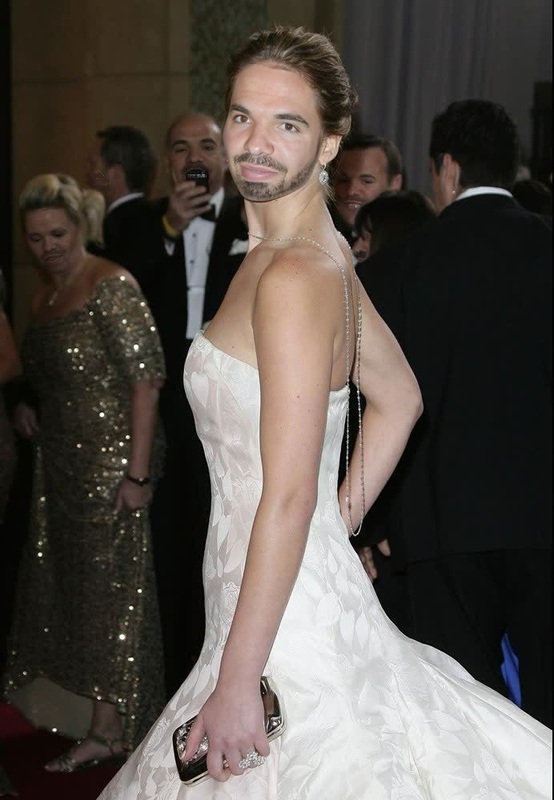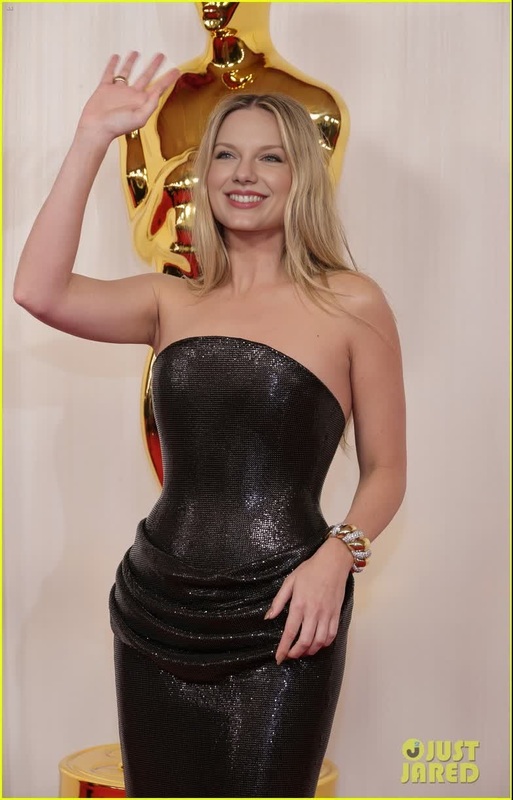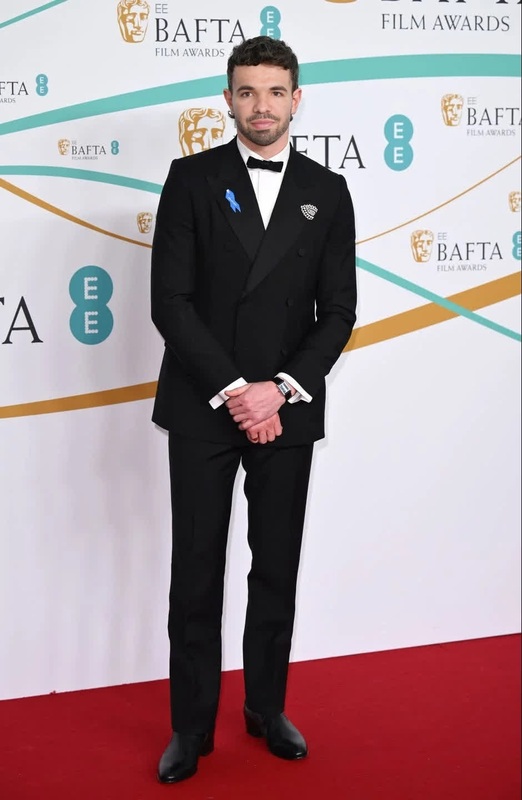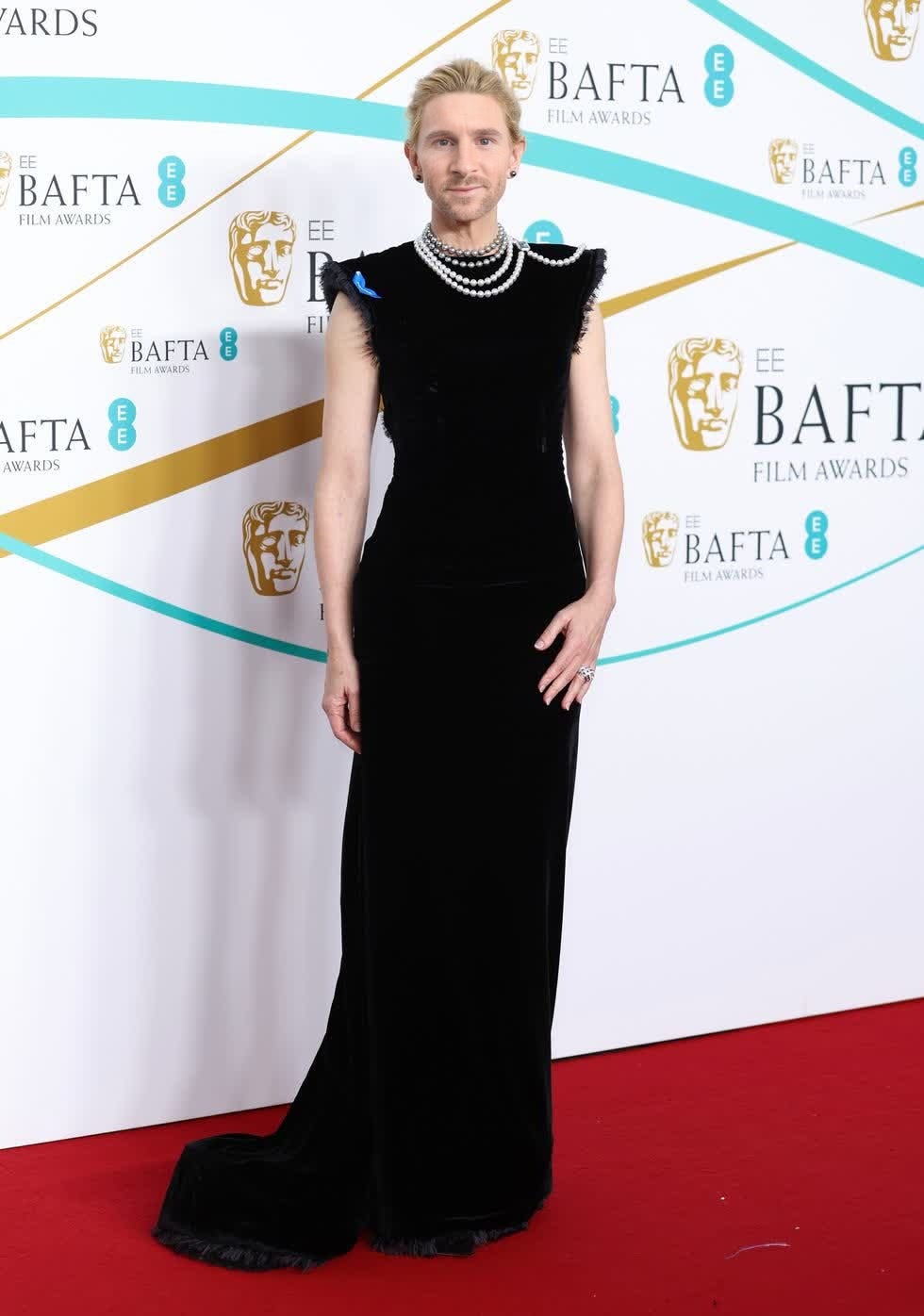
Cate Blanchett Bafta Arrival Portrait
- Image
- 980 × 1396 px
Any aspect ratio
Overview
Step into the limelight with the Cate Blanchett BAFTA Arrival Portrait. This video face swap template allows you to transform your own footage by substituting someone else's face with Cate Blanchett's, capturing the elegance of a BAFTA red carpet moment. Perfect for creating stunning visual content, this template is an invitation to experience Hollywood glamour.
What It Does
The Cate Blanchett BAFTA Arrival Portrait template leverages advanced video face swap technology to integrate Cate's visage into your videos. Simply upload your source video and let the template work its magic. It carefully matches facial expressions and angles to deliver realistic and captivating results.
Explore more about the potential of face swapping with our Face Swap product suite.
Who It's For
This template is ideal for content creators, filmmakers, and social media managers looking to craft engaging video content with a touch of celebrity. Whether you're working on a personal project or a promotional piece, the Cate Blanchett face swap can add an element of sophistication and intrigue to your videos.
For similar transformative ideas, see our Video-to-Video tools.
Summary
Incorporate the timeless elegance of Cate Blanchett into your projects with this video face swap template. Perfect for those wishing to experiment with celebrity transformations in their videos, this tool elevates your content with professional-quality effects. Generate your stunning results today and take advantage of our wide range of video editing options, including AI Image Editor for post-production touches.
How to Use
Choose Template

Customize Inputs

Generate Video

Use Cases
Social Media Engagement
- Instagram stories featuring celebrity appearances
- TikTok videos with unique face swap effects
Film and TV Previews
- Pitching new script ideas with alternate actors
- Screen tests for character diversity
Marketing and Promotions
- Exclusive content using celebrity endorsements
- Engaging ad campaigns featuring notable personas
Best Practices
Use High-Resolution Source Videos
High-resolution videos improve the accuracy of face mapping and the realism of the swap.Manage Lighting Variations
Consistent lighting in your source video and desired output enhances the visual integration of the face swap.Select Optimal Angles
Choose source footage that matches the angle of the reference image to facilitate seamless blending.