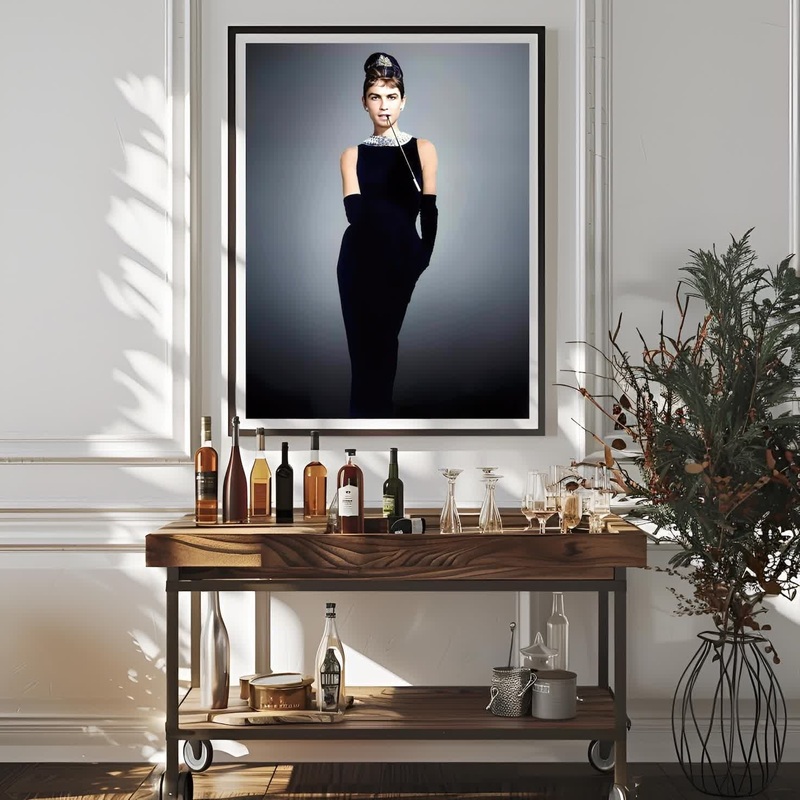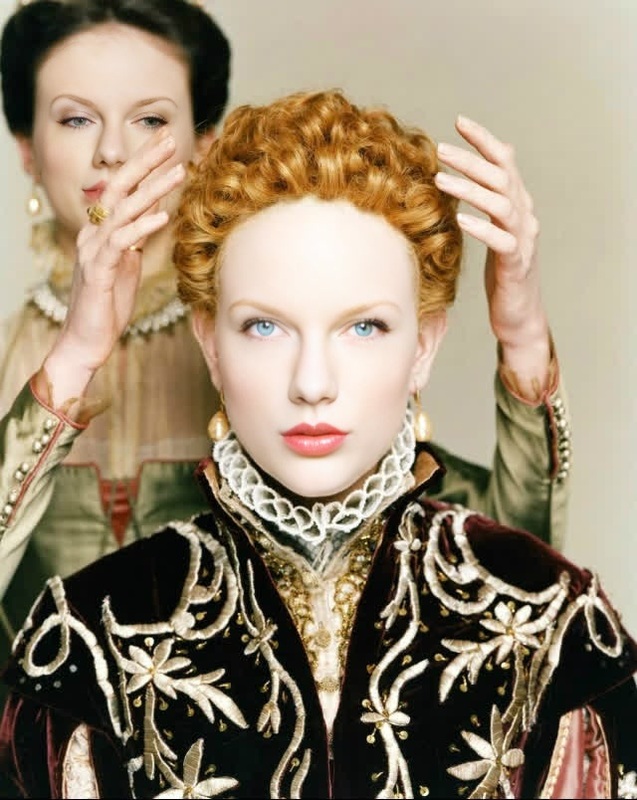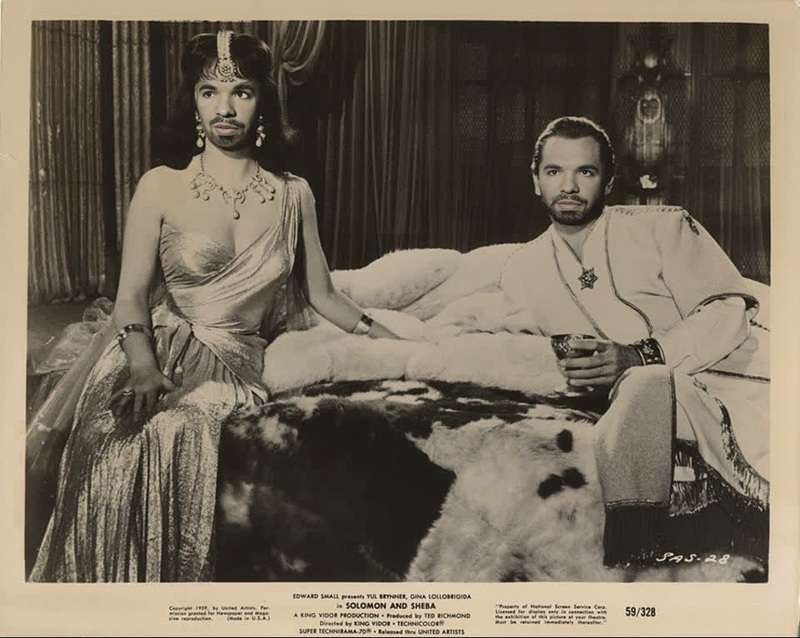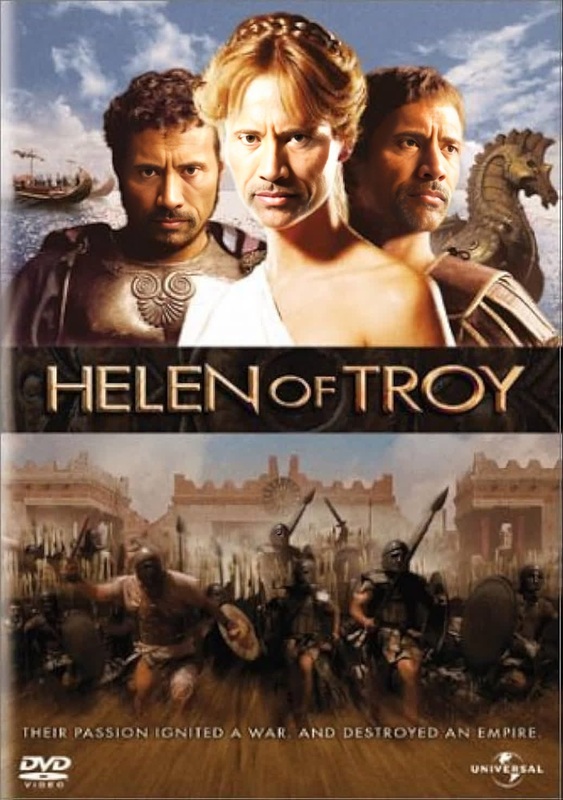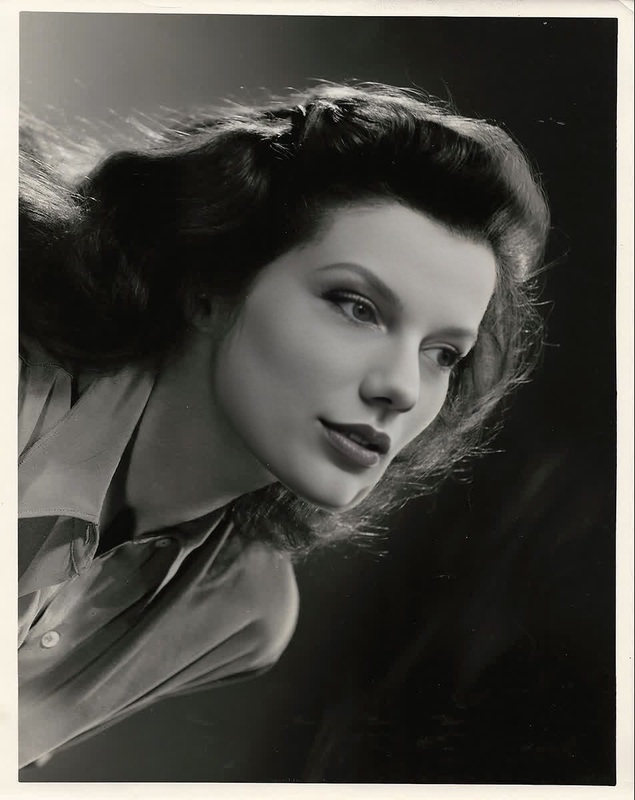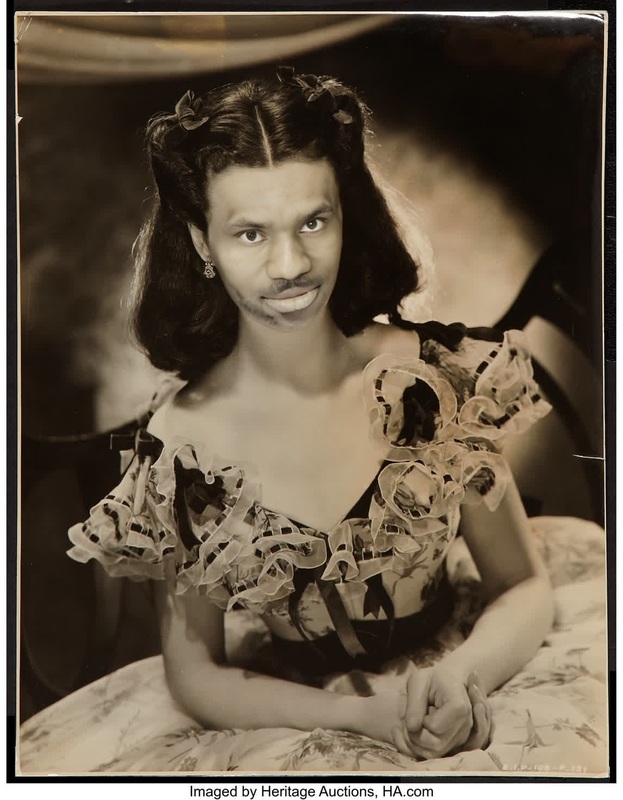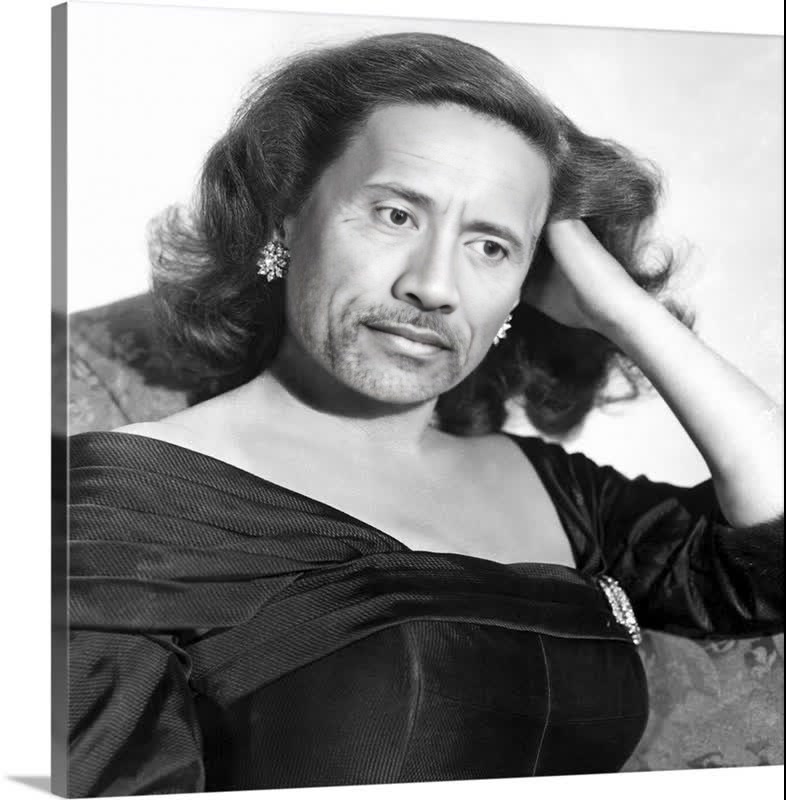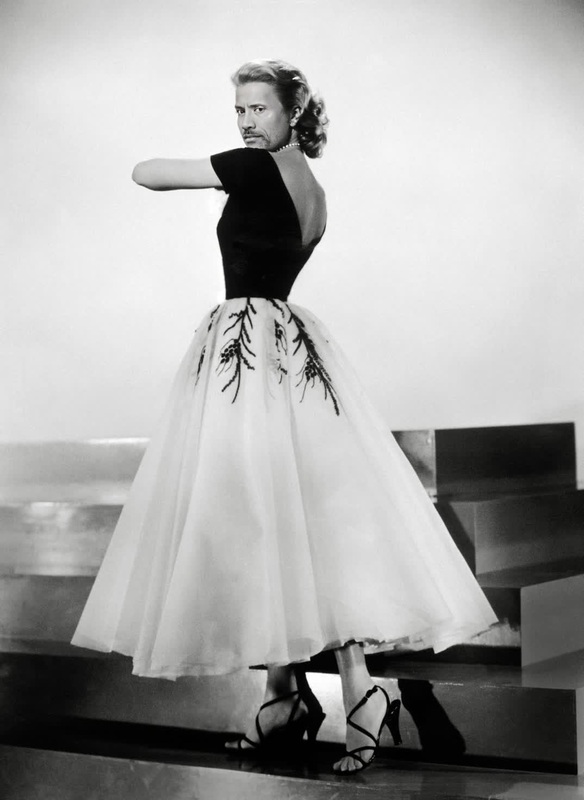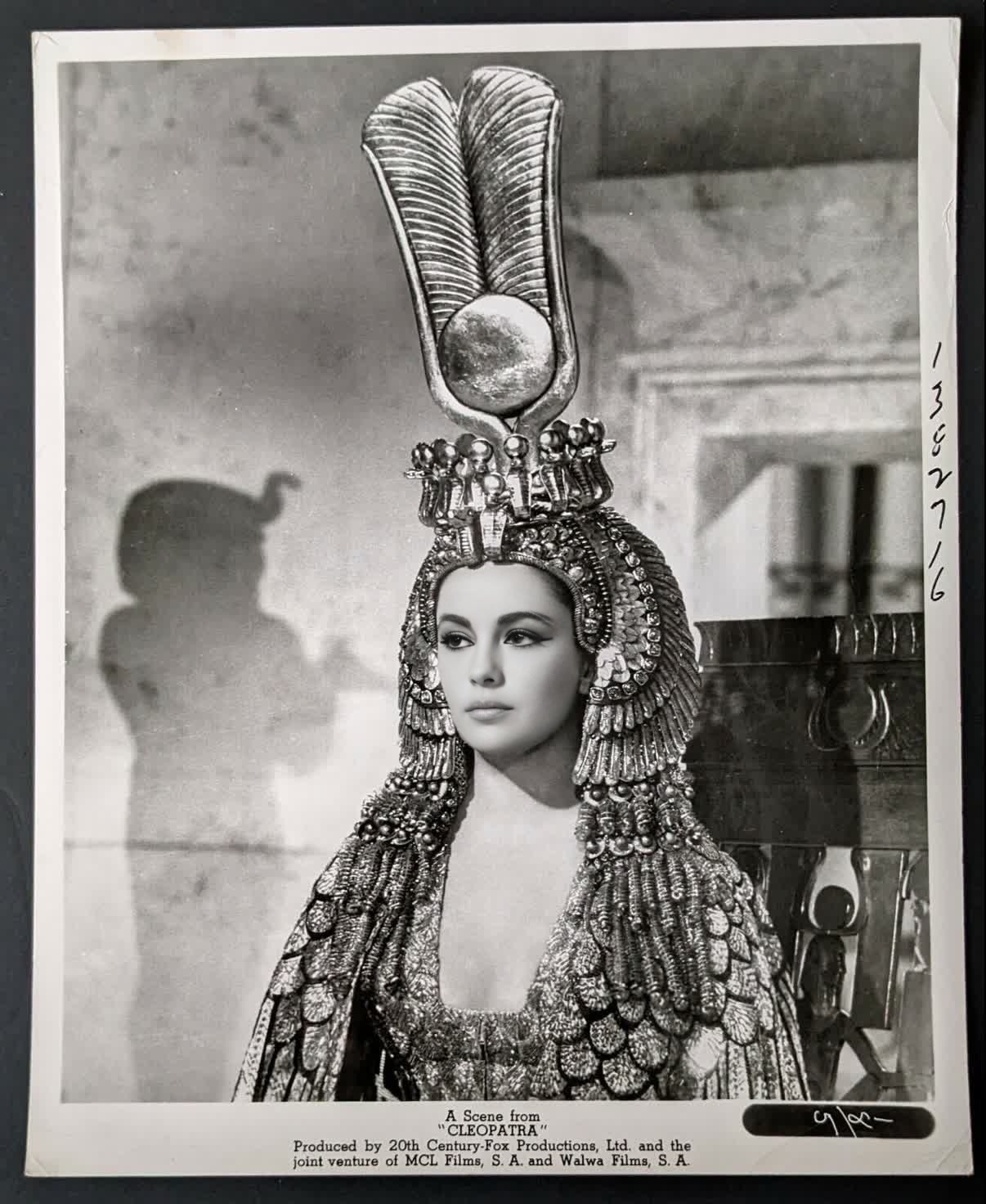
Elizabeth Taylor Cleopatra Studio Portrait
- Image
- 1206 × 1472 px
Any aspect ratio
Overview
Step back into the golden age of Hollywood with the "Elizabeth Taylor Cleopatra Studio Portrait" template. This Video Face Swap tool lets you transform your image into a stunning, Cleopatra-themed video portrait, inspired by Elizabeth Taylor's iconic look in the 1963 film "Cleopatra." Ideal for creators who aim to merge classic cinema with modern technology, this template offers endless creative possibilities.
What It Does
Our Video Face Swap template specifically focuses on capturing the essence of Elizabeth Taylor's Cleopatra. By blending your own features seamlessly with those of the Hollywood legend, this tool generates a high-quality video file that feels as if it was shot on a classic film set. You can explore other similar transformations like those available in our AI Face Editor or Face Swap products.
Who It's For
This template is ideal for filmmakers, classic movie enthusiasts, and content creators interested in historical or cinematic themes. Whether you are producing editorial content, crafting personal memorabilia, or just a fan of Elizabeth Taylor's timeless beauty, this tool provides an engaging way to bring vintage glamor to your projects.
Summary
The "Elizabeth Taylor Cleopatra Studio Portrait" template offers a unique entry point into video face swaps, enhancing the creative landscape for users eager to blend historical cinema with contemporary aesthetics. Explore how this can be integrated with other tools like the Image to Video and AI Talking Photo to fully realize your creative vision.
How-To
Choose Your Template

Customize Your Input

Generate Your Portrait

Use Cases
Classic Movie-Themed Content
- Instagram reels
- Facebook videos
- YouTube shorts
Historical Education
- Educational presentations
- Virtual museum exhibits
Cinematic Club Events
- Themed events
- Film discussions
Best Practices
Quality Input Matters
To achieve the best face swap results, use high-quality, well-lit photos of the person being transformed.Align Features Accurately
Ensure facial features of the uploaded image align closely with the template for a natural look.Explore Additional Tools for Enhanced Outputs
Consider using tools like the AI Image Editor for final touch-ups and enhancements.
Frequently asked questions
More Like This