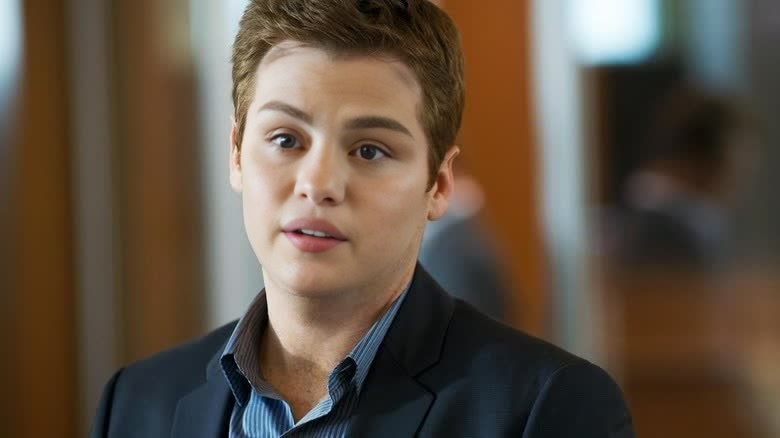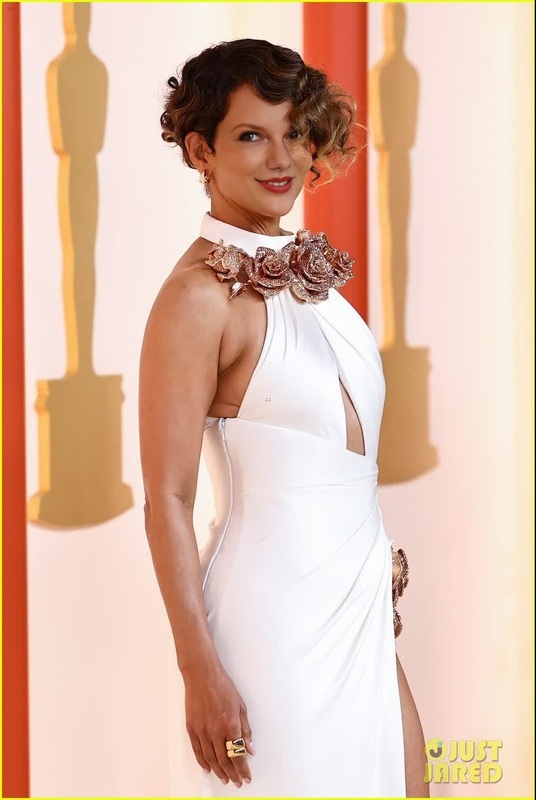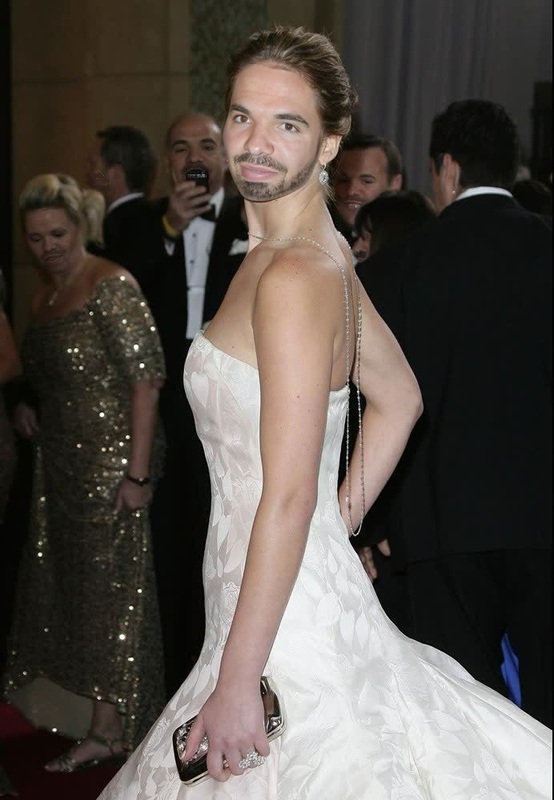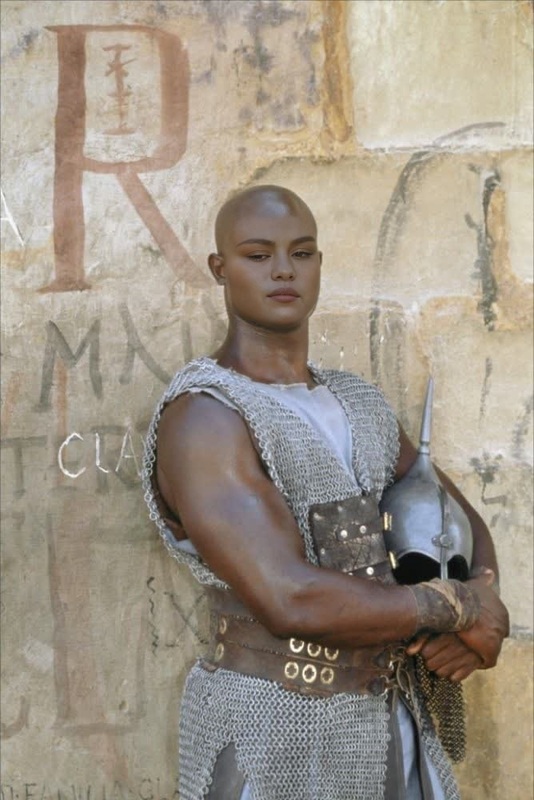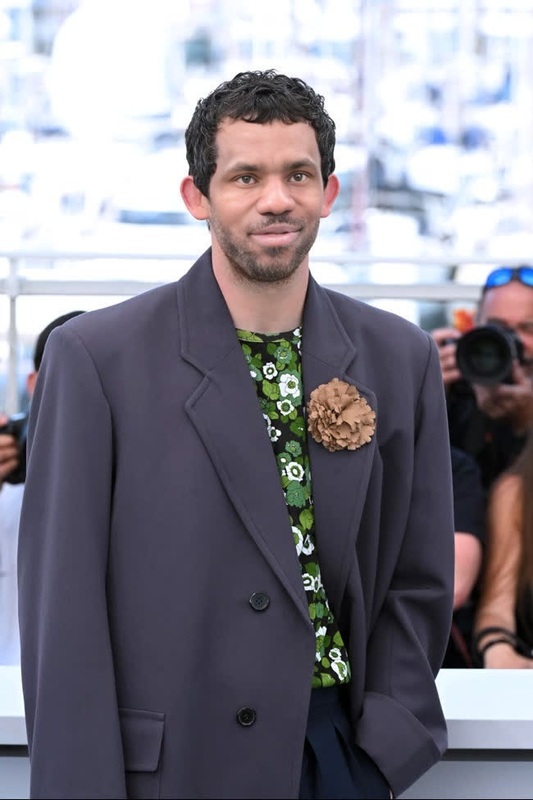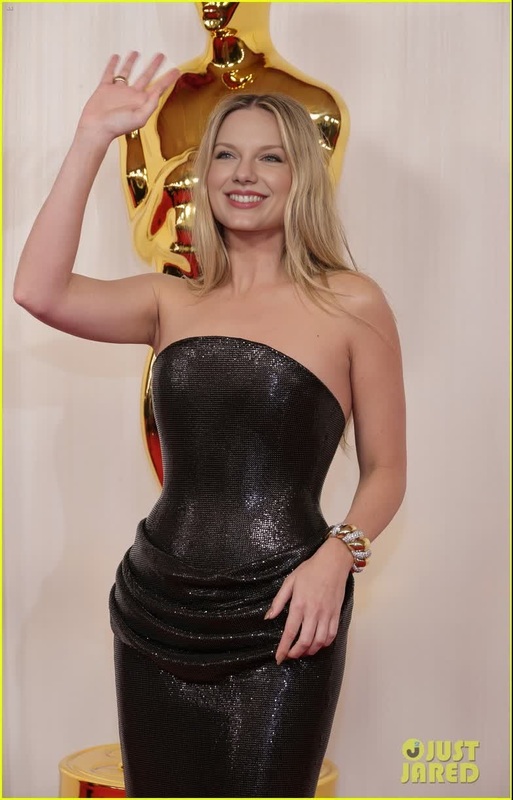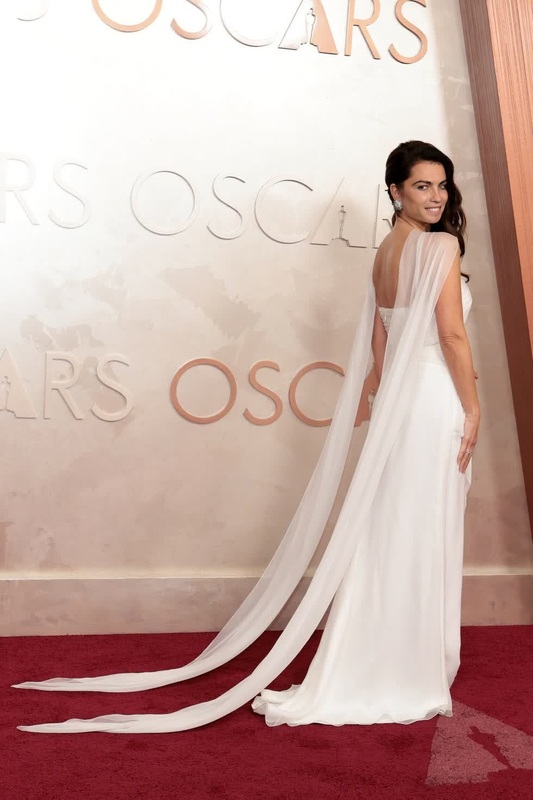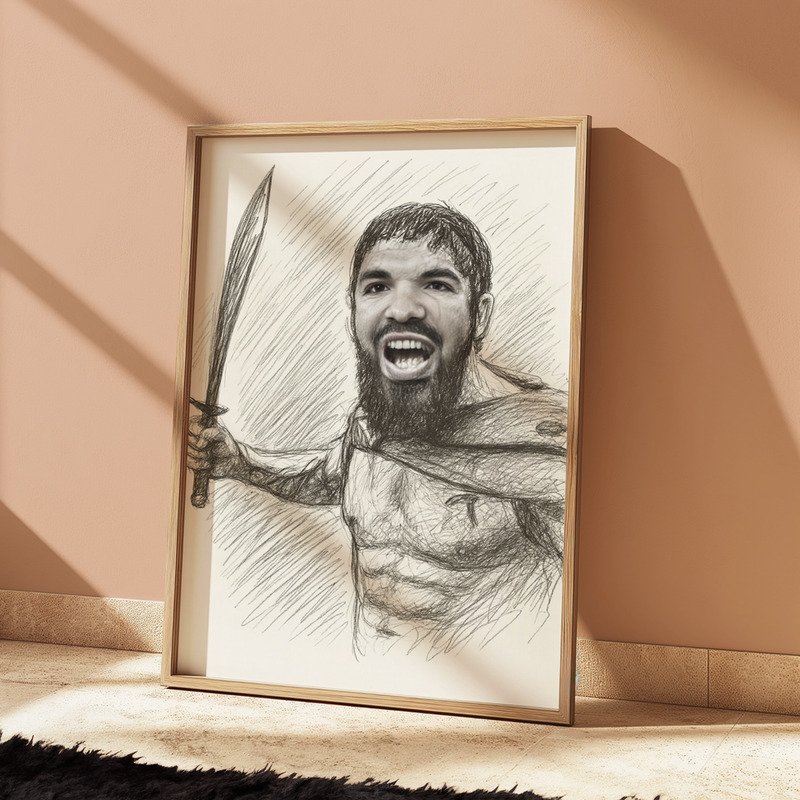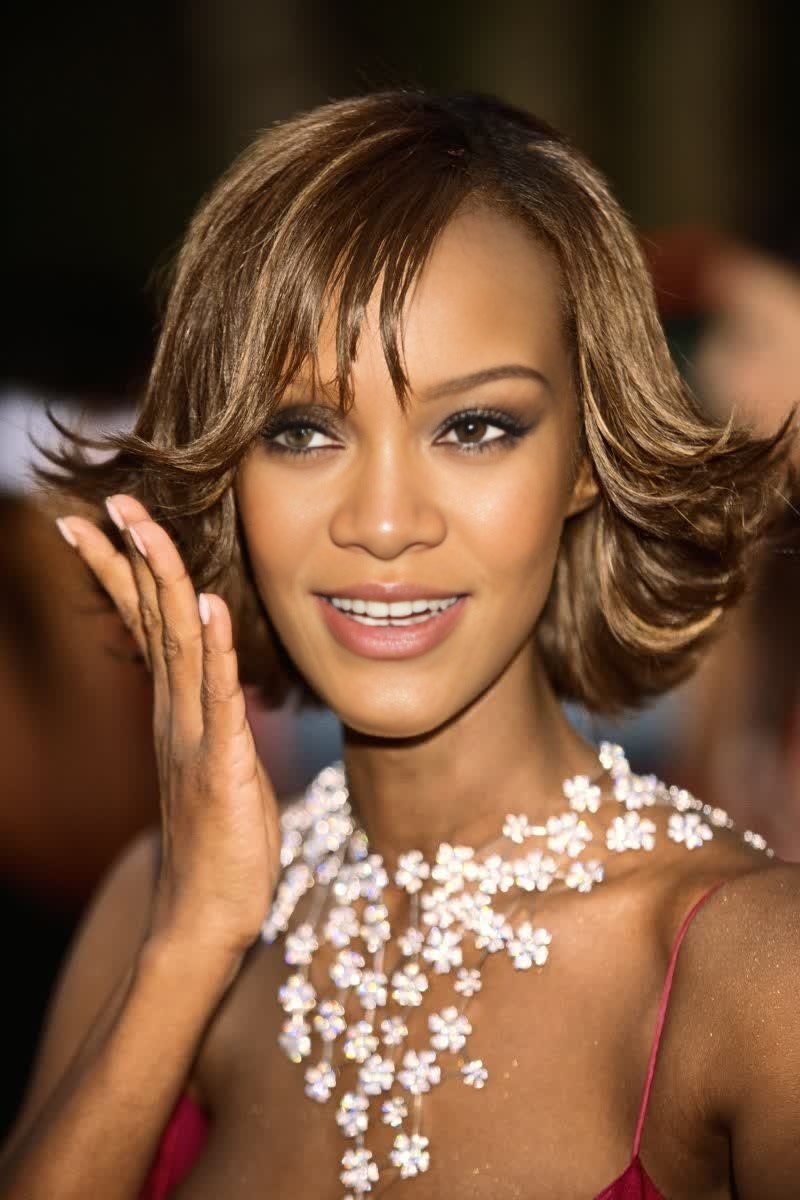
Iman Oscars Arrival Portrait
face-swap
Any aspect ratio
Tags
transformationsTransform Your Face into Any Video with AI Face Swap
Use this template to instantly put your face (or any face you own the rights to) into a video with high-quality, AI-powered face swap. Ideal for creators, brands, marketers, and developers who want realistic character swaps without hiring actors, reshooting footage, or learning VFX.
This template is built on Magic Hour’s AI Face Swap engine and uses the Face Swap Video flow so you can remix it in a few clicks.
What This Template Does
This template lets you:
- Replace the original face in a video with a new face (photo or frame)
- Maintain natural expressions, lighting, and head movements
- Preserve the original video’s style, background, and camera motion
- Export production-ready clips for social, ads, explainers, or product demos
Use it for:
- Marketing & ads: test multiple “presenters” for the same script
- Content localization: feature regional ambassadors without reshooting
- UGC & influencer-style content at scale
- Internal comms and training videos with a consistent “host”
- Concept tests for characters, avatars, and digital doubles
How to Remix This Template in Magic Hour
You can build your own version of this template in minutes:
Open Face Swap Video
Go to the Face Swap Video creator. This is the starting point for any video-based face replacement template.Upload or Select Your Base Video
- Choose a video where the subject’s face is clearly visible for best results.
- Ideal: frontal or 3/4 view, good lighting, minimal heavy occlusions (no large masks or extreme motion blur).
Add Your Source Face
- Upload a portrait photo, selfie, or frame of the person whose face you want to appear in the video.
- For optimal realism:
- Use a sharp image
- Avoid heavy filters
- Make sure the expression is neutral or matches the tone of your target video.
Preview and Adjust
- Play the preview to check alignment, realism, and identity likeness.
- If something looks off, try a clearer source image or a different base video angle.
Export & Reuse as a Template
- Once you’re happy with the result, export your video.
- Save the project in Magic Hour so you can quickly remix it later by swapping in different faces or base videos.
From here, you can create multiple variants by only changing:
- The base video (same face, different scenes)
- The source face (same scene, different character/persona)
- The use case (ad, educational content, explainer, product demo, meme)
Best Practices for High-Quality AI Face Swaps
To get the most from this template:
- Face visibility: Keep the face unobstructed (avoid heavy sunglasses, masks, or extreme side profiles for the whole clip).
- Resolution & lighting: Higher-quality input → better output. Use well-lit footage and clear source photos.
- Consistency: Use similar age, gender presentation, and general face shape for the most natural swap.
- Ethical use & consent:
- Only use faces you have rights and permission to use.
- Avoid misleading or harmful deepfakes, impersonation, or non-consensual content.
- Follow local regulations and platform policies around synthetic media disclosure.
For reference, see ongoing discussions and guidance on responsible synthetic media from organizations like:
- Partnership on AI – “Responsible Practices for Synthetic Media”
- IEEE Ethically Aligned Design guidelines
- EU AI Act and emerging deepfake labeling requirements
Extending This Template with Other Magic Hour Tools
You can turn this single face swap template into a complete content pipeline using other Magic Hour products:
Sync Lips or Speech After Face Swap
If you want the swapped face to match specific audio (e.g., localized languages or new scripts):
- Use Lip Sync to animate lips to any voiceover or cloned voice.
- Pair with AI Voice Cloner or AI Voice Generator to generate or clone the narrator’s voice.
Workflow example:
Face Swap Video → Lip Sync → Export localized or variant ad creatives.
Change the Entire Look, Not Just the Face
If you want a stylized or altered version of the same performance:
- Run your face-swapped clip through Video-to-Video to restyle the whole scene (cartoon, cinematic, painted, anime, etc.).
- Combine with AI Face Editor or AI Image Editor on stills to design the “ideal” face first, then apply that design to video via face swap.
Create the Face from Scratch Before Swapping
You don’t have to start from a real photo. Design a synthetic or branded character, then swap it into video:
- Generate faces with AI Face Generator or AI Character Generator.
- Create on-brand avatars using Avatar Generator or Animated Characters Generator.
- For stylized looks, explore AI Anime Generator, Disney AI Generator, or AI Art Generator.
Export your chosen face as an image, then use it as the source face in Face Swap Video.
Turn Photos into Talking, Swapped-Identity Avatars
For static images you want to animate:
- Use AI Talking Photo to animate a single image with speech and expressions.
- Swap identities first using Face Swap or Gender Swap, then animate.
- Combine with Image-to-Video if you want motion or camera moves from a single swapped face image.
Polish the Final Video
After generating your face-swapped clip:
- Upscale and sharpen with Video Upscaler.
- Add or fix subtitles using Auto Subtitle Generator.
- Remove unwanted background distractions in keyframes using AI Remover or Remove Object from Photo, then regenerate short segments via Video-to-Video.
Use Cases for Creators, Marketers, and Teams
This template is especially useful if you’re:
A marketer or growth lead
- Run A/B tests with different “hosts” or personas in the same ad script.
- Localize spokespersons for different regions while keeping the same base creative.
- Create UGC-style content without manual shooting days.
A startup founder or solo creator
- Build a “digital version” of yourself to appear in content without being on camera each time.
- Prototype brand mascots or AI spokespeople before committing to production.
- Keep your identity private while still using realistic face-based content.
A dev or product builder
- Experiment with character-driven interfaces or AI agents using synthetic faces.
- Rapidly test different identities and styles as part of your UX or product marketing.
- Integrate face-swapped clips into onboarding flows, demos, or documentation.
Related Templates and Tools You Might Want to Remix
- Face Swap Video Templates: Start from any existing Face Swap Video template and swap in your own faces and footage.
- Lip Sync Templates: Use Lip Sync templates to retrofit accurate mouth movements to existing or AI-generated audio.
- Animation & Character Templates: Use Animation together with face-swapped characters for stylized explainers and intros.
- GIF Deepfakes: For quick reactions and memes, try Face Swap GIF combined with AI GIF Generator or AI Meme Generator.
How to Build Your Own Face Swap Template in Magic Hour
To generalize this template for your team or workflow:
- Define your “base” video library (e.g., one neutral host reading multiple generic scripts).
- Build a base project in Face Swap Video with a high-quality source face that matches your brand or persona.
- Save the project and duplicate it for each new campaign, only changing:
- The base video (different script or product)
- The source face (different persona, language, or region)
- Connect follow-up steps (Lip Sync, Video-to-Video, Video Upscaler, Auto Subtitle Generator) as needed depending on your distribution channel (TikTok, Reels, YouTube, in-app).
This approach turns a single well-designed face swap template into a reusable asset you can scale across campaigns, languages, and markets with minimal extra work.
Use this Face Swap template as your foundation for fast, realistic identity changes in video, then extend it with Magic Hour’s other tools to build a complete, AI-native video production pipeline.