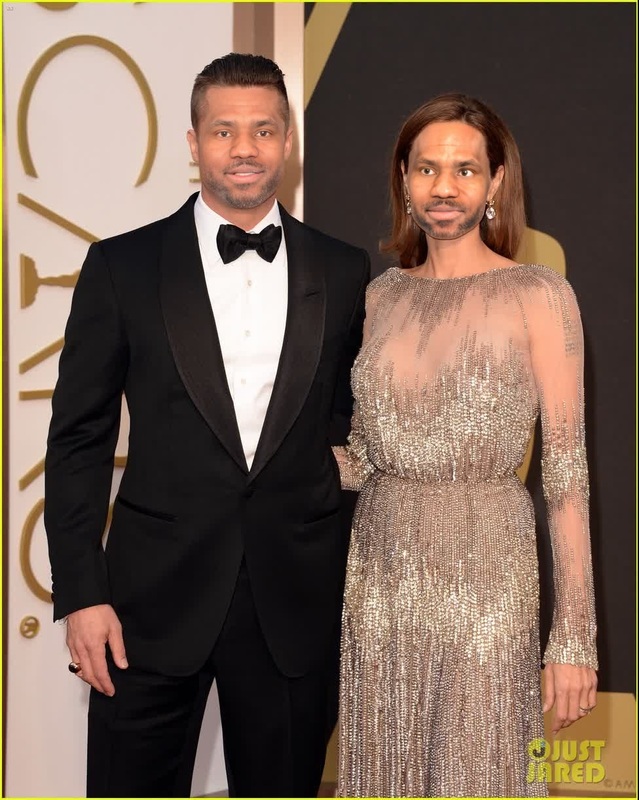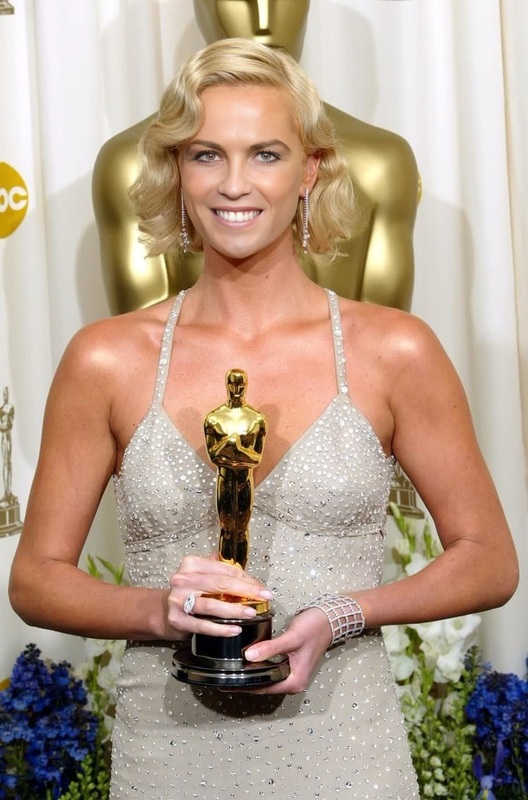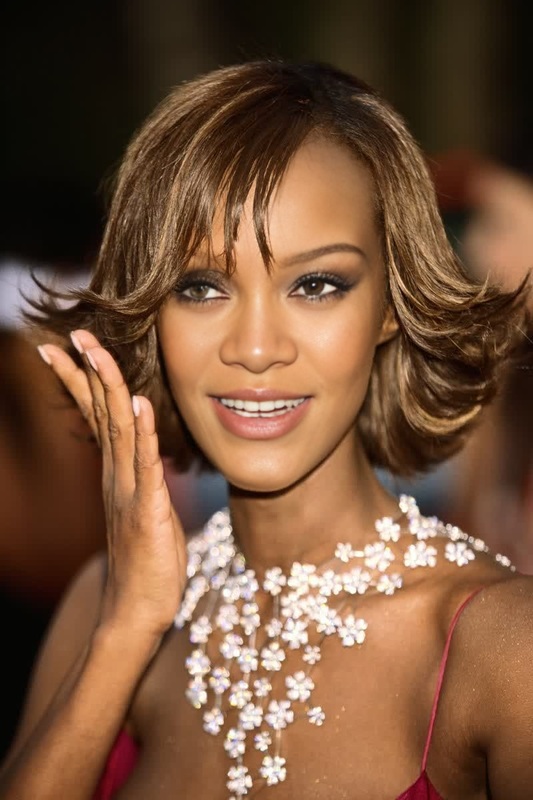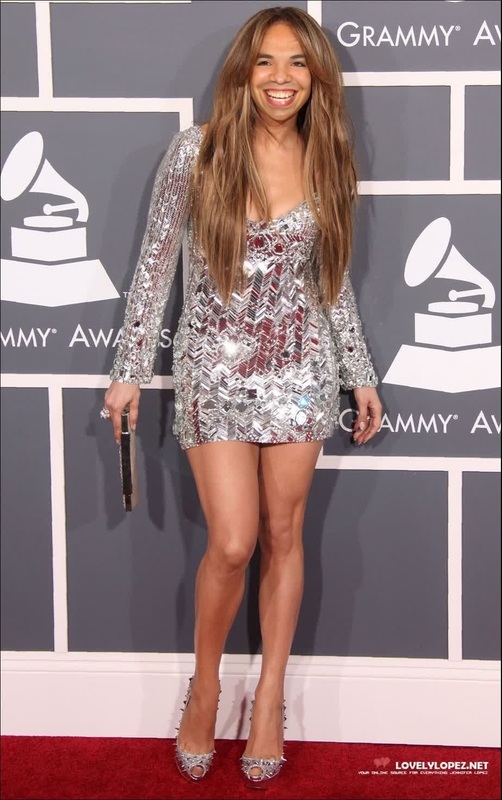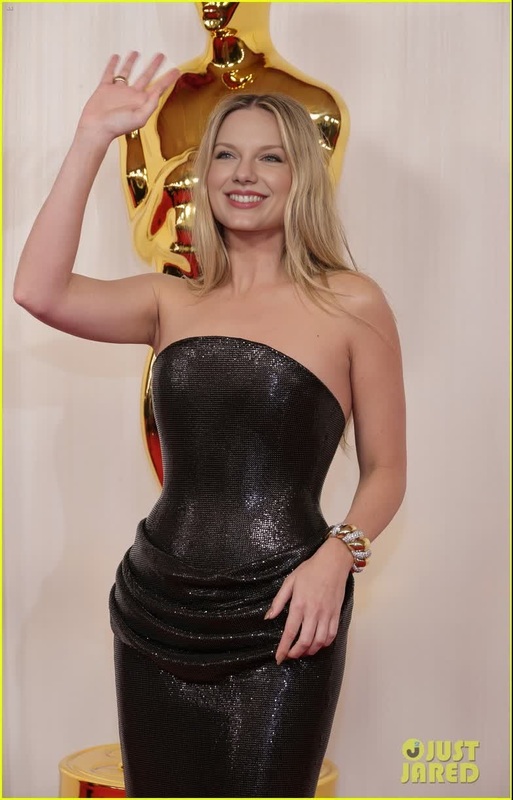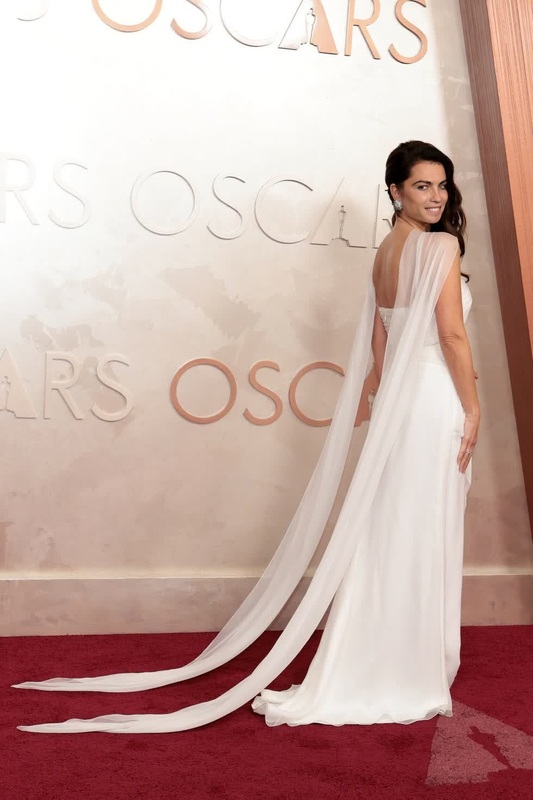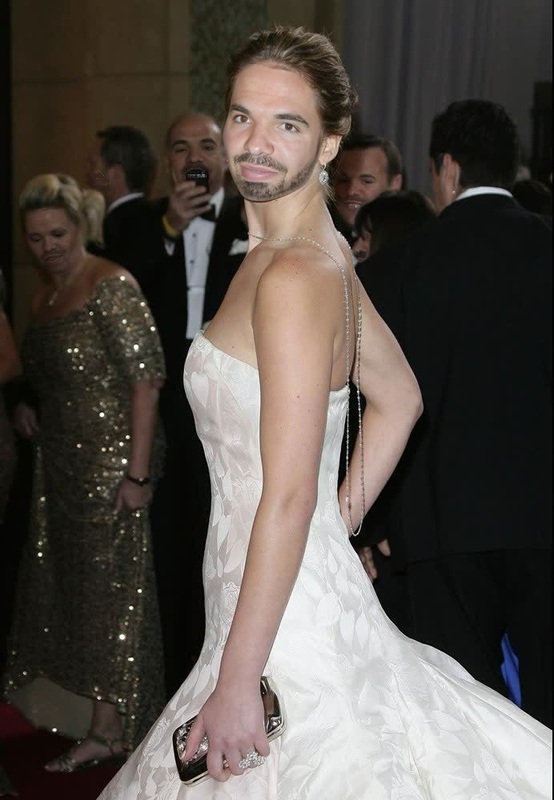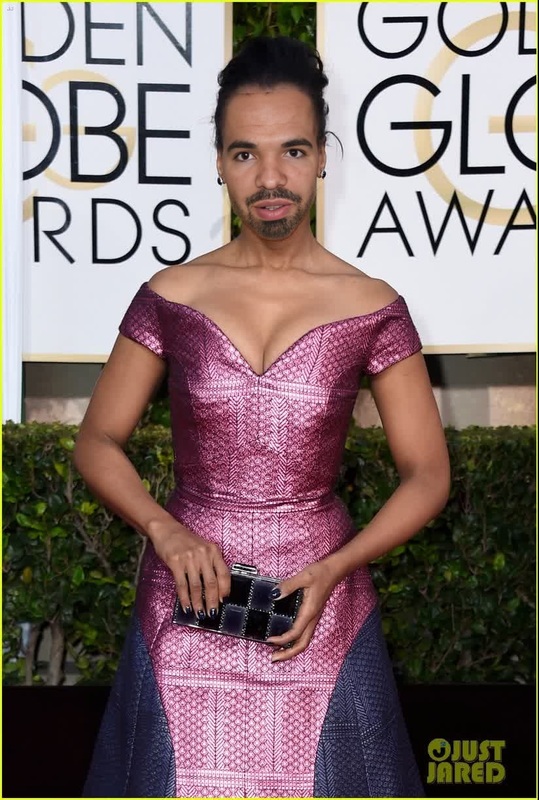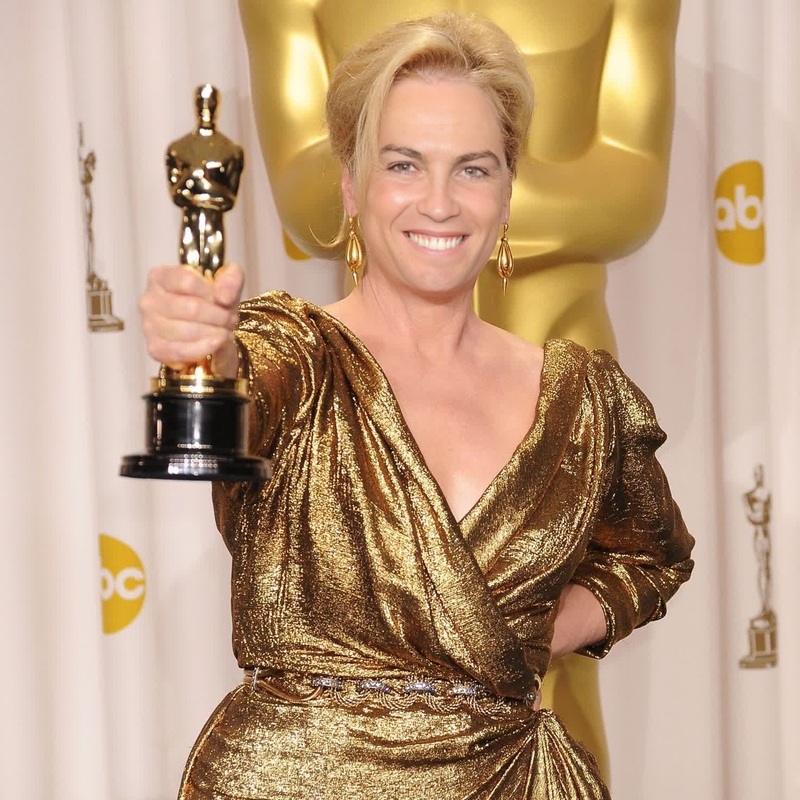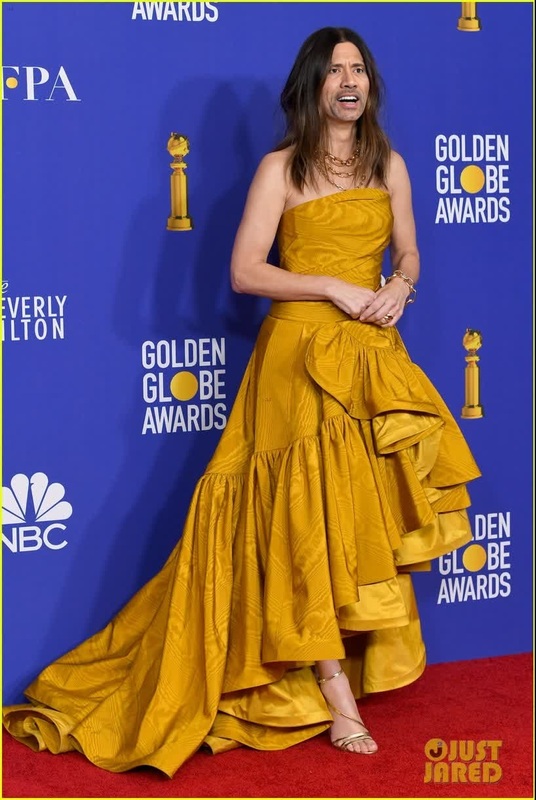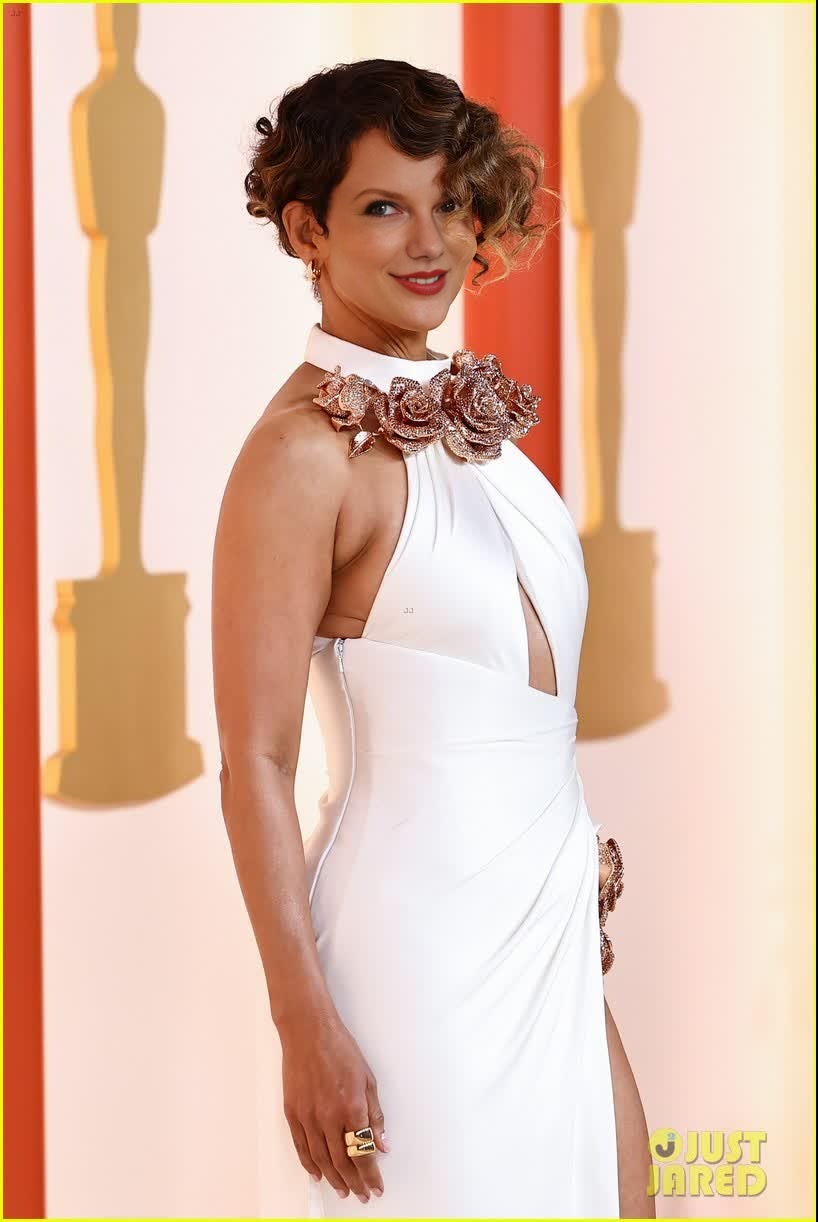
Halle Berry Oscars Arrival Portrait
- Image
- 818 × 1222 px
Any aspect ratio
Overview
The Halle Berry Oscars Arrival Portrait template is a unique Video Face Swap experience. Transform your likeness into Halle Berry's iconic look from the Oscars, capturing her elegance and style in a personal video. Ideal for elevating your social media content or adding star power to any video project.
What It Does
This template allows users to substitute their faces with Halle Berry's glamorous visage using the latest Image to Video capabilities. The result is a high-definition clip that replicates Halle's iconic style, making it perfect for playful and engaging content creation.
Who It's For
Content creators, social media enthusiasts, and anyone looking to inject some Hollywood glamour into their projects will find this template invaluable. Whether you're crafting a fun post or a more elaborate video project, this template, along with tools like the Body Swap, will enhance your creative toolkit.
Summary
Incorporate a splash of celebrity charm into your videos with the Halle Berry Oscars Arrival Portrait template. Designed for use on profiles ranging from personal to professional, this tool transforms how content is produced and shared, aligning with the best of Magic Hour's transformation offerings.
How To
Choose

Customize

Generate

Use Cases
Social Media Buzz
- Share themed posts
- Engage followers with unique videos
Event Promotion
- Boost viewer engagement
- Add glam to video invites
Creative Projects
- Parody videos
- Art installations
Best Practices
High-Quality Input
For the best results, use high-resolution images when substituting faces.Lighting Considerations
Ensure the images have similar lighting to the Oscar setup for a smoother swap.Experimentation with Tools
Utilize Photo Colorizer to enhance color fidelity in the final video.