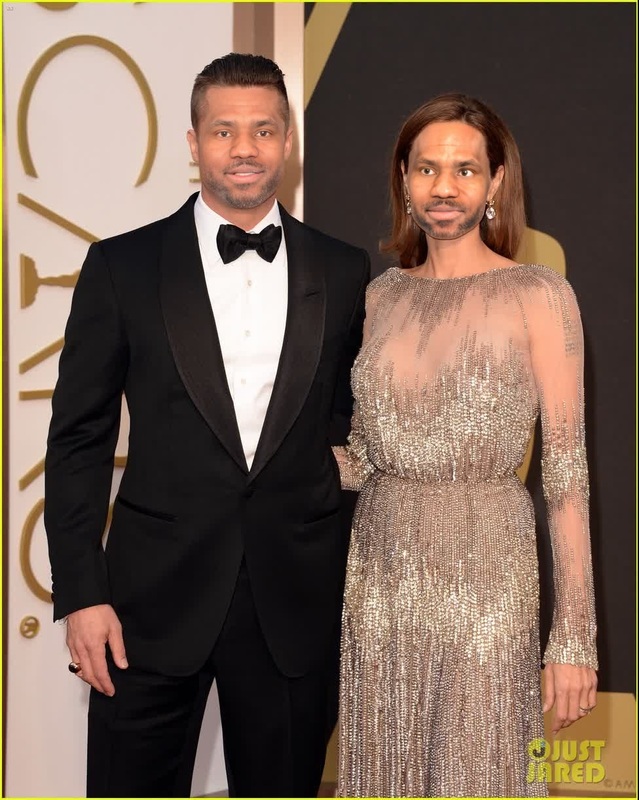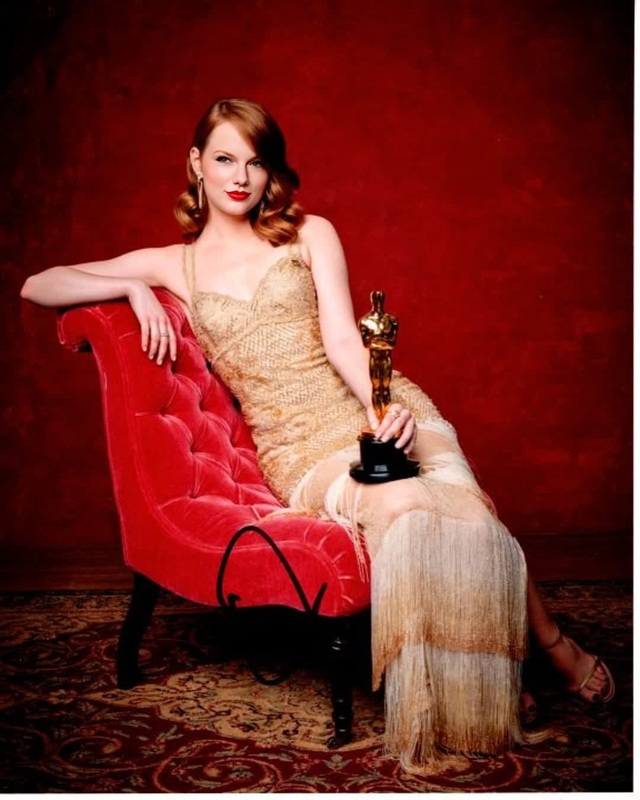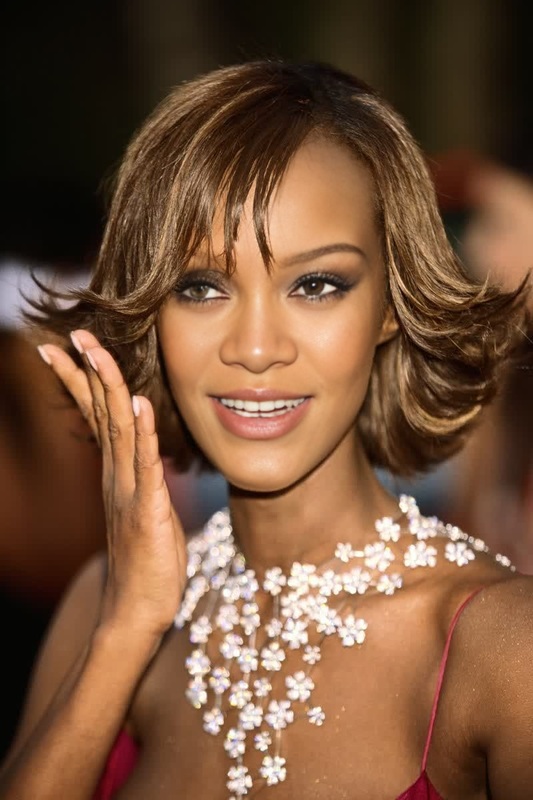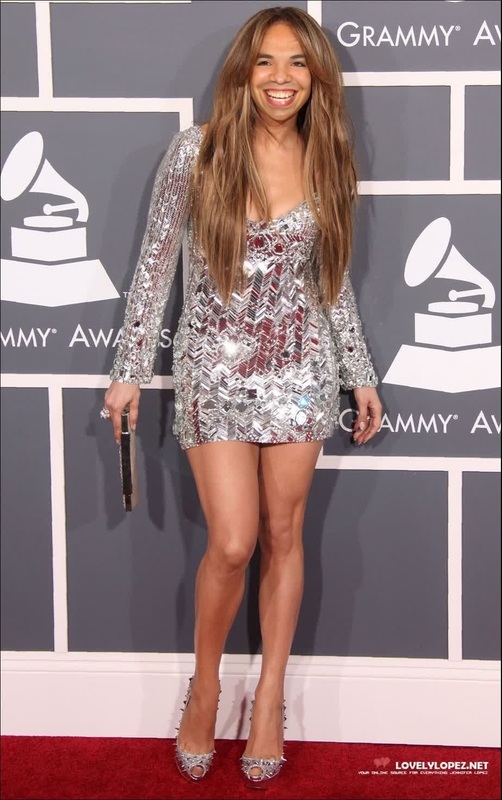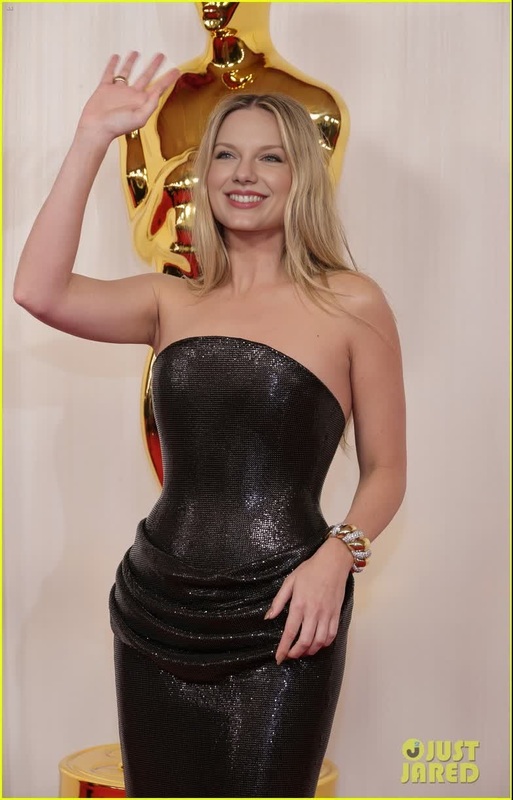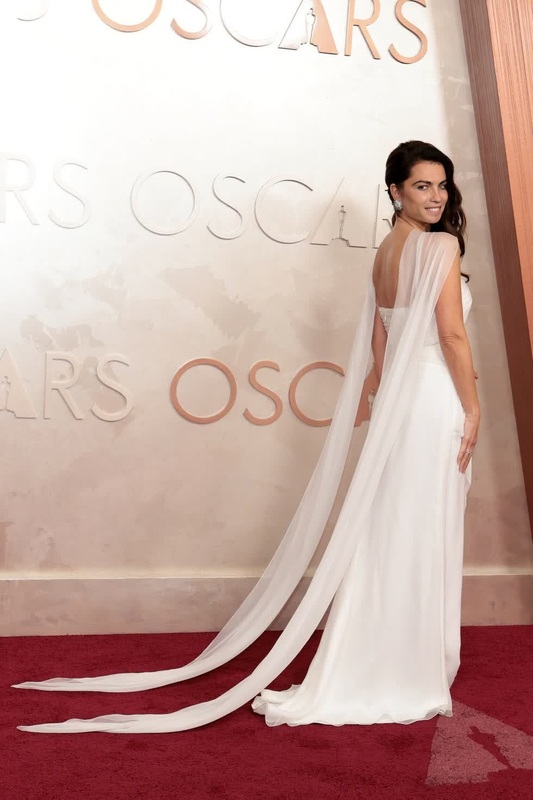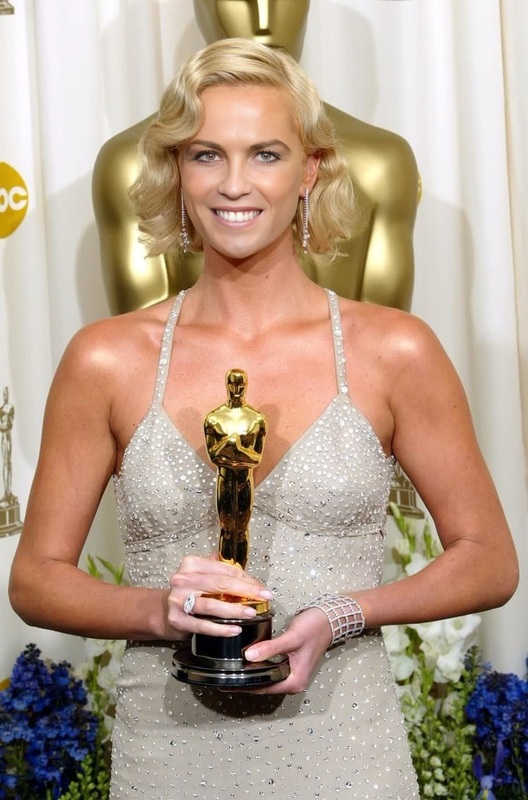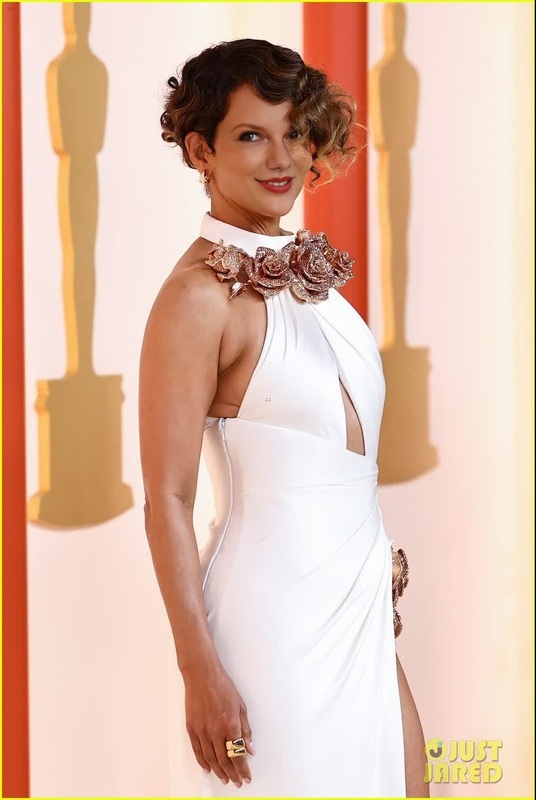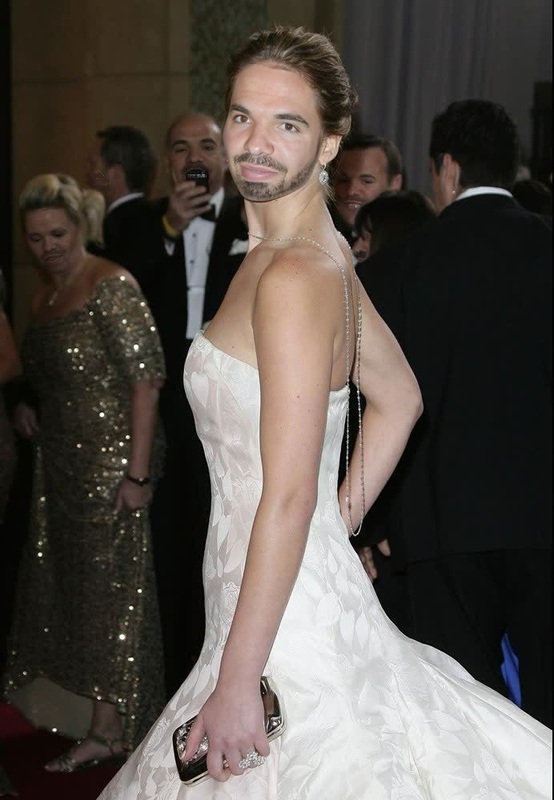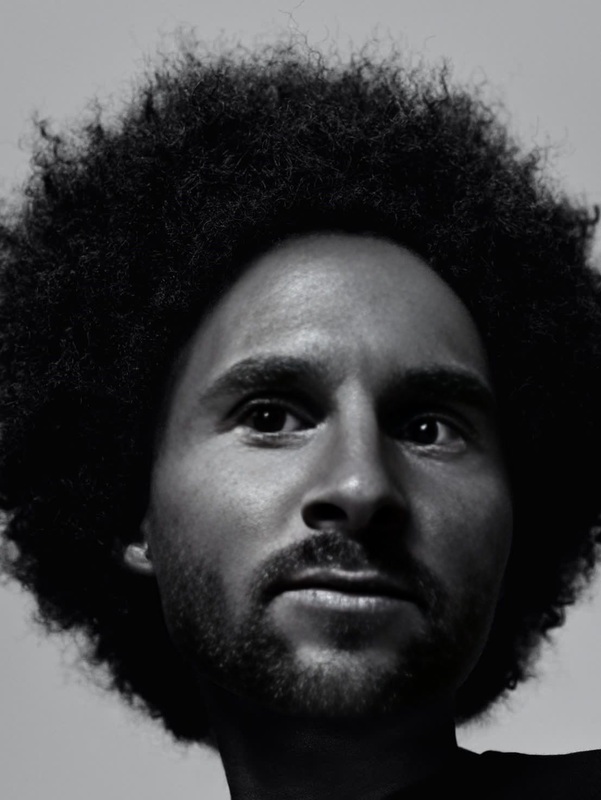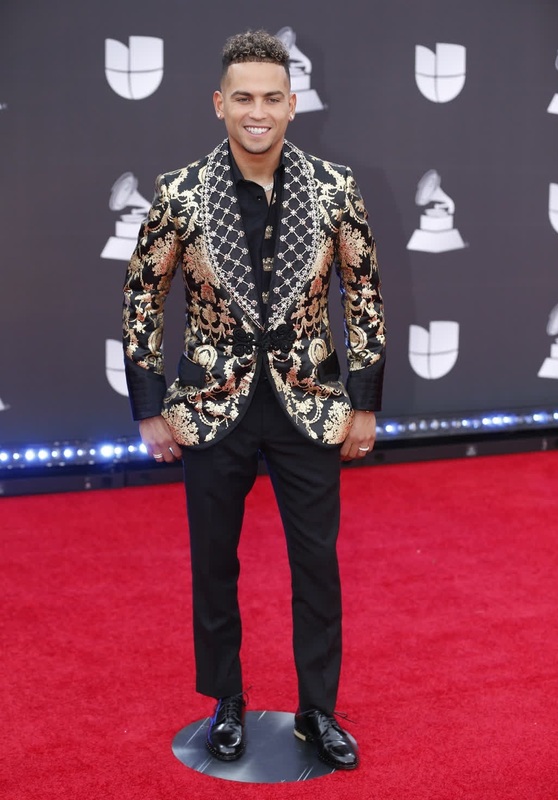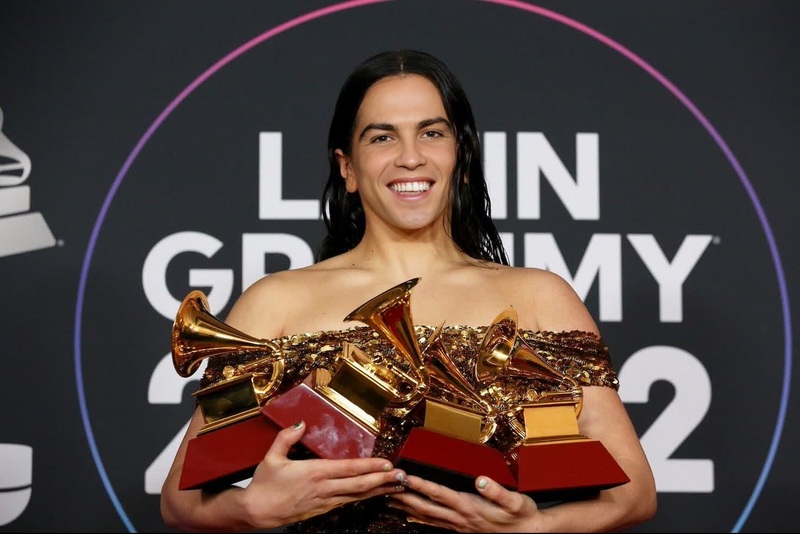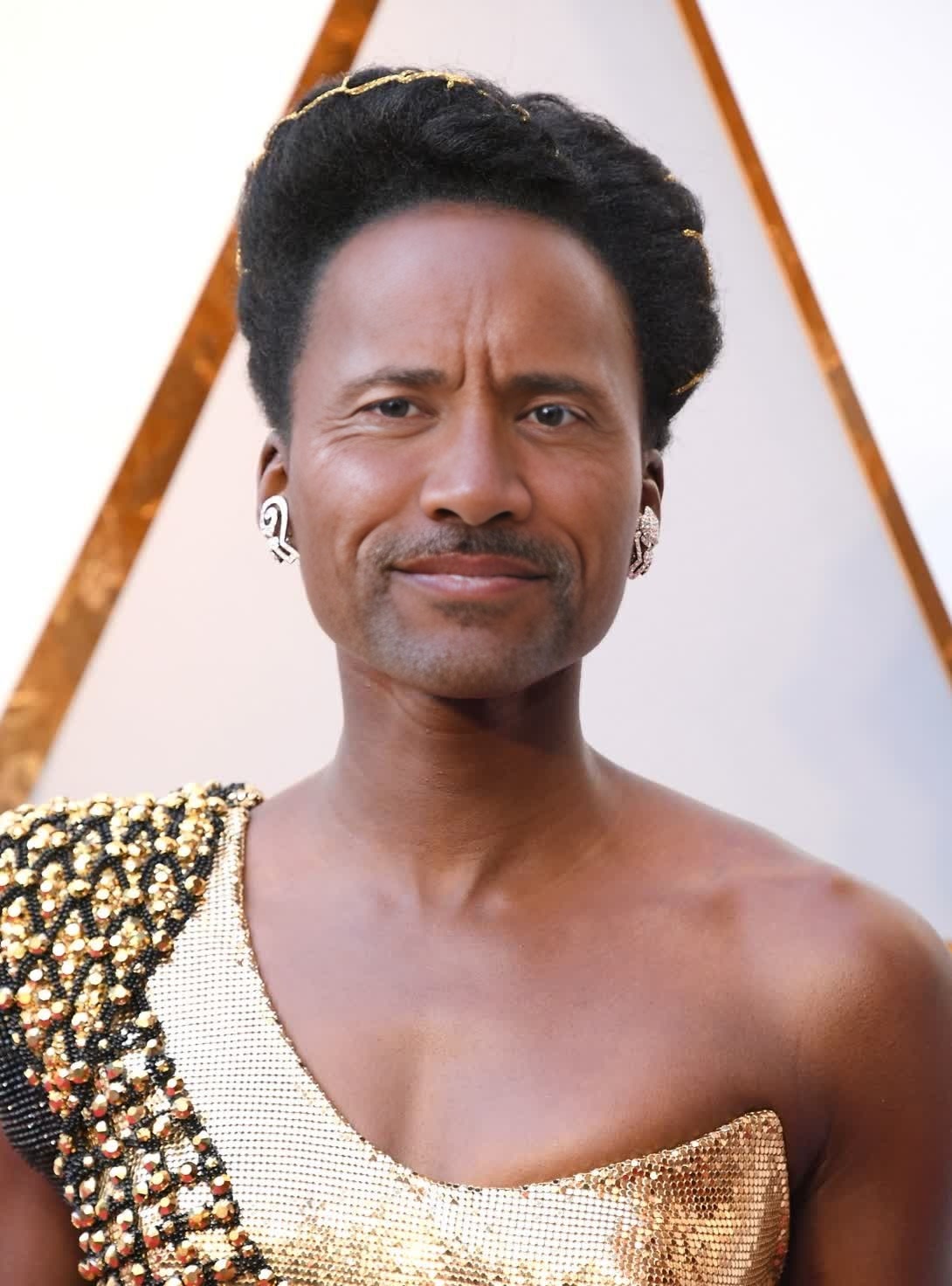
Lupita NyongO Academy Awards Portrait
- Image
- 1090 × 1472 px
Any aspect ratio
Overview
Transform your images into eye-catching works of art using the Lupita Nyong'o Academy Awards Portrait template. This Video Face Swap tool allows you to infuse your photos with the glamour and elegance of Lupita's iconic look, creating a stunning and unique portrait.
This template is perfect for experimenting with new visual styles or adding a professional touch to your personal photos.
What It Does
The Video Face Swap functionality of this template enables users to replace faces in images with precision, ensuring facial expressions and orientations are maintained. By using this template, you can overlay your photo onto a professionally styled image of Lupita Nyong'o at the Academy Awards.
For additional image enhancements, consider pairing with the AI Image Editor to adjust colors and details.
Who It's For
This template is ideal for photographers looking to add a unique touch to their portfolios, social media influencers seeking fresh content, and anyone interested in creative transformations. If you're already familiar with image editing or Video Face Swap technologies, this tool can expand your creative capabilities.
Additionally, event planners and marketing professionals can utilize it for personalized campaigns or themed events.
Summary
Leverage the Lupita Nyong'o Academy Awards Portrait template to create memorable and stylish portraits with a few simple steps. It combines professional presentation with user-friendly customization, making it accessible for both beginners and seasoned editors.
Enhance your images even further by using it alongside the AI Video Generator for dynamic video projects.
How to Use the Template
Select the Template

Customize Your Inputs

Generate Your Portrait

Use Cases
Social Media Posts
- Instagram glamour shots
- Unique Facebook profile photos
Portfolio Development
- Editorial style portraits
- High fashion photography samples
Marketing Campaigns
- Personalized ad content
- Immersive event promotions
Best Practices
High-Quality Photos
Ensure the source images are of high resolution to achieve the best results.Lighting Considerations
Use photos with even lighting to maintain consistent image quality.Natural Expressions
Select photos with neutral expressions for easier alignment with the template.