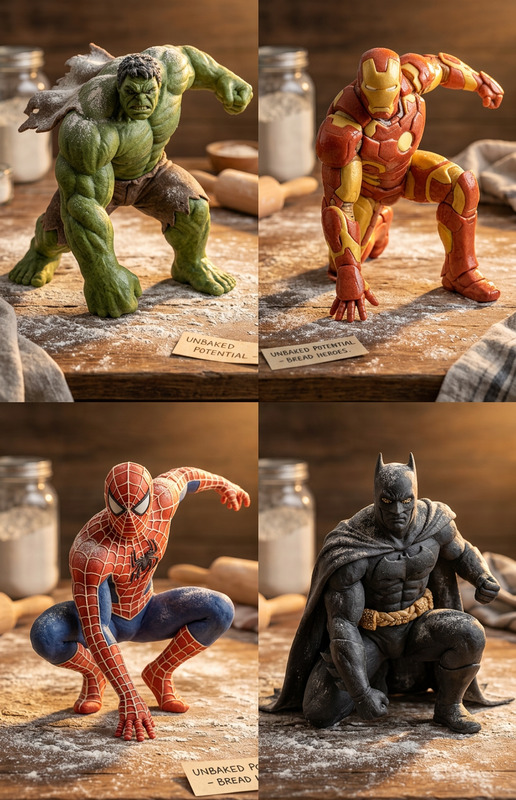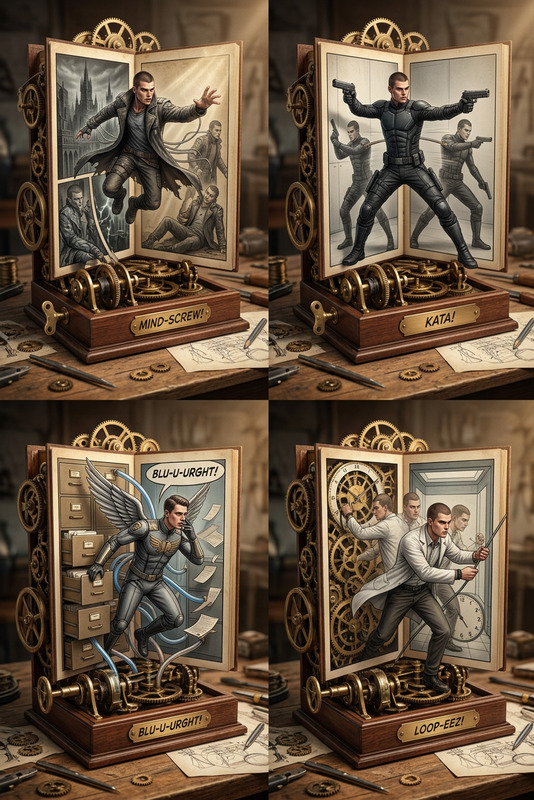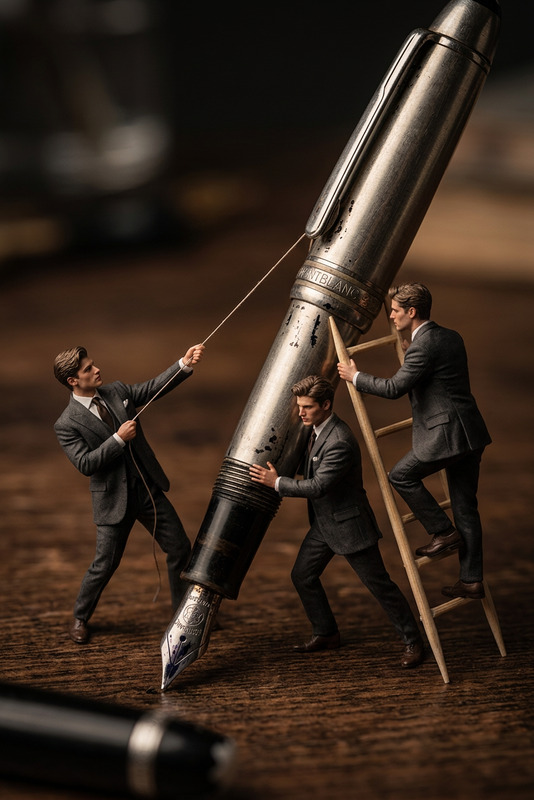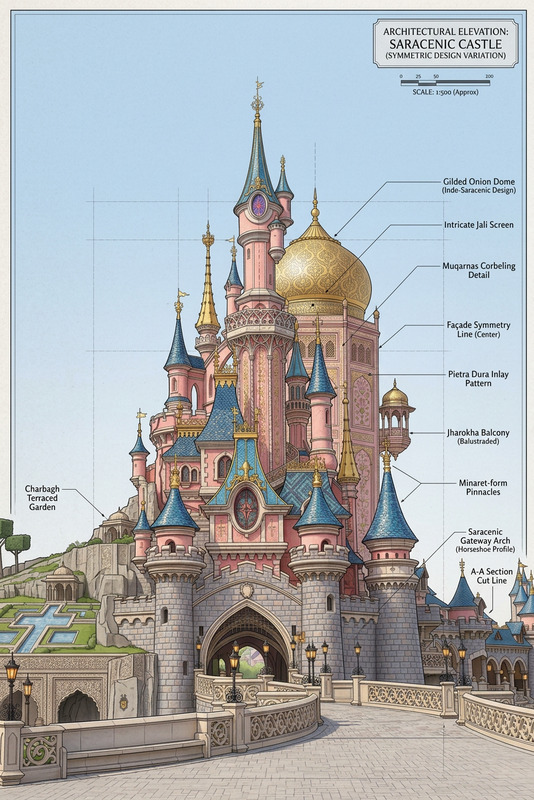
Architectural Diorama Coin Art Grid

Architectural Diorama Coin Art Grid

ai-image-editor

1 clip
0 uses

Any aspect ratio

Prompt

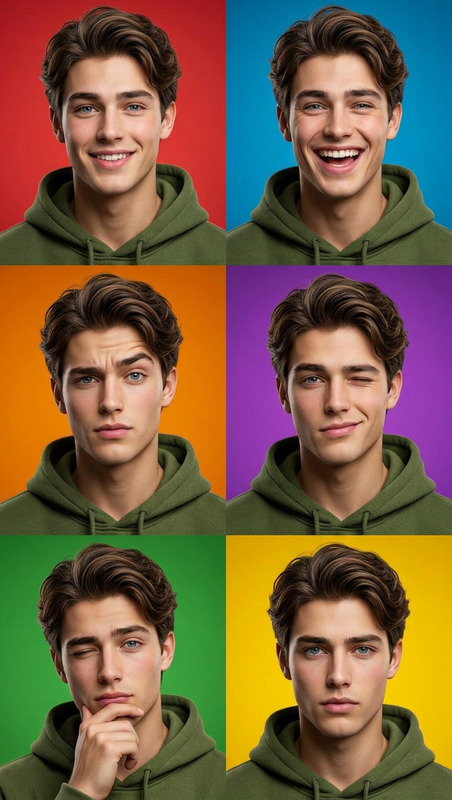
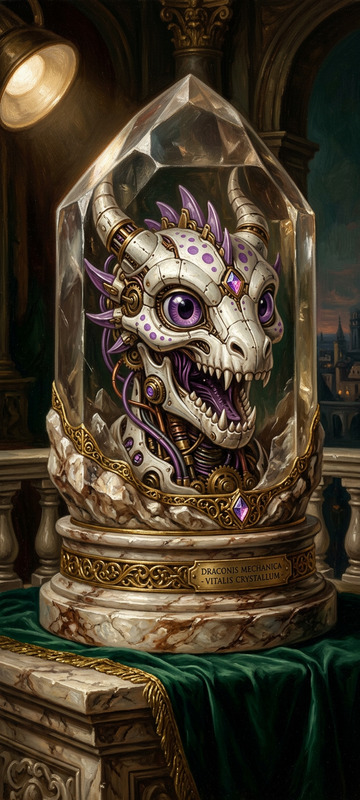
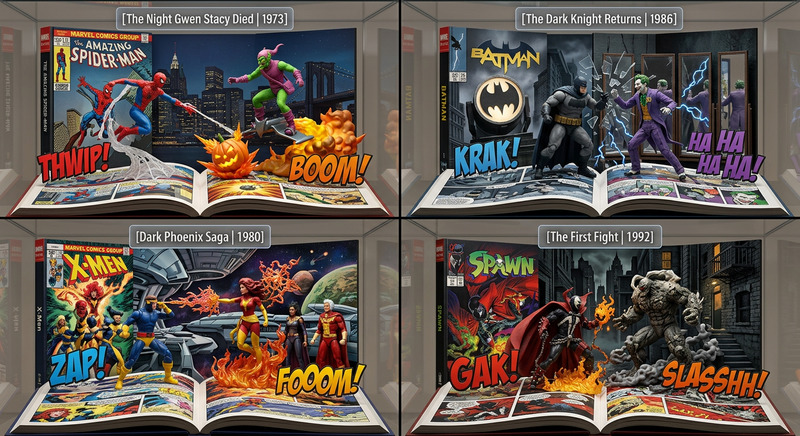
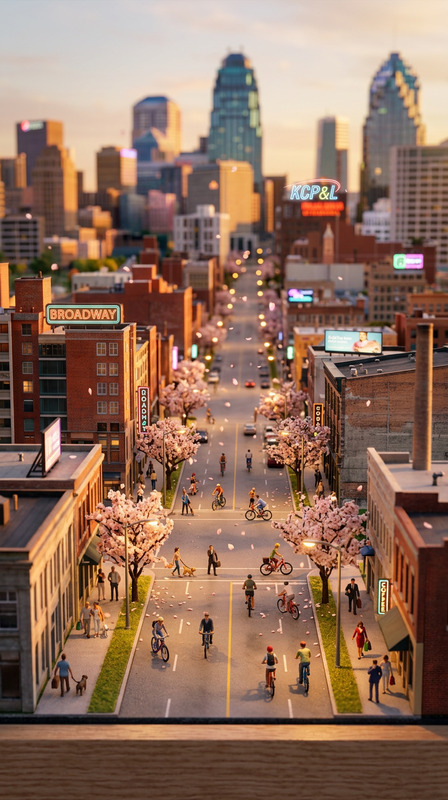
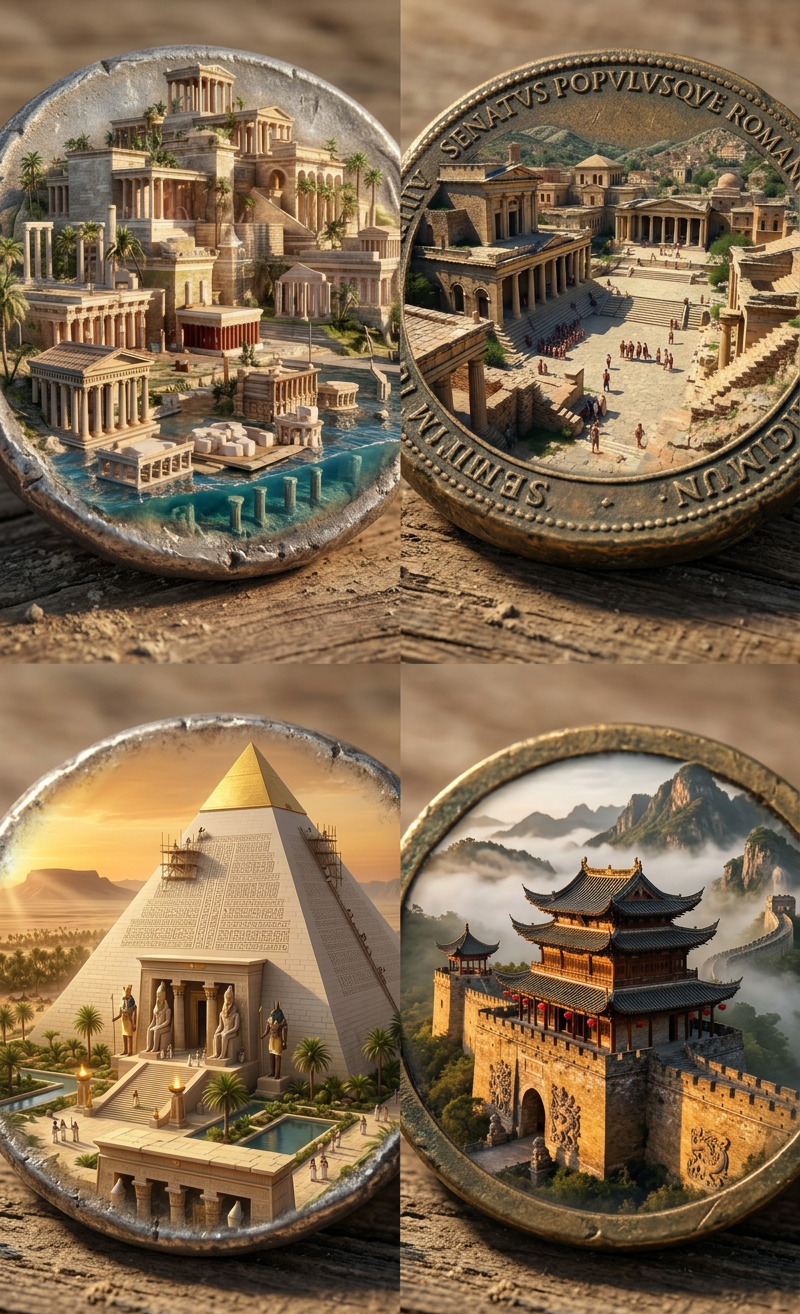
Subject is a 2x2 grid of ancient coins transformed into miniature architectural dioramas; Top-left: subject 1; Top-right: subject 2; Bottom-left: subject 3; Bottom-right: subject 4; archaeological photography style, dusty textures, warm sunlit lighting, culturally distinct designs, sharp focus, highly detailed.

Transform Any Photo With AI Image Editor Templates

Use this template as a starting point to turn ordinary photos into polished, on-brand visuals in seconds using the AI Image Editor. Whether you’re a marketer refining campaign assets, a founder iterating on product shots, or a creator optimizing thumbnails, this page shows you what the template does and how to remix it into your own reusable workflow.


What This Template Is For

This AI Image Editor–based template is ideal for:

  • Cleaning up and enhancing product photos
  • Reframing and repurposing UGC or social content
  • Quickly testing visual variations for ads and landing pages
  • Creating consistent brand visuals across campaigns
  • Turning rough concepts into production-ready images

Because it’s built on Magic Hour’s AI Image Editor, you can modify structure, style, and content directly in the image instead of going back to a full design tool.


How To Remix This Template in Magic Hour

You can duplicate and adapt this template to match your own brand, content, or experimentation workflow. A practical way to approach remixing:

  1. Duplicate the template

    • Start from this template in Magic Hour.
    • Save a copy so you can safely experiment without losing the original.
  2. Swap in your own base images

  3. Define your editing “playbook” in the prompt
    Treat your prompt like a standard operating procedure for images. For example:

    • “Clean background, keep original colors, soft shadows, web-ready, high contrast on subject.”
    • “Convert to social ad: add plenty of whitespace, bold headline area at the top, focus on the product.”
    • “Make it look like a studio fashion shoot: neutral backdrop, even lighting, editorial style.”

    The more you phrase this as a reusable rule set (“always do X, never do Y”), the better it works as a template.

  4. Create variations for different use cases
    You can spin off specialized template variants for:

    • Ad creatives: crop and restyle images for paid social, display, and programmatic
    • Landing pages: consistent hero imagery and product modules
    • Thumbnails: social, YouTube, and newsletter cover art using Thumbnail Maker
    • Brand content: clean, on-brand imagery you can reuse across campaigns
  5. Combine with other Magic Hour tools in a pipeline
    Once your core image editing template is dialed in, chain it with other products:


Example Workflows You Can Build From This Template

Use this template as a core building block in larger, production-ready pipelines:

1. High-Performance Ad Creative Pipeline

  1. Generate concept images with AI Photo Generator or AI Art Generator.
  2. Run them through your remixed AI Image Editor template to:
    • Clean backgrounds
    • Standardize styling
    • Emphasize product or key subject
  3. Export versions optimized for different placements:
    • Social ads and carousels
    • Story/Reels/TikTok vertical assets
    • Display or newsletter visuals
  4. Optionally, animate best performers with:

2. Startup Landing Page & Brand System

  1. Define a visual “system” directly in your image template prompt:
    • Background styles (solid, gradient, abstract, on-location)
    • Lighting and color palette
    • Level of realism or illustration
  2. Run all hero images and feature visuals through the same template.
  3. Improve quality and consistency with:
  4. If you use avatars or team photos:

3. Content & Creator Workflow

For creators running channels or newsletters:

  1. Build a template that:
    • Adds subtle framing or brand elements around your subject
    • Keeps text space clear for overlays
    • Standardizes color treatment across episodes or posts
  2. Use it with:

Advanced Uses for Developers & Technical Teams

If you’re building automated content systems, this template can serve as a deterministic “style layer”:

  • Consistent image post-processing

    • Pipe all generated or user-uploaded images through a standardized editing template so your product, app, or campaign always looks coherent.
  • A/B testing creative rules

    • Create multiple versions of this AI Image Editor template, each encoding different rules (minimal vs. bold styling, realistic vs. stylized).
    • Measure downstream impact on CTR, conversion, or engagement.
  • Multi-modal content generation


Complementary Magic Hour Tools for Better Results

Depending on your use case, consider pairing this AI Image Editor template with:


Going From Image to Video and Beyond

Once your images are standardized and on-brand with this template, you can extend them into richer media:


How to Make This Template Your Own

To create your own version of this AI Image Editor template:

  1. Start from this template in Magic Hour.
  2. Edit the instructions to reflect your brand’s rules: color, lighting, realism, composition, and what should always stay untouched (e.g., logos, UI, text).
  3. Run a small batch of sample images (products, people, UI, ads) and refine the template until all of them look consistent.
  4. Save and reuse it as your visual “standard library” for future campaigns, product shots, or experiments.
  5. Create specialized derivatives (ads, thumbnails, product catalog, social) by forking the base template and tweaking only what’s necessary.

By treating this AI Image Editor template as a reusable spec instead of a one-off effect, you can build a scalable, high-quality visual pipeline that fits directly into your content, marketing, or product workflows.

More Like This

Insufficient credits