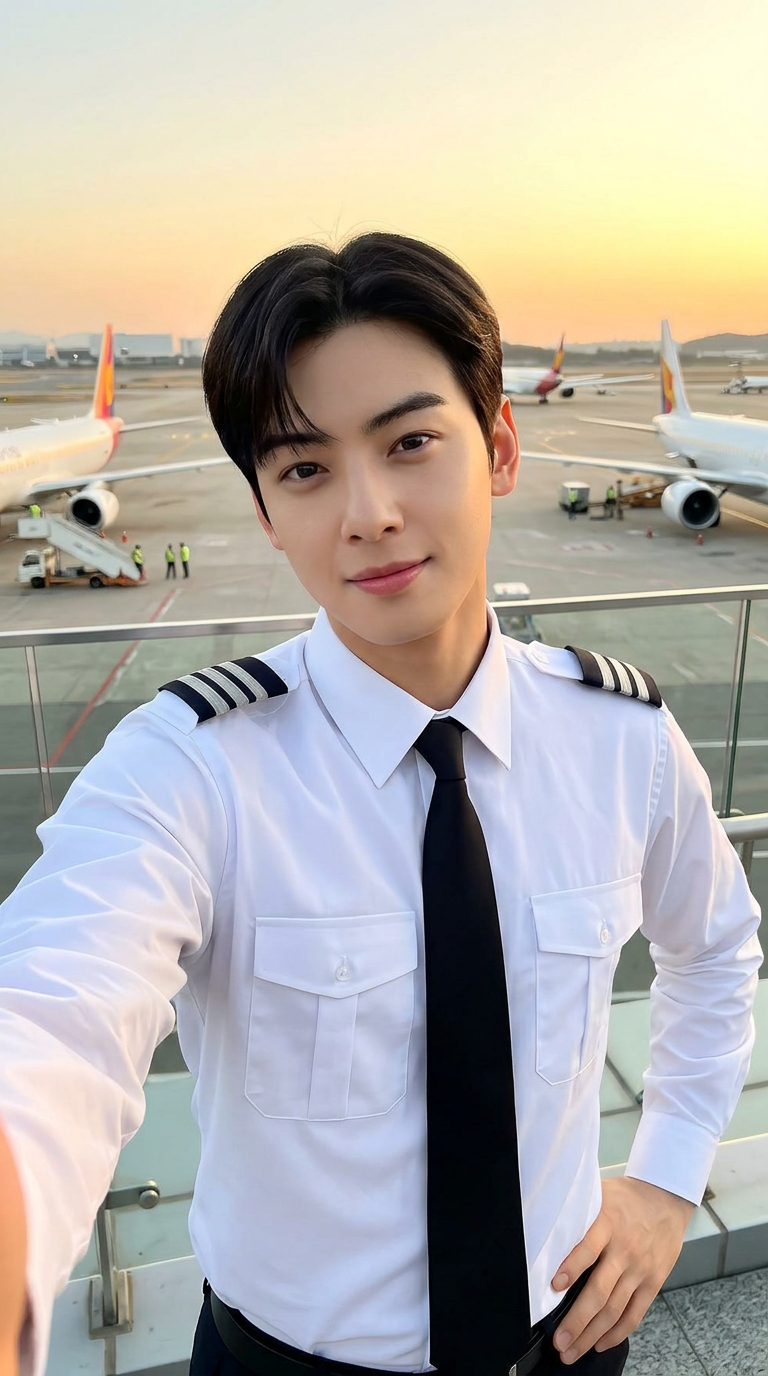
Pilot Sunset Selfie
- Model
- Nano Banana 2
- Image
- 768 × 1376 px
Prompt
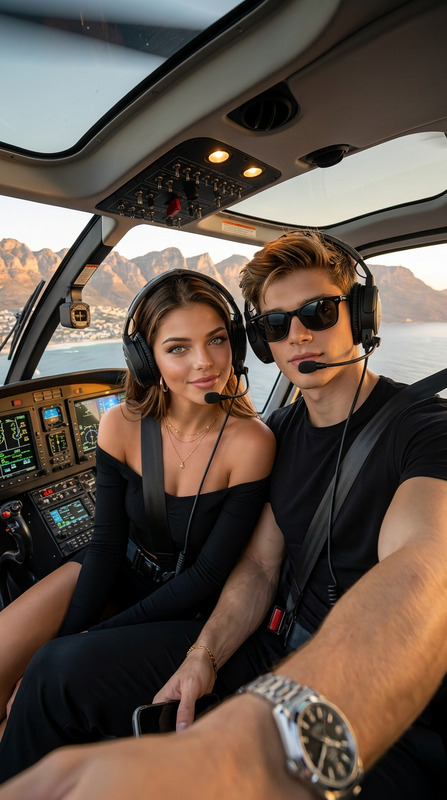
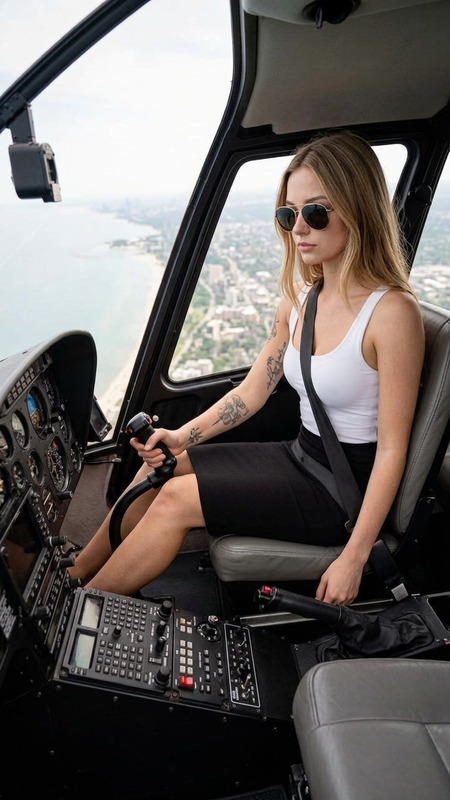
Subject is a young airline pilot taking a selfie at sunset; wearing a clean white pilot shirt with tie and shoulder stripes, standing confidently with one hand holding the camera and the other on Subject hip; long dark hair, polished makeup, soft confident smile; background shows airport tarmac with airplanes and a glass railing; warm golden hour lighting with soft glow and sky in orange-blue tones; photorealistic smartphone selfie style, sharp subject with slightly blurred background, vertical 9:16, ultra-detailed, high quality.
Any aspect ratio
Overview
Capture the perfect sunset moment with our Pilot Sunset Selfie template, a specialized AI Image Editor designed to enhance your photos with photorealistic precision. This template focuses on the perfect blend of sunset lighting with sleek aviation style, making every picture look high-end and professional.
What It Does
The Pilot Sunset Selfie template uses the advanced capabilities of the nano-banana-2 model to handle complex lighting and detail enhancement. It sharpens the subject, creates a stunning warm glow, and delivers a visually captivating background that highlights airports and aircrafts. The result is a high-quality photo that maintains a perfect balance between subject and background.
Who It's For
This template is perfect for pilots, aviation enthusiasts, and anyone looking to create a selfie that exudes confidence and professionalism. It's especially useful for individuals in the airline industry who want to share dynamic and engaging content on social media platforms. Whether for personal or professional use, the template is a great fit for high-impact visual storytelling.
Summary
Integrate the Pilot Sunset Selfie into your creative projects with ease, allowing you to focus on conveying expertise and adventure in every shot. By leveraging powerful image editing features, such as those found in the AI Image Generator, you can ensure that your visuals are stunning and true to concept.
How To
Choose Your Template

Customize Your Design

Generate and Download

Use Cases
Social Media Content
- Capture the golden hour mood
- Highlight professional aviation branding
Professional Portfolios
- Ideal for LinkedIn profiles
- Showcase your aviation career
Aviation Blogs
- Engage readers with captivating imagery
- Create a personal connection with visuals
Best Practices
Use High-Resolution Images
Start with a high-resolution selfie to ensure the highest quality results once processed by the AI Image Upscaler.Experiment with Lighting
Try different levels of lighting to find the perfect balance for your image. Utilize the template's editing tools for best effects.Focus on Detail
Keep an eye on details like attire and background elements to create a coherent and compelling image.