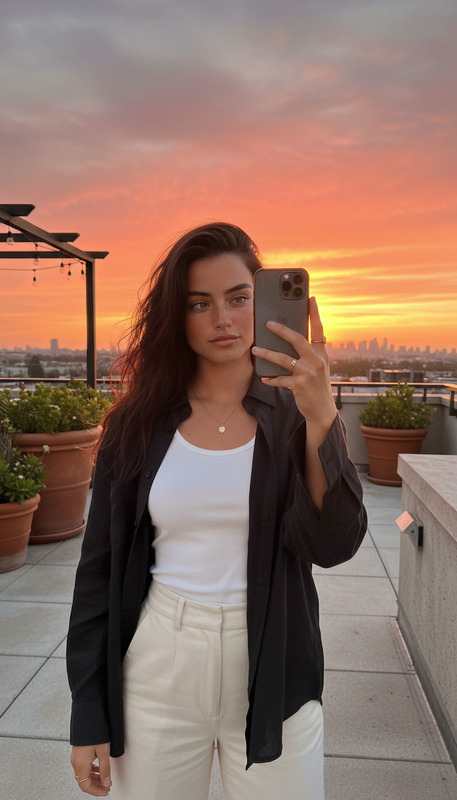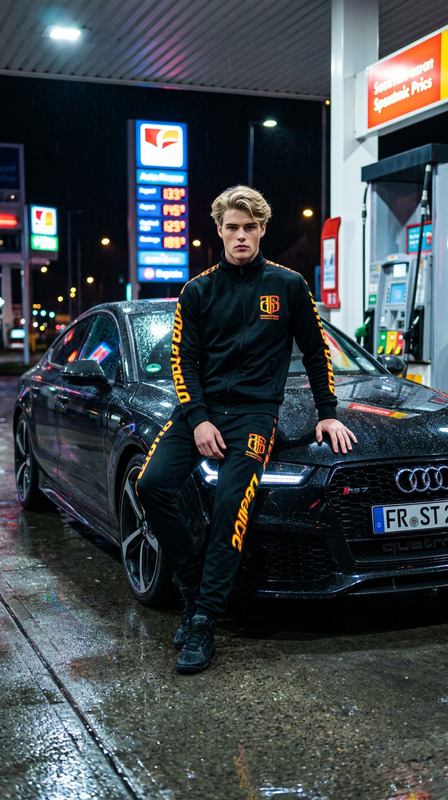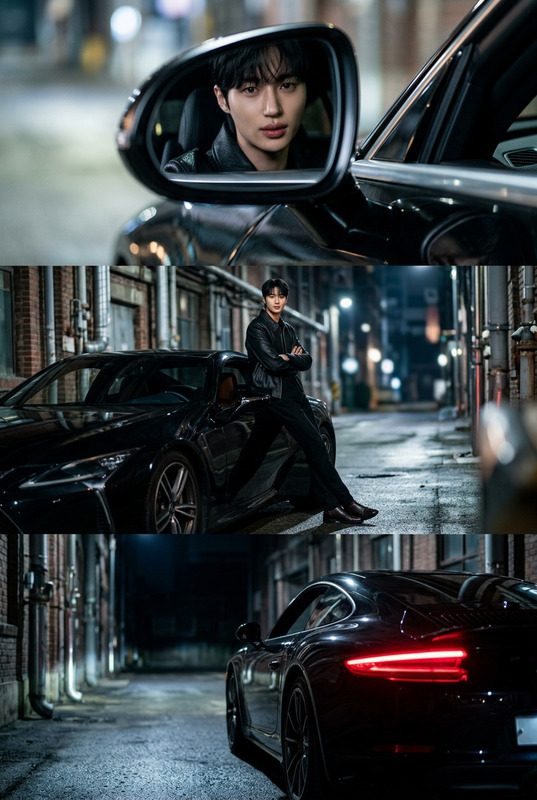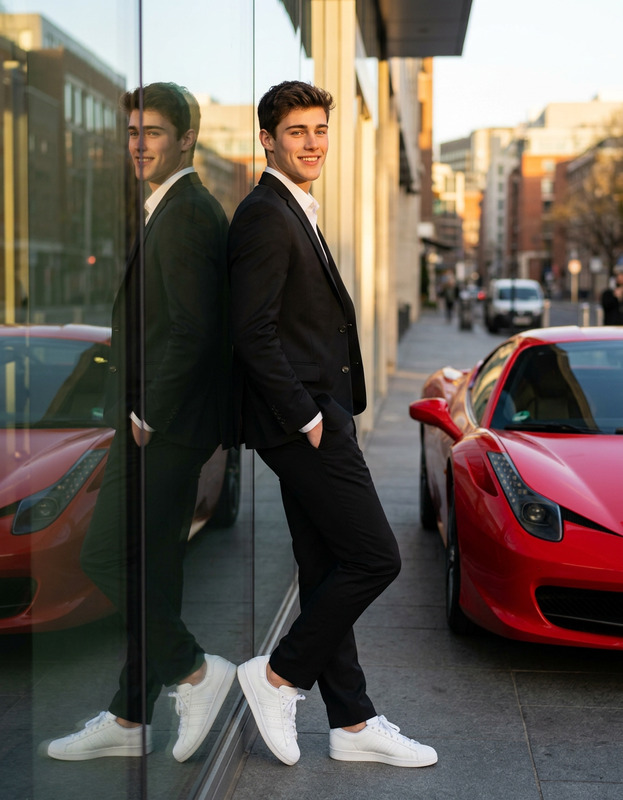
Golden Hour Mirror Selfie

Golden Hour Mirror Selfie

ai-image-editor

1 clip
1 uses

Any aspect ratio

Prompt

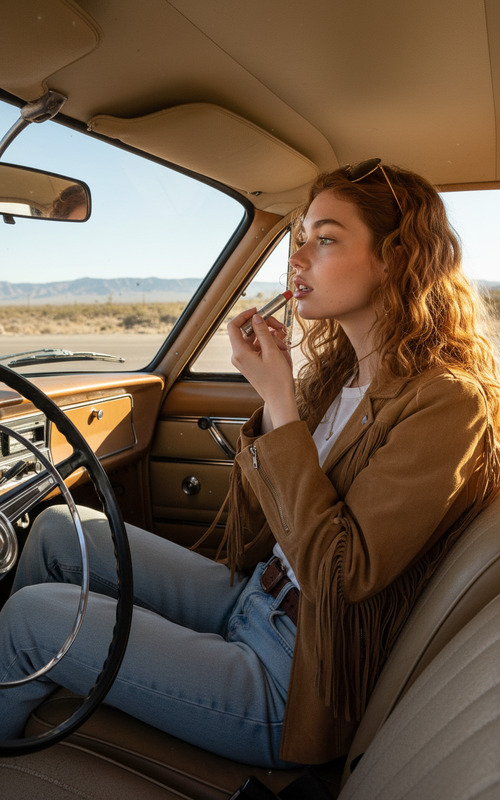
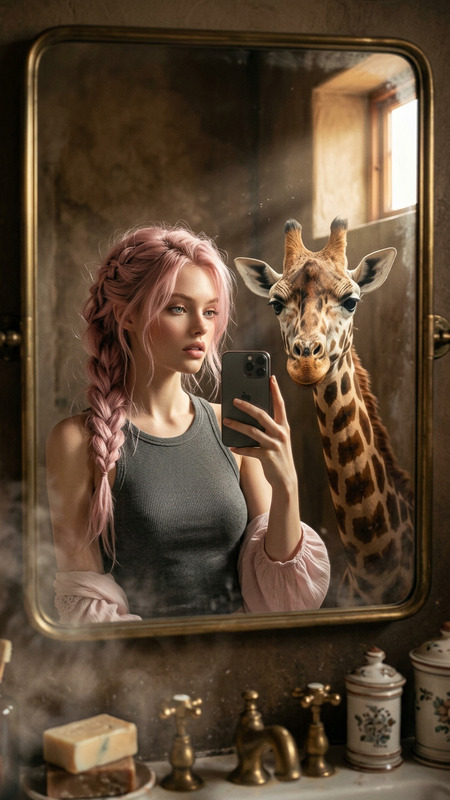
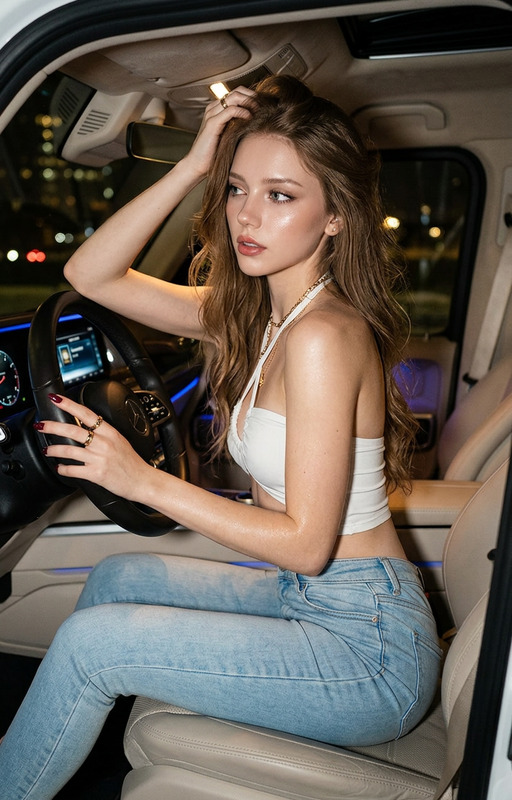
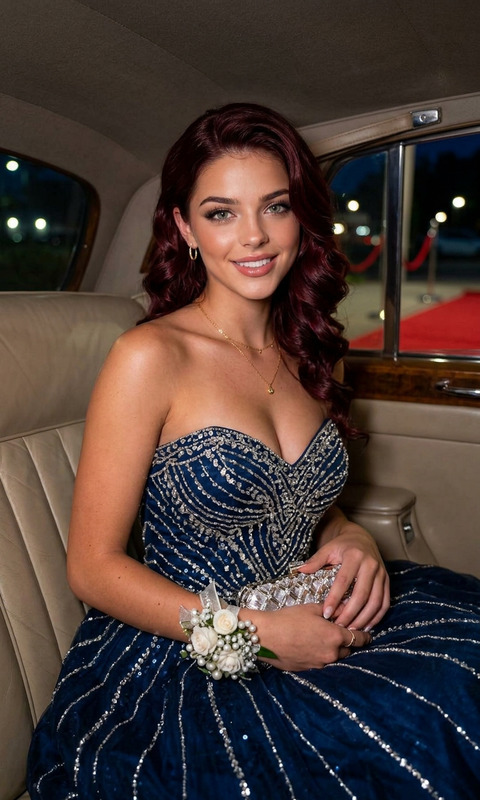
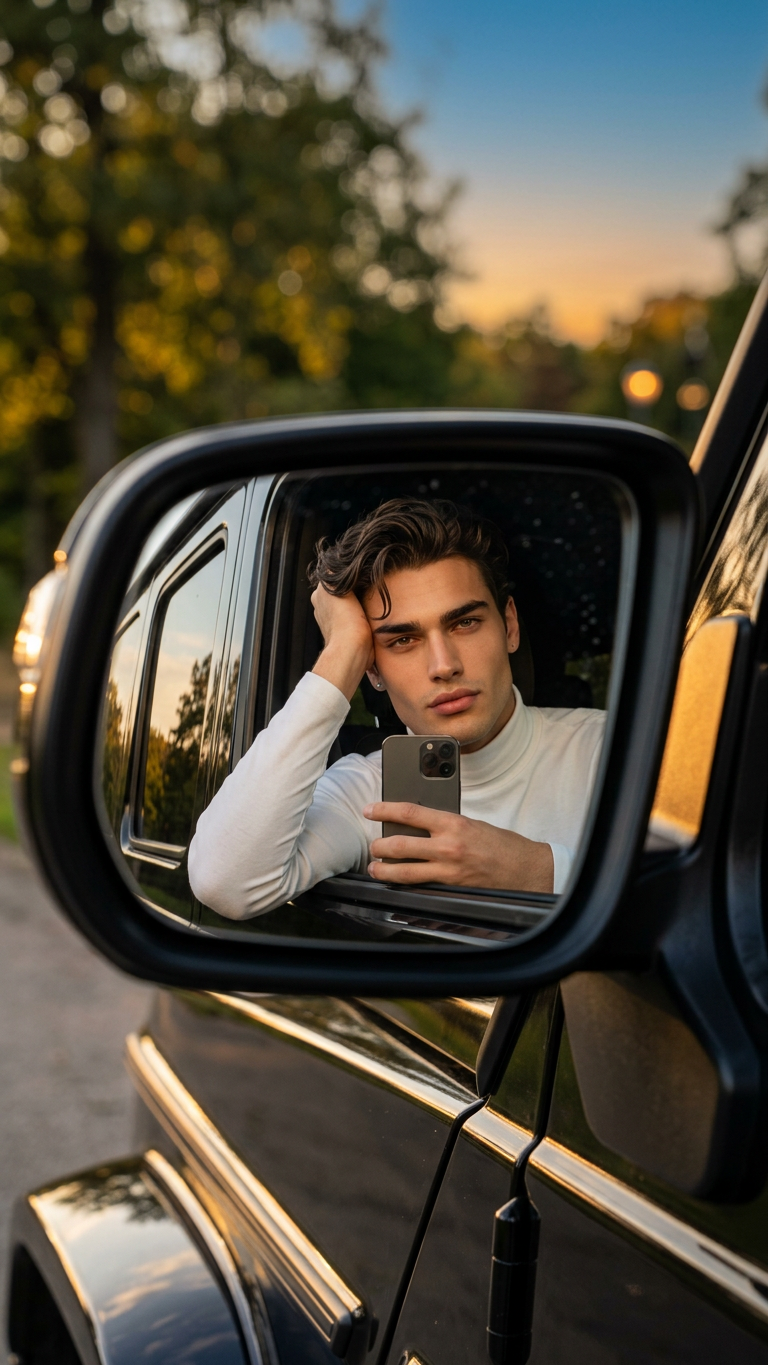
Subject leaning gently on a car window, resting head on one hand in a relaxed, confident pose. Taking a selfie reflected in the side mirror of a black luxury SUV. Wearing a simple white turtleneck long-sleeve top with minimalist stud earrings. Outdoor setting with trees and an orange-blue evening sky, softly blurred background with bokeh. Golden hour lighting with warm natural glow, realistic shadows. Ultra-realistic, minimalist Instagram style, cinematic photography, 8K, high detail, sharp focus.

AI Image Editor Template: Turn Any Idea Into a Polished Image in Minutes

Use this template to transform, clean up, and refine your images with AI—without touching complex design tools. Whether you’re shipping a product page, a marketing campaign, or a prototype for a new feature, this template gives you a repeatable workflow you can remix and extend across Magic Hour.


What this template is for

This AI Image Editor–based template is optimized for:

  • Cleaning up product photos (remove clutter, fix lighting, sharpen details)
  • Updating branding assets (swap colors, adjust styles, modernize logos)
  • Polishing social and ad creatives (resize, refine, remove distractions)
  • Enhancing portraits and headshots (subtle retouching, background changes)
  • Turning rough concepts into production‑ready visuals

It’s built on the AI Image Editor, so you can start from any image and iteratively improve it with a mix of text instructions and visual guidance.


How to remix this template in Magic Hour

You can treat this template as a starting point and create your own version in a few minutes. A practical remix workflow:

  1. Duplicate the base flow

    • Open the template in Magic Hour.
    • Save a copy into your workspace so you can edit steps, prompts, and outputs.
  2. Swap in your own source images

    • Replace the example images with your own:
      • Product shots (for e‑commerce or SaaS UI mockups)
      • Team photos or profile images (for LinkedIn, “About” pages, pitch decks)
      • Brand illustrations or icons
    • For consistent visuals across a brand or campaign, keep a small library of reference images in the same project.
  3. Define your editing goals in plain language

    • Use specific, outcome‑focused instructions such as:
      • “Make the background pure white and remove all objects except the product.”
      • “Convert this photo into a clean illustration that matches flat SaaS marketing style.”
      • “Retouch skin naturally, keep the person recognizable, and brighten the overall image.”
    • Clear, constraint‑driven prompts give the AI Image Editor more reliable results.
  4. Chain edits into a reusable pipeline

    • Think in steps, not one‑off edits. For example:
      1. Clean up and remove distractions
      2. Adjust style (color, mood, illustration vs. photo)
      3. Final polish (sharpen, upscale, crop)
    • This gives you a consistent “image pipeline” you can reuse across campaigns or clients.
  5. Export and connect to other Magic Hour tools

You can keep iterating on your remix—rename steps, swap example prompts, and adapt it to your brand or client work, then save it as your own internal template.


Example use cases for creators, marketers, and builders

1. Product & ecommerce imagery

  • Clean up raw product shots: remove studio clutter or backgrounds with the Image Background Remover and refine details in the AI Image Editor.
  • Sharpen and upscale low‑res catalog images for marketplaces using the AI Image Upscaler.
  • Generate on‑brand lifestyle scenes from a single base product image by remixing the style multiple times.

2. Startup branding & pitch decks

  • Create consistent founder and team photos with subtle retouching, then standardize backgrounds with the AI Image Editor.
  • Generate new brand illustrations or icons, refine them in the editor, and keep style references using the AI Art Generator or AI Photo Generator.
  • Produce quick concept art for landing pages, decks, and investor memos with the AI Illustration Generator, then polish the final exports here.

3. Content & social media

  • Turn ideas into scroll‑stopping visuals using the AI Meme Generator or Thumbnail Maker, then refine typography, crops, and overall look in the Image Editor.
  • Standardize your content brand: colors, typography, and visual motifs can all be iterated on in a single template.
  • Export sequences of edited images and animate them later with Text to Video or Image to Video.

4. Character, avatar, and IP development


Pair this template with other Magic Hour tools

You can build a more advanced, end‑to‑end workflow by connecting this AI Image Editor template to other tools:


From static images to video and interactive content

Once your images are polished, you can extend them into richer media:

This is especially useful for marketers and founders building UGC‑style ads, explainers, or social content from a small set of image assets.


Practical tips for better results

  • Be specific with intent: State what must stay the same (brand colors, logo placement, face identity) and what can change (style, background, lighting).
  • Iterate in small steps: Use the template to make a sequence of controlled edits instead of trying to do everything in one pass.
  • Keep reference examples handy: If you want to match a specific style (e.g., “Notion‑style SaaS landing page graphics”), keep a reference image in the same project and describe the match in your instructions.
  • Save re‑usable flows: Once you like the outcome, save your remix as an internal template for your team, so everyone can create on‑brand assets quickly.

Who this template is designed for

  • Creators & solo builders who need professional visuals without a design team
  • Growth and performance marketers who test a lot of creative variations and need a repeatable pipeline
  • Product and startup teams who want consistent brand visuals across decks, onboarding, and product UI
  • Agencies and studios who need a scalable, documented workflow they can adapt per client

Use this template as your base editing layer: generate or capture images with other Magic Hour tools, then pass everything through this AI Image Editor flow before publishing. Over time, you’ll end up with a custom, high‑leverage image system tailored to your brand or product.

More Like This

Insufficient credits