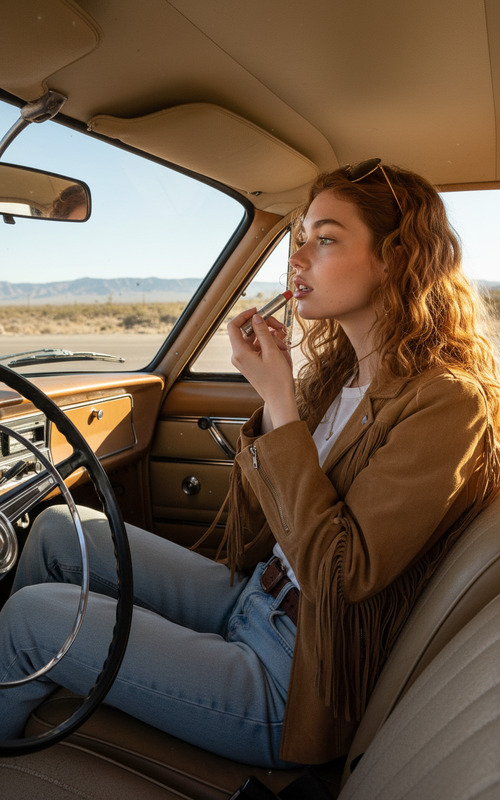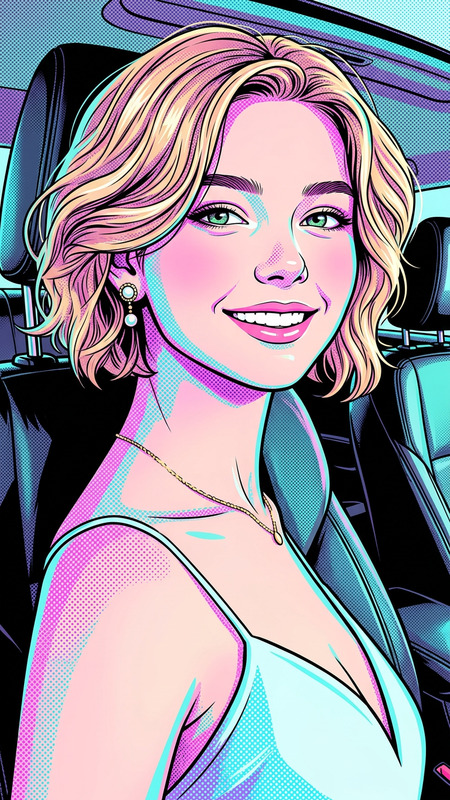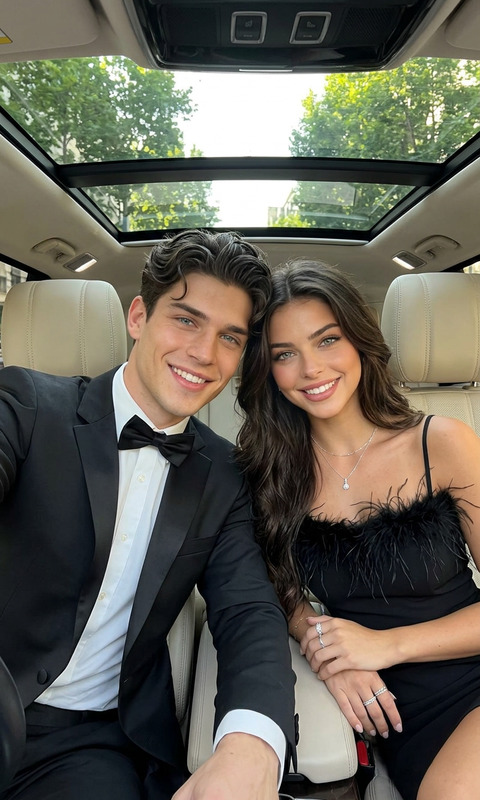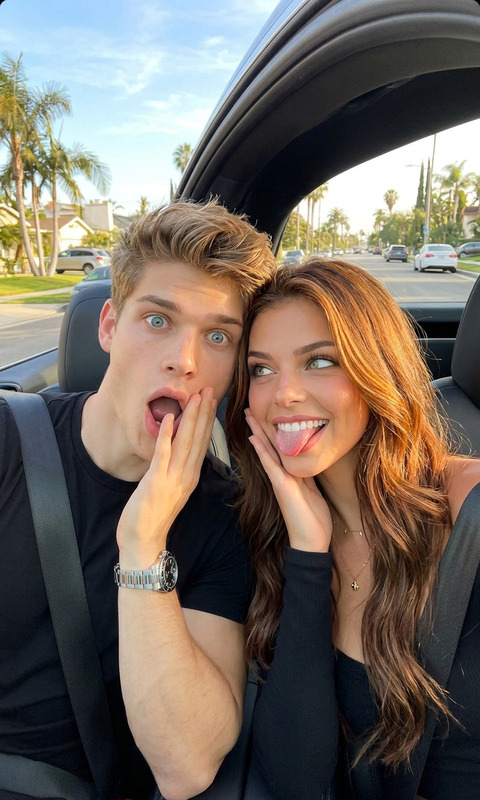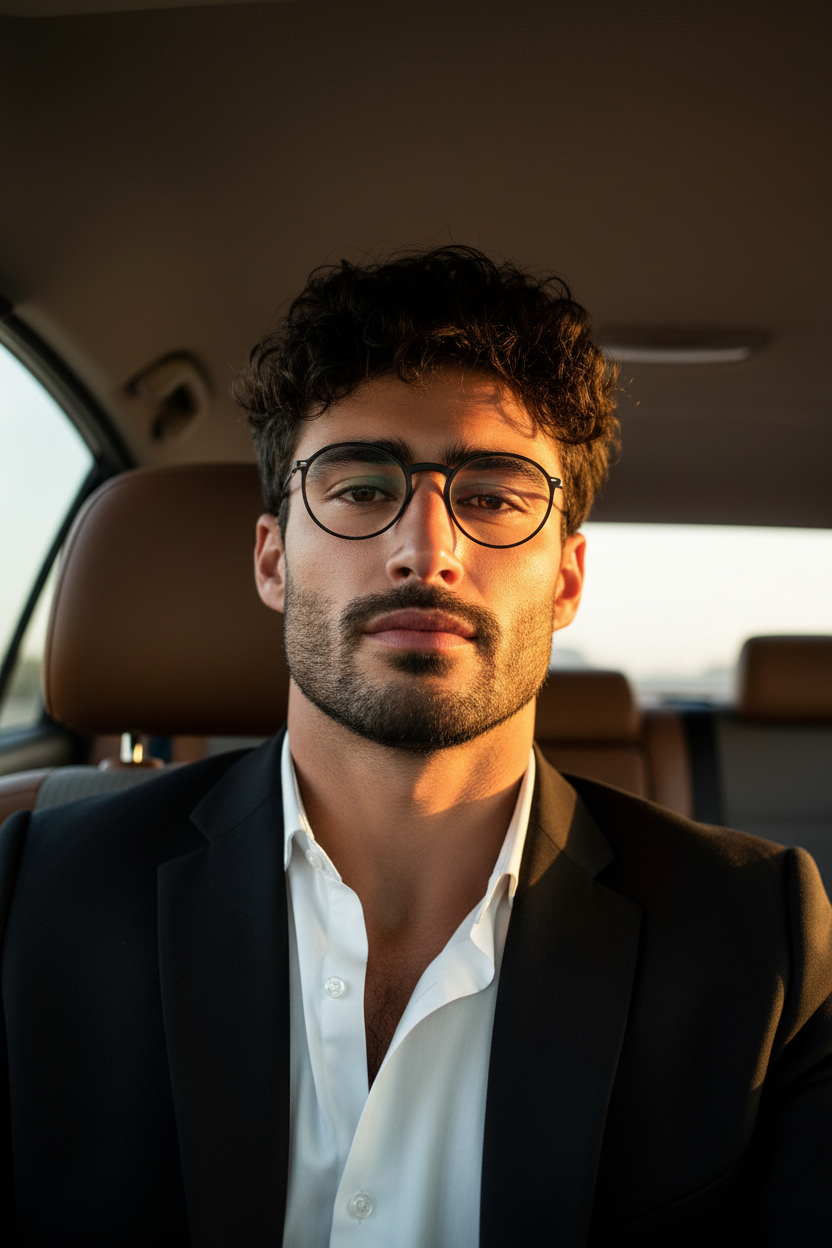
Car Selfie
- Model
- Nano Banana
- Image
- 832 × 1248 px
Prompt
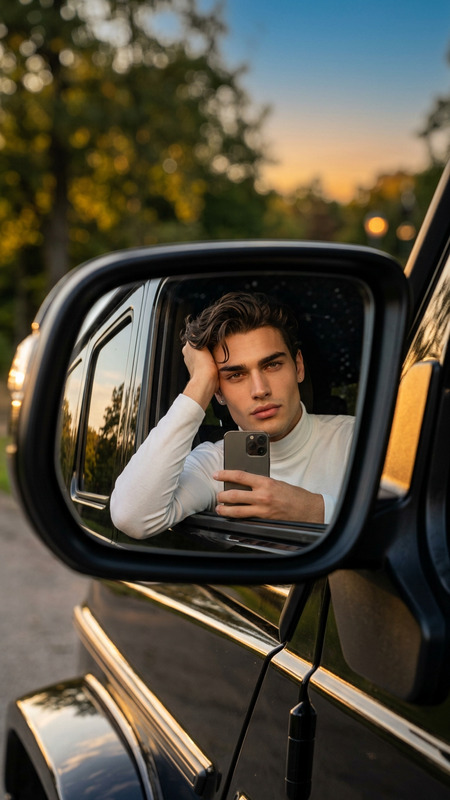
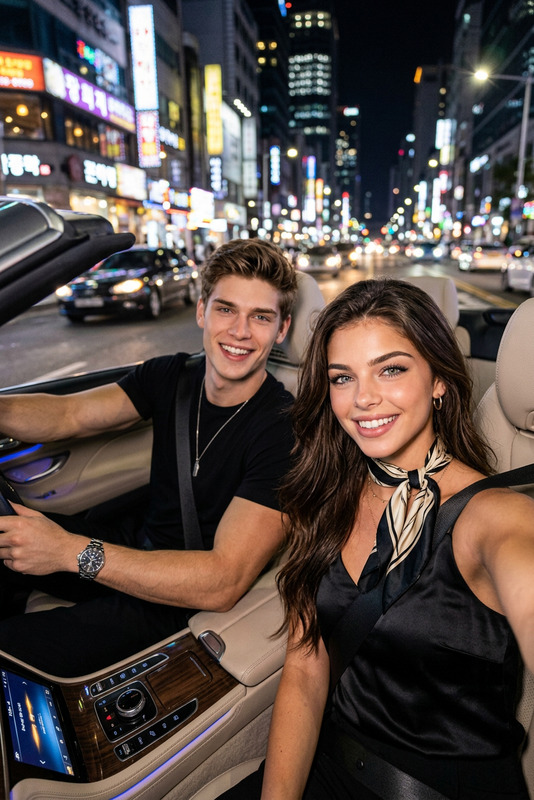
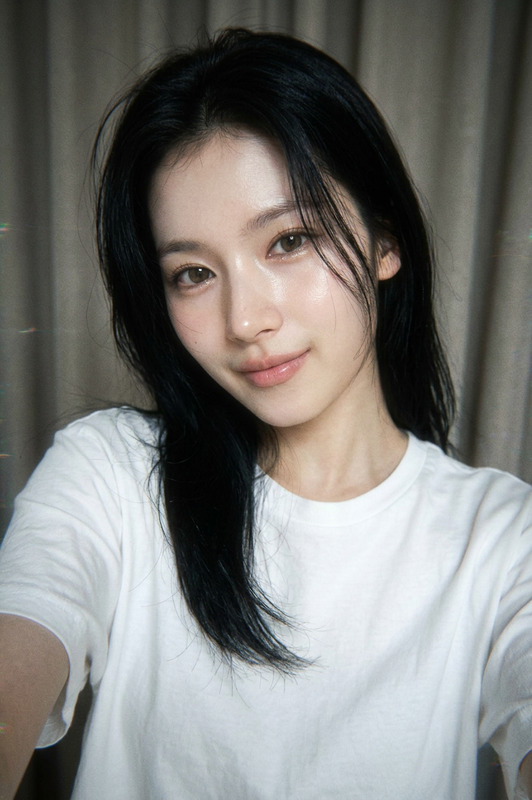
Selfie photo taken from a low angle inside a car, looking up slightly at the subject. Natural golden-hour or afternoon sunlight streaming through the car window from the right side, casting warm light across the cheek, nose, and neck. The car interior is visible in the background — beige/cream ceiling, brown leather headrests on either side, grey fabric on the rear seat behind. The composition is portrait orientation, phone-selfie style with a slightly wide-angle feel. The expression is calm, direct, neutral — not smiling. Eyes are soft but engaged, looking straight into the camera. The overall mood is introspective and unposed, like a candid moment captured mid-thought. Lighting is warm and golden. Background is slightly out of focus. No filters. No heavy editing. Skin looks natural with visible texture.
Any aspect ratio
Overview
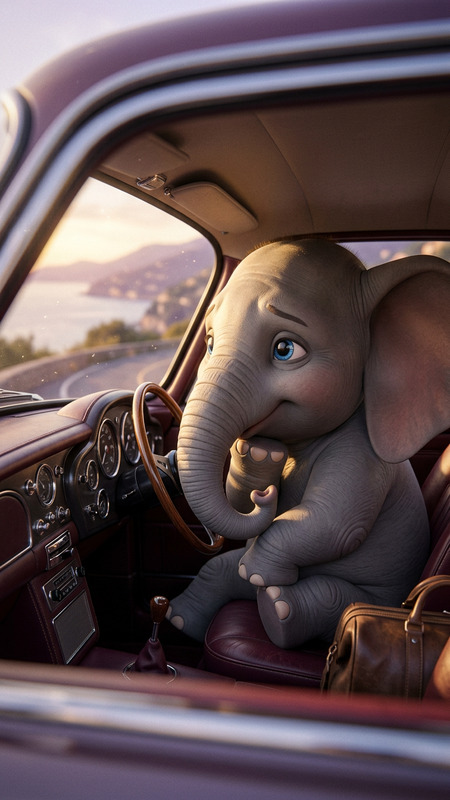
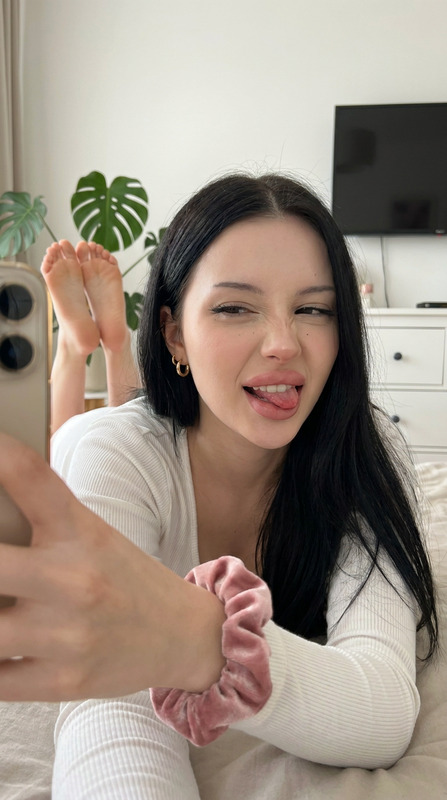
The Car Selfie template is an AI Image Editor designed to help you transform everyday car selfies into captivating images with a professional touch. Utilizing the nano-banana model, this template captures the essence of a candid, sunlit moment. It's perfect for enhancing images with natural lighting and subtle details while keeping the photo looking authentic.
What It Does
This template focuses on enhancing car selfies by providing natural, warm lighting effects that mimic golden-hour sunlight. It subtly adjusts key details to accentuate facial features and ensure your selfie looks both authentic and polished. Elements such as the beige ceiling and brown seats in the car add context and depth, unlike heavily edited or filtered images.
For more advanced photo edits, you might want to explore our AI Image Editor for broader applications.
Who It's For
Ideal for personal use, this template is especially useful for social media enthusiasts and content creators who often take selfies in different settings. It's also perfect for automotive bloggers and influencers looking to capture the essence of luxury and style in their car interiors.
Professionals in the photography industry may also opt to pair this with the AI Clothes Changer for a holistic editing experience.
Summary
The Car Selfie template provides an easy way to upgrade your regular car selfies while maintaining a natural look. It enhances lighting and composition elements without over-editing the image, suitable for anyone looking to make a striking impression with minimal effort. Discover more options for enhancing your selfies with our AI Talking Photo tool.
How to Use the Template
Choose the Template

Customize Inputs

Generate & Download

Use Cases
Social Media Content
- Instagram posts
- Facebook stories
- LinkedIn profiles
Automotive Blogging
- Blog post visuals
- Magazine features
Influencer Collaborations
- Brand promotion
- Marketing campaigns
Best Practices
Start with Natural Light
Take the original photo with as much natural light as possible to enhance the AI's capabilities.Keep the Background Simple
Focus on minimal background elements to allow the subject to stand out.Match Lighting Conditions
Align the template lighting settings closely with the natural light captured in your photo.