Pilot View
- Model
- Nano Banana 2
- Image
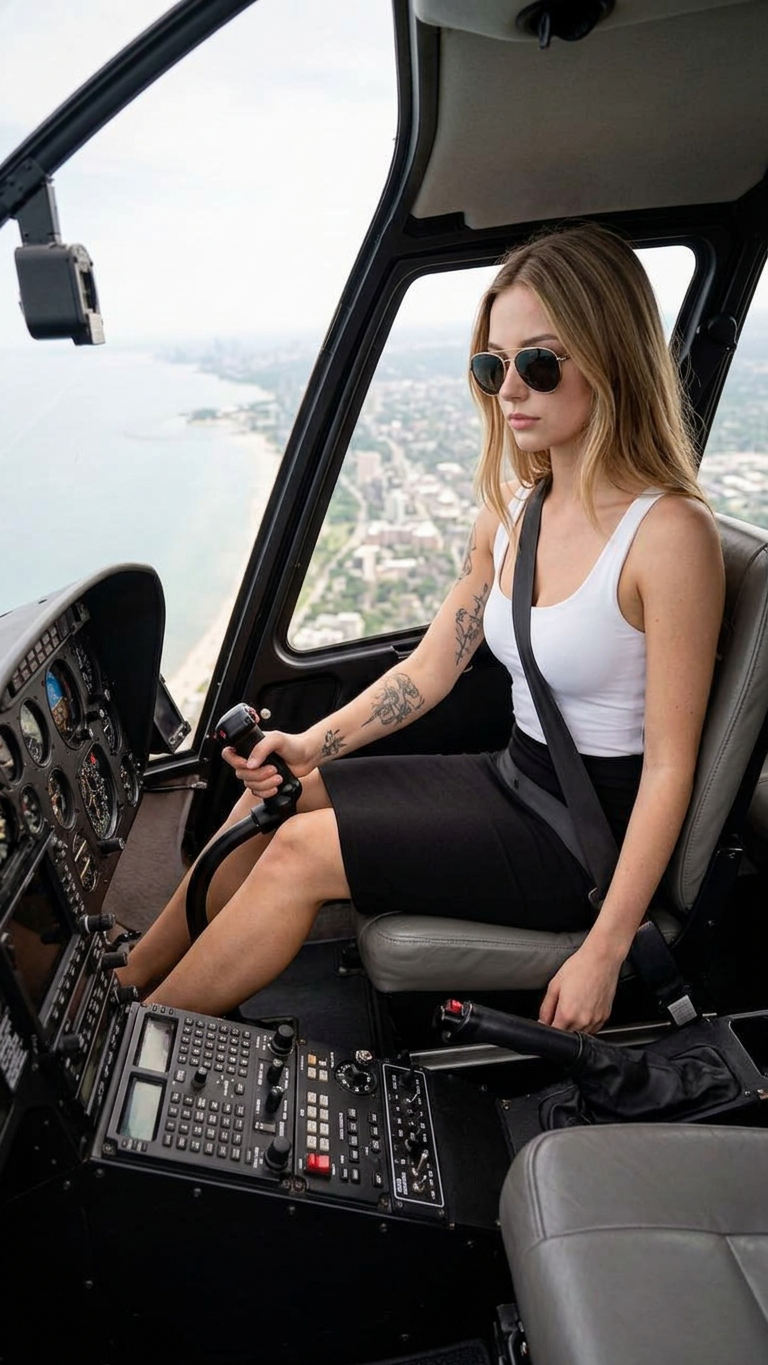
- 768 × 1365 px
Prompt
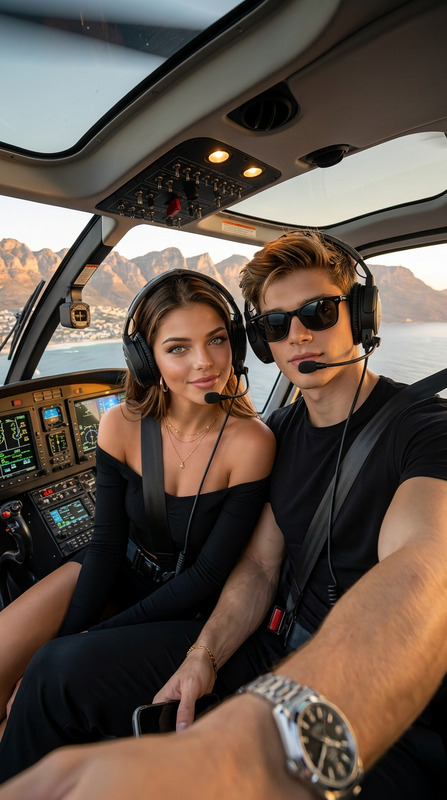
Recreate a realistic documentary-style photograph based on the uploaded subject image. The scene is set inside a helicopter cockpit, photographed from the subject’s side at a slightly elevated, downward angle, clearly not a selfie. The subject is seated in the pilot’s seat, one hand firmly gripping the control stick, with the body slightly turned toward the camera. The expression is focused, calm, and professional. The outfit remains unchanged from the reference image. The foreground clearly shows the instrument panel, control systems, and cockpit structure, with sharp, realistic detail. The subject is wearing sunglasses, and arm tattoos are clearly visible. Outside the cockpit windows, a high-altitude aerial view of the city and coastline is visible. It is daytime, with abundant natural light streaming through the windows, illuminating the cockpit naturally without any artificial or staged lighting. The overall image emphasizes authentic flight conditions, spatial depth, and a strong sense of presence, presented in a documentary photography style with high realism and immersive detail.
Any aspect ratio
Overview
Experience realism at its finest with the Pilot View template. Built on the advanced nano-banana-2 model, this AI Image Editor template transforms your subject image into a documentary-like photograph set in a helicopter cockpit. The template retains the subject's original outfit while adding elements like sunglasses and tattoos, crafting a scene of authenticity and immersive detail.
What It Does
The Pilot View template recreates your subject in a captivating helicopter cockpit scene, offering a side angle that highlights control systems and high-altitude views. This tool enhances realism by focusing on detailed components like the instrument panel and natural lighting to match the feel of documentary-style photography. For more VFX applications, explore our AI Image Editor.
Who It's For
Ideal for filmmakers, documentary producers, and visual artists aiming to achieve high realism in their projects. This template is also suitable for professionals in technical fields who require precise and authentic imagery for presentations or simulations. If your work involves intense personalization, try our AI Talking Photo and explore more depth in character portrayal.
Summary
The Pilot View template is a powerful tool for generating lifelike images set in a helicopter environment. With an emphasis on detail and authenticity, this template brings the experience of flight to the forefront, perfect for anyone aiming to depict true-to-life aerial scenes. Enhance other visuals too with our Image to Video tools for varied content needs.
How To
Choose Your Template

Customize Your Scene

Generate Your Image

Use Cases
Documentary Films
Technical Training
Visual Art Projects
Best Practices
Select Clear Reference Images
Use subject images with good resolution and clear features to ensure the most accurate transformation.Adjust Lighting
Take advantage of settings that enhance natural light to replicate authentic cockpit conditions.Refine Details
Focus on smaller elements like tattoos and sunglasses for added realism and personal touch.