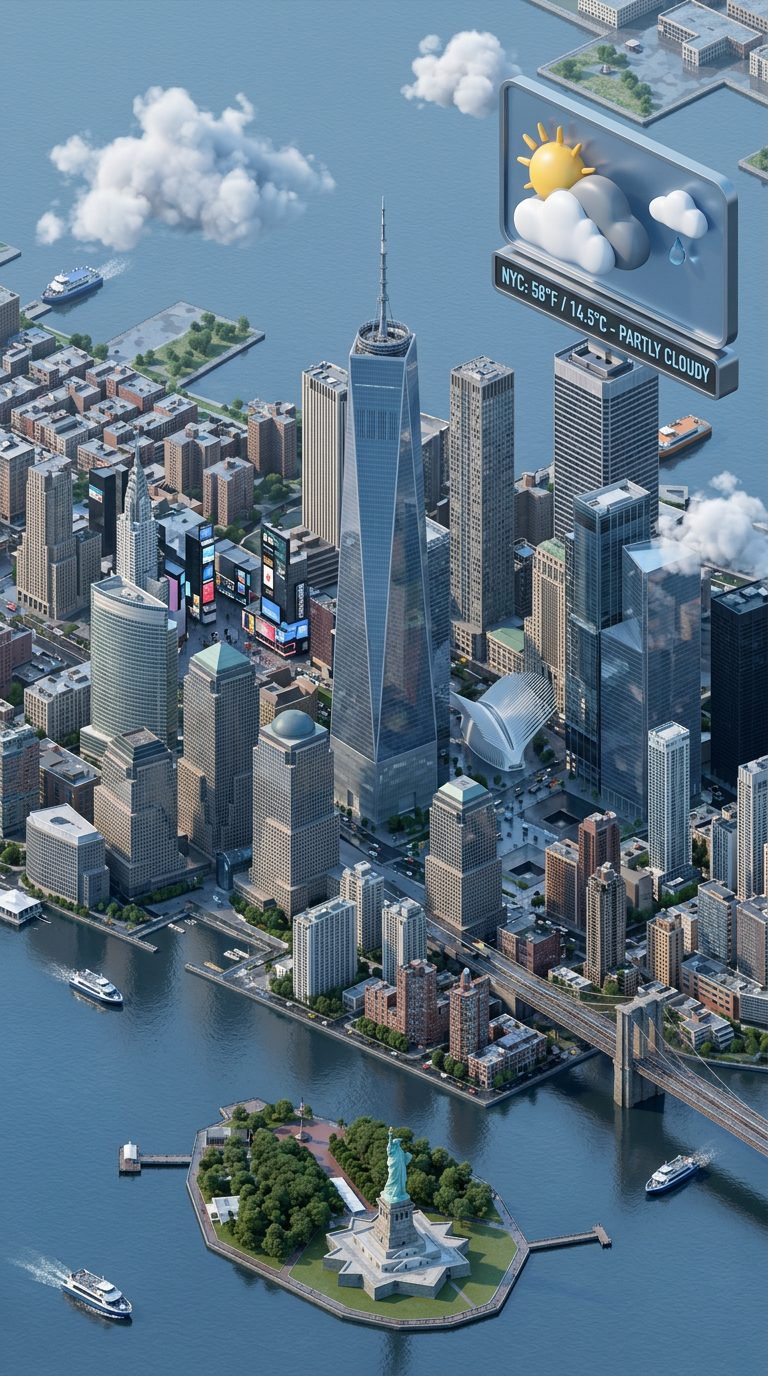
Isometric Weather City
- Model
- Nano Banana 2
- Image
- 768 × 1376 px
Prompt
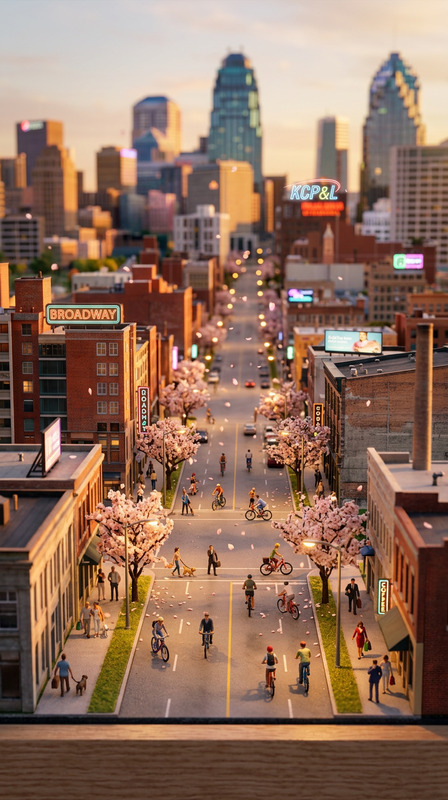
Create a 3D isometric city scene (top-down 9:16) showing current weather of a specified city. Add mini landmarks, weather icons, and accurate lighting based on conditions. Keep colors balanced and realistic.
Any aspect ratio
Overview
Create visually captivating isometric cityscapes that reflect real-time weather conditions with the Isometric Weather City template. This tool, using the powerful AI Image Editor, is ideal for injecting dynamic visual effects into your multimedia projects. The template creates detailed cityscapes featuring accurate lighting, mini landmarks, and weather icons.
What It Does
The Isometric Weather City template utilizes advanced AI to render 3D isometric city scenes that vividly display the current weather of a chosen city. With features like weather icons and balanced colors, this tool offers a practical solution for projects that require environmental and local specificity. It integrates seamlessly with AI Image Generator technology to ensure every element is precisely crafted.
Who It's For
This template is perfect for content creators who need to incorporate detailed, dynamic cityscapes into their work. It's particularly useful for video producers, graphic designers, and digital marketers working on projects that demand vibrant, realistic settings. Those using the Text to Video or Image to Video tools will find this an excellent resource for enhancing their video narratives.
Summary
Whether you're enhancing a presentation or a video project, the Isometric Weather City template delivers exquisite cityscapes that capture current weather conditions with photorealistic detail. By integrating with Magic Hour's suite of tools, you can effortlessly achieve the visual impact your projects demand.
How to Use
Choose the Template

Customize Your Scene

Generate Your Image

Use Cases
Weather News Graphics
- Accurate city weather visuals
- Dynamic presentation without live footage
Educational Content
- Interactive learning tools
- Visual engagement for students
Marketing Campaigns
- Localized ads
- Eye-catching visual content
Best Practices
Select Accurate Weather Data
To ensure the accuracy of your cityscape, always input current weather data. This adds credibility and realism to your project.Balance Lighting and Color
Pay close attention to lighting effects and color balance. This will enhance the visual realism of the cityscape, making it more engaging for viewers.Leverage Landmarks Strategically
Integrate well-known city landmarks into your scene to make the visual instantly recognizable and relatable.