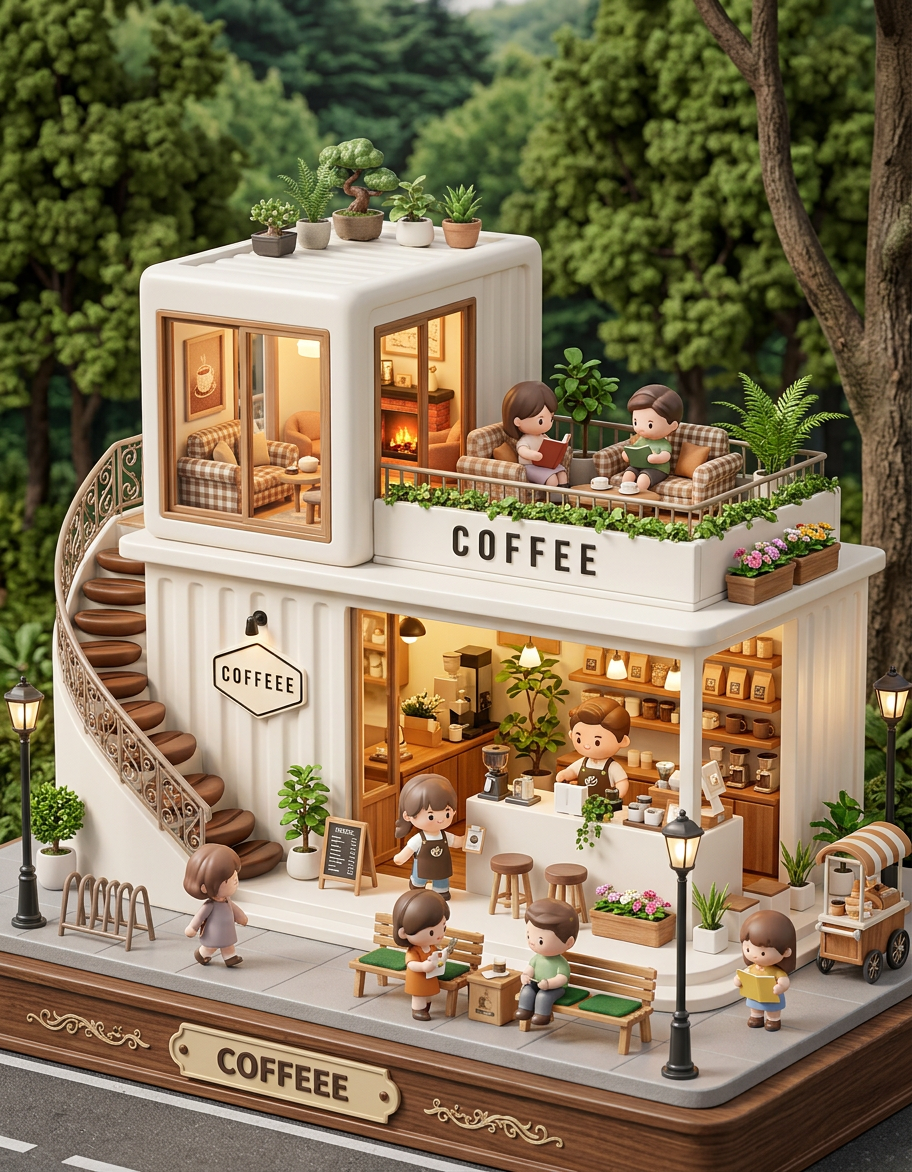
Mini Brand World – Chibi City Store
- Model
- Nano Banana 2
- Image
- 912 × 1172 px
Prompt
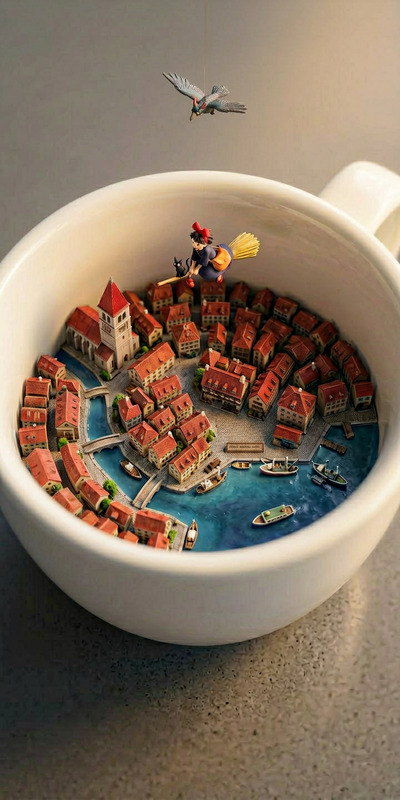
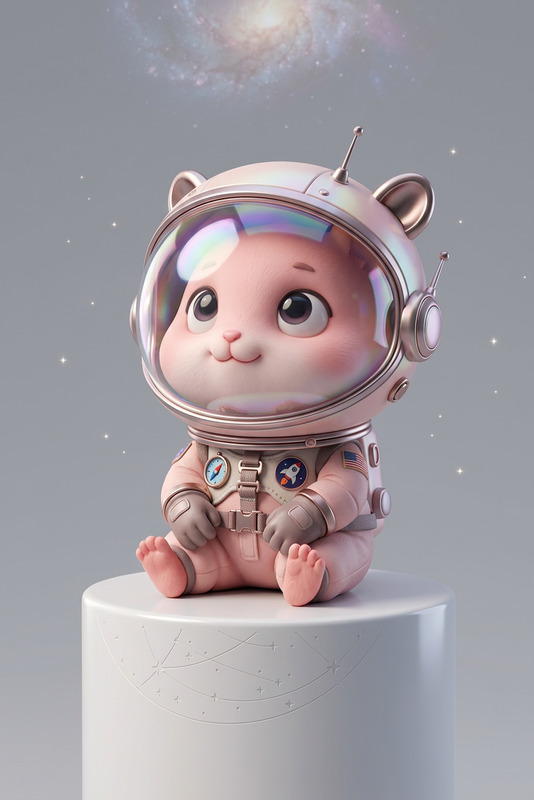
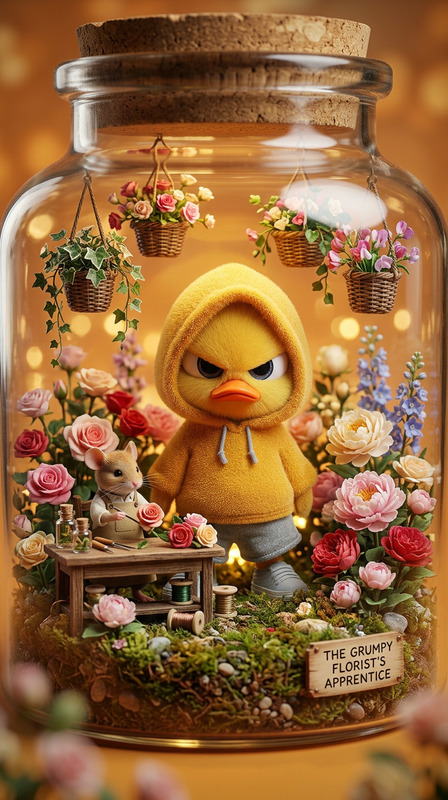
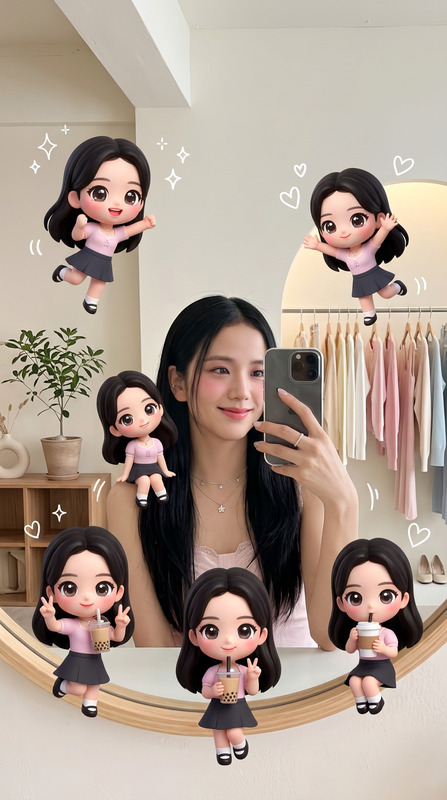
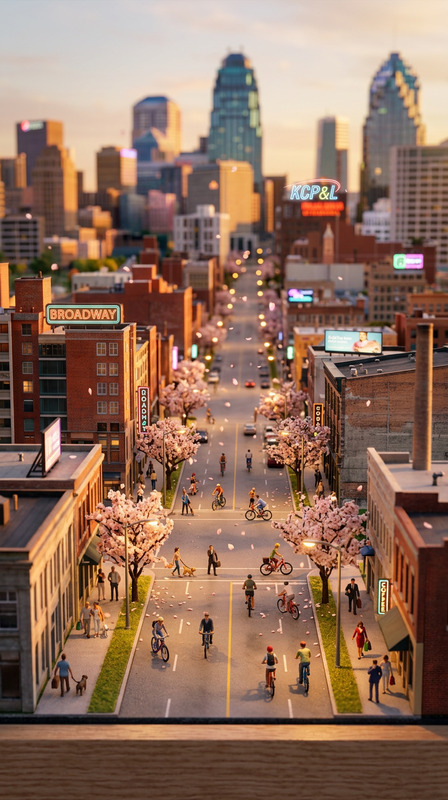
A 3D chibi-style miniature concept store, designed with a playful exterior inspired by a stylized product form. The building has two floors with large glass windows revealing a cozy, well-decorated interior with warm lighting and small staff figures in themed outfits. Tiny characters stroll and relax along the street, surrounded by benches, street lamps, and potted plants, creating a lively and charming urban atmosphere. Rendered as a detailed miniature cityscape in a Cinema 4D style, with a blind-box toy aesthetic, soft lighting, rich details, and a cute yet semi-realistic look.
Any aspect ratio
Overview
Bring your vision of a playful, charming cityscape to life with the Mini Brand World – Chibi City Store template. Tailored for the AI Image Editor, this template leverages the capabilities of the nano-banana-2 model to craft detailed 3D chibi-style miniature concept stores. Ideal for professionals looking to showcase products with a unique blend of creativity and realism.
What It Does
This template creates a complex 3D miniature world rendered in Cinema 4D, featuring a concept store with a delightful chibi aesthetic. It articulates a two-floor building with glass windows, meticulously decorated interiors, and charming character figures. This setup provides a distinct, engaging approach to Image to Video transitions, making content particularly appealing for dynamic visual storytelling.
Who It's For
Designed for content creators, marketers, and businesses wanting to inject playfulness into their brand presentation, this template suits those in retail, advertising, and design. It's perfect for anyone aiming to produce engaging promotional content or product launch videos that stand out with a whimsical, yet polished finish.
Summary
Use the Mini Brand World to elevate your creative projects. This template simplifies the process of crafting stunning visual experiences that resonate with audiences. By integrating detailed cityscape aesthetics with customizable elements, the template aligns well with platforms focused on video editing and dynamic content creation.
How to Use
Select the Template

Customize Your Scene

Generate and Download

Use Cases
Product Showcasing
- Retail advertisements
- Product launch visuals
Promotional Videos
- Social media campaigns
- Video ads
Visual Storytelling
- Animated series
- Children's content
Best Practices
Optimize Lighting
Utilize soft, ambient lighting to maintain a cute yet realistic look without losing detail.Pergaps Integration
Combine this mini world template with AI Clothes Changer to customize character apparel and enhance the narrative.Detail Refinement
Focus on small details like decorations and character positions to improve visual appeal.