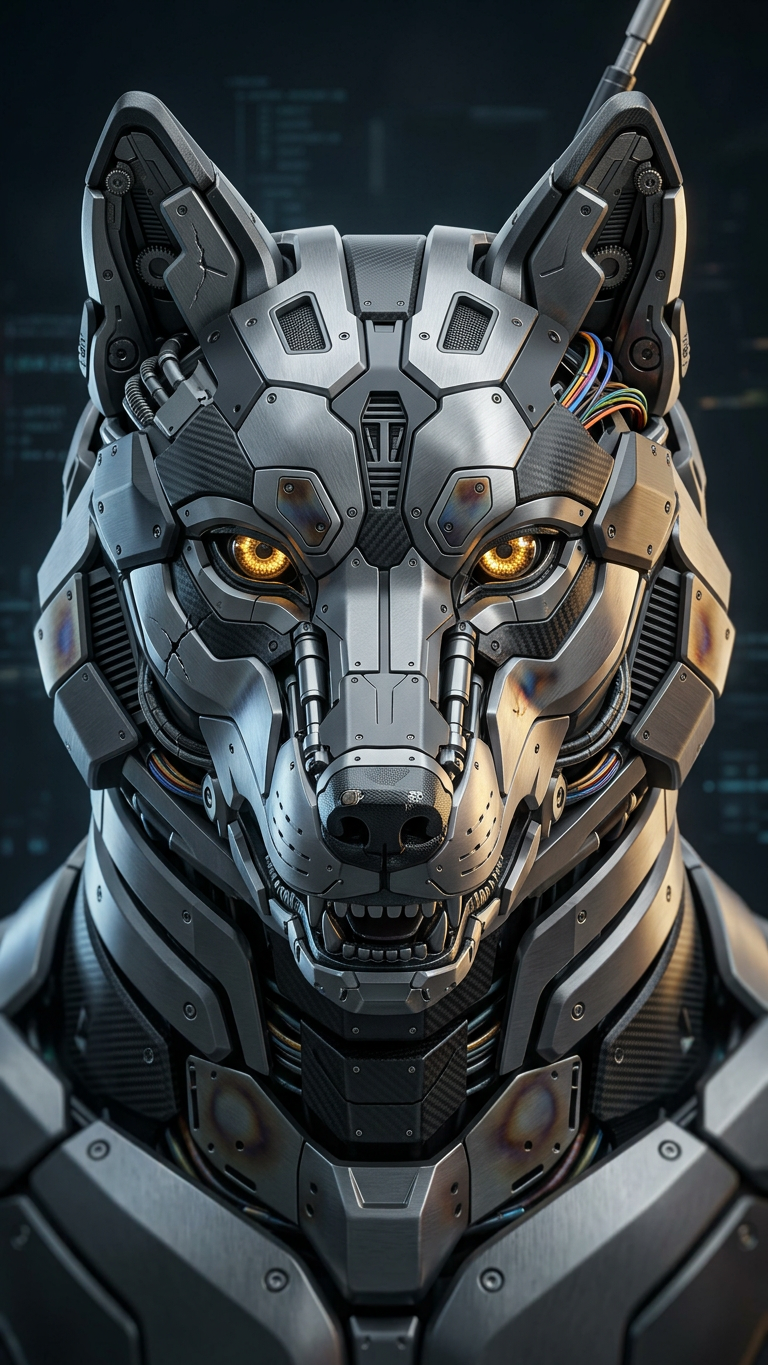
Apex Cyber Entity

Apex Cyber Entity

ai-image-editor

1 clip
0 uses

Any aspect ratio

Prompt

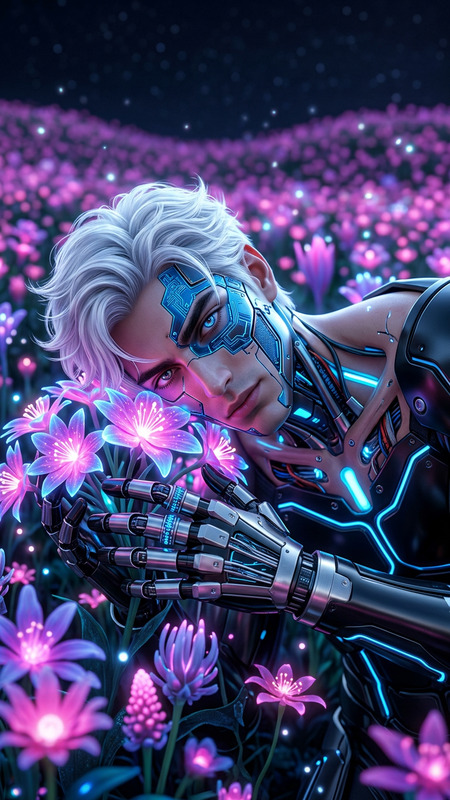
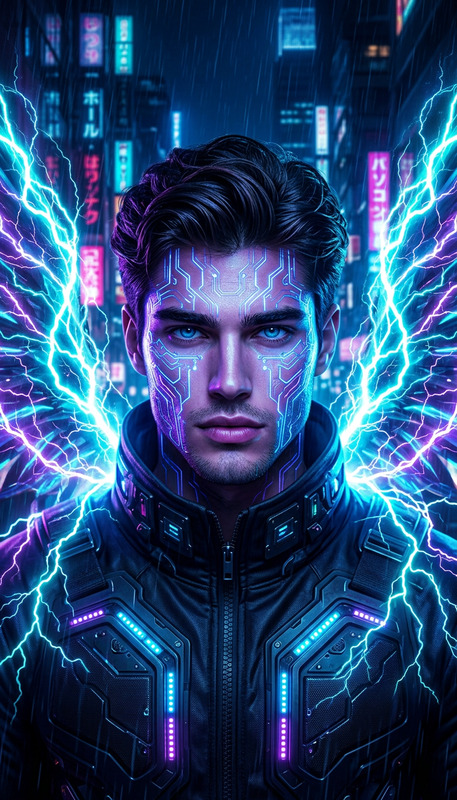
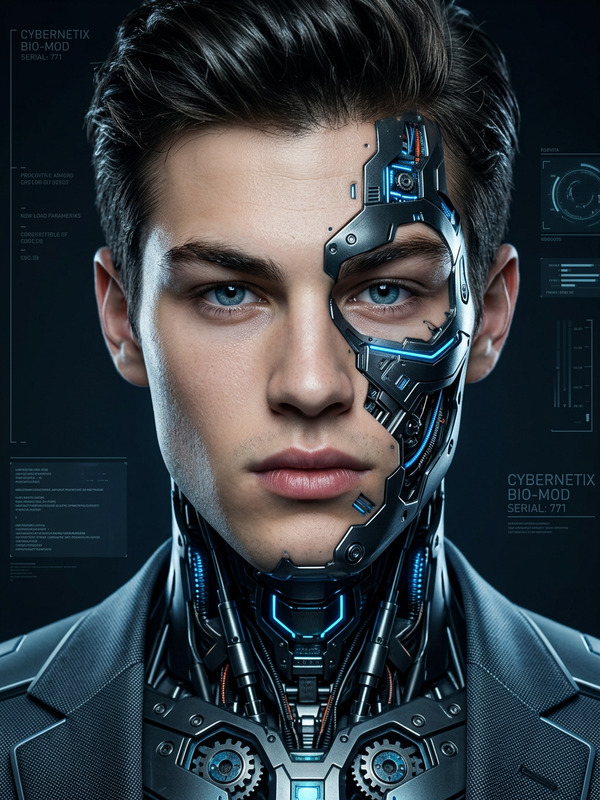
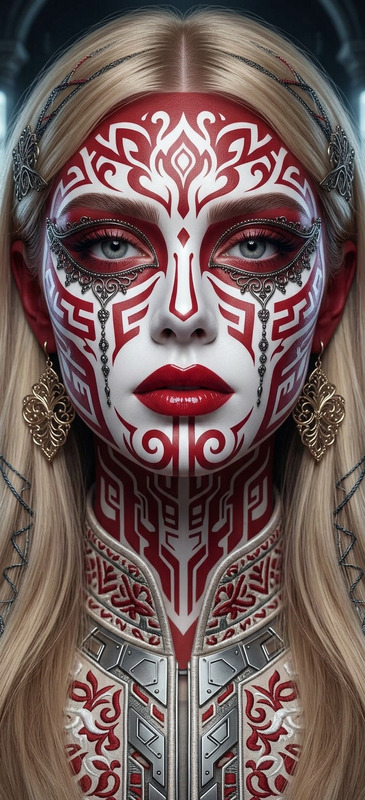
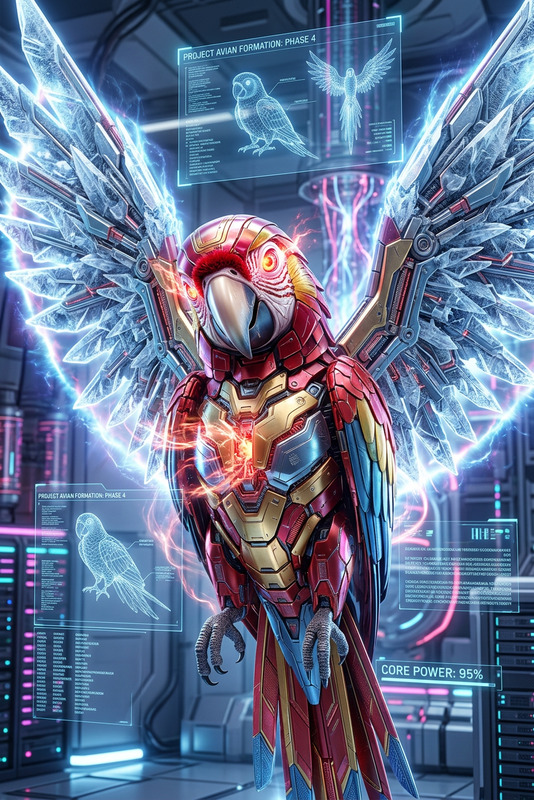
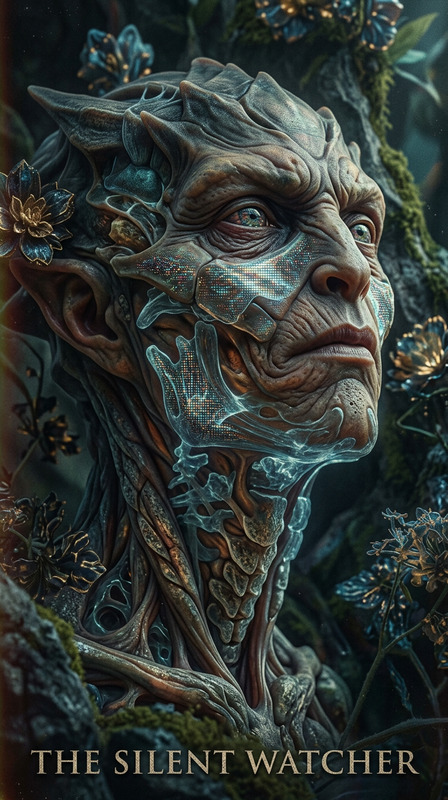
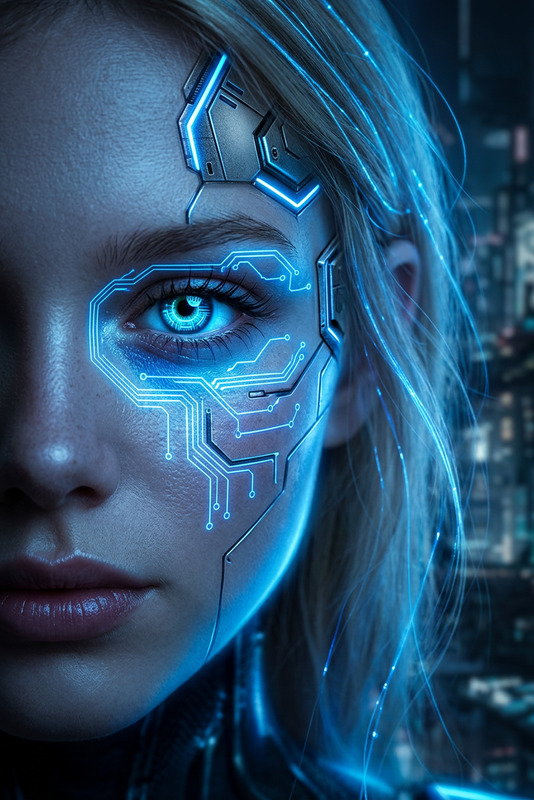
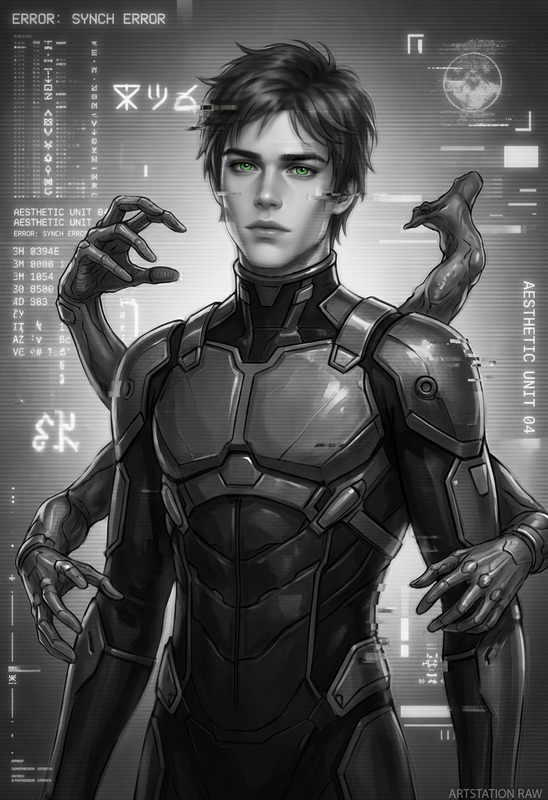
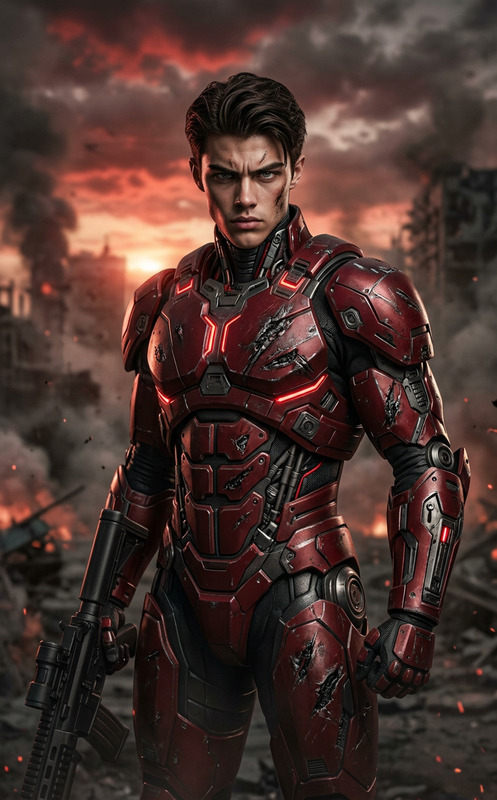
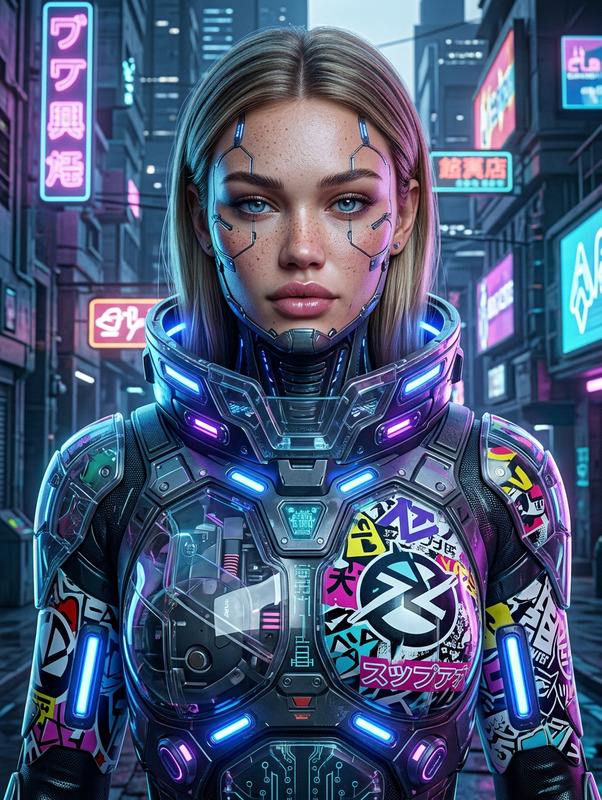
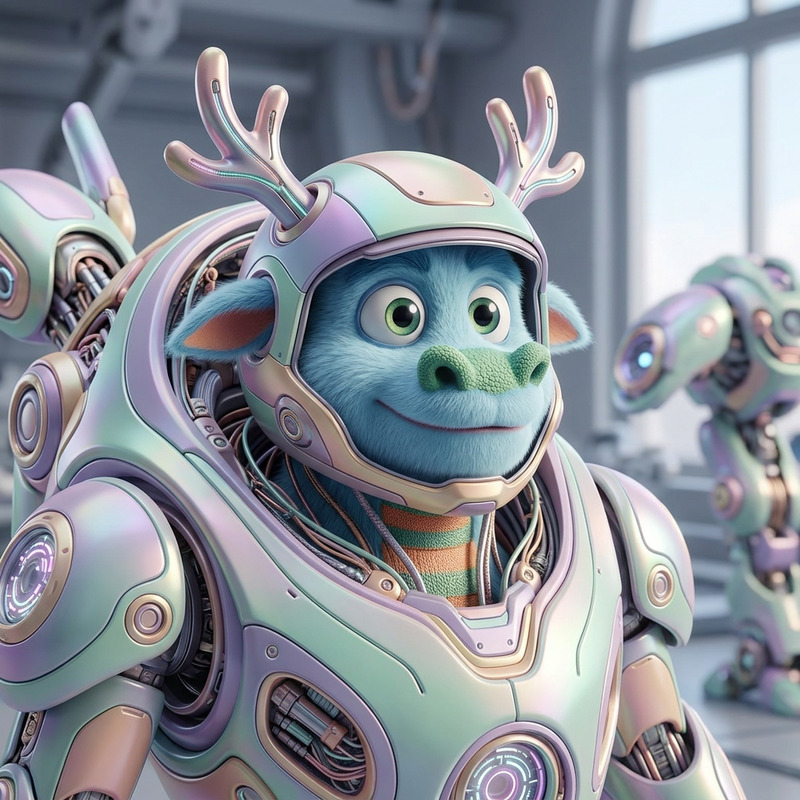
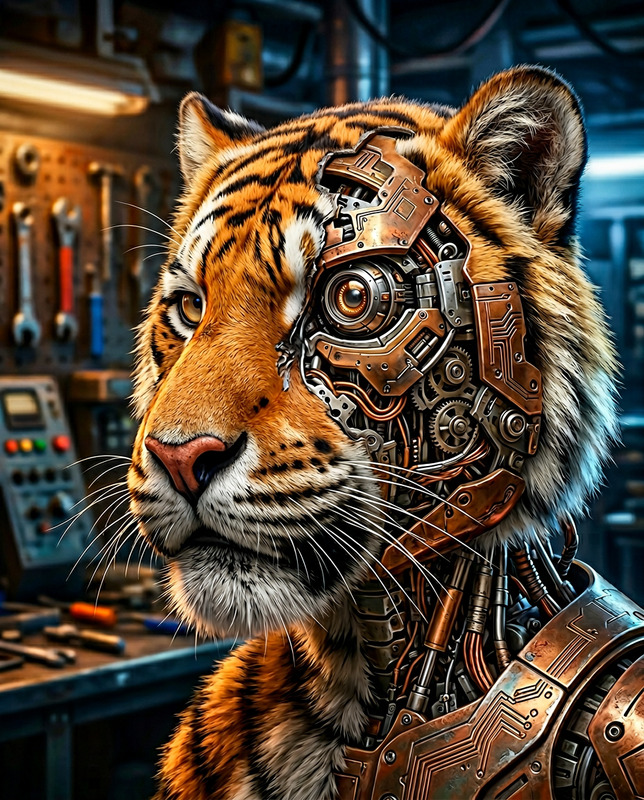
Futuristic robotic portrait of the subject with a highly detailed, symmetrical hard-surface face and subtle asymmetrical imperfections. Ultra HD HDR 3D render with real-time VFX, intricate mechanical textures, unconventional proportions, dynamic out-of-frame presence, clean concept art style, no text or watermark.

AI Image Editor Template: Precision Edits for Creators, Marketers & Product Teams

Use this template to make fast, precise, production-ready edits to any image with the AI Image Editor. It’s designed for teams that care about brand consistency, visual clarity, and iteration speed—without needing a full design stack.


What This Template Is For

This AI Image Editor–based template is ideal when you need to:

  • Clean up or retouch photos (portraits, product shots, UGC)
  • Remove distracting objects or backgrounds
  • Replace or refine elements (clothing, props, UI screens)
  • Localize visuals for different markets (text, signage, labels)
  • Prepare assets for ads, landing pages, pitch decks, and social content

It’s especially useful for:

  • Marketers & growth teams: ad creatives, A/B tests, landing page hero images
  • Founders & startup teams: pitch decks, product screenshots, one-pagers
  • Creators & agencies: client deliverables, campaign variations, content packs
  • Developers & product teams: UI mockups, feature previews, store listing assets

How to Use & Remix This Template in Magic Hour

You can treat any Magic Hour template as a starting point and then “remix” it to match your brand, style, and workflow.

1. Start from this AI Image Editor template

  1. Open the template in Magic Hour (from your template library or shared link).
  2. Upload your base asset—this could be:
    • A product photo
    • A brand visual or mockup
    • A character, avatar, or illustration
    • A UGC or influencer photo you have rights to use

Magic Hour’s AI Image Editor is built for targeted edits, not random style changes, so you keep control over the final look.

2. Define the edit you want (conceptually)

Without mentioning specific UI controls, think in terms of what you want to change:

  • Add or replace elements

    • Swap a plain T‑shirt for branded merch
    • Replace a generic laptop screen with your app UI
    • Add props that tell a clearer product story (coffee cup, notebook, packaging)
  • Remove or simplify

    • Remove crowds, logos, or clutter from photos using AI Remover
    • Clean up busy backgrounds, signage, or watermarks with the Watermark Remover
  • Adjust style and vibe

    • Make an image more “product-photography” and less “phone snapshot”
    • Harmonize mismatched assets for a single campaign look using the AI Art Generator
  • Localize & personalize

    • Adapt scenes, signage, or details to different regions
    • Create multiple personas by editing faces, outfits, or settings with tools like AI Face Editor and AI Outfit Generator

3. Remix the template for your own use case

Once you have a working setup, treat it like a mini pipeline:


Example Workflows Built on This Template

You can adapt this template into repeatable workflows for your team:

1. Ad Creative System

  1. Generate base product or lifestyle images with the AI Photo Generator or AI Image Generator.
  2. Use this AI Image Editor template to:
    • Insert your product
    • Remove off-brand details
    • Adjust colors and props to match different audiences
  3. Upscale final variants using AI Image Upscaler.
  4. Turn winning static creatives into short videos with Text to Video or Image to Video.

2. Content Series & Social Carousels

  1. Create a hero style with one edited image using this template.
  2. Duplicate and remix:
  3. Export a set of consistent assets for multi-post series, newsletters, or landing pages.

3. Character & Storytelling Pipelines

  1. Generate characters with tools like:
  2. Use this template to refine specific panels, edit expressions, or adjust scenes.
  3. Turn stills into motion with:

Advanced Use Cases for Teams

Because this template sits on top of the AI Image Editor, it’s flexible enough for more advanced scenarios:

  • Brand & visual systems

    • Maintain a single “master” style image and repeatedly adapt it for:
      • Seasonal campaigns
      • Region-specific versions
      • Partner or co-marketing variants
  • Localization & experimentation

    • Quickly test different cultural or contextual variants (environments, signage, attire)
    • Pair with the AI Voice Generator or AI Voice Cloner when turning visuals into localized video.
  • Data-driven iteration

    • Create multiple image variants from this template
    • Measure performance in ads or product pages
    • Lock in the best-performing patterns as your “house style”

Related Magic Hour Tools to Combine with This Template

Consider chaining this template with:


Tips for Getting the Most Out of This Template

  • Think in systems, not one-offs
    Treat this template as a reusable editing system you can apply across campaigns, not a single project.

  • Stay visually consistent
    Use it to normalize lighting, color palette, and background structure so assets from different sources look like one coherent brand.

  • Combine stills and video
    After editing your key visuals here, extend them into motion:

  • Protect clarity and legibility
    For decks, ads, and product UI, prioritize sharpness and readability:


Use this AI Image Editor template as your base layer for precise, controllable visual edits—then extend it with other Magic Hour tools to build complete, scalable visual workflows for your product, brand, or content operation.

More Like This