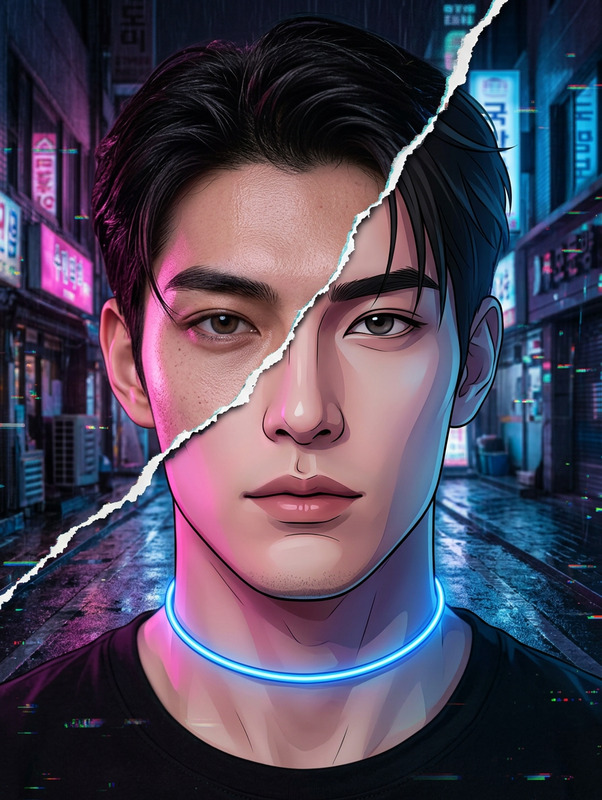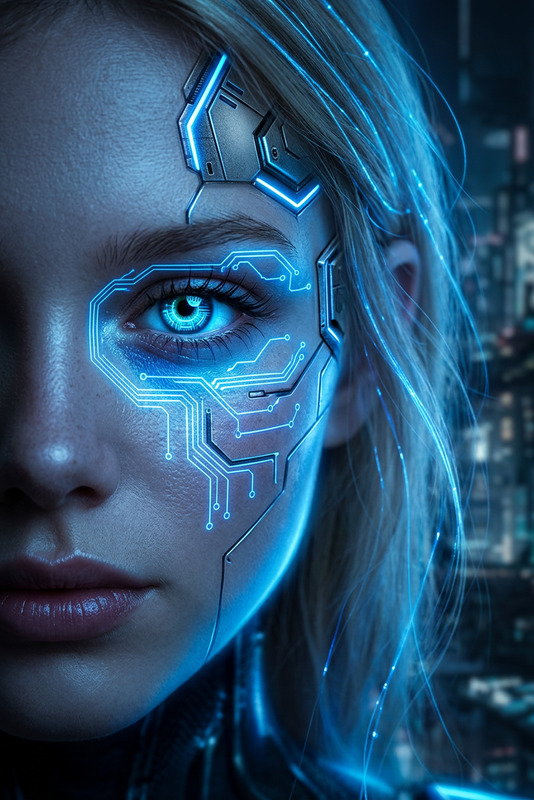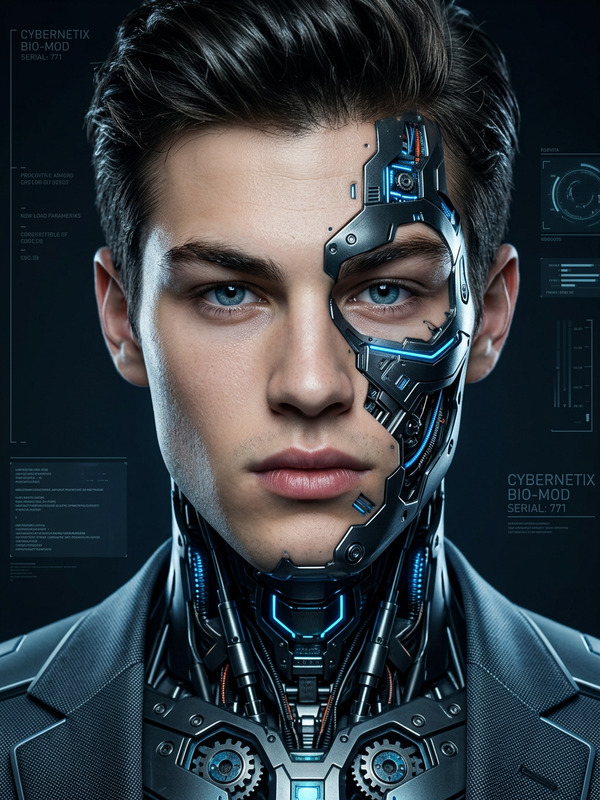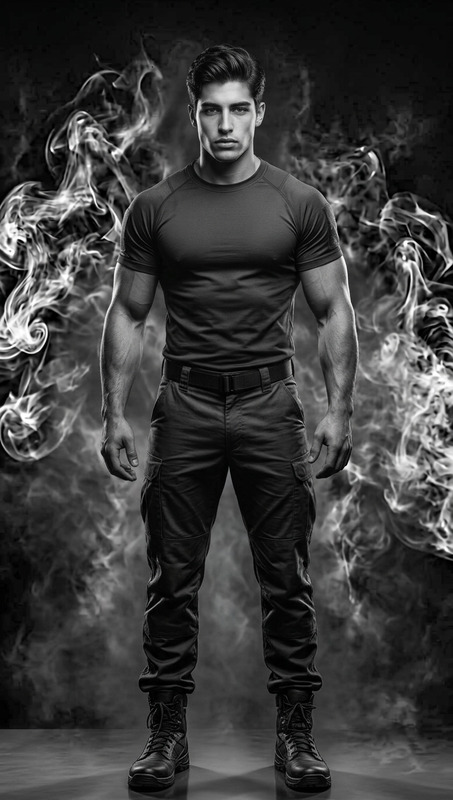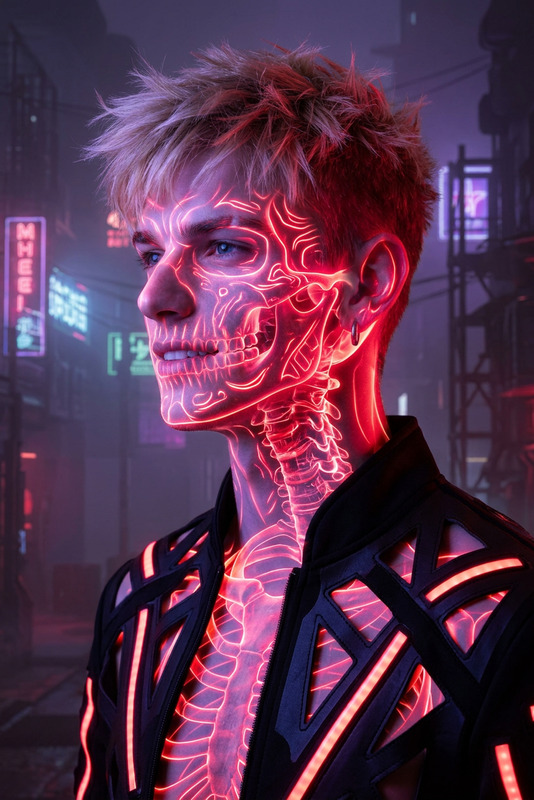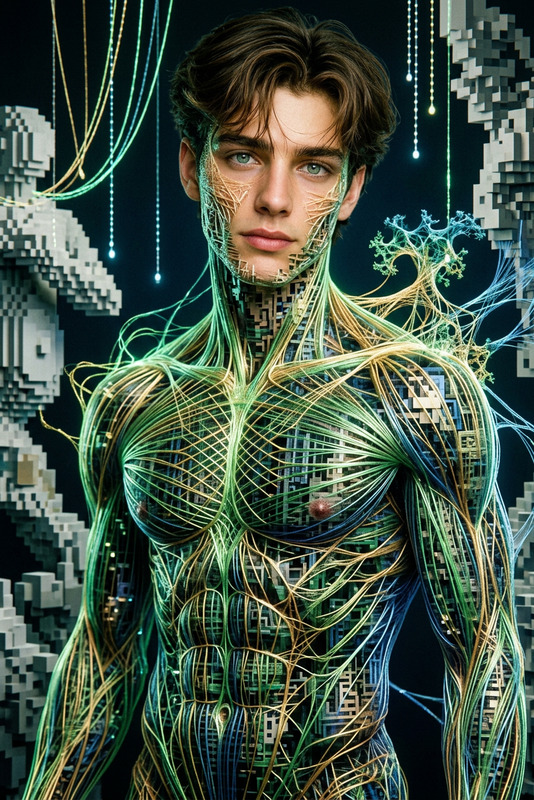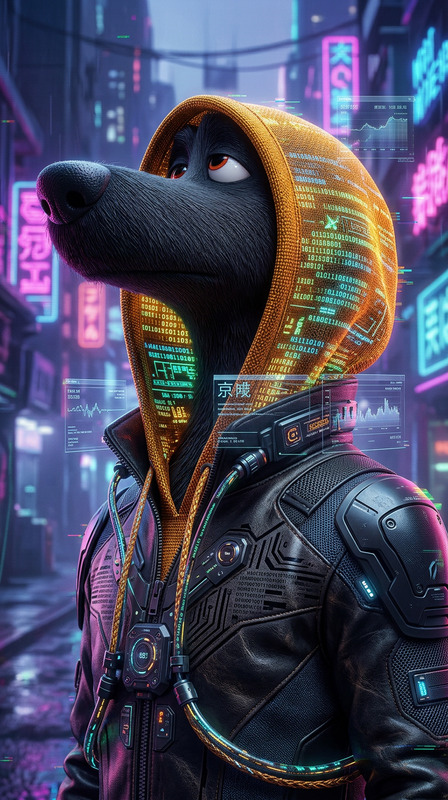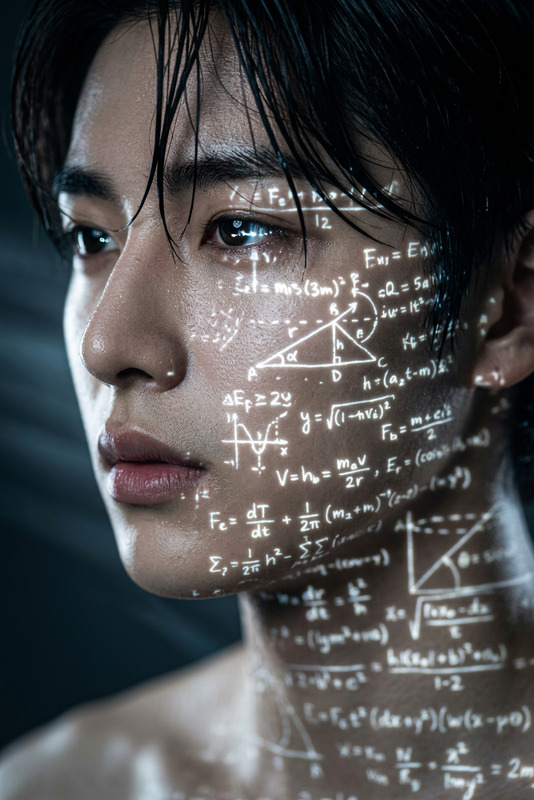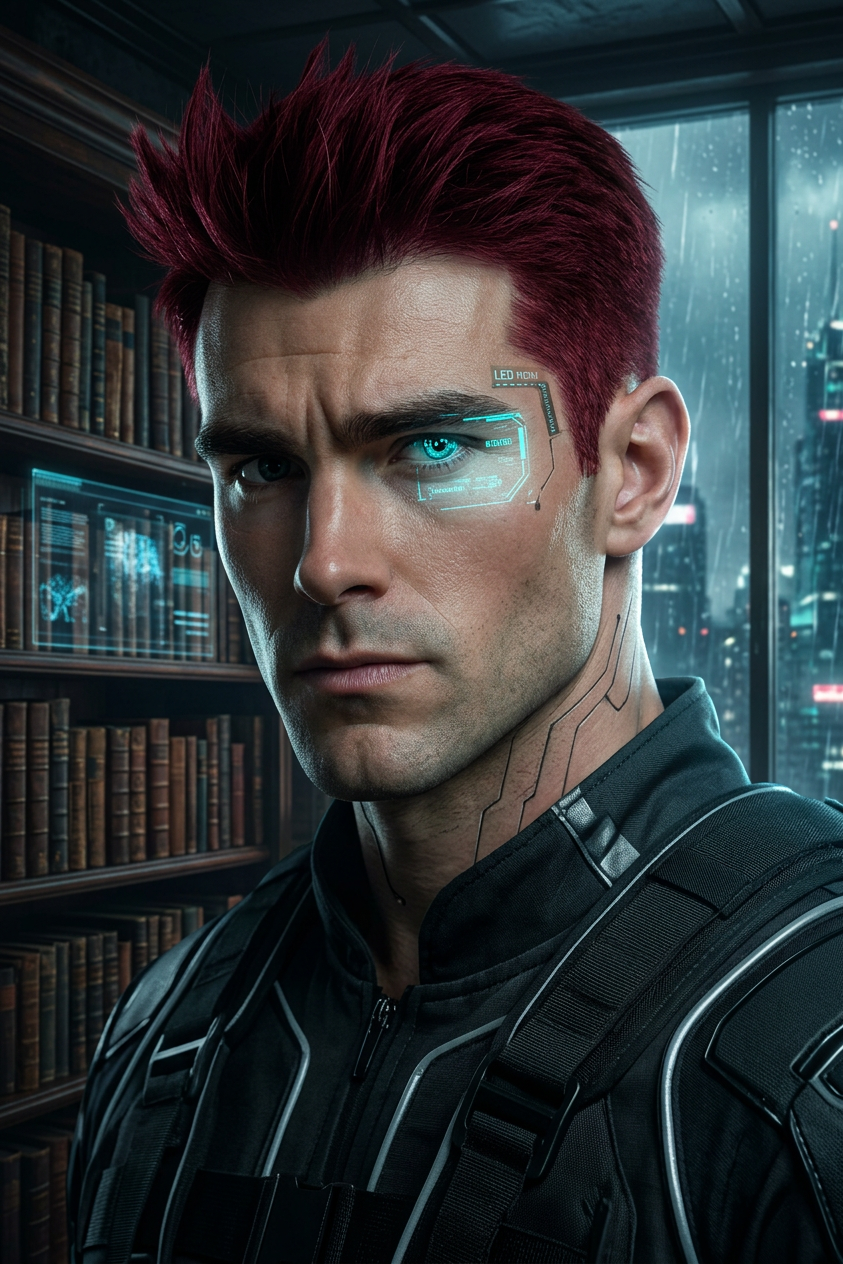
Crimson Cyberpunk Study
- Model
- Nano Banana 2
- Image
- 843 × 1264 px
Prompt
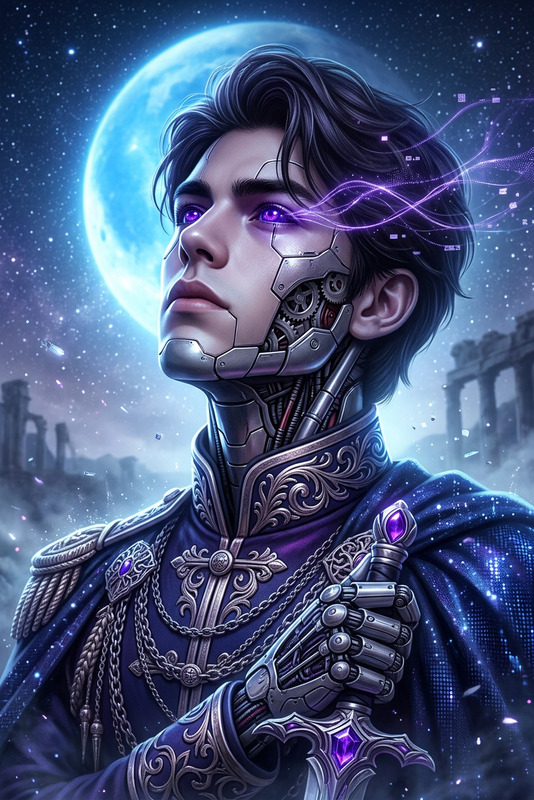
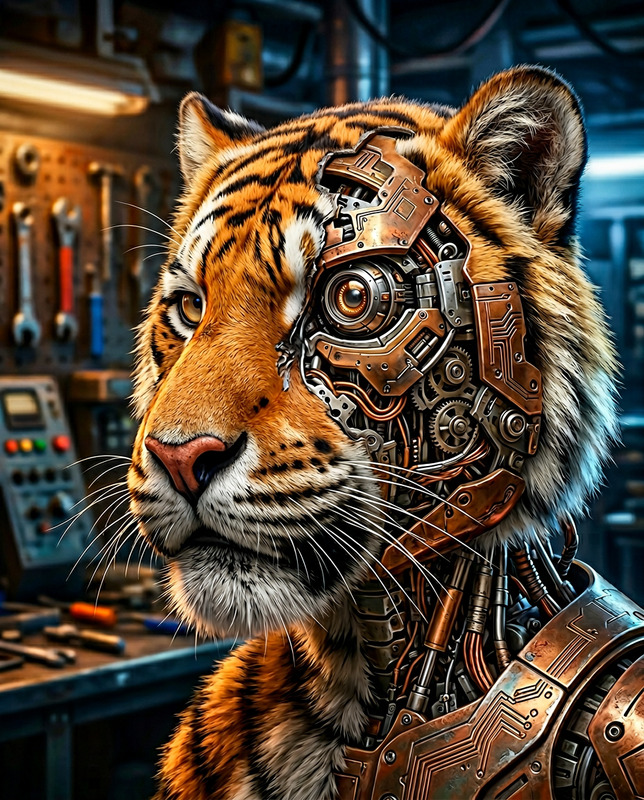
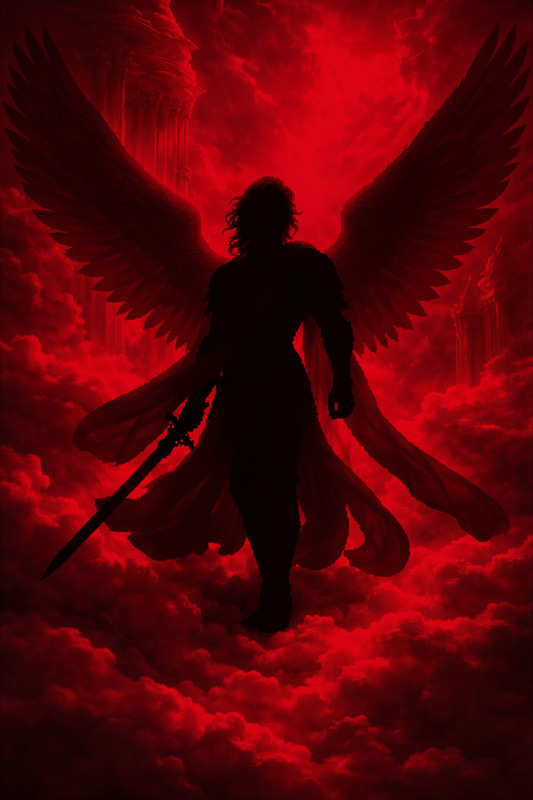
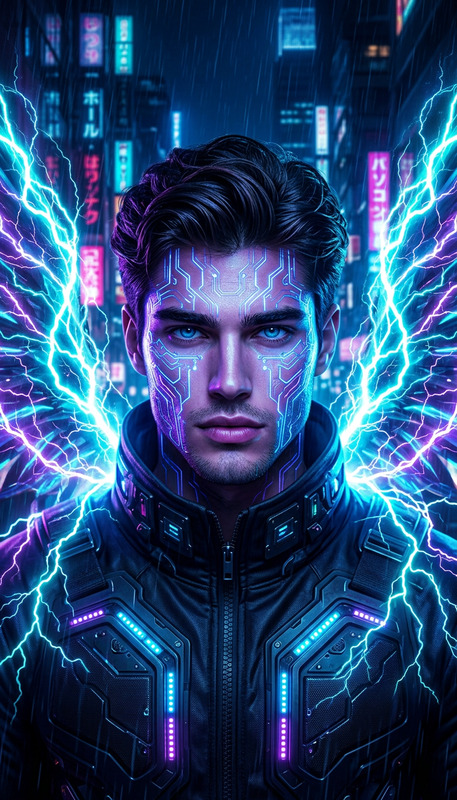
Subject transforms into a cyberpunk figure in an intimate library setting, close-up portrait with deep crimson hair. Moody evening atmosphere with dramatic rim lighting and soft shadows. Hyper-realistic fashion photography style, ultra-detailed features with ray-traced reflections. Clean, flawless anatomy, sharp focus, no artifacts, polished and captivating visual.
Any aspect ratio
Overview
Welcome to the Crimson Cyberpunk Study, an advanced AI Image Editor template crafted using the nano-banana-2 model. This tool is ideal for creating impactful images that blend cyberpunk aesthetics with a personal, library-themed backdrop. The high-resolution output delivers crisp visual details, accentuated by dramatic lighting effects. Elevate your projects with visuals that speak the language of future tech and individualism.
What It Does
The Crimson Cyberpunk Study transforms an ordinary subject into a striking cyberpunk icon, perfectly suited for projects demanding intense and moody visuals. It features deep crimson hair and a library setting, enhanced by rim lighting and shadows. This template is part of our robust image editing suite, working seamlessly with the AI Image Editor to ensure precise detailing and flawless anatomy.
Who It's For
This template attracts creative professionals seeking to express a futuristic narrative through imagery. Ideal for photographers, digital artists, and marketers exploring AI-driven product photography or anyone in need of creating captivating visuals for marketing campaigns, social media posts, or art projects. Its design meets the needs of those aiming to integrate a high-tech, artful touch into their work.
Summary
With Crimson Cyberpunk Study, instantly convert your images into high-fashion, cyberpunk portraits ready for any modern aesthetic. By leveraging the power of AI Image Upscaler, the final product is polished, with ultra-realistic elements that enrich your creative toolkit.
How To
Choose Your Template

Customize Your Inputs

Generate and Save

Use Cases
Futuristic Fashion Campaigns
- Create bold and thematic images for campaigns
- Integrate dramatic lighting for impactful visuals
Social Media Aesthetic Enhancement
- Design stunning images easily shareable on social platforms
- Craft unique and personalized user avatars
Artistic Digital Projects
- Produce high-quality prints with a distinctive look
- Experiment with color and lighting techniques
Best Practices
Optimize Lighting
Pay attention to the rim lighting settings to enhance the mood of your image and add depth to the subject.Focus on Details
Ensure the image’s features are sharply focused, leveraging the model's ability to produce clean, artifact-free results.Experiment with Textures
Utilize the library backdrop creatively by adjusting textures to add uniqueness to your final image.