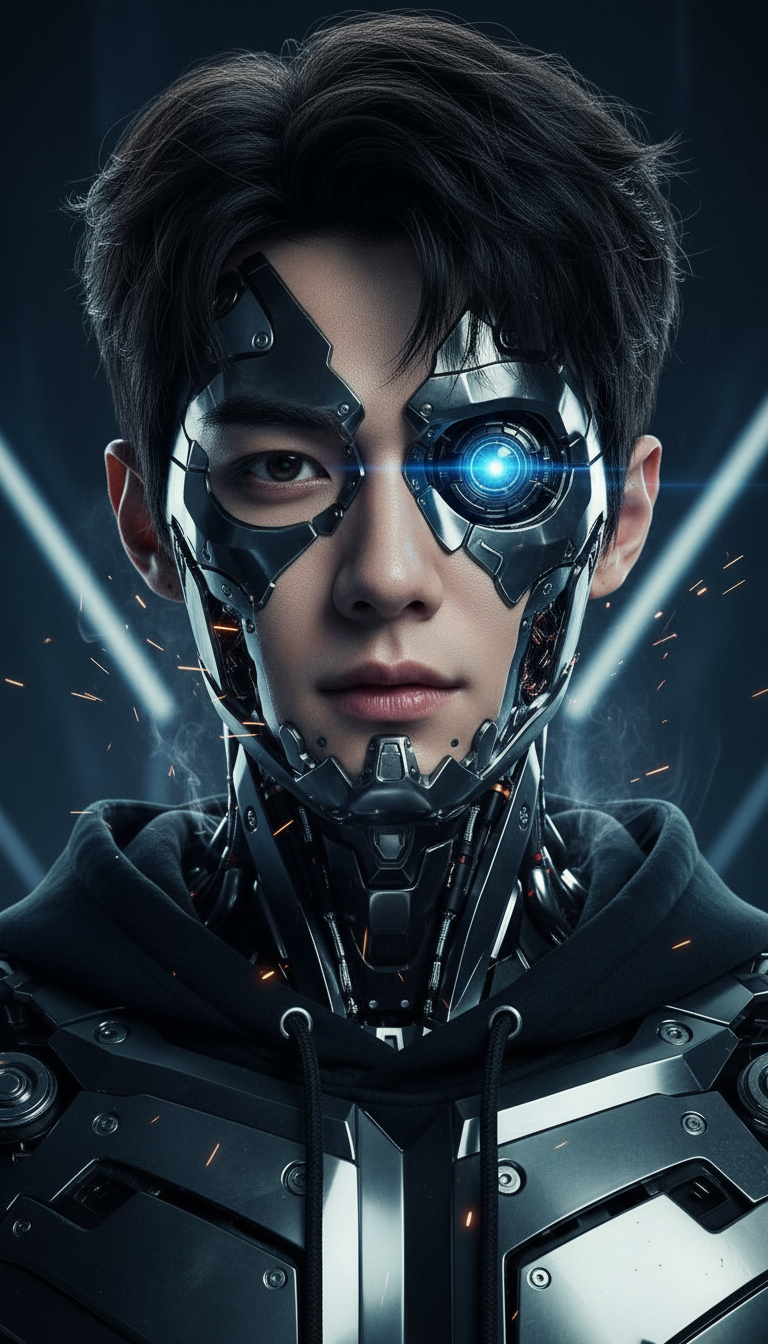
Cyborg

Cyborg

ai-image-editor

1 clip
0 uses

Any aspect ratio

Prompt

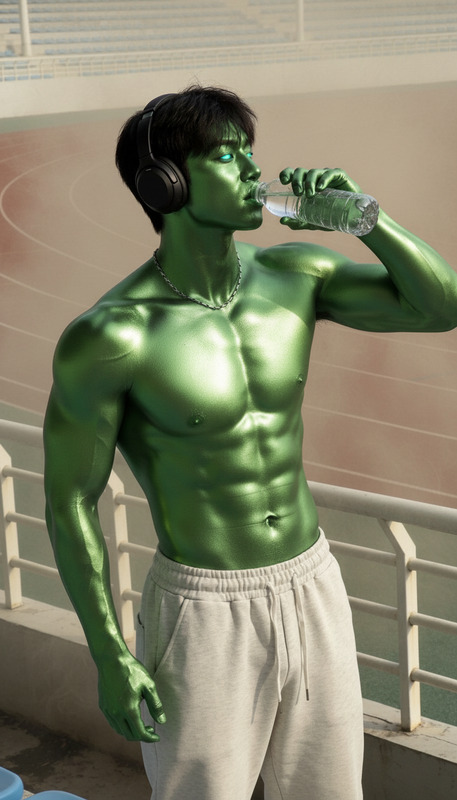
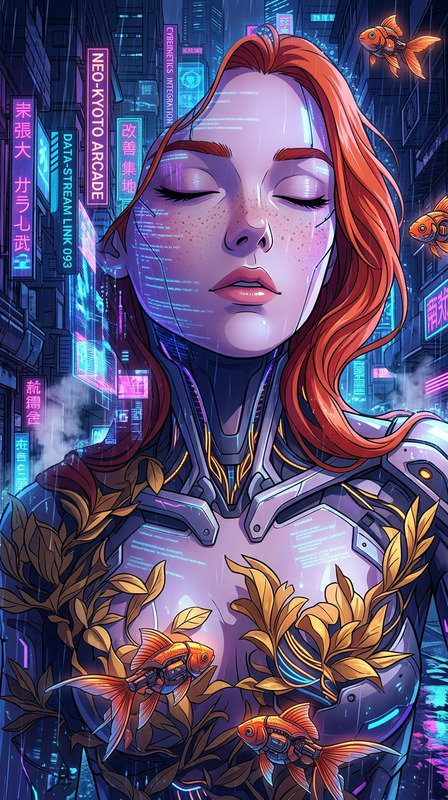
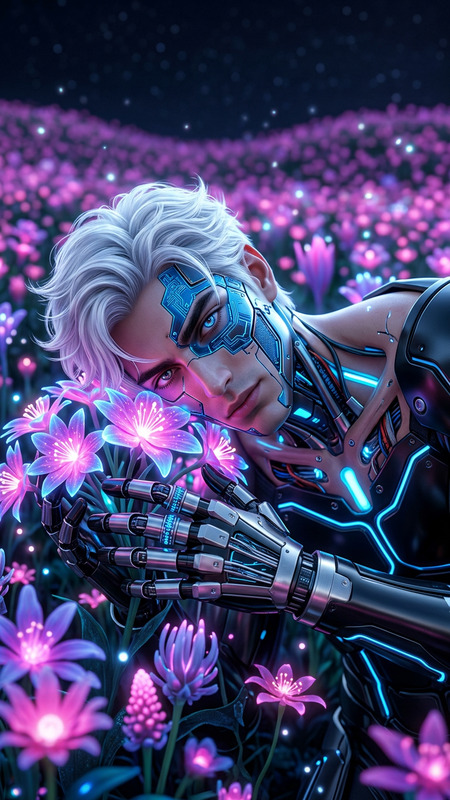
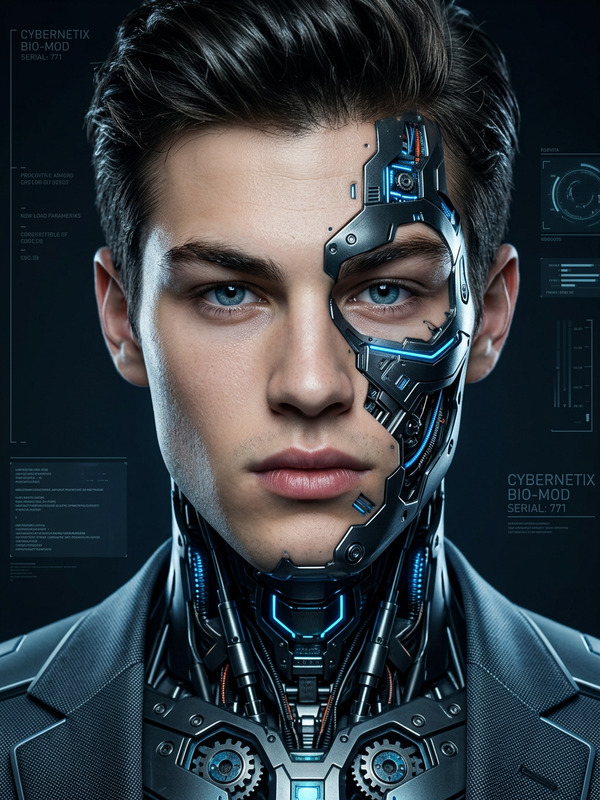
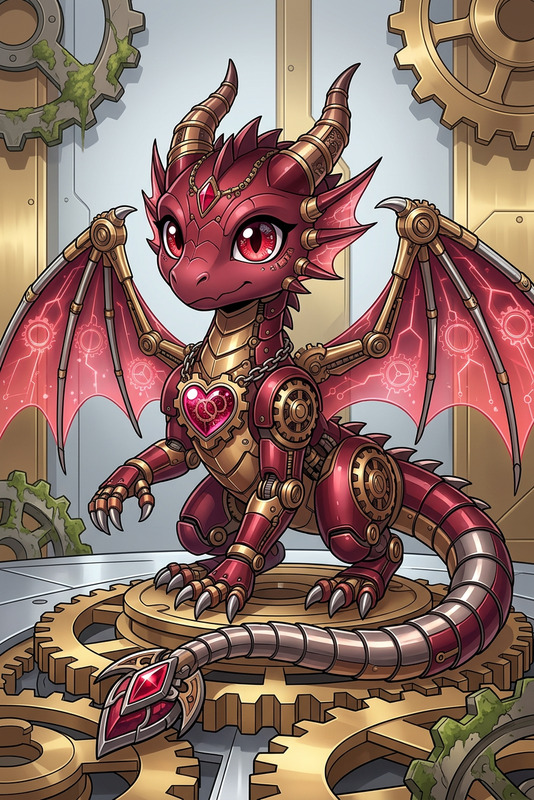
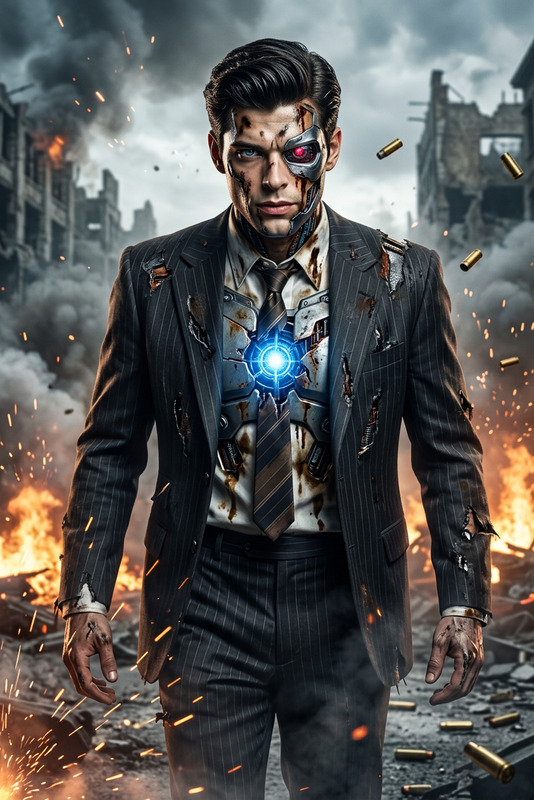
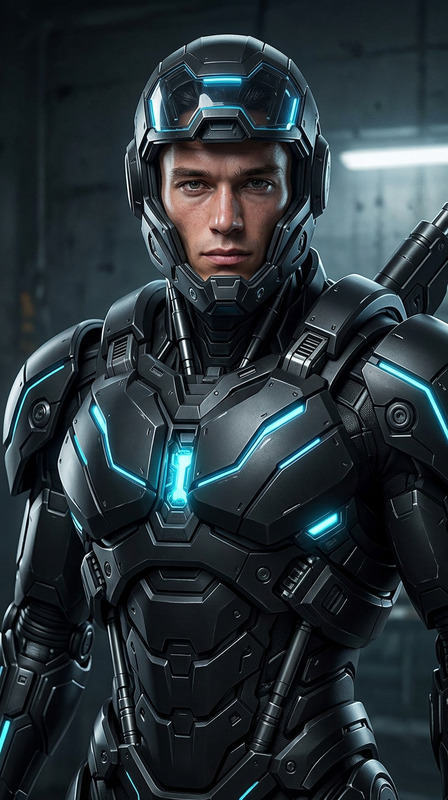
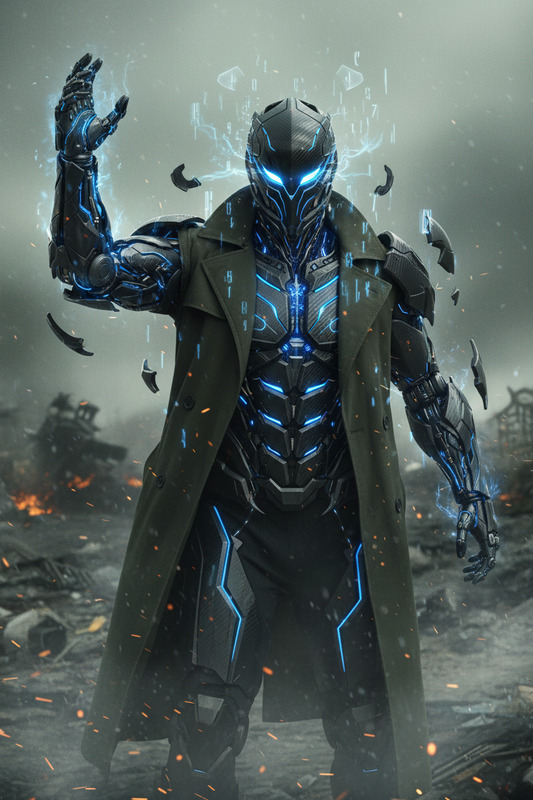
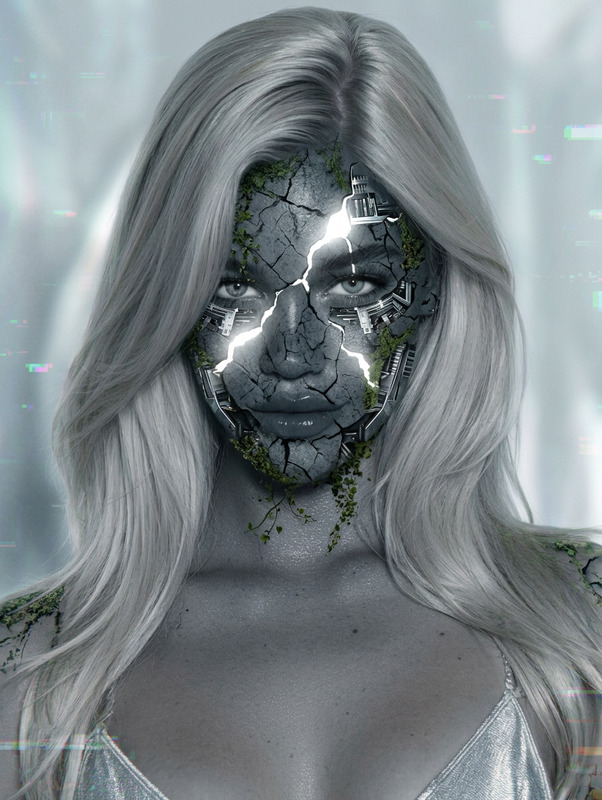
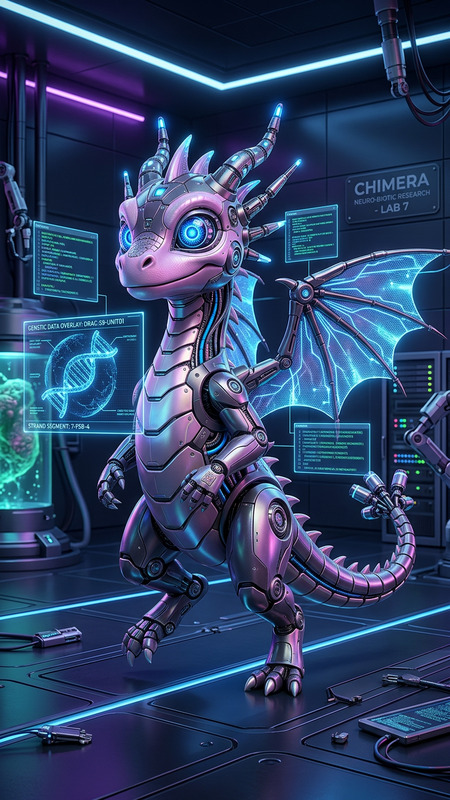
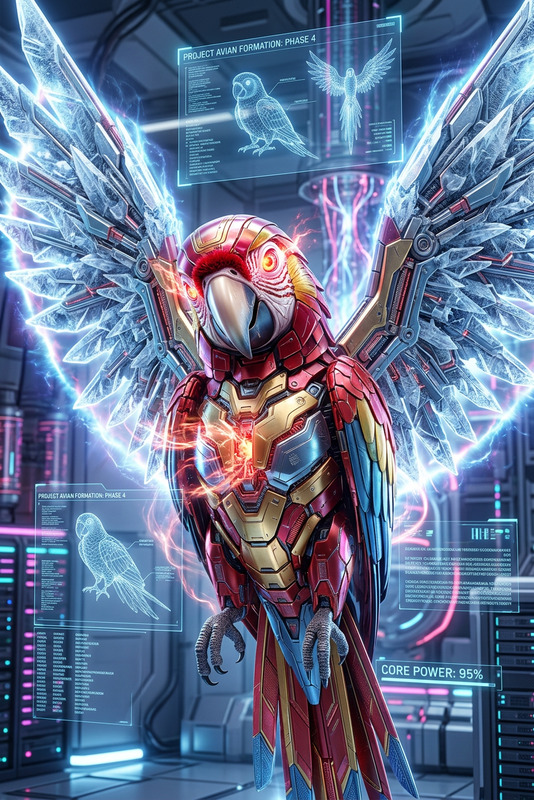
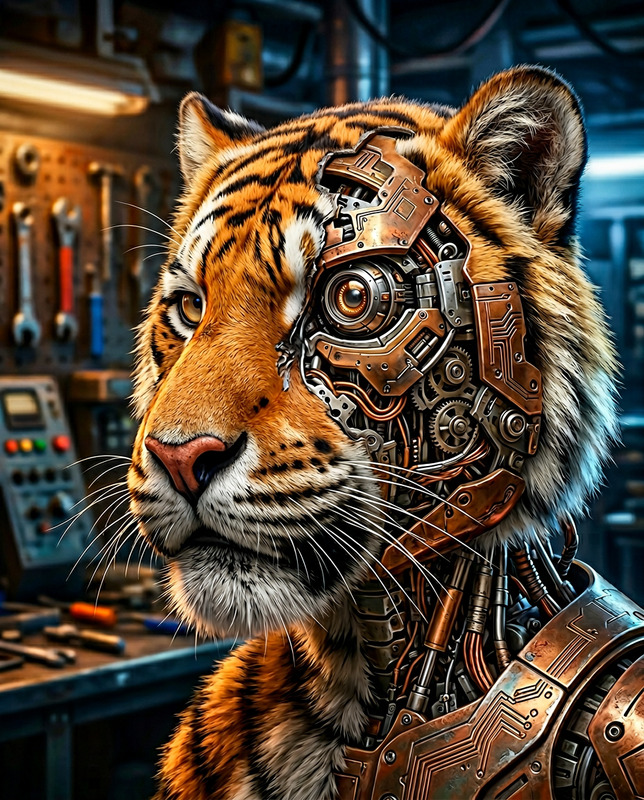
A cinematic medium close-up of a subject transforming into a cyborg, as metallic plating seamlessly fuses with flesh. Sleek mechanical components emerge across the face and body, with exposed circuits and glowing lines embedded beneath the skin. One eye shifts into a high-tech lens, emitting a cold light. The subject appears strong, futuristic, and intimidating, standing still with a controlled, powerful presence. Cool-toned lighting with sharp reflections on metal surfaces, subtle sparks and mechanical details, dark minimal background, ultra-realistic, high detail, HDR, sharp focus, cinematic atmosphere.

Tags

transformations

AI Image Editor Template: Edit Any Image in Seconds

Use this template as a fast starting point for precise, high‑quality AI image edits in Magic Hour. Whether you’re cleaning up product photos, fixing portraits, or mocking up campaign ideas, this template shows you exactly how to go from “rough image” to “ready to publish” in a few clicks.


What You Can Do With This Template

This template is built on the AI Image Editor and is ideal for:

  • Content creators & marketers

    • Clean up social content, ads, and thumbnails
    • Remove distractions, logos, or watermarks from assets you own
    • Quickly generate variants for A/B testing
  • Designers & product teams

    • Replace backgrounds for product photography
    • Swap objects, tweak colors, and adjust composition
    • Create fast mockups for landing pages, decks, and client reviews
  • Developers & startup builders

    • Iterate on UI/UX screens and visual concepts
    • Produce placeholder or “good enough” imagery for MVPs
    • Align a collection of images to a consistent visual style

If you’re familiar with tools like Photoshop’s Generative Fill, this template gives you a similar “describe what you want, AI does the rest” workflow—directly in the browser.


How to Use This Template in Magic Hour

You can either use this template as‑is or remix it into your own custom workflow.

1. Start from the template

  1. Open Magic Hour and load this AI Image Editor template.
  2. Upload the image you want to edit (JPG or PNG work best).
  3. Use the brush to mark the part of the image you want to change (object, background area, or empty space where you want to add something).

2. Describe your edit in natural language

The power of this template comes from clear, specific prompts. In the prompt box, describe:

  • What should change
    • Example: “Remove the coffee cup on the table and extend the wood texture.”
  • What should appear (if anything) in its place
    • Example: “Replace it with a closed silver laptop, viewed from above.”
  • Style or constraints (optional but helpful)
    • Example: “Match the existing lighting and shadows, realistic, commercial photography style.”

You don’t need special syntax. Plain English (or any supported language) works well.

3. Generate and refine

  • Run the edit to see several options.
  • Pick the strongest result, then:
    • Re‑edit a smaller region if something is off.
    • Stack multiple edits (e.g., first remove clutter, then adjust background, then retouch the subject).

How to Remix This Template Into Your Own

Remixing lets you turn this template into a reusable editing pipeline tailored to your workflow.

Here are some remix patterns that work well in Magic Hour:

A. Product Photo Cleanup Template

Use this template as a base to create a “product‑only” cleaner:

  1. Start from this AI Image Editor template.
  2. Save a version that you always use for:
    • Removing dust, reflections, and background clutter
    • Replacing messy backgrounds with simple gradients or studio backdrops
  3. Pair it with:

Prompt examples to bake into your own instructions:

  • “Remove all objects except the main product and extend the surface.”
  • “Replace the background with a soft gradient in brand colors, studio lighting, realistic shadows.”

B. Social Media / Creator Template

Turn this into a creator‑focused template you can reuse for:

  • Thumbnails, cover images, and posts
  • Memes and quick visual experiments
  • Personal branding content

Combine with:

Examples of reusable prompt patterns:

  • “Add bold, high‑contrast text in the top left, leave space around the main subject.”
  • “Change the background to an urban night cityscape, neon lighting, cinematic.”
  • “Turn this normal photo into an illustrated style while keeping the same pose and framing.”

C. Portrait & Face Editing Flow

Use this template as a non‑destructive way to clean up and experiment with portraits:

  • Blemish and distraction removal
  • Background simplification
  • Light styling and scene changes

You can chain it with:

Prompt examples:

  • “Smooth minor skin imperfections, keep natural texture and pores.”
  • “Replace the background with a blurred office environment, shallow depth of field, natural light.”
  • “Add soft, cinematic lighting from the left, keep the subject realistic.”

Advanced Use Cases and Workflows

This template is also a strong building block in more complex creative pipelines:

Turn a Static Edit Into Animation or Video

  1. Use this template to finalize a clean, on‑brand image.
  2. Then move into motion tools:

This is especially useful for:

  • Ad creatives
  • Social teasers
  • Product explainers

Build Character or Brand Systems

Use the template to lock in a consistent look and feel for characters or brand visuals:

You can later bring these characters to life with:

Visual Experiments for Campaigns & MVPs

For marketers and founders, this template is effective for “fast‑forwarding” visual decisions:

  • Mock up different homepage hero images
  • Test alternative product shots for landing pages
  • Explore ad concepts before committing to a photoshoot

Combine with:


Prompting Tips for Reliable Results

While the AI Image Editor is flexible, your prompts strongly influence quality. Here are patterns that tend to work best:

1. Be concrete, not abstract

  • Better: “Change the sky to a clear blue sunset with warm orange light on the buildings.”
  • Worse: “Make it more dramatic and nice.”

2. Reference what should stay the same

  • “Keep the subject’s pose and facial expression the same, only change the clothing to a black hoodie.”
  • “Keep the same camera angle and composition, just remove all people in the background.”

3. Describe style explicitly when you care about it

  • “Realistic studio photography, soft shadows, high dynamic range.”
  • “Flat illustration style, bold outlines, pastel colors.”
  • “Pixel art, 32x32 style, limited color palette.”

For deeper experimentation, you can draw style inspiration from:

  • Existing brand guidelines
  • References from design platforms (Dribbble, Behance, etc.)
  • Art and photography movements (e.g., “cinematic teal‑and‑orange color grading,” “Kodak Portra‑style film look”)

When to Use Related Magic Hour Tools Instead

This template is ideal when you already have an image and want to edit it. For nearby tasks, you might want to start elsewhere:

You can always combine those tools with this AI Image Editor template to tighten, clean, or adapt the results.


Practical Uses by Role

For marketers and growth teams

  • Rapidly localize visuals for different regions and audiences
  • Generate multiple ad variants from a single base photo
  • Align campaign imagery across channels (web, social, email) with consistent style

For founders and product builders

  • Create investor‑ready visuals without a design team
  • Generate landing page imagery while your product is still in development
  • Quickly update visuals as your product UI or brand evolves

For designers and creative studios

  • Speed up concept exploration and client revisions
  • Use AI editing for exploration, then finalize pixel‑perfect details manually if needed
  • Build internal “edit recipes” (remixed templates) for recurring client work

Get More From Magic Hour’s Ecosystem

The AI Image Editor template is one node in a larger system of creative tools. Once you’re comfortable with it, you can extend your pipeline with:

Each of these can feed into or benefit from the AI Image Editor template, giving you a flexible, end‑to‑end creative workflow.


Use this template as your reliable “edit anything” starting point. Remix it, chain it with other Magic Hour tools, and turn one good image into a full set of polished, on‑brand visuals—without leaving your browser.

More Like This