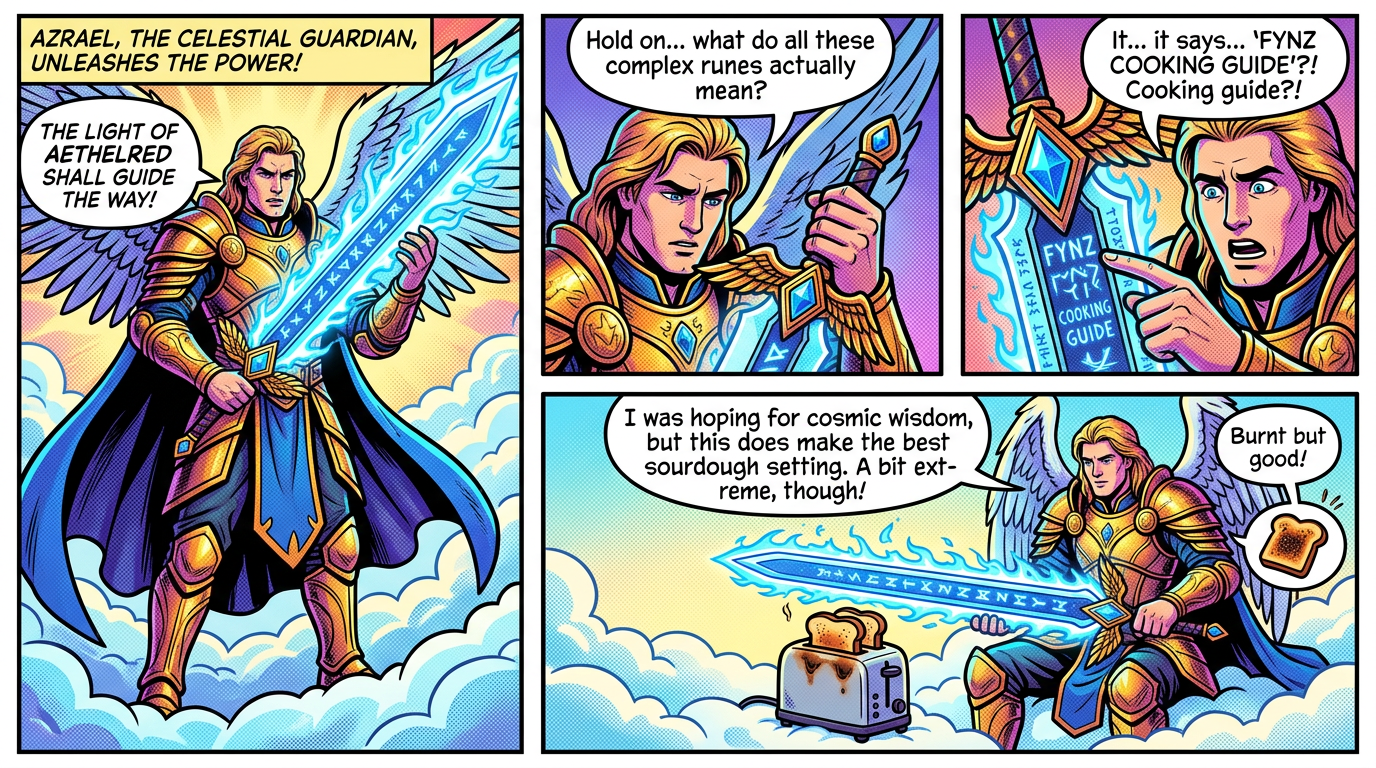
Comic Burst

Comic Burst

ai-image-editor

1 clip
4 uses

Any aspect ratio

Prompt

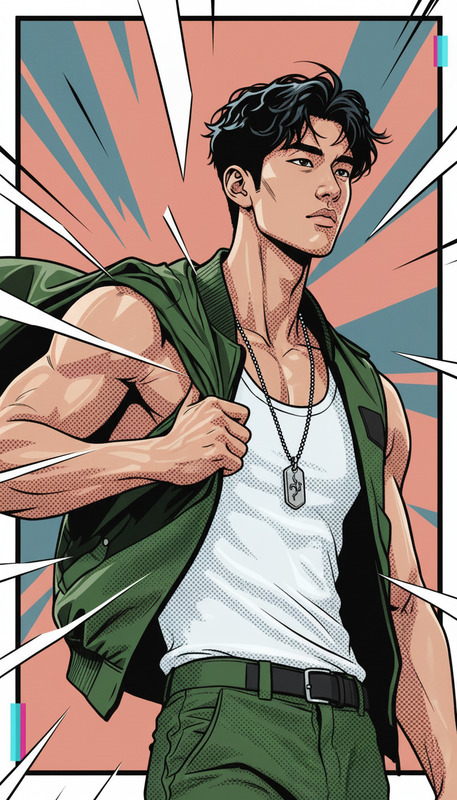
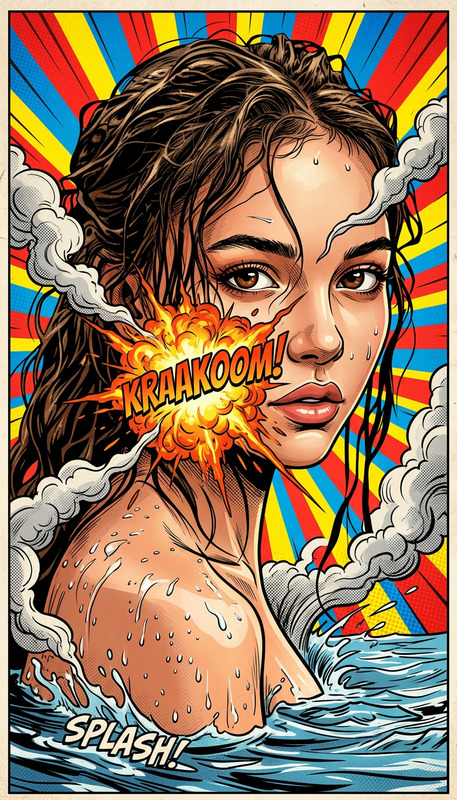
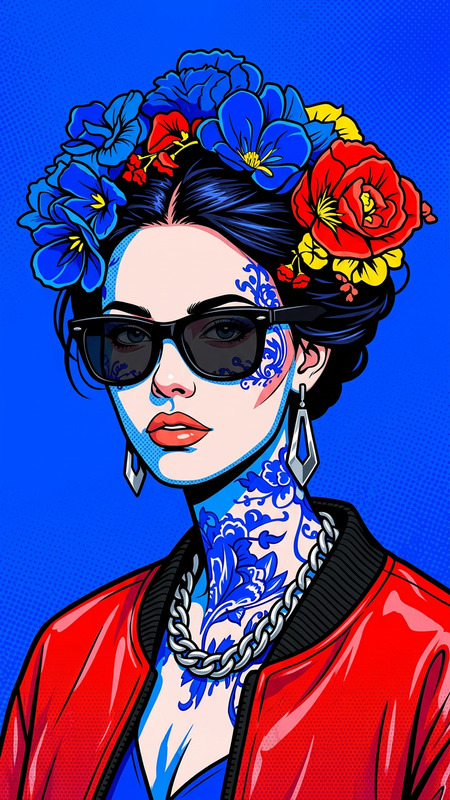
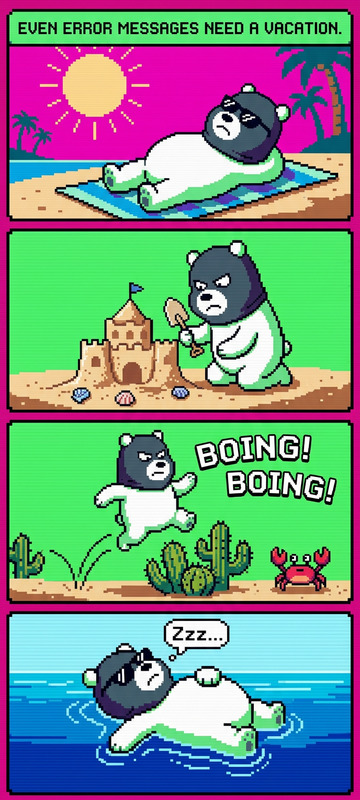
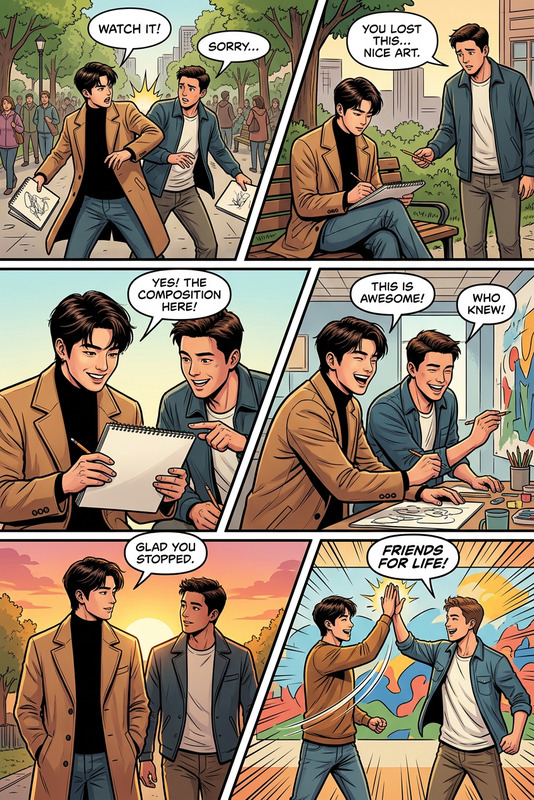
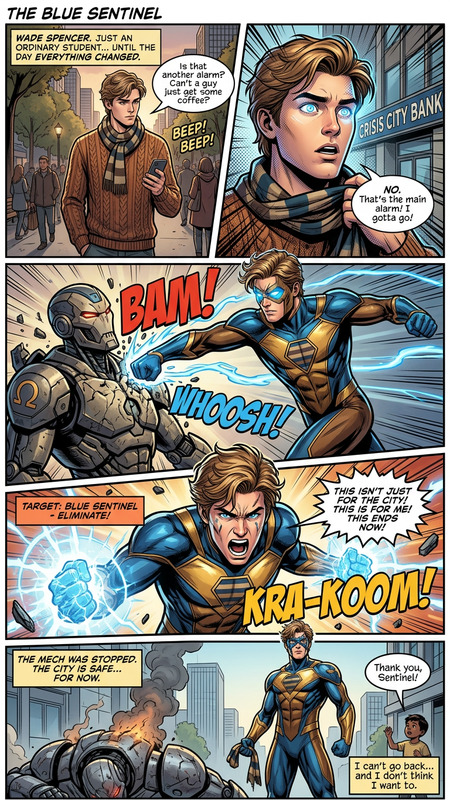
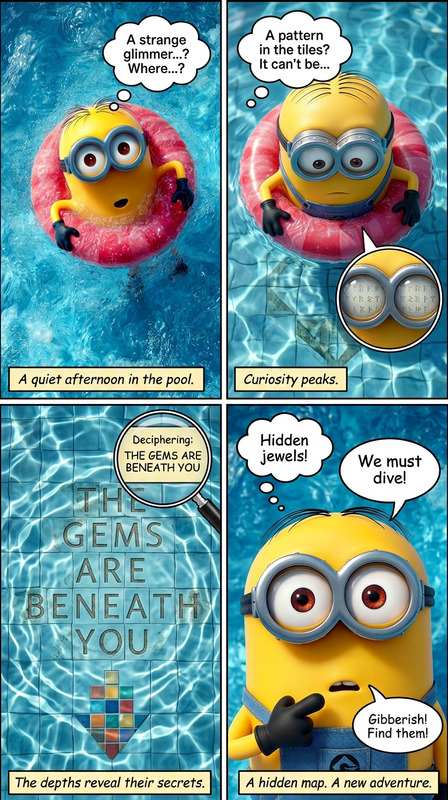
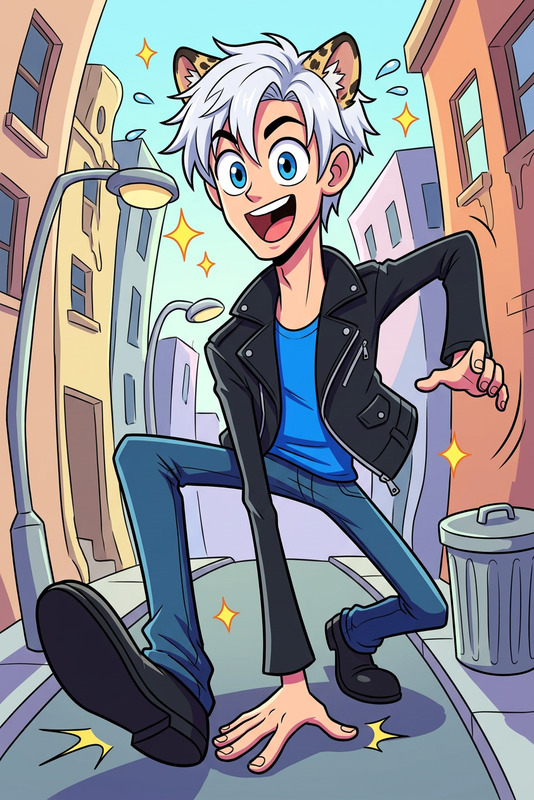
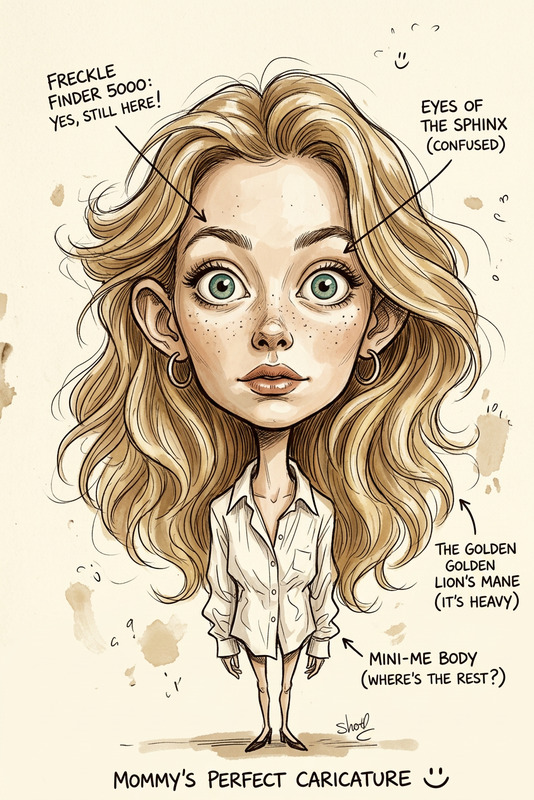
Create a comic strip using the subject from the uploaded image. Style the comic strip in a bold Sunday funnies style with thick outlines, halftone textures, and bright 1980s colors. Pick one clear, exaggerated visual element from the photo and build the story around it, leading to a funny or unexpected payoff. Keep the dialogue short, natural, and easy to read, and make sure the joke lands clearly at a glance with no randomness or confusion.

AI Image Editor Template: Realistic Apparel Swap for Product & Lifestyle Photos

Use this template to instantly change clothing in any photo while keeping faces, lighting, and backgrounds natural and consistent. It’s built with the AI Image Editor and is ideal for:

  • E‑commerce product shots
  • Fashion lookbooks and flat-lay mockups
  • Social media campaigns and creator content
  • A/B testing ad creatives without re‑shooting

What this template does

This template is designed to:

  • Replace or restyle clothing on real people while preserving their face and pose
  • Keep original lighting, shadows, and camera angle so edits look like real photos, not filters
  • Work across studio shots, street photography, mirror selfies, and lifestyle content
  • Generate multiple outfit variations fast, so you can compare and iterate

Because it uses the AI Image Editor, you can:


How to remix this template in Magic Hour

You can turn this template into your own reusable workflow in a few minutes:

  1. Open AI Image Editor
    Go to the AI Image Editor. Upload a sample product or lifestyle photo you’d like to use as your base.

  2. Define what you want to change
    Clearly describe the clothing you want to add or modify (e.g., “black tailored blazer over a white t‑shirt” or “oversized vintage denim jacket, medium-blue wash”).

    • Be explicit about: color, fit, fabric, length, and style
    • If you have brand rules, mention them in the prompt (e.g., “minimalist, solid colors, no large logos”)
  3. Protect the subject’s face and identity
    In your prompt, specify that the face, hair, and body shape should remain unchanged so the person still looks like themselves.
    For more face-focused edits (e.g., beauty work, subtle retouching), you can combine this with the AI Face Editor or AI Headshot Generator.

  4. Lock in your brand style
    Add style constraints so results stay consistent across a campaign:

    • “Studio lighting, clean white background, e‑commerce ready”
    • “Natural light lifestyle shot, shallow depth of field, editorial fashion look”
      You can also generate on-brand backdrops using the AI Background Generator and then refine outfits with this template.
  5. Save your prompt as a template
    Once you like the output, save your prompt and workflow as a remixable template in your Magic Hour workspace.

    • Create variations for categories: “T‑shirts,” “Outerwear,” “Formalwear,” “Athleisure,” etc.
    • Use them repeatedly across models, seasons, and shoots for consistent visual style.
  6. Optional: Extend into video or motion
    After you finalize apparel images, you can:


Best practices for realistic apparel edits

To get production-grade results:

  • Start from solid source images
    Use sharp, well-lit photos with clear separation between clothing and background. If your photo is low-res or blurry, run it through Unblur Image or the AI Image Upscaler first.

  • Be specific in your clothing prompts
    Replace vague prompts (“nice jacket”) with precise descriptions:

    • “Cropped black leather biker jacket with silver zippers, matte finish”
    • “Slim-fit navy suit jacket, subtle texture, no pattern, 2‑button”
  • Keep consistency across a collection
    When building multi-product catalogs:

    • Reuse the same base prompts and language
    • Align styles with your brand (e.g., “Scandinavian minimalist, neutral palette”)
    • Use the same lighting and background phrases
  • Combine with AI clothes workflows when needed
    For full wardrobe experimentation or fashion ideation, pair this template with:


Example use cases

This template is especially useful if you are:

  • E‑commerce & DTC brands

    • Turn one photoshoot into dozens of SKUs by swapping colors and styles on the same model
    • Localize catalogs (e.g., different seasonal outfits per region) without re‑shooting
    • Update legacy product imagery to match current branding using the Photo Colorizer and this editor
  • Creators & marketers

  • Product & startup teams

    • Test visual directions before committing to costly shoots
    • Validate which styles convert better by running A/B tests on apparel variations
    • Produce internal mocks and pitch decks quickly using the AI Art Generator plus this apparel template

Extending this template with other Magic Hour tools

Once you have your edited apparel images, you can build full creative pipelines:


Related templates and workflows to explore

If you like this template, you may also want to explore:


How to customize this template for your own workflow

To create your own variant of this AI Image Editor template inside Magic Hour:

  1. Pick 3–5 representative photos (different poses, backgrounds, and body types).
  2. Run each through the AI Image Editor with slightly adjusted outfit prompts.
  3. Identify which prompt phrasing gives the most consistent, on-brand results.
  4. Save that prompt as your “base apparel template” and create named versions for each product line or season.
  5. Share the saved templates with your team so designers, marketers, and content ops all use the same workflows.

This gives you a repeatable, scalable system for apparel image creation, grounded in one optimized AI Image Editor template that you can keep refining as your brand evolves.

More Like This

Insufficient credits