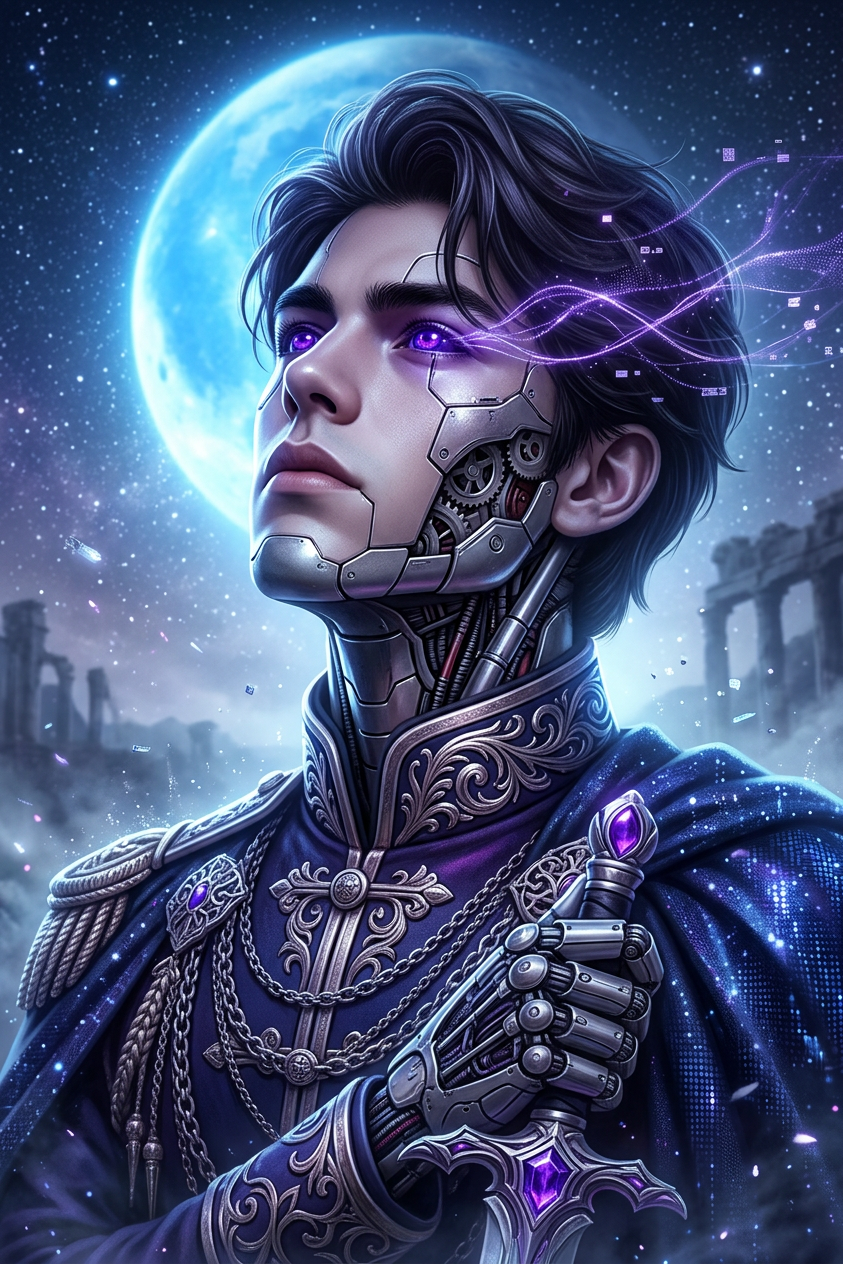
Violet Ascension Protocol
- Model
- Nano Banana 2
- Image
- 843 × 1264 px
Prompt
Close-up sci-fi fantasy portrait of the subject as a cyborg with intricate facial mechanics, deep glowing purple eyes, gazing upward. Cybernetic implants and exposed wiring along head and shoulders, with luminous violet data streams woven through the hair. Background features a cosmic sky with a bright blue moon/planet and faint ancient ruins. Dramatic backlighting defines facial contours and reflective metal surfaces, with floating light particles. Palette of deep blues, purples, and silver, hyperrealistic digital art with a mystical, ethereal atmosphere.
Any aspect ratio
Overview
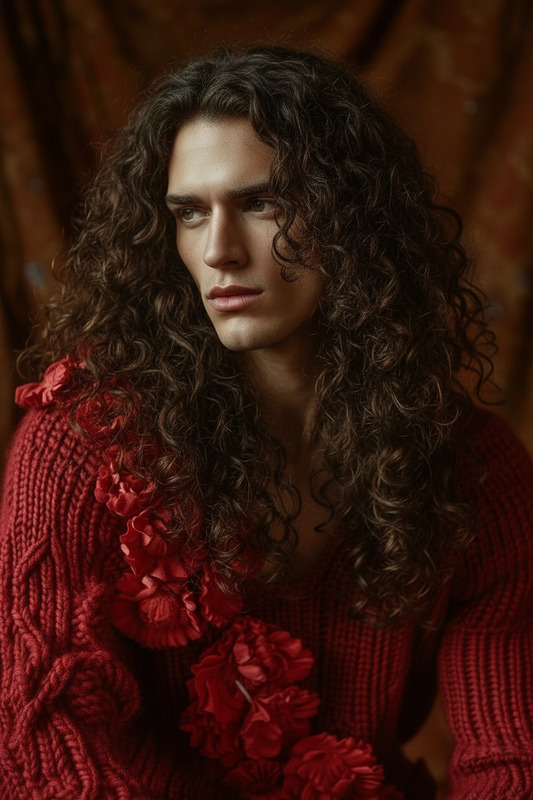
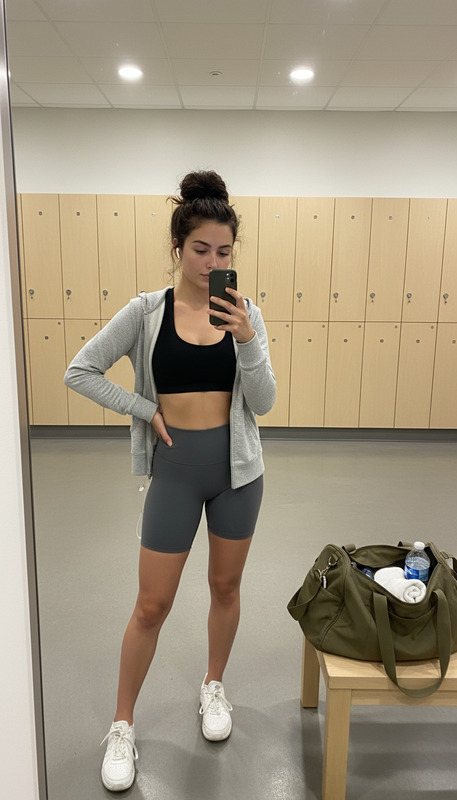
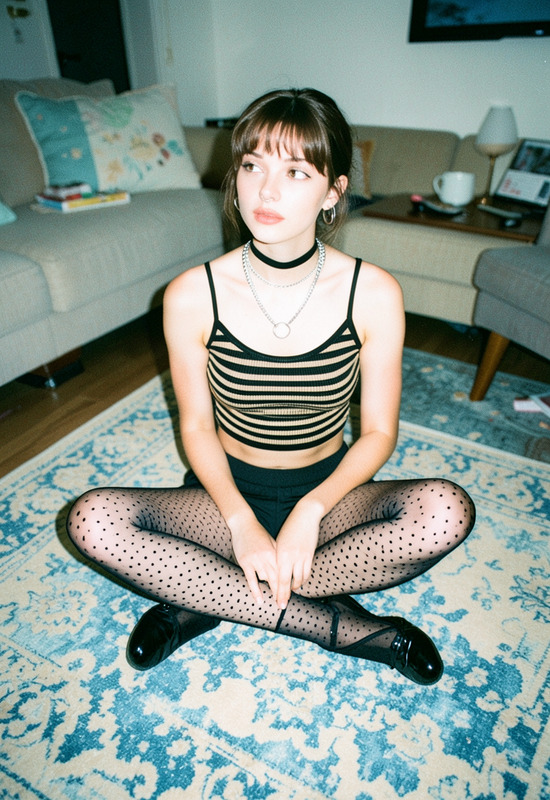
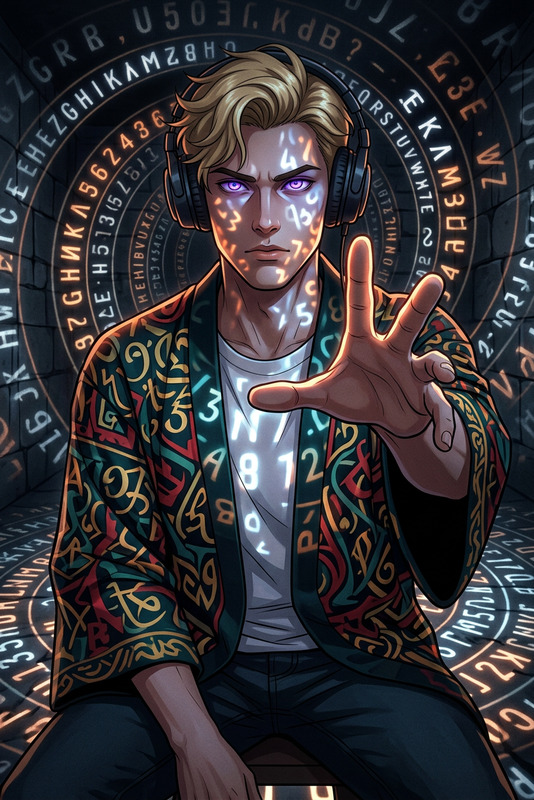
The Violet Ascension Protocol template is a powerful AI Image Editor tool that transforms ordinary images into futuristic sci-fi portraits. This template employs the nano-banana-2 model to craft hyperrealistic digital art with deep blues, purples, and silver tones, creating a mystical, ethereal atmosphere.
What It Does
The template converts a regular portrait into a close-up sci-fi fantasy image with cybernetic features. The subject is depicted as a cyborg with intricate facial mechanics, glowing purple eyes, and a cosmic background. It's designed to create high-impact images, perfect for projects that demand a futuristic, otherworldly aesthetic.
Combined with our AI Image Editor, you get fine-tuned control over the transformation process, enhancing images with precision.
Who It's For
This template is ideal for digital artists, content creators, and marketers in tech-related fields who wish to elevate their visuals. Whether for social media, gaming graphics, or promotional materials, the Violet Ascension Protocol engages your audience with captivating, futuristic visuals.
Leverage the expertise of our Character Replace tool if your project requires unique character designs within these compelling images.
Summary
The Violet Ascension Protocol offers a blend of art and technology, turning standard images into striking sci-fi visuals. Use this template along with the AI Image Generator for creating dynamic, engaging content that stands out in your media portfolio.
How-To
Choose the Template

Customize Your Image

Generate the Final Image

Use Cases
Futuristic Artwork
- Ideal for gallery exhibitions
- Digital art competitions
Tech Marketing Materials
- Eye-catching trade show displays
- Innovative ad campaigns
Social Media Graphics
- Engaging Instagram stories
- Attention-grabbing Twitter headers
Best Practices
Select High-Quality Source Images
Begin with clear, well-lit images of your subject to ensure the best input for transformation.Adjust Cybernetic Details Thoughtfully
Customize the intricacy of cybernetic elements to fit your narrative vision, balancing complexity with visual clarity.Experiment with Lighting
Leverage the template's backlighting options to highlight the metallic and robotic surfaces for a dramatic effect.