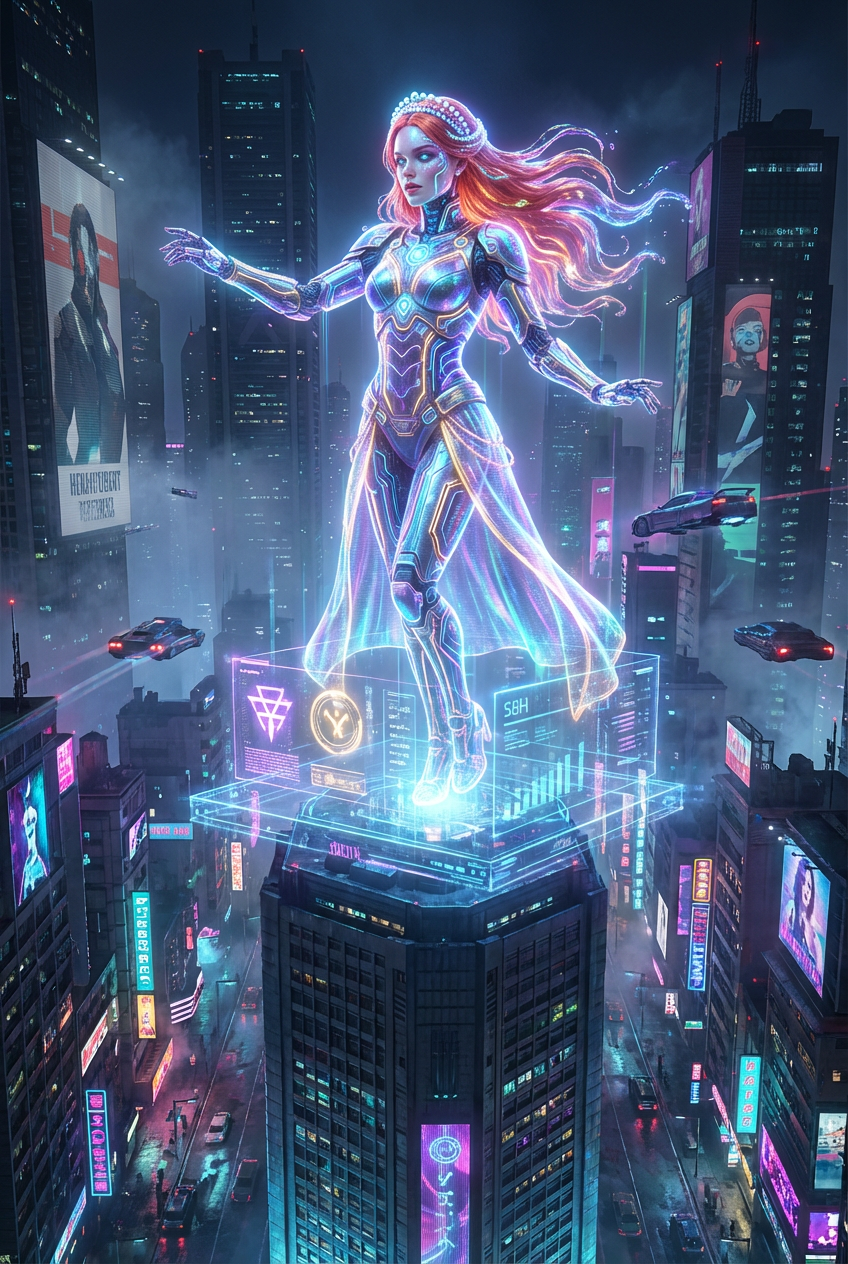
Cyberpunk Holographic Diva
- Model
- Nano Banana Pro
- Image
- 848 × 1264 px
Prompt
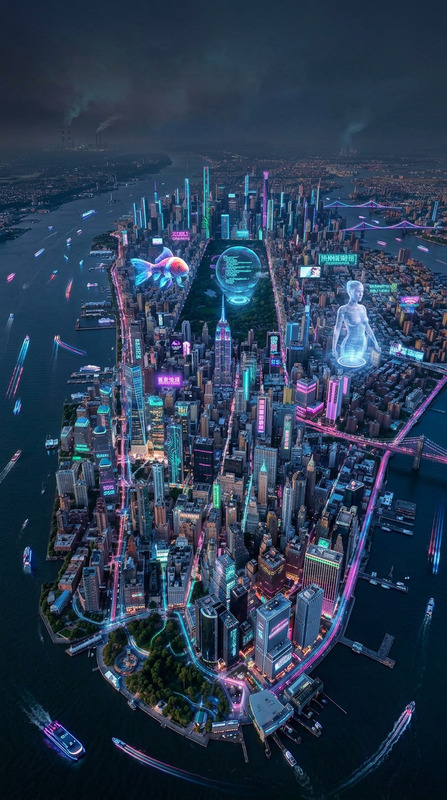
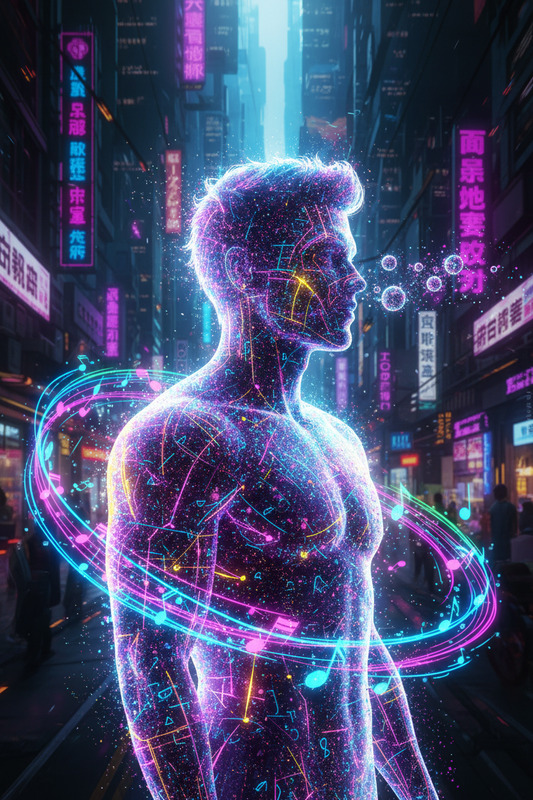
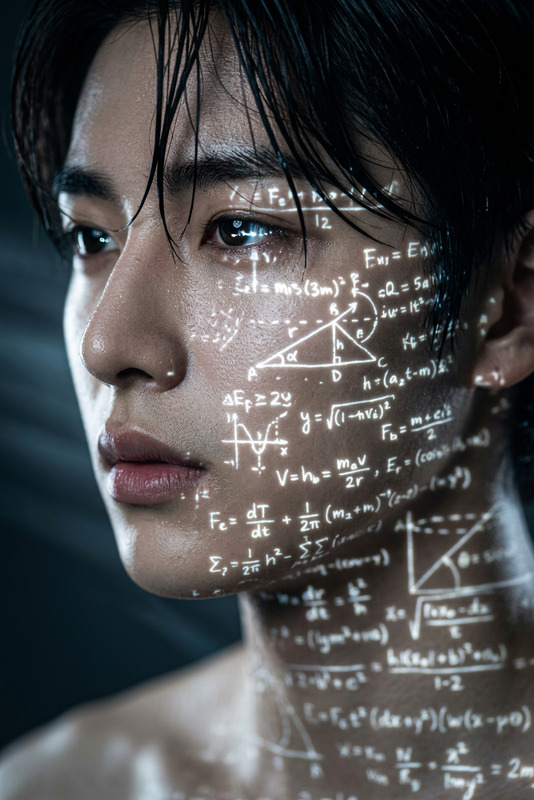
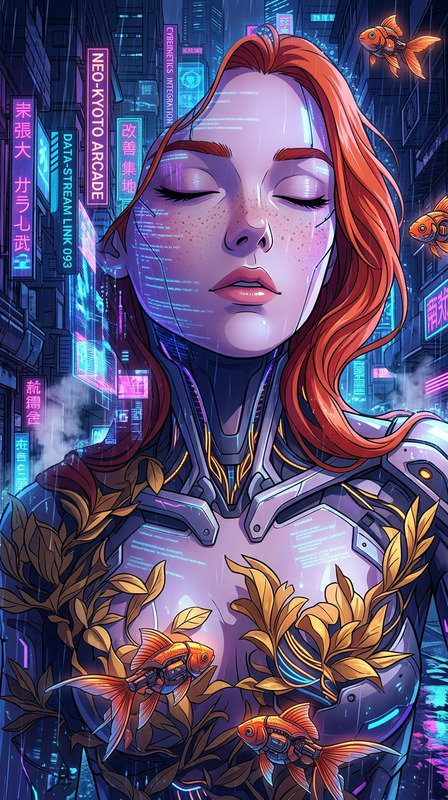
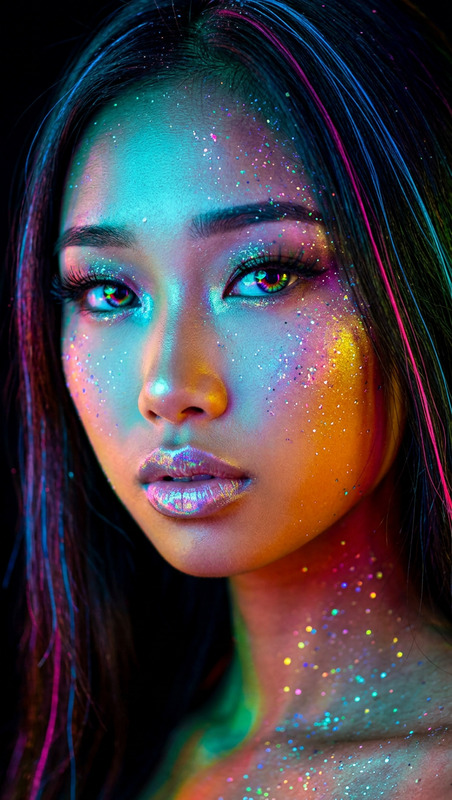
Generate a cinematic cyberpunk scene featuring a holographic performer standing atop a vast futuristic cityscape at night, surrounded by towering skyscrapers piercing through fog; the subject wears neon-lit cybernetic attire with glowing circuit patterns flowing across the body, while iridescent hair moves like liquid light; the pose is dynamic and commanding, interacting seamlessly with a digital stage that merges with the urban environment; below, neon-lit alleyways and dense architecture form a complex dystopian world; lighting is vibrant and atmospheric with strong neon contrasts, reflections, and volumetric haze; the overall mood conveys rebellion and inspiration, blending high-tech visuals with emotional intensity in a futuristic, immersive composition.
Any aspect ratio
Overview
Step into the realm of futuristic storytelling with the Cyberpunk Holographic Diva template. Designed for the AI Image Editor, this template leverages the power of the nano-banana-pro model to craft visually stunning and dynamic cyberpunk scenes. Immerse yourself in the neon glow of a holographic performer set against a sprawling, high-tech cityscape.
What It Does
This template allows you to create a cinematic cyberpunk scene featuring a holographic performer. Set atop a futuristic cityscape, the diva's commanding pose and neon-lit attire create a striking visual. The environment is rich with detailed alleyways and imposing skyscrapers, enhanced by vibrant, atmospheric lighting and volumetric haze effects. Perfect for sci-fi enthusiasts and storytellers aiming to convey a theme of rebellion and inspiration.
Who It's For
The Cyberpunk Holographic Diva is ideal for creators in the fields of sci-fi filmmaking, digital art, and multimedia storytelling. It's perfect for anyone looking to incorporate a cutting-edge cyberpunk aesthetic into their projects—whether you're developing an indie sci-fi film, crafting visual art, or enhancing a marketing campaign for tech products.
Summary
Transform videos with a cyberpunk edge using this template's stunning holographic visuals. Ideal for futuristic and sci-fi themes, it ensures your project stands out with its vibrant colors and dynamic scene composition. The AI Image Editor and AI Image Generator can both be excellent companions for expanding the depth and creative scope of your projects.
How to Use the Cyberpunk Holographic Diva Template
Choose the Cyberpunk Holographic Diva Template

Customize Inputs

Generate and Download

Use Cases
Futuristic Movie Scenes
- Enhance with neon effects.
- Craft cityscapes that convey depth and complexity.
Sci-Fi Marketing Campaigns
- Highlight products with a high-tech aesthetic.
- Integrate visuals into social media campaigns.
Digital Art Exhibitions
- Develop art for virtual galleries.
- Construct prints that captivate viewers.
Best Practices
Focus on Contrast
Strongly emphasize lighting contrast to enhance the futuristic atmosphere of your scene.Incorporate Depth
Utilize layers of buildings and fog to give your cityscape a sense of scale and complexity.Customize Prompts Creatively
Experiment with different descriptive elements in the prompt to achieve unique results.