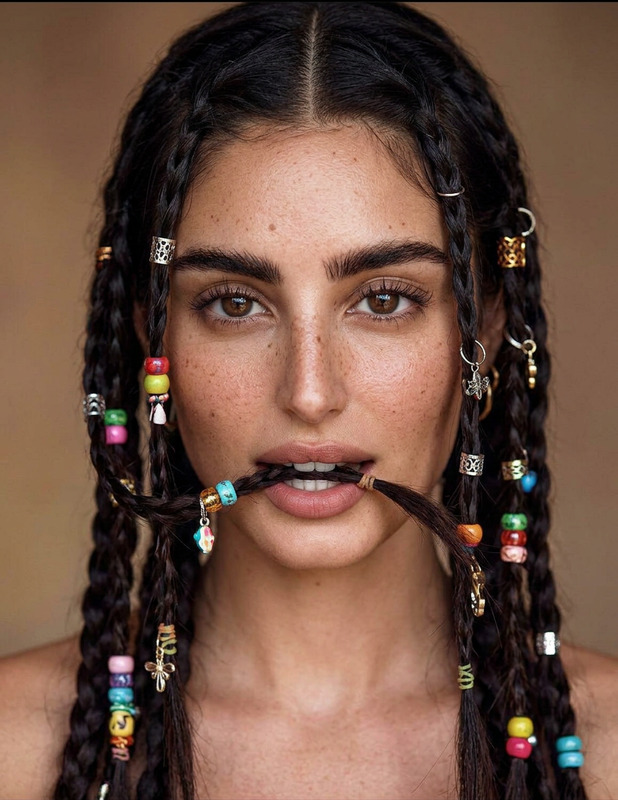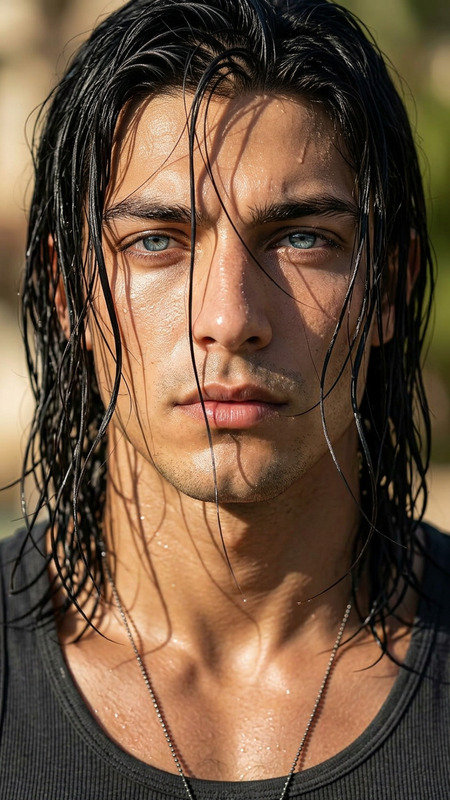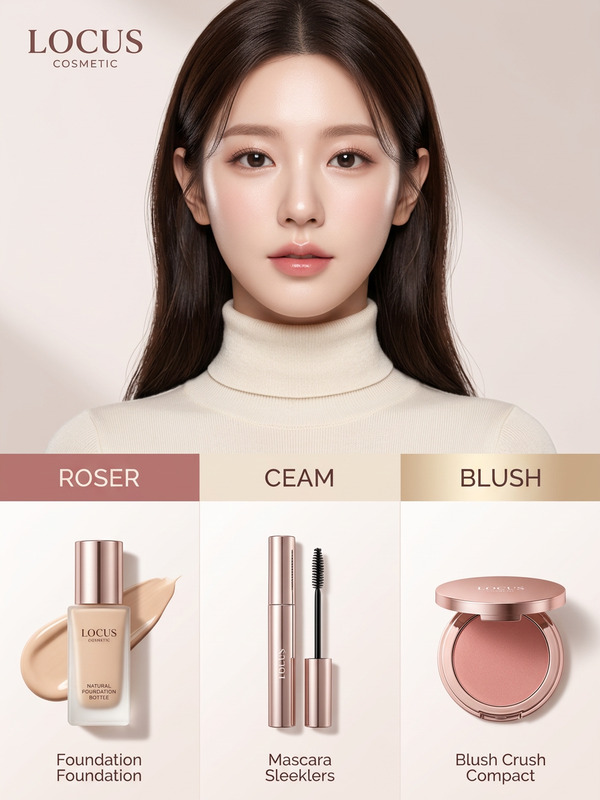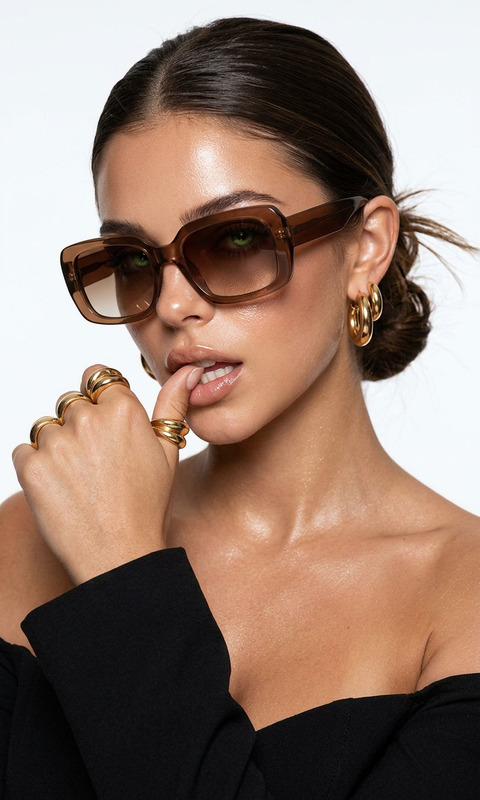
Natural Glow Hair Infographic
ai-image-editor
Any aspect ratio
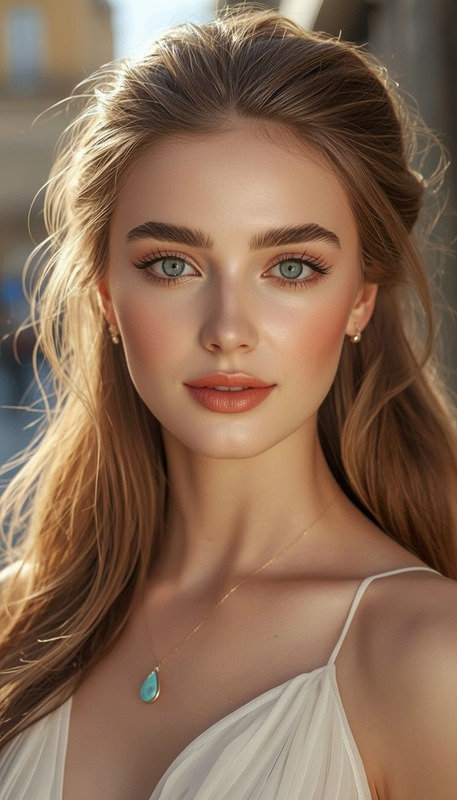
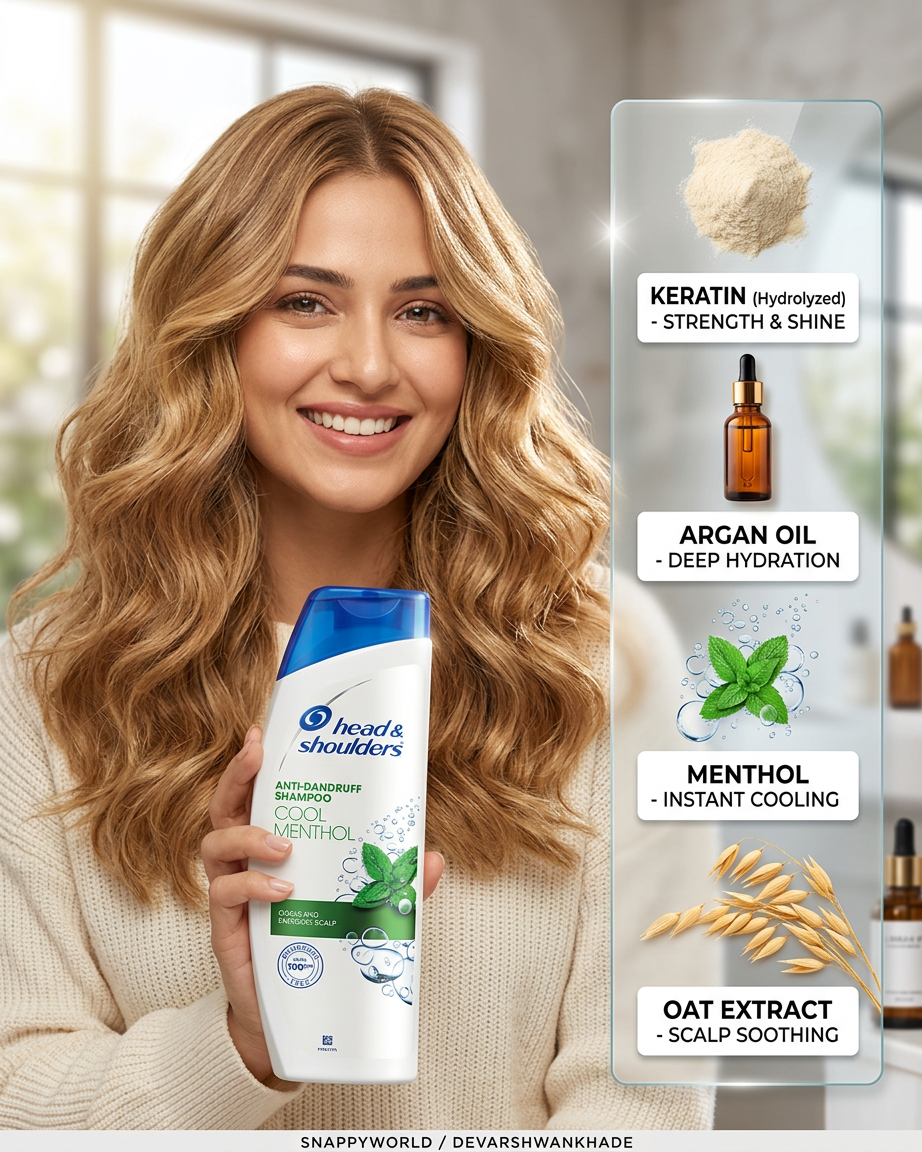
Subject transforms into a lifestyle beauty portrait with infographic overlay. Shot with an 85mm f/1.8 lens, eye-level perspective, shallow depth of field with soft bokeh background. Soft natural morning light creates a clean, airy, optimistic mood, with subtle highlights on hair and product elements. Subject features voluminous beach waves, honey blonde, high shine, paired with a joyful, authentic smile, wearing a cream-colored knit sweater. Right-side layout includes a clean infographic overlay with elements: keratin powder, argan oil bottle, green leaves, and oat stalks. Typography is clean sans-serif in white label boxes. Modern, fresh, commercial beauty aesthetic with balanced composition and soft, premium feel.
Transform any image in seconds with the Magic Hour AI Image Editor template. This template is built for fast, precise visual edits—perfect for creators, founders, marketers, and product teams who need production‑ready assets without handing work off to a designer.
Use it to:
- Clean up product shots and marketing images
- Remove distractions or unwanted objects from photos
- Replace backgrounds or compositional elements
- Refine faces, outfits, or lighting in portraits
- Generate multiple creative variants for testing and campaigns
What this template does
This template uses the AI Image Editor to apply targeted, localized edits to any image. You can:
Erase and replace objects
Select an area (like a logo, person, or object) and replace it with something new while keeping lighting and perspective consistent. For more advanced removals, you can also explore the dedicated AI Remover and Remove Object from Photo tools.Change backgrounds and environments
Turn a casual snapshot into a studio‑style image, or move products into on‑brand scenes. If your main goal is generating complete new scenes rather than editing existing ones, pair this with the AI Background Generator or AI Art Generator.Enhance quality and clarity
Clean up noisy images, fix minor flaws, and upscale results for web or print with the AI Image Upscaler or Unblur Image.Edit faces and portraits
Subtly refine portraits, adjust details like expressions or small imperfections, or align images with a consistent visual brand. For more specialized facial work, you can combine this template with tools like AI Face Editor, AI Headshot Generator, or AI Selfie Generator.Create ready‑to‑use marketing assets
Quickly generate variants for landing pages, performance creatives, email hero images, and social media. For thumbnails, social tiles, or cover art, many teams also layer in the Thumbnail Maker, Album Cover Generator, or Book Cover Generator.
Behind the scenes, Magic Hour uses diffusion‑based generative models and inpainting/outpainting techniques similar to those described in research like “High-Resolution Image Inpainting with Iterative Confidence Feedback” and modern diffusion model architectures. In practice, that translates into clean edges, natural textures, and edits that respect lighting and perspective.
How to remix this template in Magic Hour
You can treat this template as a starting point and customize it for your own workflow. To create your own version inside Magic Hour:
Duplicate / remix the template
- Open this template in Magic Hour.
- Use the “Remix” or “Duplicate” action to create your own editable version.
- Rename it to match your use case (e.g., “DTC Product Cleanup”, “Founder Headshot Fixer”, “UGC Ad Polisher”).
Define your primary task
Decide what you want your custom template to specialize in. Common patterns:- “Remove unwanted objects and clean up backgrounds for product photos”
- “Make founder photos consistent for pitch decks & LinkedIn”
- “Turn basic screenshots into polished marketing visuals”
- “Convert phone photos into ad‑ready lifestyle shots”
Bake in clear instructions for future use
Use the template description or prompt area to document a repeatable workflow. For example:- What kind of input images this template is for (e.g., product close‑ups, portraits, mobile screenshots)
- What the editor should prioritize (clean backgrounds, realistic lighting, sharp text, brand colors)
- What it should avoid (distorted products, unrealistic reflections, over‑smoothing faces)
Add optional “companion” tools to your stack
Many teams wire this template into a small, reusable toolkit:- Start with AI Photo Generator or AI Image Generator to create base images
- Use this AI Image Editor template to refine and localize edits
- Finish with AI Image Upscaler or Video Upscaler if you’re preparing assets for high‑resolution usage
- If you’re working with people or UGC, fold in AI Clothes Changer, AI Outfit Generator, or Gender Swap for styling variations
Document usage for your team
Add a short “How to use this template” note so teammates can repeat your process:- What to upload (image types, framing)
- What to highlight for editing (backgrounds, objects, faces)
- How to evaluate results (edges, realism, brand alignment)
Once saved, your custom template becomes a reusable tool your team can apply consistently across campaigns, landing pages, and product lines.
Example use cases for power users
This template is especially useful when paired with other Magic Hour tools. A few high‑leverage workflows:
1. Product marketing & ecommerce
- Generate or clean hero images for Shopify, Amazon, or custom storefronts
- Remove background clutter, then drop your products into on‑brand scenes using the AI Background Generator
- Fix lighting, remove reflections, or erase props you don’t want
- Upscale to crisp, conversion‑ready imagery with the AI Image Upscaler
Teams often combine this with:
- AI Clothes Changer or AI Fashion Generator for apparel brands
- AI Icon Generator to maintain a consistent iconography style across product pages
2. Founder, team, and profile images
- Standardize founder and team headshots for pitch decks, websites, and LinkedIn using this editor and the AI Headshot Generator
- Fix small issues (distractions in the background, uneven lighting, minor blemishes) while keeping the person recognizable
- Align color temperature and style to your brand system
For talking‑head content, you can also animate still portraits with:
3. Content marketing, newsletters, and social
- Turn raw screenshots and quick photos into polished visuals for blogs, X/LinkedIn posts, and newsletters
- Remove logos or watermarks you own the rights to (for other cases, use the Watermark Remover responsibly and within legal limits)
- Generate custom illustrations or on‑brand graphics using the AI Illustration Generator, then refine details with this editor
Creators also often:
- Build visual narratives via Comic Book Generator or AI Meme Generator
- Use AI GIF Generator for lightweight animated assets
4. Prototyping products and worlds
Builders and game designers use this template to quickly iterate on:
- Characters and avatars with AI Character Generator, Avatar Generator, and then refine with the AI Image Editor
- Environments and maps using Fantasy Map Generator or Architecture Generator
- Stylized assets leveraging AI Anime Generator, AI Manga Generator, Disney AI Generator, or Dark Fantasy AI
The AI Image Editor template lets you tighten details, remove artifacts, and ensure concept art is shareable with stakeholders or investors.
Extending from images to video
If your workflow spans both images and video, you can keep everything inside Magic Hour:
- Turn static images into motion with Image to Video or Text to Video
- Apply stylized transformations to footage using Video to Video
- Create animated explainers, intros, or character motion using Animation Templates
- Sync lip movements to audio with Lip Sync
- Swap faces in existing clips for UGC, ads, or creative experiments via Face Swap Video or Face Swap for GIFs
- Clean and scale output using the Video Upscaler and add subtitles automatically with the Auto Subtitle Generator
This makes it straightforward to start with an image edited through this template and end with a full video asset pack.
Tips for better AI image edits
To get consistent, high‑quality results with this template:
Start from the highest‑quality source image you have
AI editing works best when there’s enough detail in the original. Upscale first if needed using the Unblur Image or AI Image Upscaler.Be specific about the change you want
When you describe edits, mention:- The object or area you’re changing
- The target style or material
- Any constraints (e.g., “realistic”, “studio lighting”, “same camera angle”)
Keep context in frame
If you want lighting and perspective to remain realistic, include as much of the surrounding context as possible so the model can infer shadows, scale, and depth.Iterate in small steps
Make a focused change, review, then refine. This reduces artifacts and gives you more control over the final look.Use specialized tools when appropriate
If your edit is 90% one specific action (removing objects, changing clothes, restoring old photos, etc.), you’ll often get better and faster results by combining this template with dedicated tools like:- Old Photo Restoration
- Photo Colorizer
- AI Tattoo Generator for tattoo mockups
- Optical Illusion Generator for experimental visuals
Who this template is for
This AI Image Editor template is designed for:
- Founders & marketers who need polished visuals without hiring design help for every iteration
- Content teams shipping assets across multiple channels on tight deadlines
- Designers & creative technologists who want rapid visual iteration before committing time in Figma or Photoshop
- Indie developers & game creators prototyping characters, worlds, and UI elements with minimal overhead
If you already work in tools like Figma, Photoshop, or Webflow, you can use this template as a fast front‑end: generate and refine options, then export and finalize details in your traditional design stack.
Next steps
- Use this template as‑is to quickly clean and transform your images.
- Remix it to create a domain‑specific editor for your brand or product line.
- Connect it with other Magic Hour tools—like AI Image Generator, AI Background Generator, AI Headshot Generator, and Image to Video—to build a repeatable, end‑to‑end creative pipeline.
By turning this template into your own “house editor” inside Magic Hour, you get a consistent, shareable, and scalable way to produce high‑quality visuals on demand.