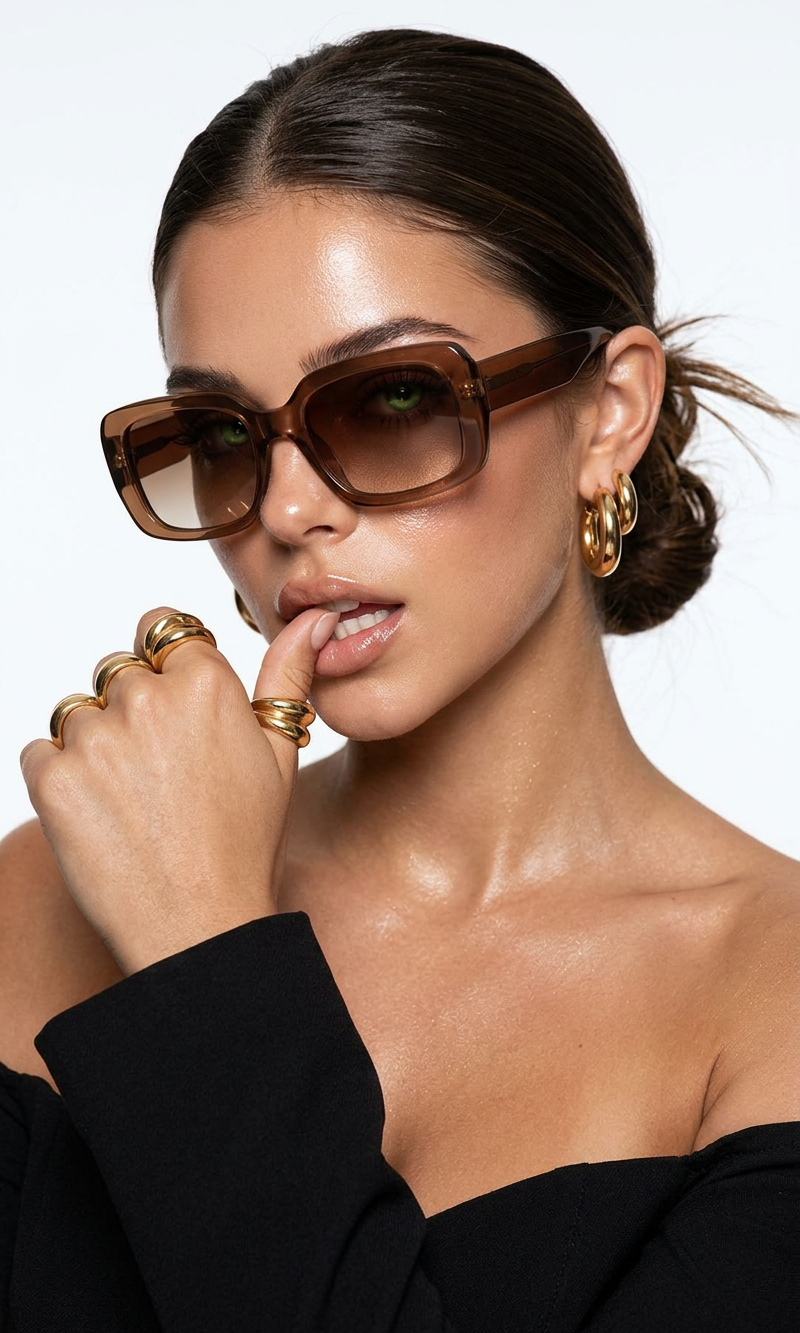
White light beauty protocol
- Model
- Nano Banana 2
- Image
- 800 × 1333 px
Prompt
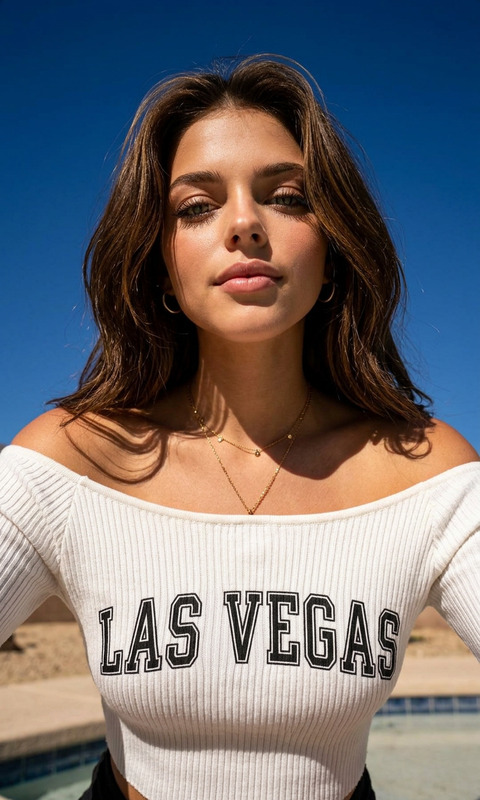
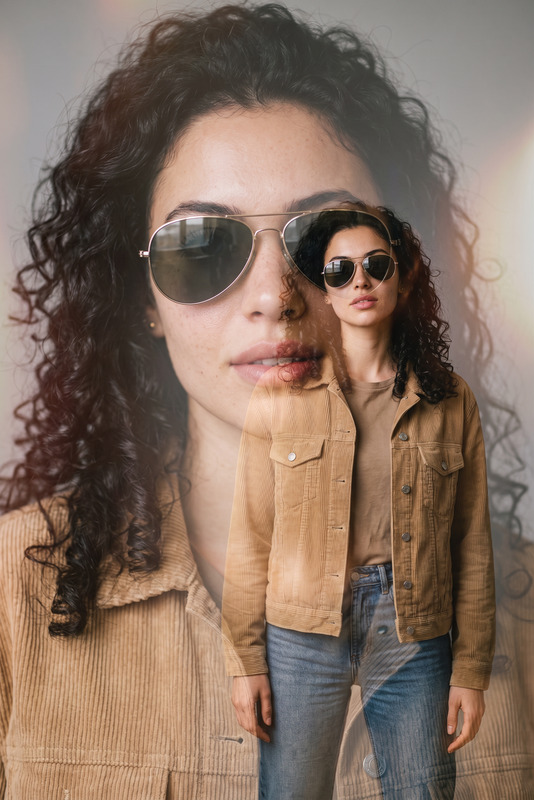
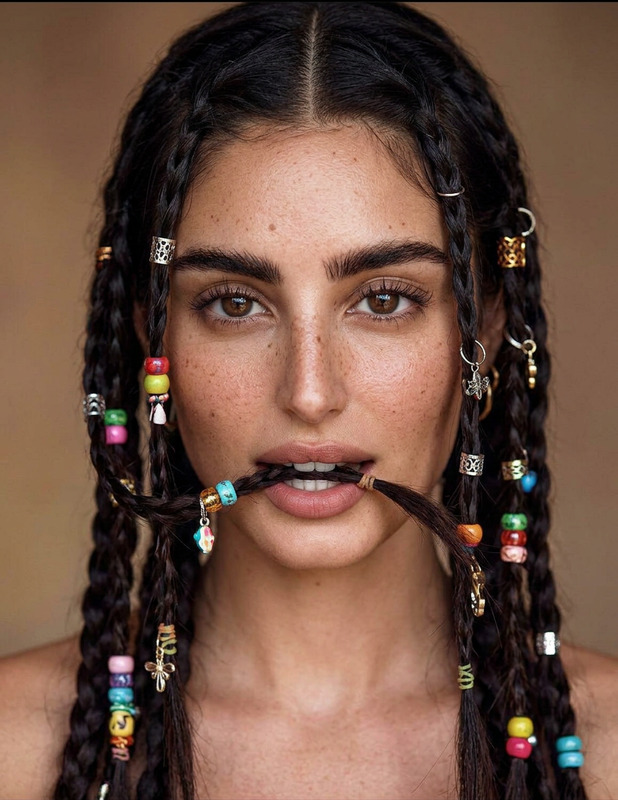
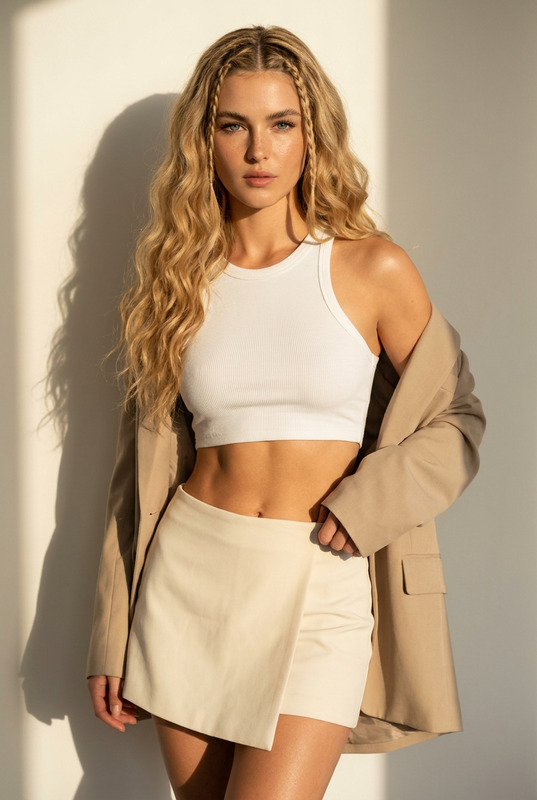
High-fashion beauty editorial close-up portrait of a woman, clean white studio background. She wears oversized rectangular brown gradient sunglasses with glossy acetate frames. Her skin is luminous and dewy with strong specular highlights on cheekbones and lips. Full, glossy nude lips slightly parted as she gently bites her thumb in a bold, confident pose. Her hair is slicked back into a low, slightly messy bun with a few loose strands lifted subtly as if caught mid-motion. She wears chunky gold jewelry: multiple sculptural gold rings stacked on fingers, bold gold hoop earrings layered in the ear. A structured denim collar or strap visible at the edge of frame. Lighting is bright, high-key studio lighting with strong frontal illumination and minimal shadow, emphasizing skin texture and shine. Crisp, ultra-clean beauty photography with sharp focus and high detail. Commercial luxury campaign aesthetic, Vogue-inspired styling, polished yet edgy. Smooth retouching but realistic skin texture preserved. Shot on full-frame camera, 85mm lens, shallow depth of field, ultra-high resolution, editorial fashion campaign look.
Any aspect ratio
Overview
The White Light Beauty Protocol template is a sophisticated option within the AI Image Editor. It is designed to create high-fashion beauty editorials with a luxury aesthetic.
What It Does
This template leverages the capabilities of the nano-banana-2 model to produce crisp, ultra-clean photography reminiscent of a Vogue cover shoot. The focus is on emphasizing natural skin textures while maintaining a polished, commercial look.
Who It's For
This template is ideal for creative professionals in fashion, editorial photographers, and beauty brands aiming to enhance their imagery with luxurious, high-resolution visuals. It's perfect for those crafting a polished campaign aesthetic without losing authentic details.
Summary
Utilize the White Light Beauty Protocol to transform beauty portraits into professional-grade images. Explore sharp focus and detail enhancement features within the AI Image Editor, and achieve an elevated fashion editorial style.
How to Use
Choose the Template

Customize Your Image

Generate and Download

Use Cases
Fashion Editorials
- High-fashion beauty shoots
- Professional editorial projects
- Magazine and print collaborations
Commercial Campaigns
- Luxury brand promotions
- Product launch campaigns
- Marketing and advertising visuals
Social Media Influencers
- Instagram campaigns
- TikTok promotional content
- Influencer partnerships
Best Practices
Select High-Quality Images
To achieve the best results, start with images that have a clean background and good lighting as per the template's specifications.Keep Skin Texture Realistic
Use the template's retouching features to smooth but preserve natural skin texture, maintaining an authentic look.Highlight Key Accessories
Emphasize accessories like sunglasses and jewelry by using close-up frames and ensuring they are part of the initial image.