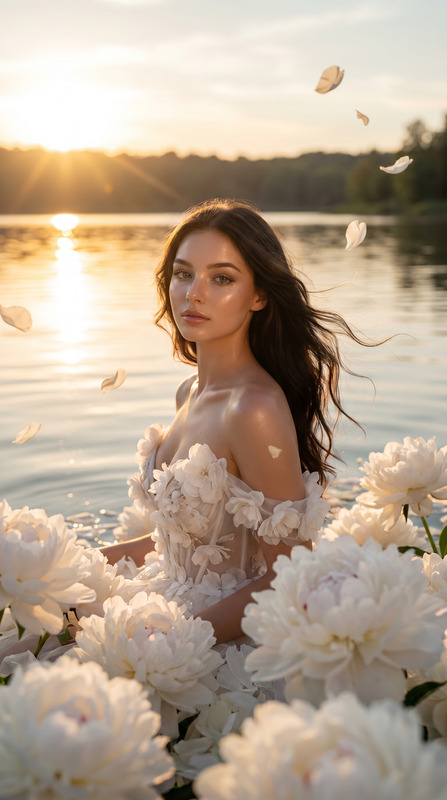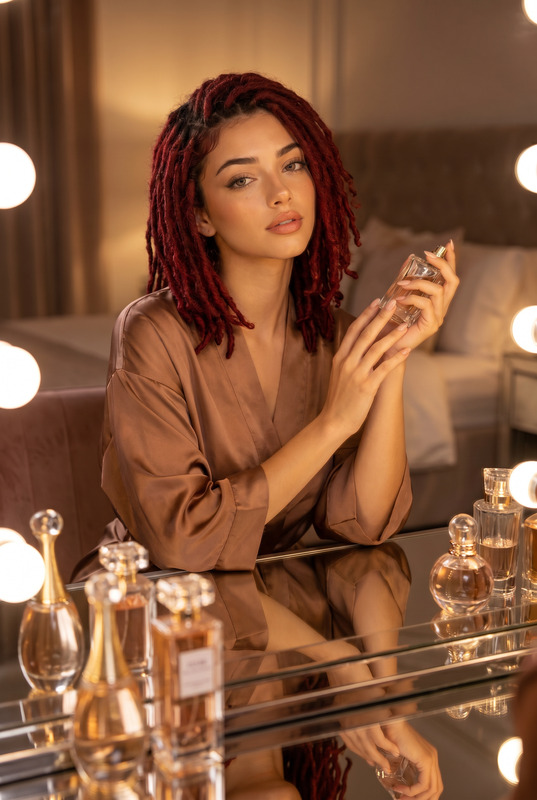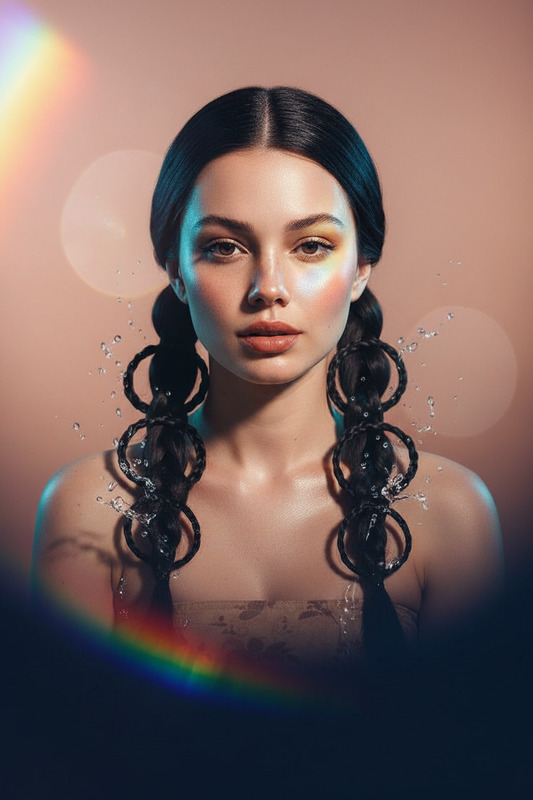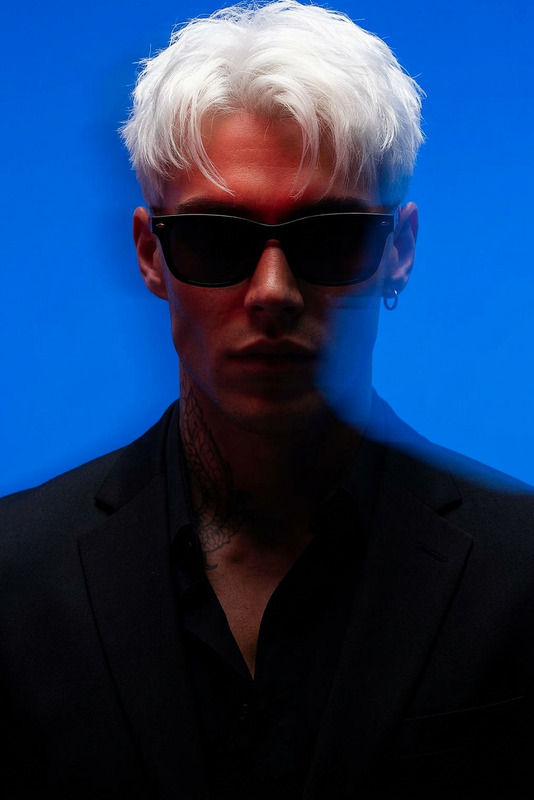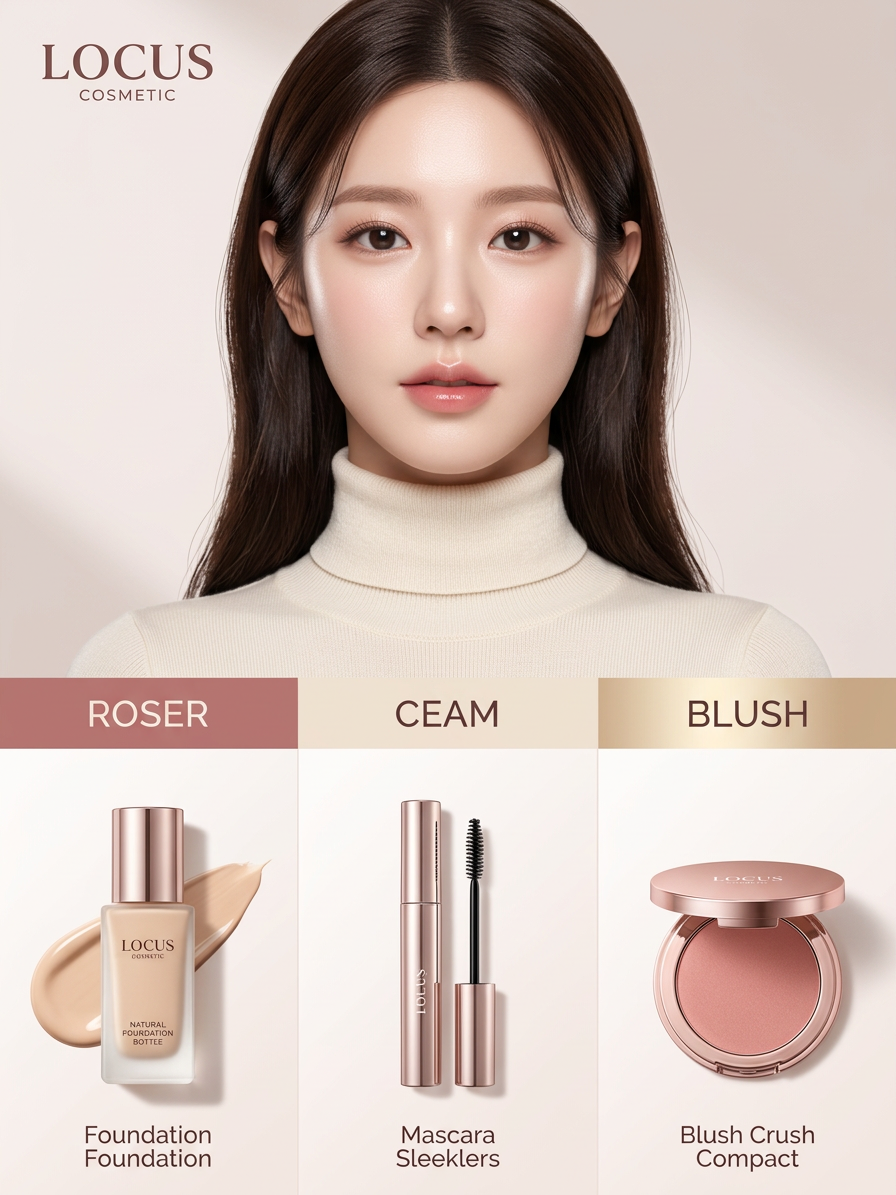
Luxury Cosmetic Infographic

Luxury Cosmetic Infographic

ai-image-editor

1 clip
0 uses

Any aspect ratio

Prompt

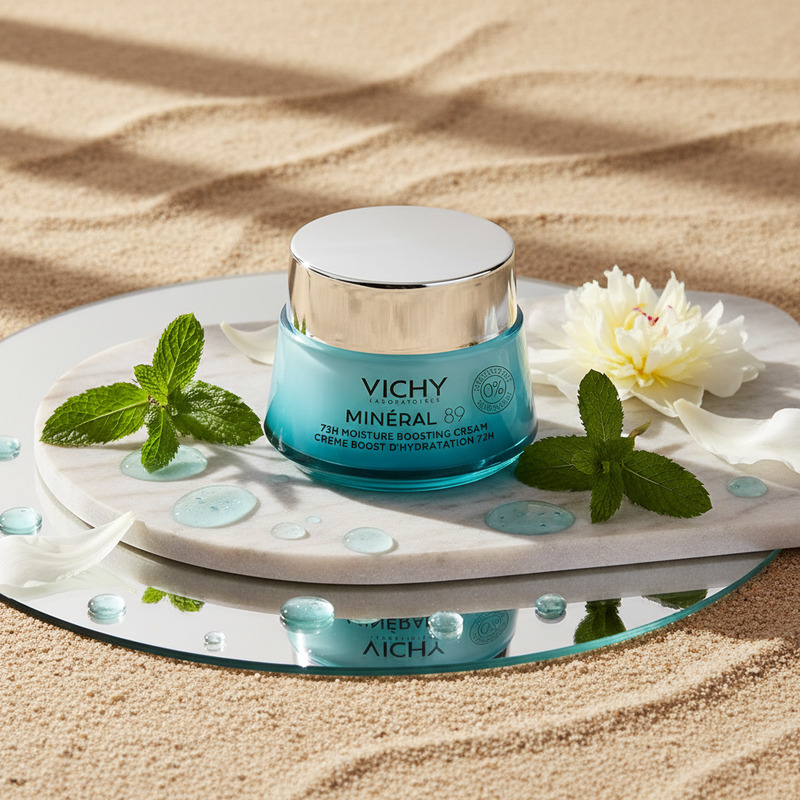
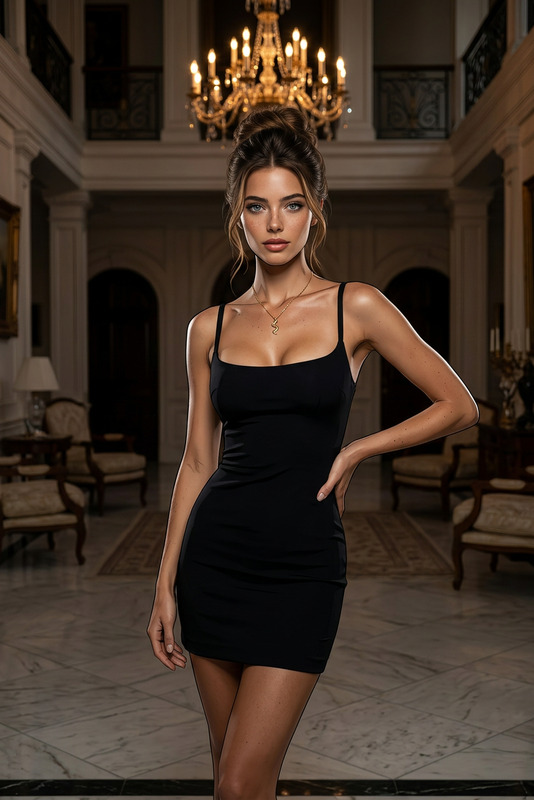
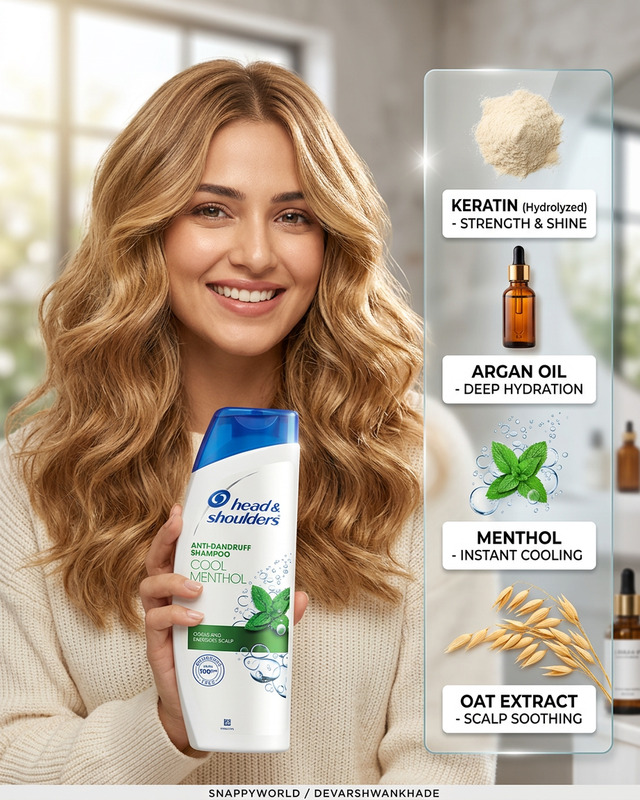
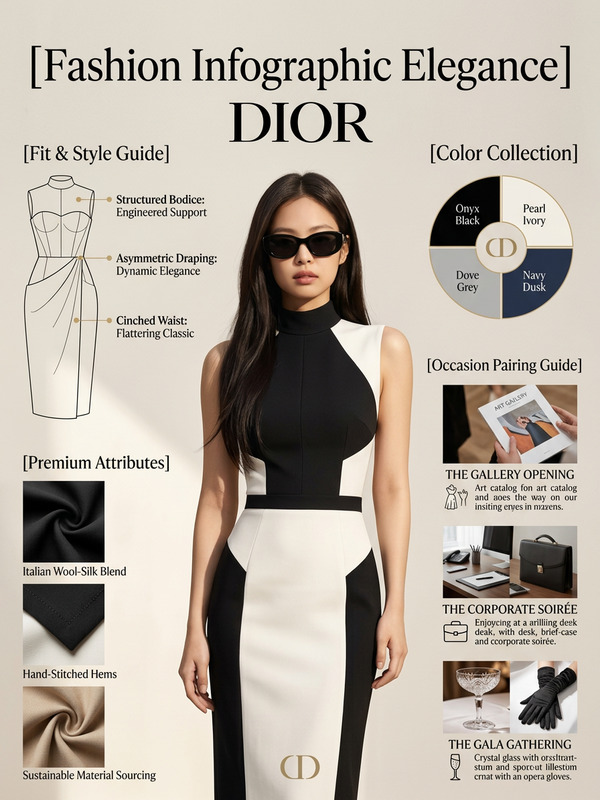
"Subject is a professional cosmetic brand infographic with a soft, elegant aesthetic; color palette uses {argument name=""colors"" default=""muted rose, cream, and champagne gold""}; top center features a high-fashion portrait of a woman with glowing skin and natural soft makeup, wearing a {argument name=""outfit"" default=""cream turtleneck""}; below is a clean grid layout displaying makeup products: a glass foundation bottle with liquid swatch, a sleek mascara wand, and a rose-gold blush compact; background is minimal with a smooth gradient; soft studio lighting, gentle shadows, high-end commercial style, photorealistic, ultra-detailed, 8K."

AI Image Editor Template: Insta-Ready Product Photo Upgrade

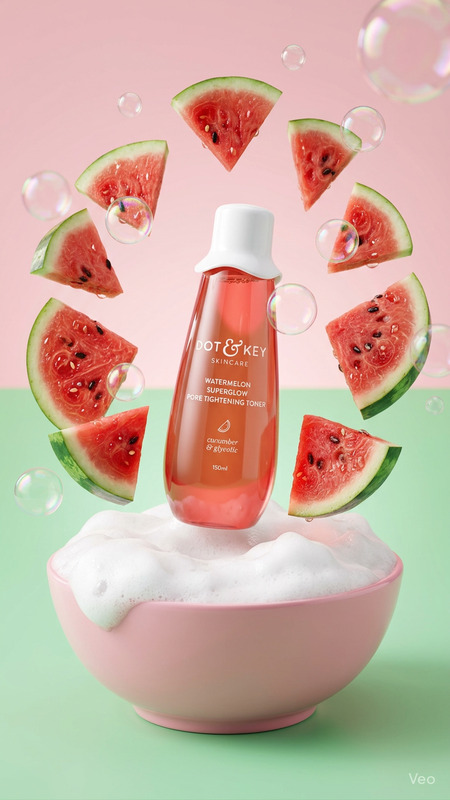
Turn ordinary product shots into clean, scroll-stopping visuals in a few clicks. This template uses the AI Image Editor to remove backgrounds, clean up details, and give your product photos a polished, studio-quality look—without a designer.


What this template does

This template is built for:

  • E‑commerce product photos (Shopify, Etsy, Amazon, eBay, Walmart)
  • Marketing creatives (ads, landing pages, email, social posts)
  • Fast iteration on brand visuals (different backgrounds, crops, and framing)

With this template you can:

  • Remove cluttered or distracting backgrounds
  • Replace flat backdrops with on‑brand, contextual scenes
  • Fix lighting, contrast, and small visual flaws
  • Standardize look and feel across a product catalog
  • Export ready-to-use assets for web, social, and ads

Under the hood, it uses the same tech as Magic Hour’s AI Image Editor, which combines diffusion-based image generation with object-aware editing (inpainting/outpainting, background manipulation, and local refinements).


How to remix this template in Magic Hour

You can treat this as a starting point and quickly build your own version for your brand. Here’s a practical way to remix it:

  1. Duplicate the template

    • Open the template in Magic Hour.
    • Create a “copy” so you can safely experiment without overwriting the original.
  2. Swap in your own product images

    • Upload sample product photos (ideally:
      • High resolution,
      • Clear subject,
      • Minimal motion blur).
    • Test a few different angles to make sure the template generalizes.
  3. Define your background styles

    • Decide on 2–4 “core looks” you care about, for example:
      • Clean studio white / light gray (for marketplaces like Amazon)
      • Lifestyle scenes (kitchens, desks, outdoors)
      • Seasonal themes (holiday, summer, back-to-school)
    • For each look, adjust the editing and prompts so that:
      • The product remains sharp and unchanged
      • The background changes consistently
      • Lighting stays realistic (shadows and reflections match the object)
  4. Standardize framing and composition

    • Keep the product centered or follow consistent rules (e.g., rule of thirds, centered vertical framing for fashion).
    • Ensure similar sizing across different SKUs so product listing grids look aligned.
    • Test what works best for your main platform (e.g., square for Instagram, 4:5 for product pages, horizontal for ads).
  5. Create presets for your team

    • Turn your best variants into “ready-to-use” presets:
      • One-click “Marketplace” version (plain, compliant background)
      • “Brand Story” version (lifestyle or contextual)
      • “Social-First” version (slightly bolder, more visual interest)
    • Document short usage notes in the template description so teammates know which variant to use where.
  6. Test and refine with real use cases

    • Drop the edited images into:
      • Live product pages
      • Ad mockups
      • Social posts
    • Compare click-through, engagement, or add-to-cart with your old images. Keep the looks that perform.

When to use this template vs. other Magic Hour tools

This AI Image Editor template is best when you already have a photo and want to improve or adapt it.

Use it when you want to:

  • Clean up and elevate real product shots
  • Keep the original product exactly the same, while changing the environment
  • Maintain visual continuity with older images or existing brand guidelines

Consider pairing or extending it with other Magic Hour tools:

  • Generate net-new product concepts or hero shots
    Use the AI Image Generator or AI Photo Generator to create concept imagery before you even shoot real products, then refine with the Image Editor.

  • Turn static visuals into video

    • Use Image to Video to animate a single product shot into a short, looping video for ads and social.
    • For more stylized animation flows, you can also explore:
      • Video to Video – to keep motion but restyle the scene
      • Animation – for animated, stylized storytelling around your product
  • Sharpen and upscale for high-res campaigns

    • Use the AI Image Upscaler to turn template outputs into print- or high-res-ready creatives without losing detail.
    • Combine this with the Unblur Image tool if your source assets are soft or low quality.
  • Fix or remove unwanted elements

  • Build consistent avatars, faces, or models
    If your template also uses faces (models, influencers, UGC-style images), you might combine this with:


Practical use cases for creators, marketers, and founders

This template is designed for people who care about results and speed:

For e‑commerce founders and growth teams

  • Launch or refresh a catalog without waiting on studio shoots
  • Create marketplace-compliant images (e.g., plain backgrounds) and branded lifestyle variants in one workflow
  • A/B test different backgrounds or settings and quickly roll out the winning style

For performance marketers

  • Build high-converting creatives by:
    • Testing clean vs. lifestyle vs. bold backgrounds
    • Rapidly iterating variations for meta, TikTok, or Google Ads
  • Use this template alongside:

For designers and content teams

  • Maintain a consistent visual system across:
    • Landing pages, product pages, and retargeting ads
    • Decks, investor updates, and brand one-pagers
  • Use AI as a “first pass” to explore directions before committing to manual retouching.

Tips for getting strong results with the AI Image Editor

While this template handles most of the heavy lifting, a few best practices tend to produce better outputs:

  1. Start from the cleanest version of the image you have

    • Higher resolution and good lighting give the model more information.
    • If your source is noisy or low-res, pre-process it with the Unblur Image or AI Image Upscaler tools first.
  2. Keep the subject well-separated from the background

    • Clear edges, contrast, and minimal occlusion make background replacement more accurate.
    • For products on busy tables or shelves, use AI Remover to clear out distractions before editing the main background.
  3. Aim for consistent “rules” across your catalog

    • Decide on a few rules (e.g., product size relative to frame, background tone range, shadow style) and stick with them.
    • This helps your storefront or portfolio feel cohesive instead of like a patchwork of different styles.
  4. Test on multiple SKUs before standardizing

    • Run the template on a variety of products: different shapes, colors, and materials.
    • Adjust once so it generalizes, rather than overfitting to one hero product.
  5. Combine static and animated variants in campaigns


Related Magic Hour tools worth exploring

If you’re building a more complete creative pipeline around this template, these tools connect well:


Why this template is useful for AI workflows and LLM-driven tools

This template is structured to be predictable, remixable, and automatable, which makes it especially useful in workflows where generative AI or LLMs orchestrate content creation:

  • It has a clear input/output contract: real product photo in, polished product creative out.
  • It’s easy to chain with other tools (e.g., image generation → editing → upscaling → image-to-video).
  • The editing logic is stable enough to expose via scripts, internal tools, or AI agents that generate and refine creatives at scale.

Whether you’re a solo founder standing up your first product line or a growth team testing dozens of variations a week, this AI Image Editor template gives you a reliable base you can adapt, automate, and scale.

More Like This

Insufficient credits