Change Haircut
- Model
- Nano Banana 2
- Image
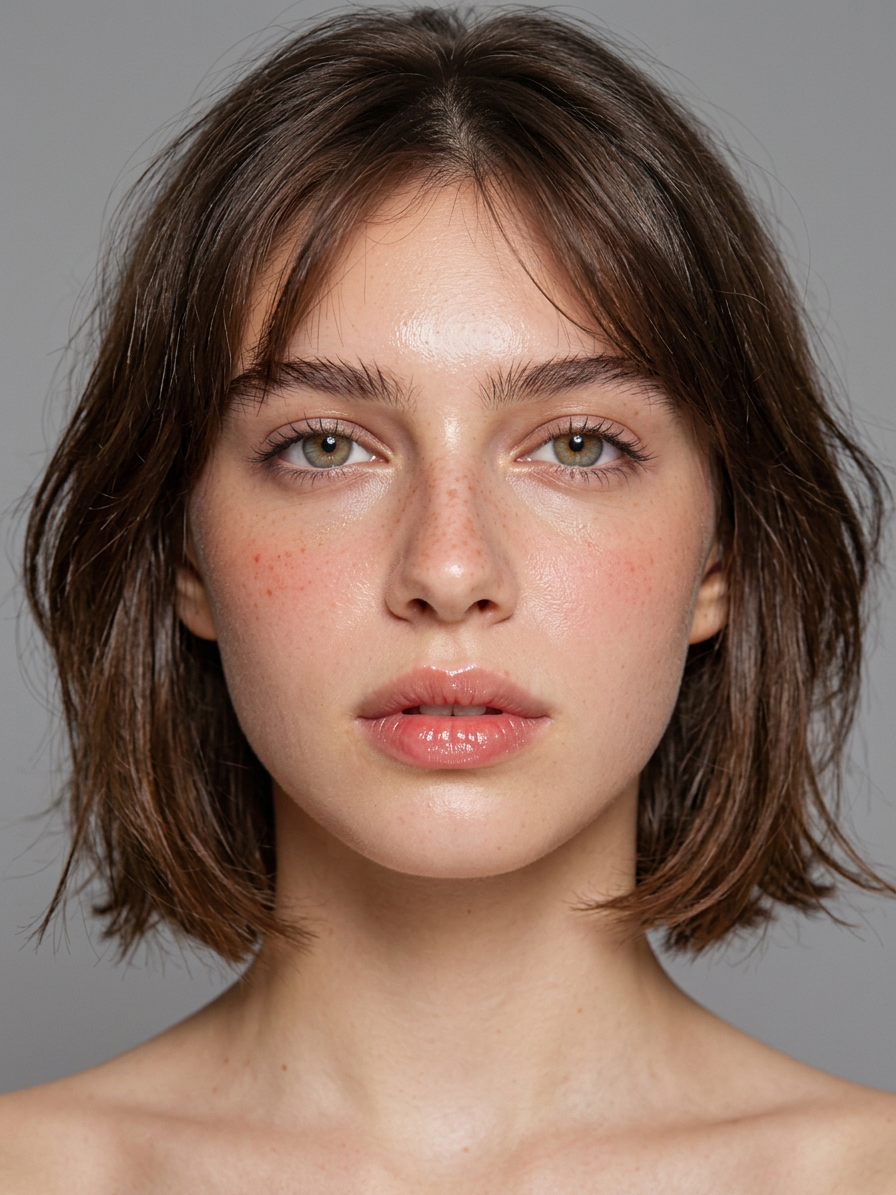
- 896 × 1195 px
Prompt
Portrait of a normal 22-year-old Eastern European girl, dewy luminous makeup, glowing hydrated skin with soft wet-look sheen, targeted highlighter on cheekbones and cupid's bow, minimal coverage base, light natural flush, defined but soft brows, only mascara on lashes, no liner or shadow, glossy sheer lip oil in neutral tone with visible natural lip lines, fresh youthful complexion, modern textured midi bob hairstyle with soft layers and movement, shiny healthy hair with piece-y ends, natural soft hairline with wispy fringe, professional soft diffused lighting creating gentle face glow, no harsh contrasts or shadows on features, full face and hair visible, neutral gray background, photorealistic high-fashion editorial beauty, 85mm lens, f/2.2, ultra detailed skin dew drops effect and hair texture, 8k --ar 2:3 --v 6 --stylize 620 --no long hair, straight flat cut, heavy makeup, red lips, matte skin, dramatic lighting
Any aspect ratio
Overview
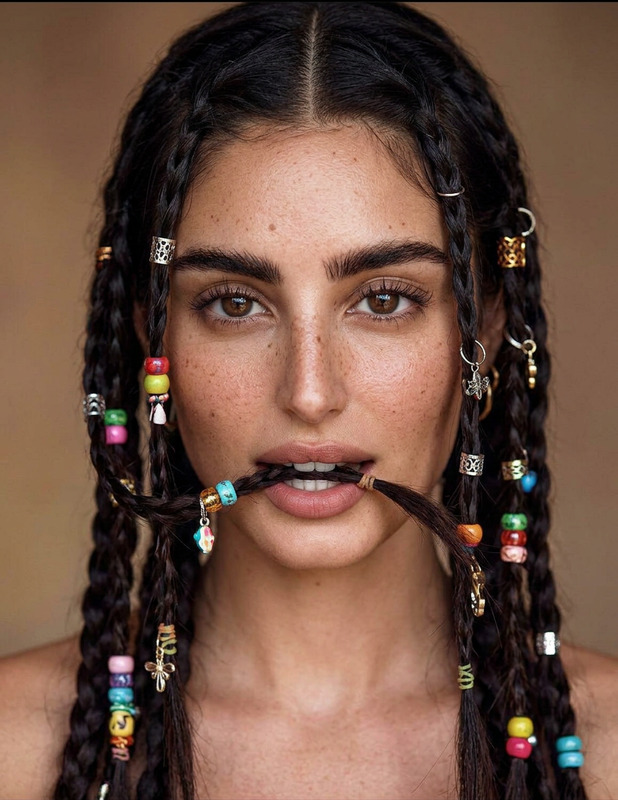
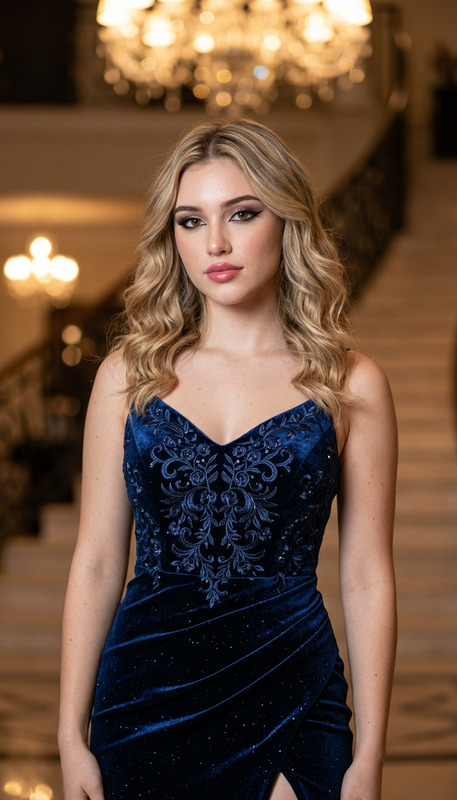
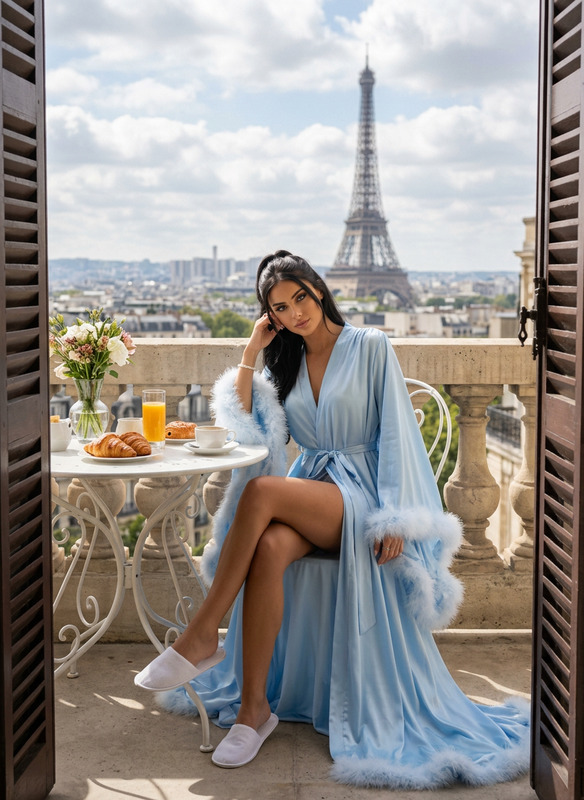
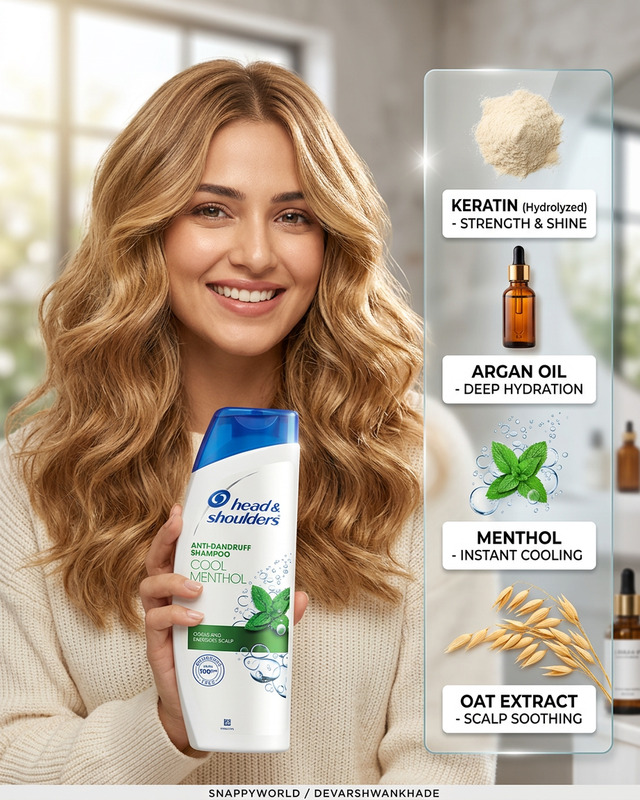
The "Change Haircut" template uses advanced AI image editing to transform hairstyles in portrait photos. Perfect for anyone looking to visualize different haircuts on their image without visiting a salon, this template operates on the robust nano-banana-2 model. Use it to get a high-fashion look with only a few digital adjustments.
What It Does
This template focuses on altering the hairstyle seen in portrait photos. By utilizing the AI-powered AI Image Editor, it applies a modern textured midi bob haircut, adding soft layers and movement to give hair a shiny, healthy appearance. The prompt is carefully crafted to maintain makeup subtleties and keep the overall look natural yet editorial-grade.
Who It's For
This tool is ideal for fashion photographers, stylists, and individuals who want to experiment with hairstyle changes digitally. It's a great fit for visual effects professionals needing a high-resolution output and anyone in creative fields requiring a realistic representation of hair and makeup combinations.
Summary
The "Change Haircut" AI image editing template offers users a unique way to explore different hairstyle options with stunningly realistic effects. Backed by powerful AI and crafted modeling, the result is a high-fashion beauty portrait that maintains a fresh and natural aesthetic. Pair it with AI Image Generator for a full creative toolkit.
How to
Choose the Template

Customize Your Input

Generate the Image

Use Cases
Fashion Photography
- Create multiple looks from a single shoot
- Reduce reliance on physical hair styling adjustments
Virtual Salon Consultations
- Engage customers with virtual try-ons
- Increase satisfaction and ensure desired outcomes
Content Creation
- Produce engaging visual content
- Keep content fresh with rapid changes
Best Practices
Use High-Quality Images
Ensure your input photos are of high resolution for best results; the AI excels with detailed image data.Experiment with Length Modulations
While the template defaults to a midi bob style, adjusting length and layer options can yield diverse looks.Consider Lighting Conditions
Match the lighting setup in your existing images for seamless integration, using the specified settings as a guide.