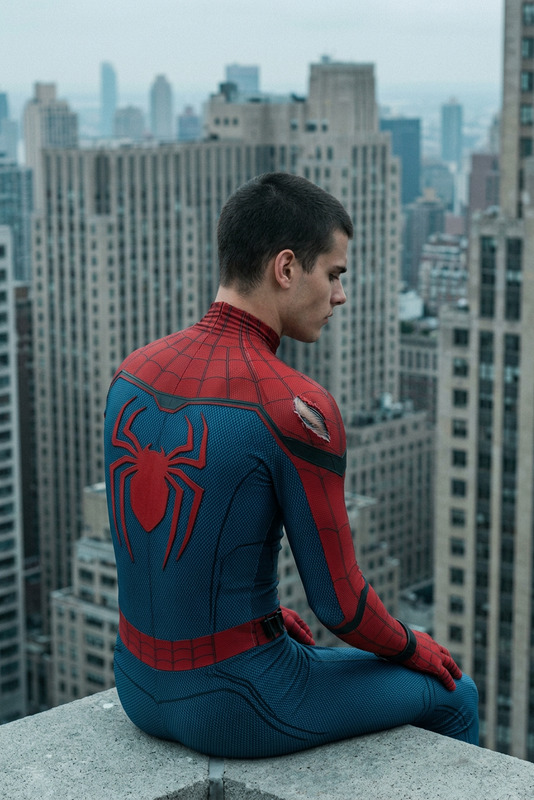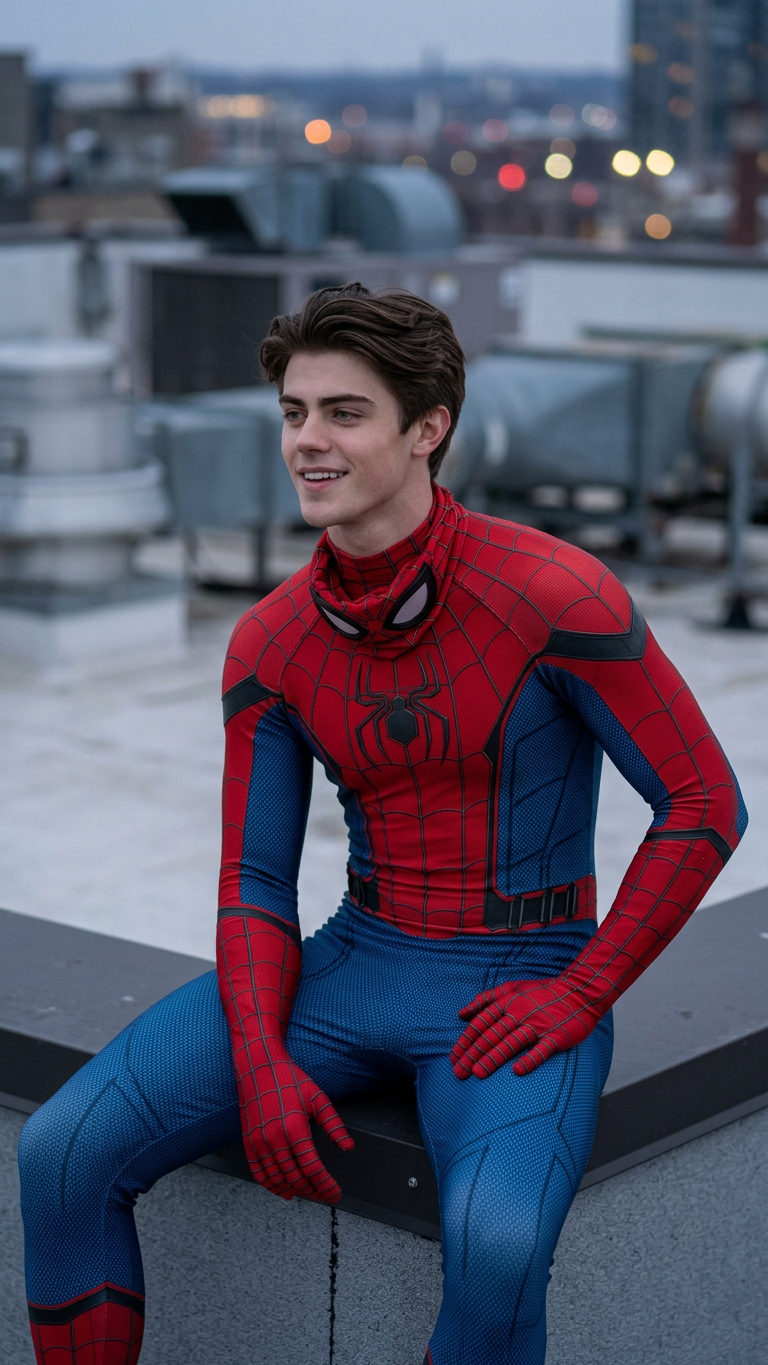
Unmasked Rooftop Reflection
- Model
- Nano Banana 2
- Image
- 768 × 1365 px
Prompt
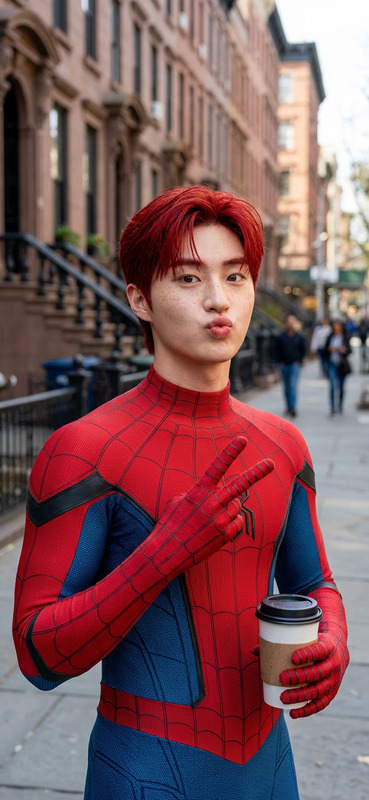
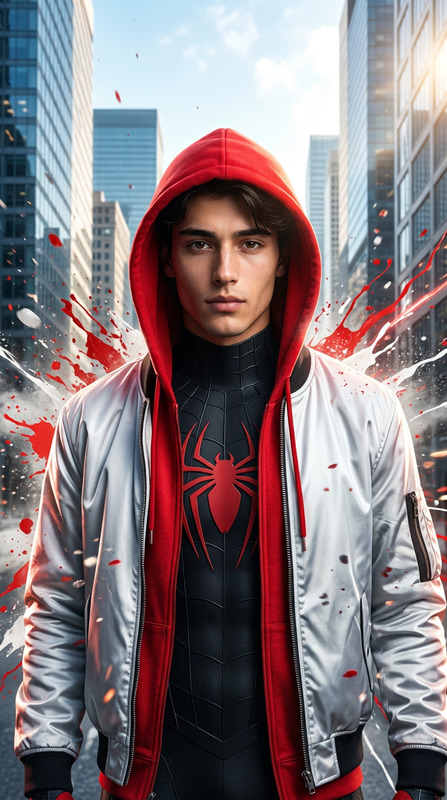
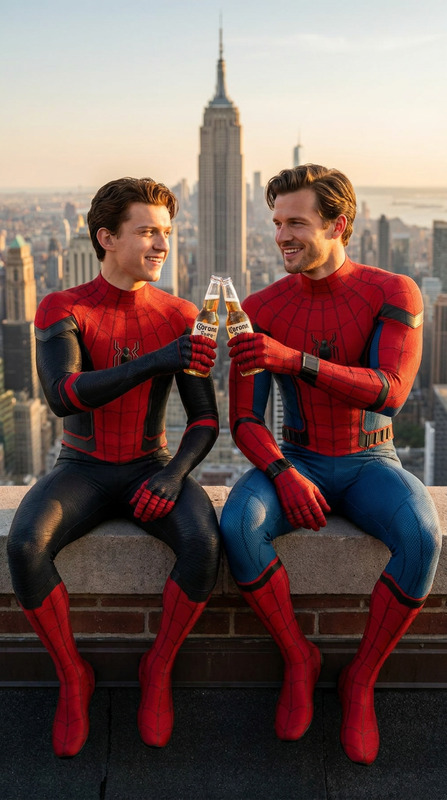
Ultra-realistic cinematic shot of a subject in a red-and-blue spider suit sitting on a skyscraper rooftop edge, frontal eye-level medium (waist-up), slightly leaning forward with one hand on the knee, static composition. Mask removed and held or lowered. Face must match uploaded reference (identity preserved, photorealistic skin, natural shadows), expression calm, pensive, slightly tired. Suit identical: red/blue micro-mesh, raised 3D webbing, realistic fabric, small tear on shoulder. Background shows opposite rooftop side with industrial elements (vents, metal structures), distant city buildings softly blurred with haze. Lighting: overcast, soft diffused, no harsh shadows. Color grade: cool bluish-teal, muted saturation, soft contrast, gray-green shadows, darker subdued red. Camera: 70–100mm, shallow depth of field, subject sharp, background blurred. Film still look, subtle grain, physically accurate lighting, 2010s cinematic realism, no CGI feel.
Any aspect ratio
Overview
The Unmasked Rooftop Reflection template allows creators and photographers to craft stunningly realistic AI-generated images with a high level of customization. Utilizing the AI Image Editor capabilities of the nano-banana-2 model, you can create cinematic visuals that maintain the identity of a referenced subject in vivid detail.
What It Does
The template is designed to produce ultra-realistic, cinematic shots that capture a subject in a defined superhero pose on a rooftop. Key features include maintaining facial identity with photorealistic detail and seamlessly blending the subject with dramatic urban backgrounds. It adjusts lighting, fabric textures, and color grading to create a lifelike film still. Perfect for those looking to merge creativity with detailed realism, the tool helps you make images worthy of motion pictures.
Who It’s For
This template is ideal for digital artists, illustrators, and content creators seeking to enhance their storytelling through visual media. Whether working on comic book imagery, storyboards, or graphic novels, the AI Image Generator ensures every detail of the narrative is captured. It's also valuable for media professionals wanting to add authenticity to visual narratives.
Summary
Enhance your visual projects with the Unmasked Rooftop Reflection template, using its AI-driven precision to render images that convey dynamic storytelling and aesthetic depth. Tap into a diverse range of applications, from creative media to professional design across industries, supported by tools like the AI Video Generator for a unified media creation experience.
How-To
Choose the Template

Customize Your Inputs

Generate the Image

Use Cases
Comic Book Creation
Digital Storyboards
Marketing Materials
Best Practices
Select High-Quality Reference Images
To achieve the best results, ensure that your reference images are clear and of high resolution. This helps maintain accurate identity preservation.Fine-Tune Lighting and Textures
Adjust the lighting effects and textures for the suit carefully to enhance the realism and match the specific mood or theme of your project.Experiment with Color Grading
Use the color grading tools to match the overall tone of your desired output, whether that's for a specific era or cinematic style.