Off-Duty Superhero

Off-Duty Superhero

ai-image-editor

1 clip
0 uses

Any aspect ratio

Prompt

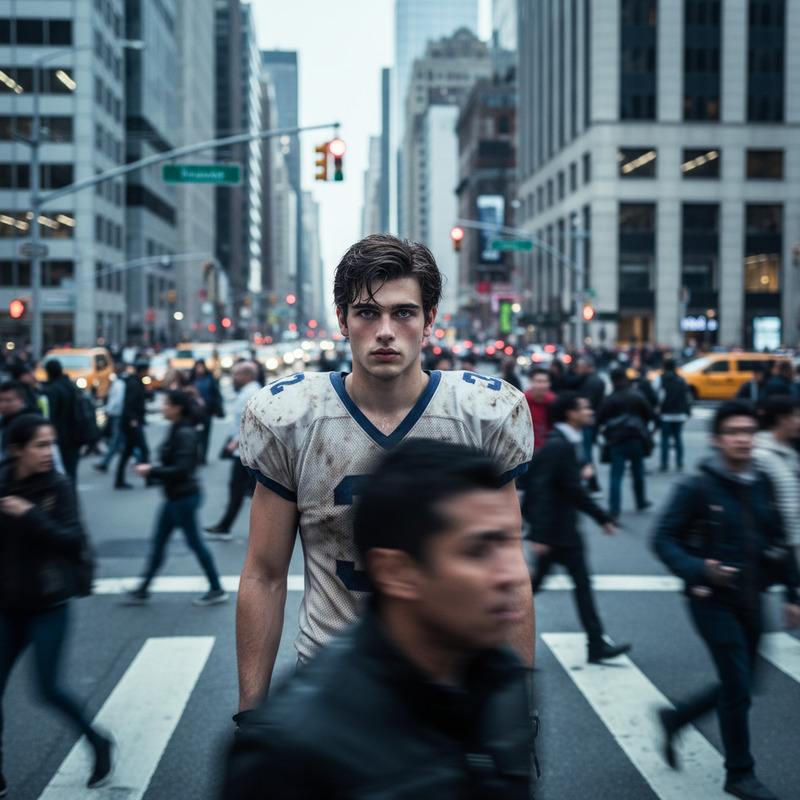
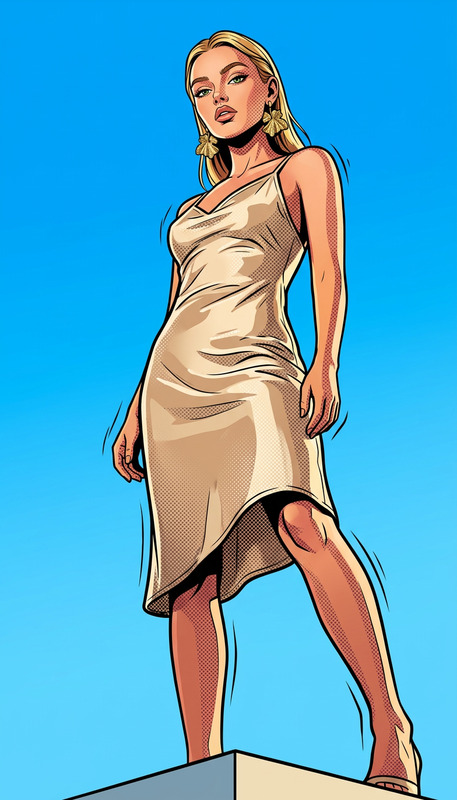
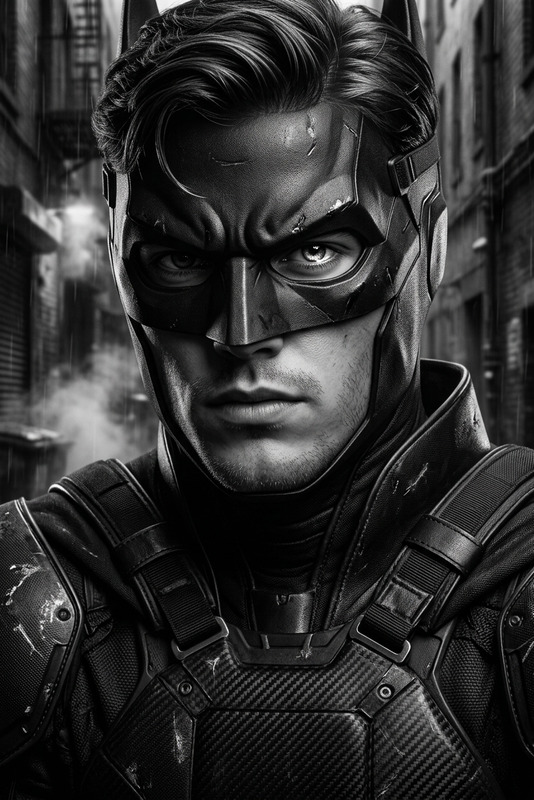
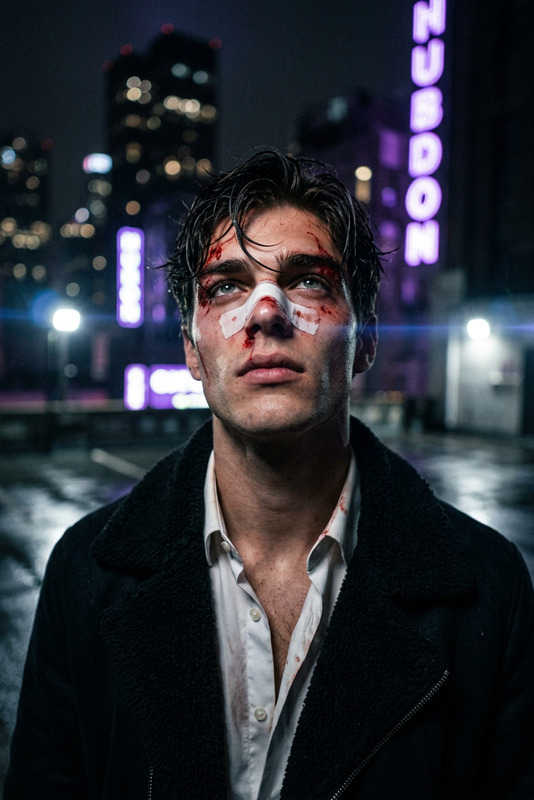
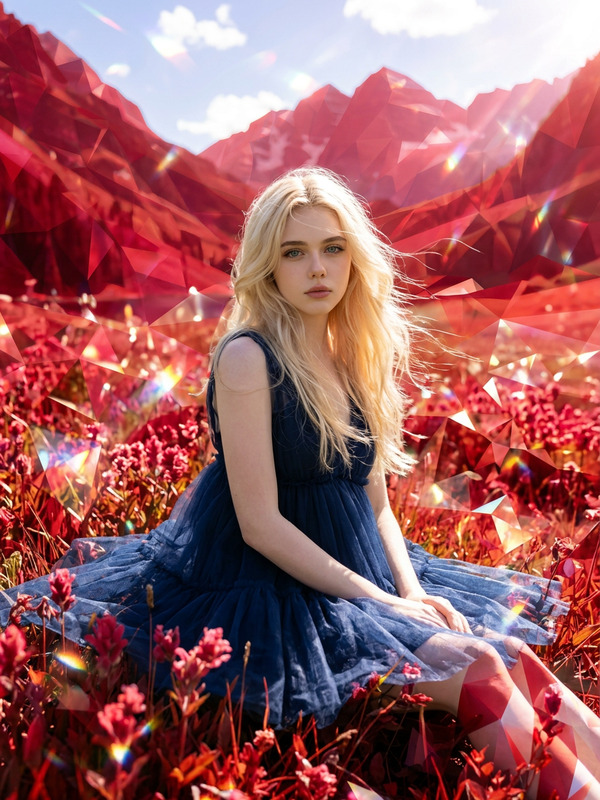
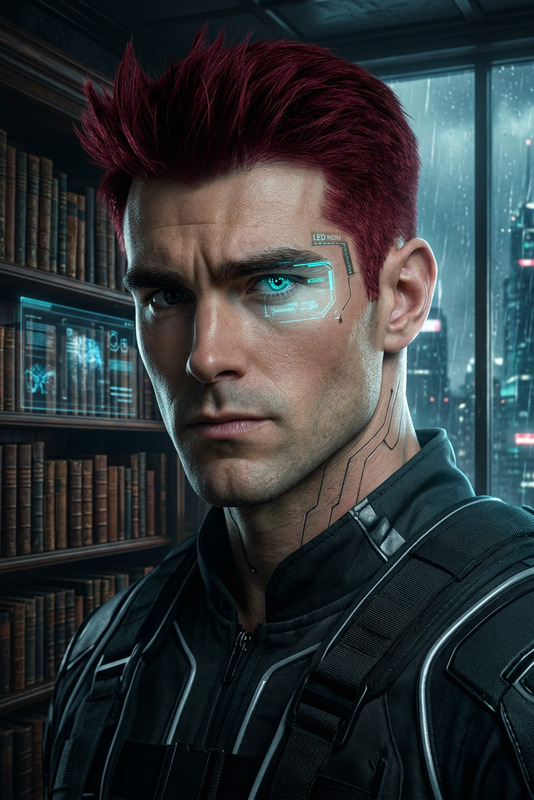
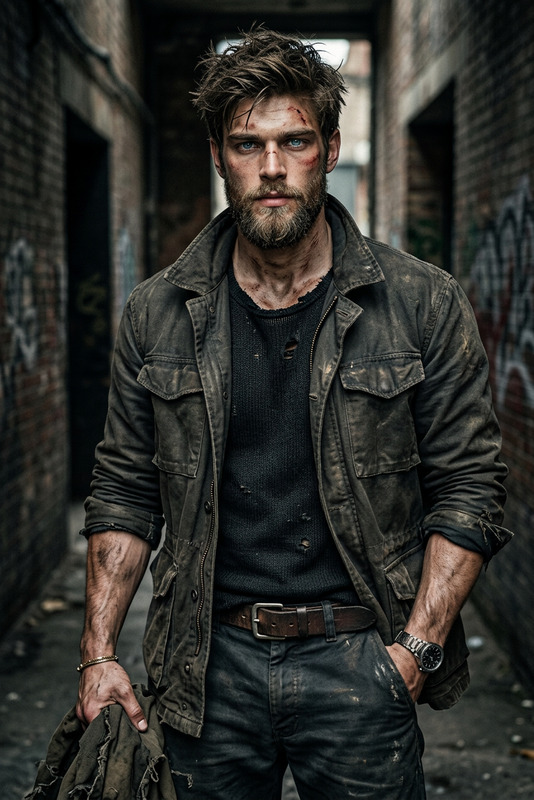
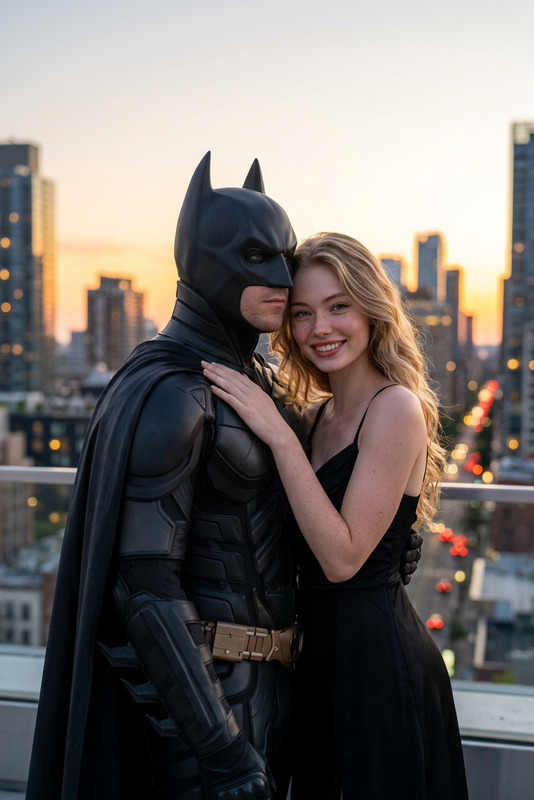
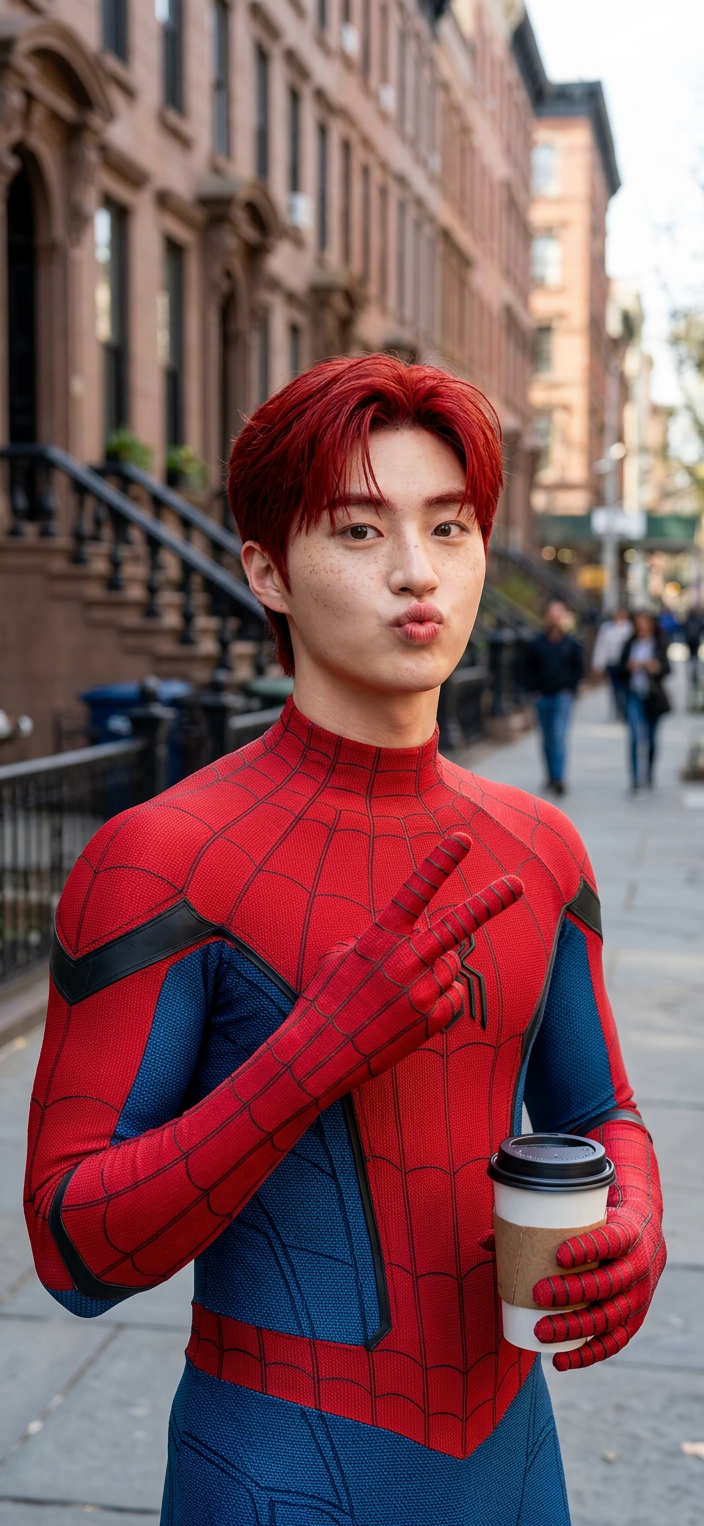
Subject with red hair and light freckles, wearing a realistic red-and-blue superhero suit with detailed fabric texture and web patterns; standing casually on a New York street during the day; playful expression with a kissy face, looking at the camera; holding a coffee cup in one hand and making a peace sign with the other; background shows blurred city buildings and pedestrians; soft natural daylight, cinematic street photography style, shallow depth of field, sharp focus, ultra-realistic, high detail, 8K quality.

AI Image Editor Template – Instantly Transform Any Photo with Precision Edits

Use this AI Image Editor–based template to make fast, high‑quality visual edits without touching Photoshop. Replace backgrounds, fix faces, clean up products, remove objects, adjust aesthetics, and generate multiple on‑brand variations in minutes.


What You Can Do with This Template

This template is built on the AI Image Editor, so you can:

  • Edit any photo directly with AI

    • Clean up distractions, remove people/objects, or fix small mistakes
    • Replace skies, environments, or props while keeping lighting consistent
    • Refine composition, style, and color without manual masking
  • Create multiple creative variations

    • Generate alternative versions for A/B tests, campaigns, and thumbnails
    • Explore different moods, aesthetics, or brand directions from a single source photo
    • Pair with AI Image Generator or AI Photo Generator to go from idea → draft → polished edit
  • Upgrade and restore visual quality

  • Prepare assets for campaigns and products

    • Clean product photos and remove messy backgrounds with Image Background Remover or AI Remover
    • Generate hero images, social assets, and ad creatives tailored to specific audiences
    • Design visuals for websites, decks, and app stores without a full design stack

Who This Template Is For

This template is optimized for:

  • Founders & marketers

    • Rapid asset creation for landing pages, ads, email banners, and social
    • Quick iteration on creative before handing off to design or agencies
    • Faster experimentation on messaging and positioning with visuals to match
  • Creators & content teams

    • YouTube thumbnails, podcast covers, reels, and shorts artwork
    • Visual stories, carousels, and memes (paired with AI Meme Generator and Thumbnail Maker)
    • Streamlined workflows from raw screenshot/photo → polished content piece
  • Developers & product teams

    • Concept art, UI mockups, and marketing visuals generated from internal assets
    • Quick iterations of icons, avatars, and characters using tools like AI Icon Generator, Avatar Generator, or AI Character Generator
    • Faster “idea to visual” loops during product discovery and prototyping

How to Remix This Template in Magic Hour

You can use this template as‑is, or treat it as a starting point for your own editing system inside Magic Hour.

1. Start from an existing image

2. Apply focused edits with AI Image Editor

Use the AI Image Editor to:

3. Build a reusable “visual system”

To turn this template into your own repeatable workflow:

  • Decide on consistent framing and composition

  • Lock in brand style and variations

  • Create fast remix flows for your team

    • For each new campaign: start from this template → swap subject → adjust background → export
    • Stack tools: Image Editor → Upscaler → Background Remover → Thumbnail Maker for clean, ready‑to‑ship assets

Advanced Uses and Combinations

Because this template is image‑based, it also pairs well with Magic Hour’s video and audio tools:


Practical Example Workflows

1. Startup marketing page refresh

  1. Generate hero concept art with AI Art Generator
  2. Refine composition, remove clutter, and clean details with the AI Image Editor template
  3. Export multiple variations for A/B tests
  4. Create matching social graphics via Thumbnail Maker and AI Background Generator

2. Creator thumbnail and shorts pipeline

  1. Grab a high‑contrast portrait or selfie
  2. Enhance and edit it in this AI Image Editor template (clean background, sharper features, bold colors)
  3. Turn the final image into animated shorts using Text to Video or Image to Video
  4. Add auto‑generated captions with Auto Subtitle Generator

3. Product and e‑commerce visuals

  1. Shoot simple product photos on any background
  2. Use this template + Image Background Remover to isolate the product
  3. Generate on‑brand contextual backgrounds via AI Background Generator
  4. Upscale the final images using AI Image Upscaler for marketplaces or print

Tips for Better Results

  • Start with as much detail as you can
    Higher‑resolution inputs and well‑lit photos give the AI more structure to work with and generally improve results.

  • Iterate rather than over‑editing in one step
    For complex changes, break the process into: cleanup → structure → style → export. This keeps outputs stable and controllable.

  • Use consistent angles and framing across a project
    This is especially important for campaigns, thumbnails, and product listings; it makes remixing far easier and keeps your brand coherent.

  • Chain tools intentionally
    A strong general sequence is: generation (if needed) → AI Image Editor → cleanup (removers/background) → styling → upscaling → video/animation.


Related Magic Hour Tools Worth Exploring

If you like this AI Image Editor template, you may want to explore:

Use this template as your starting point, then remix, combine, and scale it with other Magic Hour tools to build a visual pipeline that fits your team, product, and growth goals.

More Like This