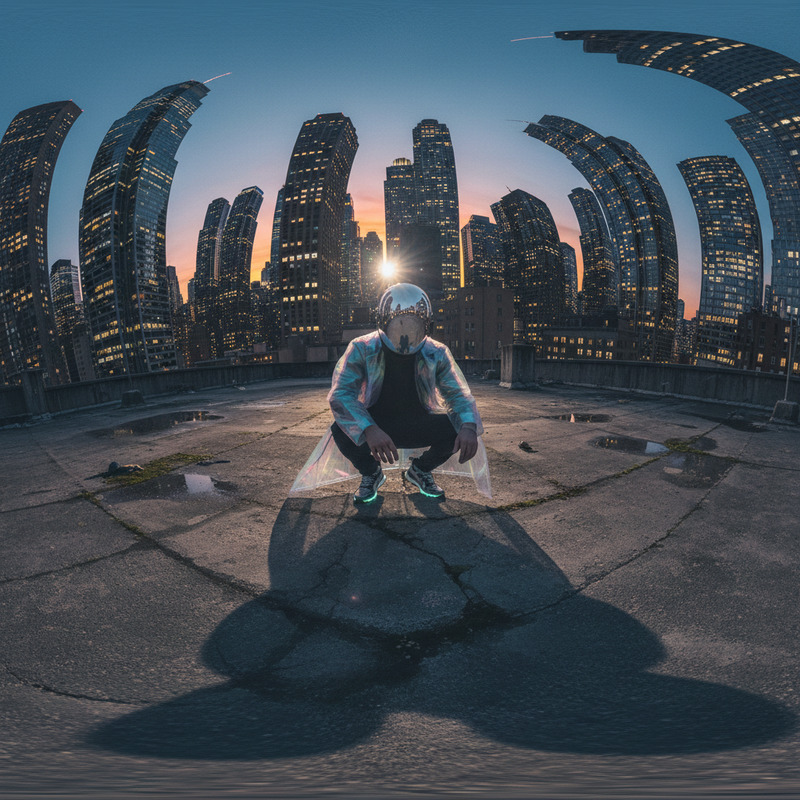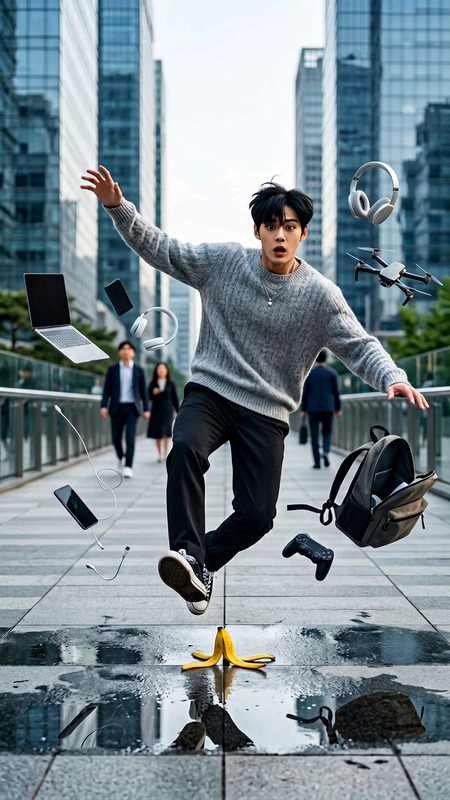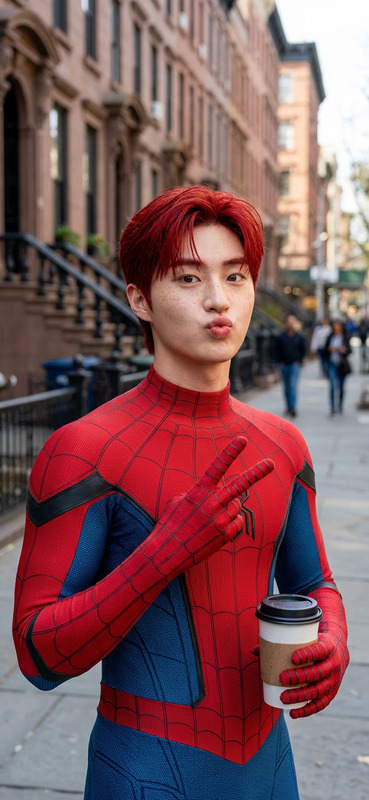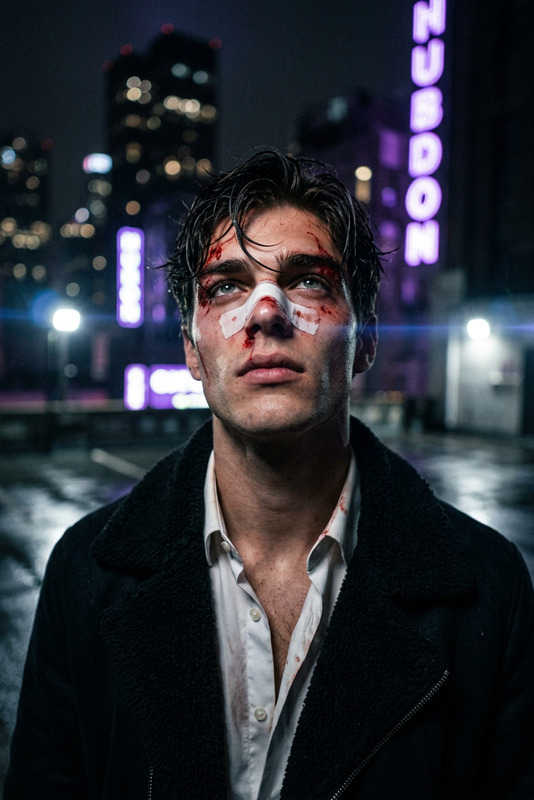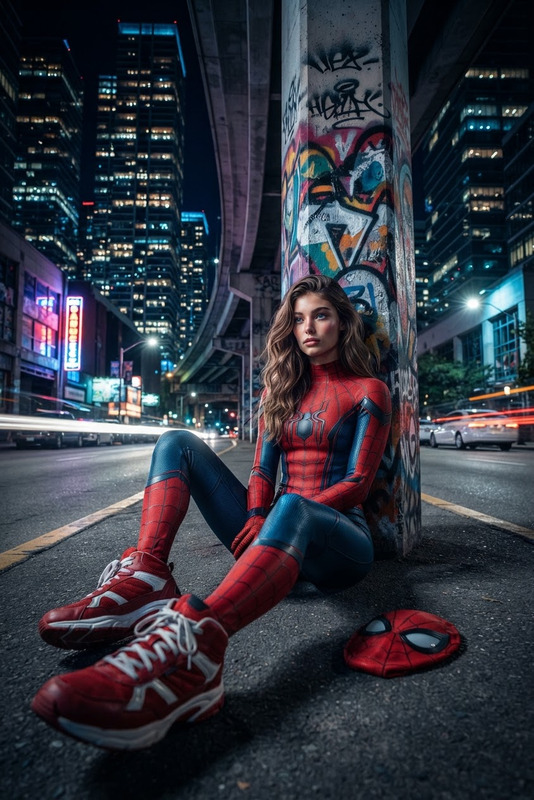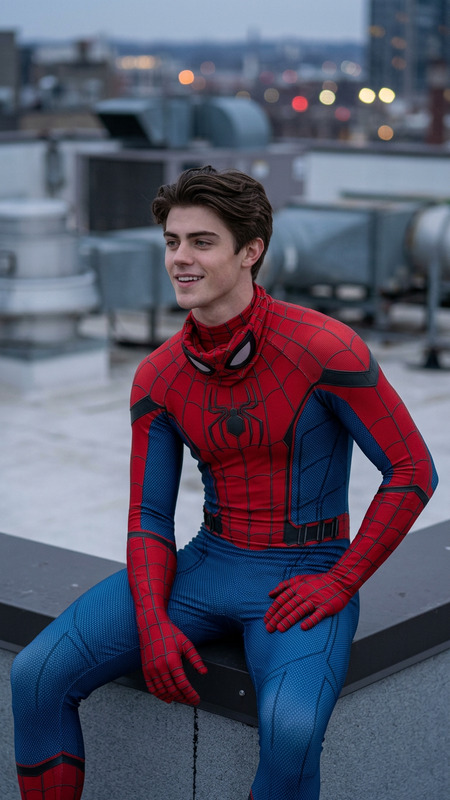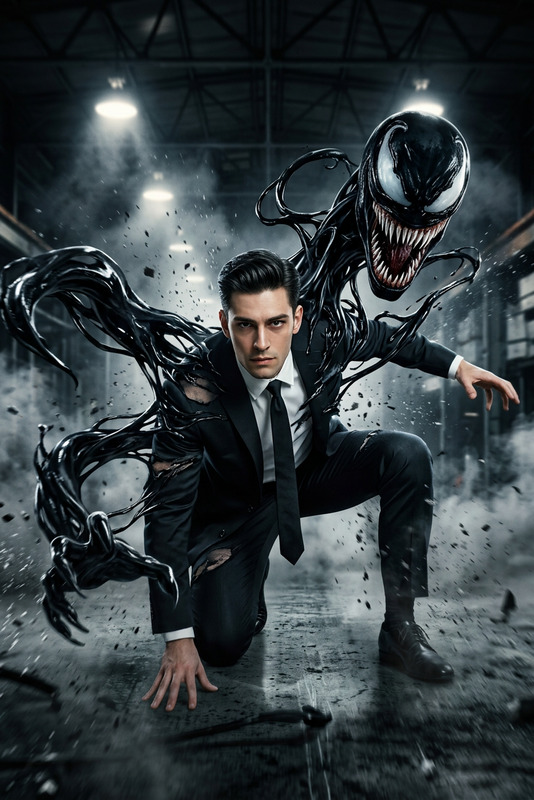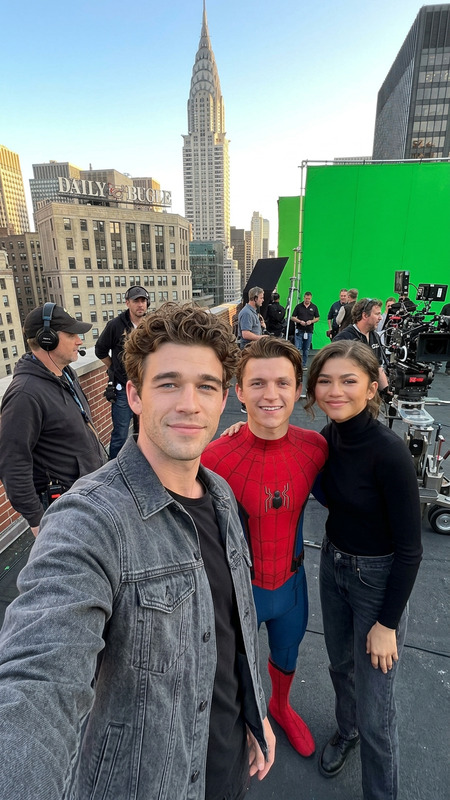
Back View Rooftop Still
- Model
- Nano Banana 2
- Image
- 843 × 1264 px
Prompt
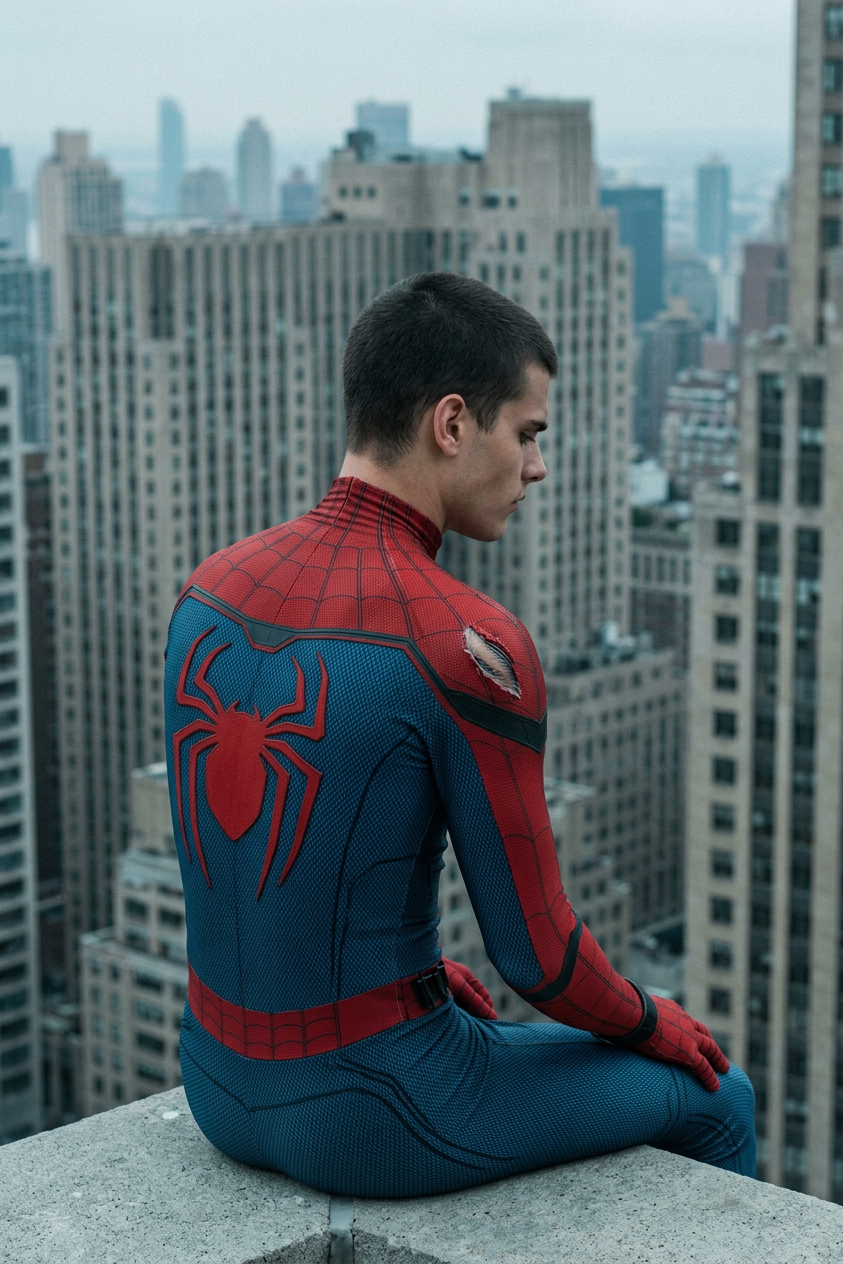
Ultra-realistic cinematic back view of a subject in a red-and-blue spider suit sitting on a skyscraper edge, centered, eye-level waist-up shot, slightly leaning forward with one hand on the knee. Large red spider logo on the back; small tear on the right shoulder revealing fabric texture. Dense New York–style cityscape behind with repeating beige/gray high-rises, softly blurred with atmospheric haze. Overcast sky with soft diffused daylight, no harsh shadows. Suit shows detailed micromesh and raised webbing, physically accurate materials. Color grade: cool bluish-teal, muted saturation, soft contrast, gray-green shadows, slightly darkened red. Static, calm, slightly melancholic tone. Camera 70–100mm, shallow depth of field, subject sharp, subtle film grain, 2010s cinematic realism, film still, no action.
Any aspect ratio
Overview
The Back View Rooftop Still template utilizes the power of the AI Image Editor to bring cinematic quality to urban imagery. This template is crafted to deliver an ultra-realistic rendering of a subject in a superhero suit, perfectly capturing the calm yet dynamic essence of an urban rooftop.
What It Does
This template enables you to generate an ultra-realistic image of a subject in a spider-themed suit seated on the edge of a skyscraper. The background features a dense cityscape with blurred buildings, simulating atmospheric depth. The model renders the suit with detailed micromesh and raised webbing textures, ensuring a high level of material authenticity.
The scene is set under an overcast sky with a cool color grade, making use of 2010s cinematic realism. This template leverages the AI Image Generator capabilities for a striking visual finish.
Who It's For
This template is ideal for creators looking to add a cinematic touch to their visual content. Film directors, storyboard artists, and comic book enthusiasts will find it particularly useful. It's also perfect for digital marketers crafting immersive ad content for cultural products or urban-themed campaigns, easily integrating with the Video to Video pipeline.
Summary
The Back View Rooftop Still delivers an unparalleled cinematic imagery toolset for artists and professionals needing high-quality, realistic urban visuals. With an eye for detail, it captures mood and atmosphere effectively, serving a variety of use cases from marketing to storytelling.
How to Use
Choose the Template

Customize Your Image

Generate Your Visual

Use Cases
Film Storyboarding
- Cinema-style visuals
- Enhanced narrative clarity
Urban Marketing Campaigns
- Authentic cityscapes
- Strong emotional appeal
Comic Book Imagery
- Character depth
- Atmospheric scenes
Best Practices
Focus on Detail
Ensure that the suit's fabric and cityscape are true to life by paying attention to texture details and atmospheric settings.Leverage Color Grading
Use the cool bluish-teal coloring to enhance the mood and coherence of the image.Optimize Composition
Maintain the subject's position and scale within the frame to capture the intended cinematic quality.