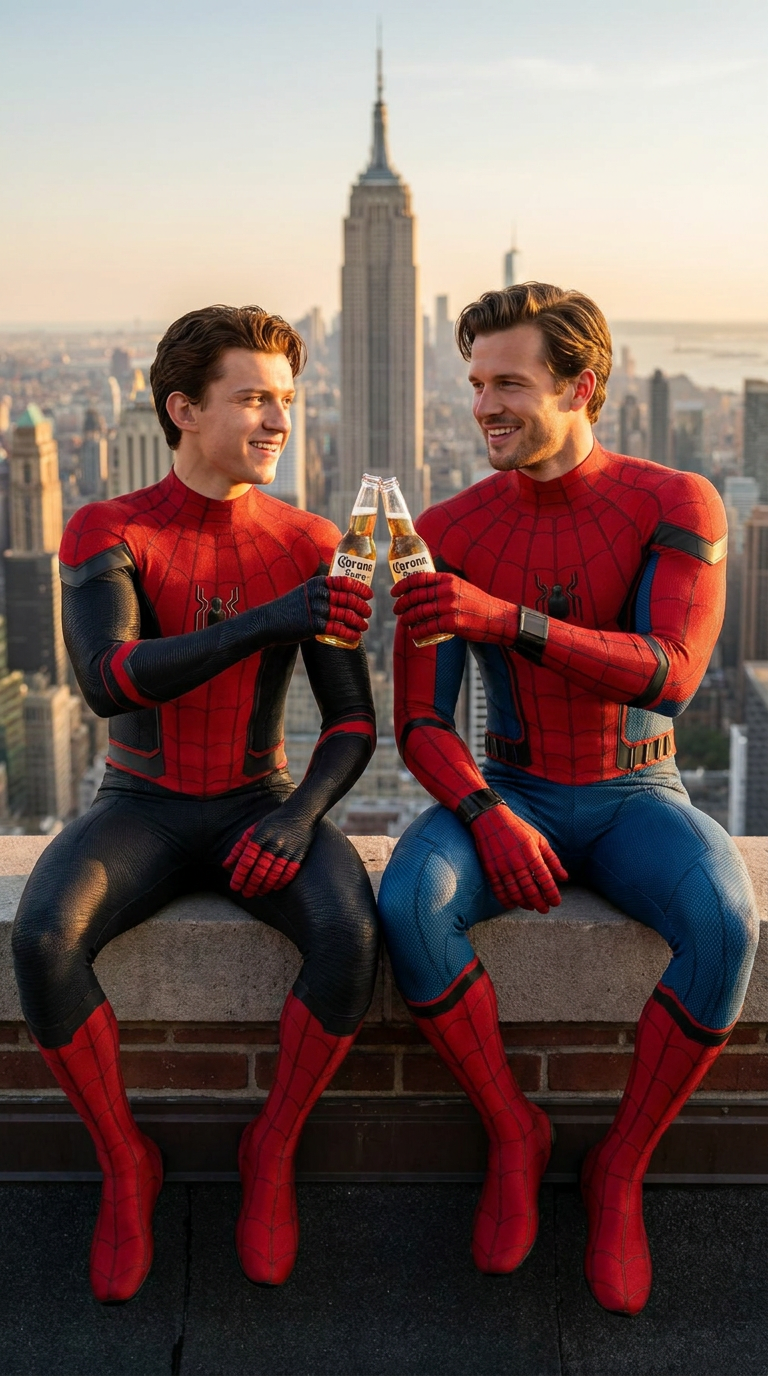
Spider Rooftop
- Model
- Nano Banana Pro
- Image
- 768 × 1376 px
Prompt
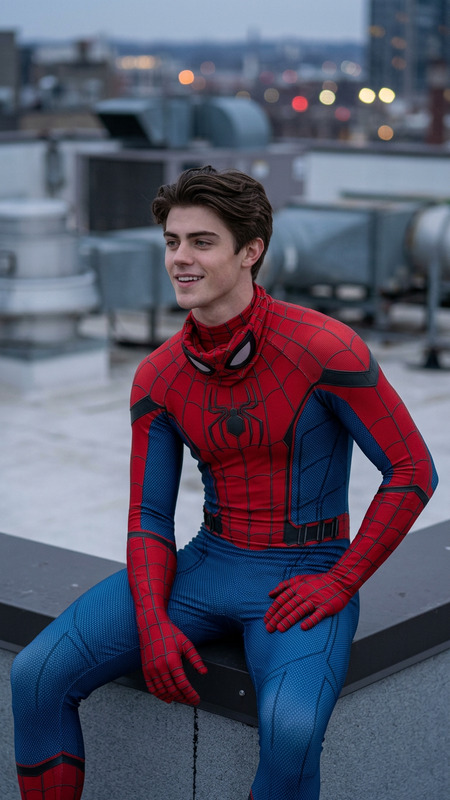
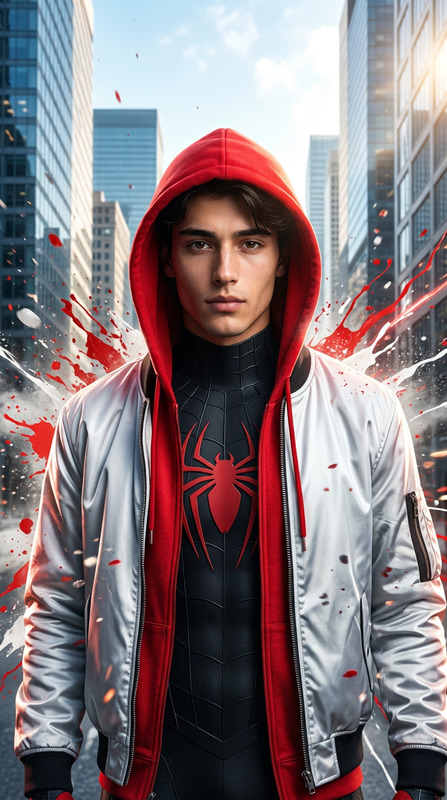
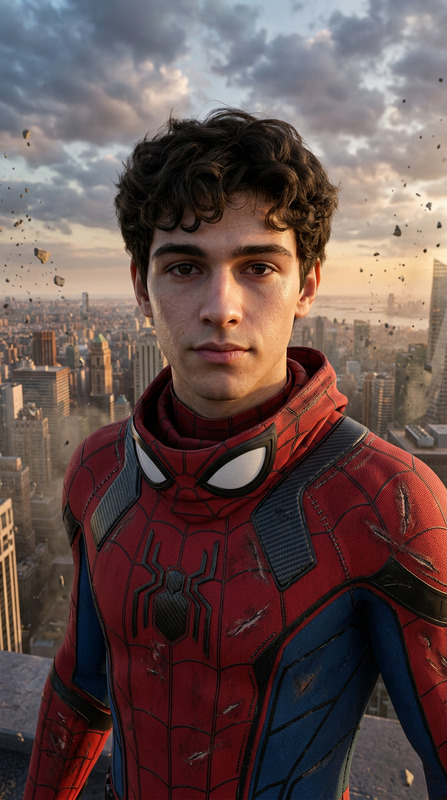
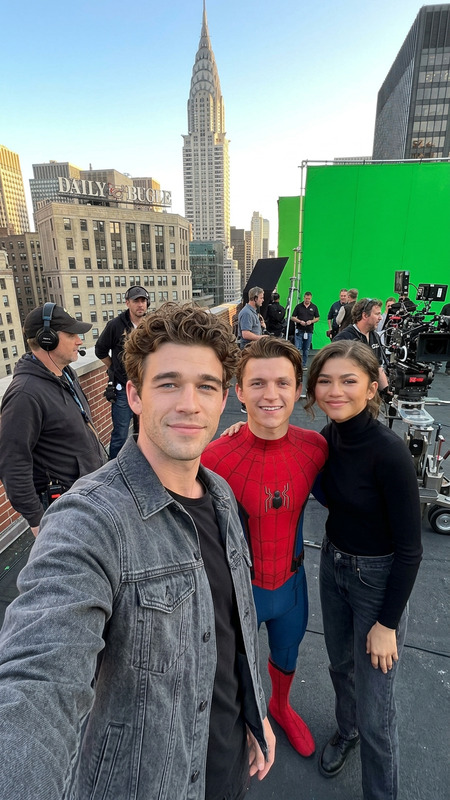
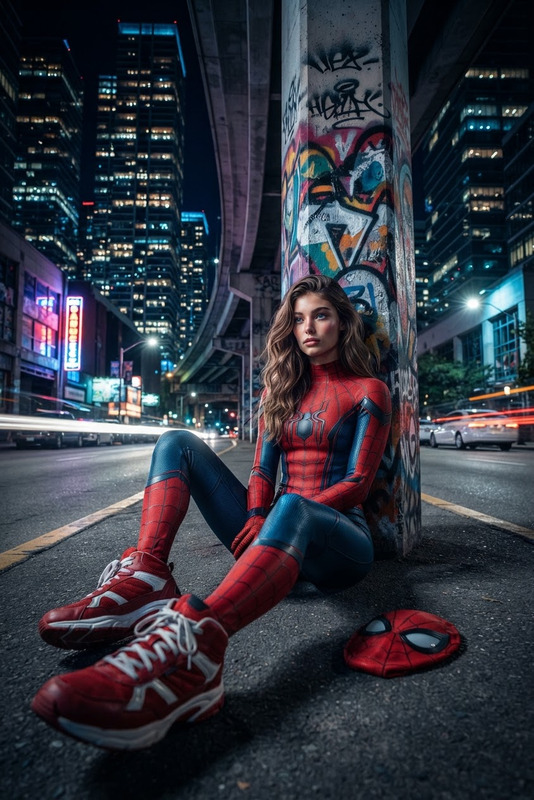
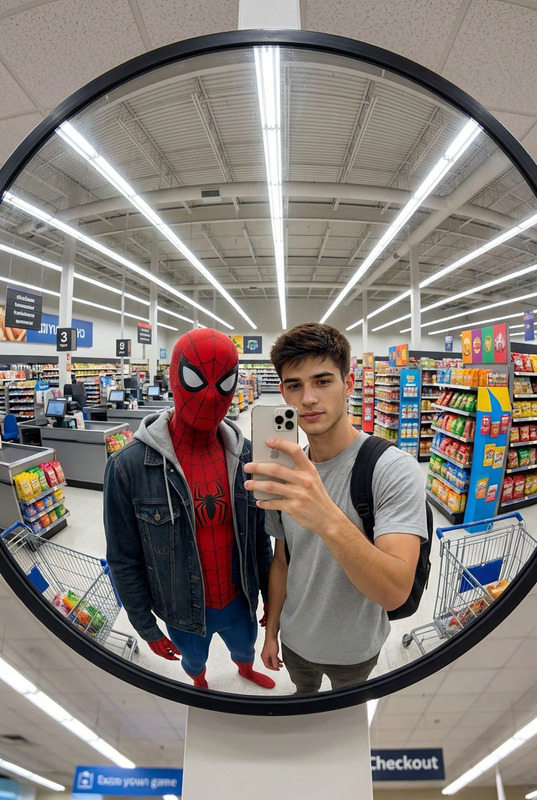
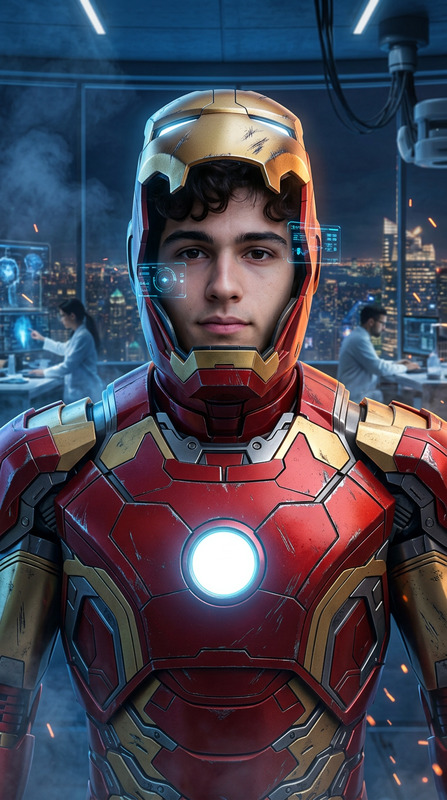
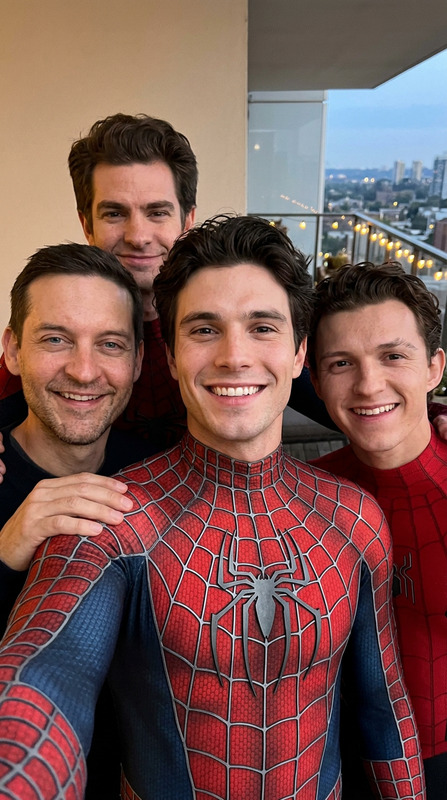
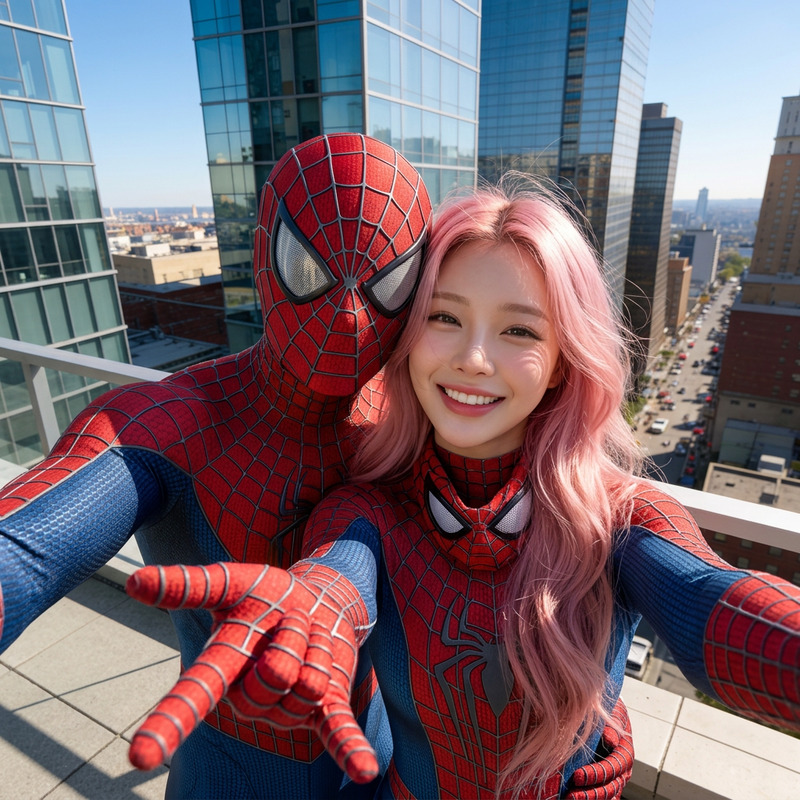
Use the uploaded reference image only to preserve my exact facial identity, facial proportions, eye shape, eyebrows, nose, lips, jawline, skin tone, hairstyle, and overall recognizable appearance. Do not alter my face in any way. Change only the clothing, pose, environment, lighting, and composition. Create a hyper-realistic cinematic rooftop portrait of me sitting beside Tom Holland, who is dressed as Spider-Man without the mask. I am also wearing a realistic Spider-Man suit without the mask, preserving my exact face from the reference image. Both of us are sitting casually on the edge of a New York City rooftop during golden hour, smiling naturally while raising and gently clinking Corona beer bottles in a friendly toast. The Manhattan skyline, skyscrapers, and distant Empire State Building are visible in the background with warm sunset light reflecting across the city. Our body language feels relaxed and authentic, like close friends taking a break after a long day. Professional Marvel-inspired editorial photography, ultra-photorealistic, realistic skin texture, cinematic lighting, HDR, shallow depth of field, 85mm lens, f/1.8, premium color grading, highly detailed Spider-Man suits with realistic fabric texture, 8K resolution, aspect ratio 9:16. Negative Prompt: low quality, blurry, cartoon, CGI, distorted face, altered facial identity, extra limbs, extra fingers, bad anatomy, duplicate people, deformed hands, plastic skin, watermark, logo, text, oversaturated colors, motion blur.
Any aspect ratio
Overview
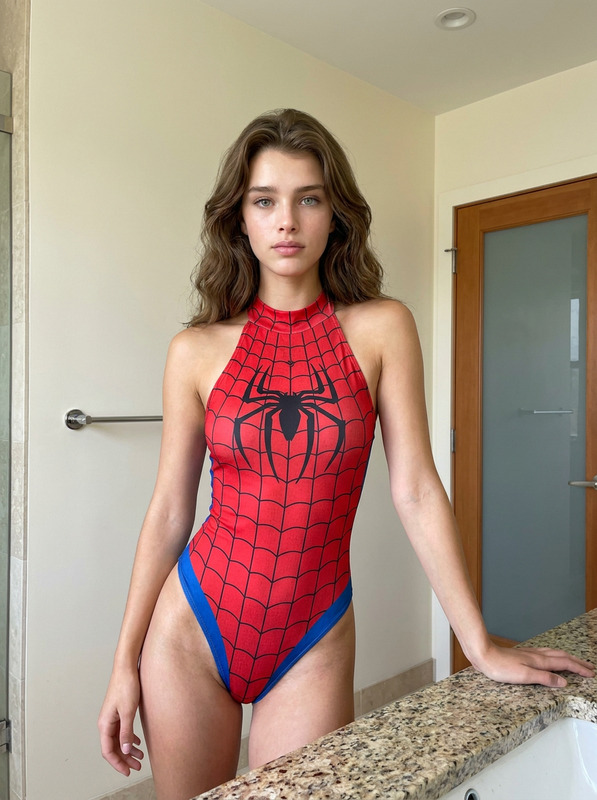
The "Spider Rooftop" AI Image Editor template offers photographers and digital creators a way to merge reality with iconic cinematic moments. Leveraging the power of the AI Image Editor, this template allows you to create hyper-realistic portraits while preserving facial identity accurately.
What It Does
This template uses advanced AI technology to maintain your exact facial identity from a reference image while altering your surroundings, attire, and pose. Sit alongside Tom Holland as Spider-Man on a New York City rooftop, crafted with stunning attention to detail through the AI Multi-Angle Generator. Capture cinematic moments with ultra-realistic lighting, enriched detail, and professional Marvel-inspired photography.
Who It's For
"Spider Rooftop" is ideal for visual effects artists, photographers, Marvel enthusiasts, and anyone creating personalized cinematic imagery. Whether crafting AI Talking Photos or composing vibrant superhero scenes, this tool offers unmatched precision in maintaining facial details while setting an impressive cinematic scene.
Summary
Our "Spider Rooftop" template transforms ordinary portraits into extraordinary scenes, using Full Body Generator features to enhance compositions. Inspire creative storytelling through detailed, high-quality images, perfect for professional portfolios or engaging creative projects.
How To
Choose Your Template

Customize Your Image

Generate Your Image

Use Cases
Personalized Marvel Portraits
- Feature yourself beside Spider-Man.
- Capture the New York skyline during golden hour.
Cinematic Photography Projects
- Experiment with various lighting conditions.
- Highlight realistic fabric textures of superhero suits.
VFX Storyboarding
- Design complex scenes with precise facial details.
- Set the stage for a realistic cinematic sequence.
Best Practices
Begin with High-Quality Reference Images
Use a clear, well-lit photo to maintain detail clarity.Pay Attention to Lighting
Adjust lighting settings to match the desired aesthetic and realism.Utilize Realistic Material Textures
Employ realistic textures for clothing to enhance authenticity and depth.