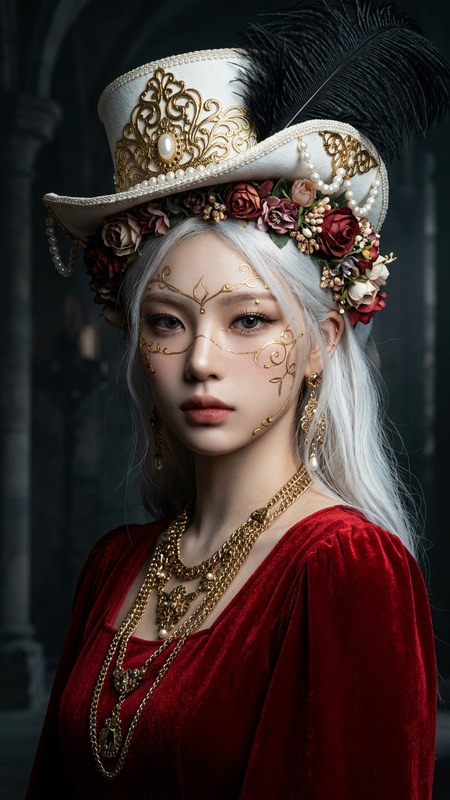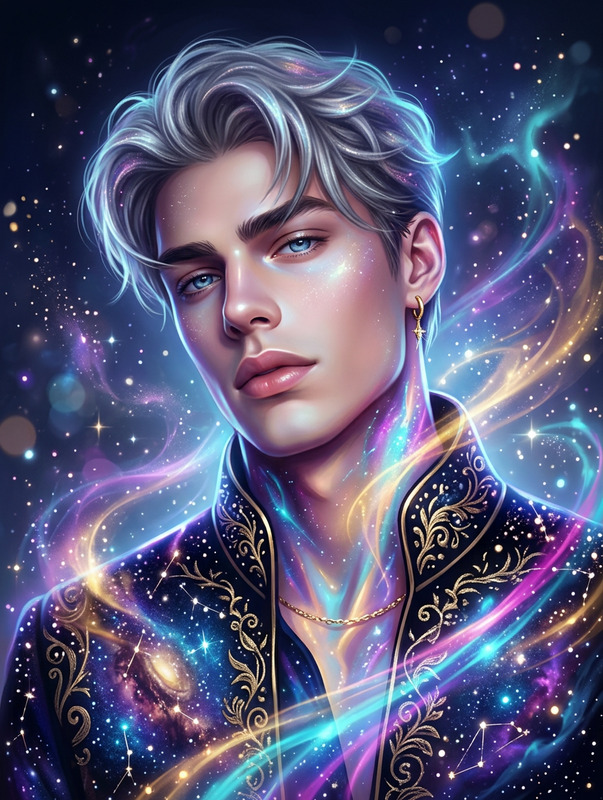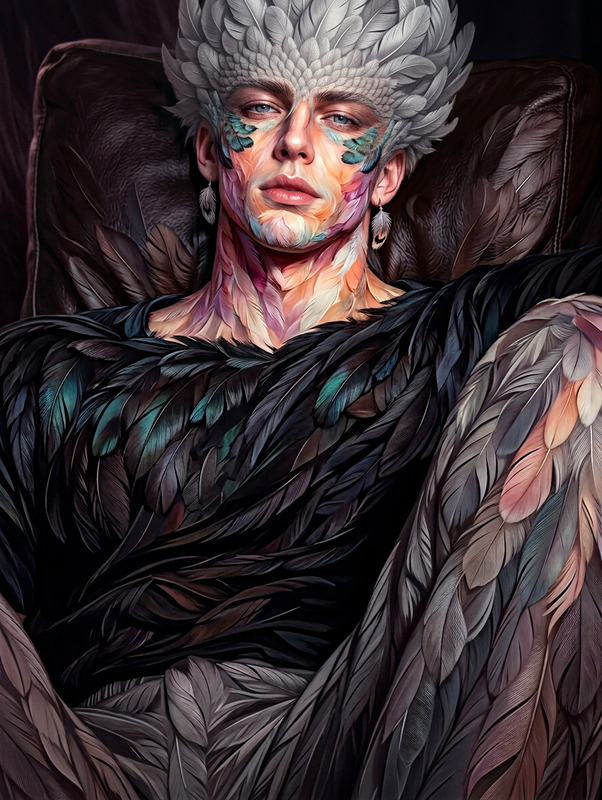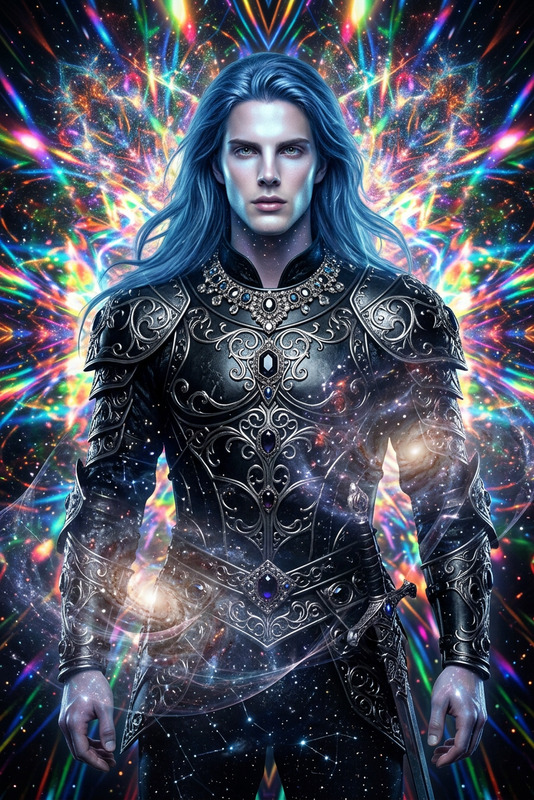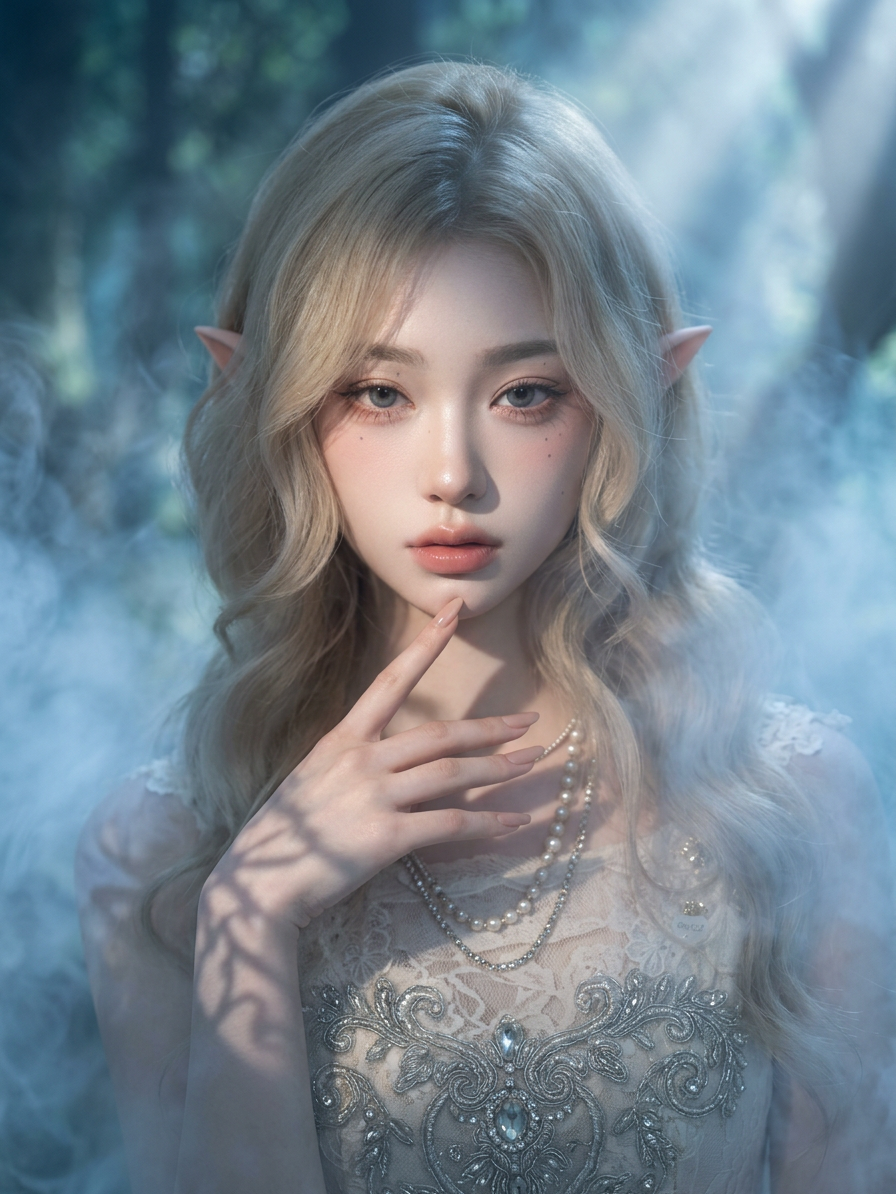
Elf Portrait
- Model
- Nano Banana 2
- Image
- 896 × 1194 px
Prompt
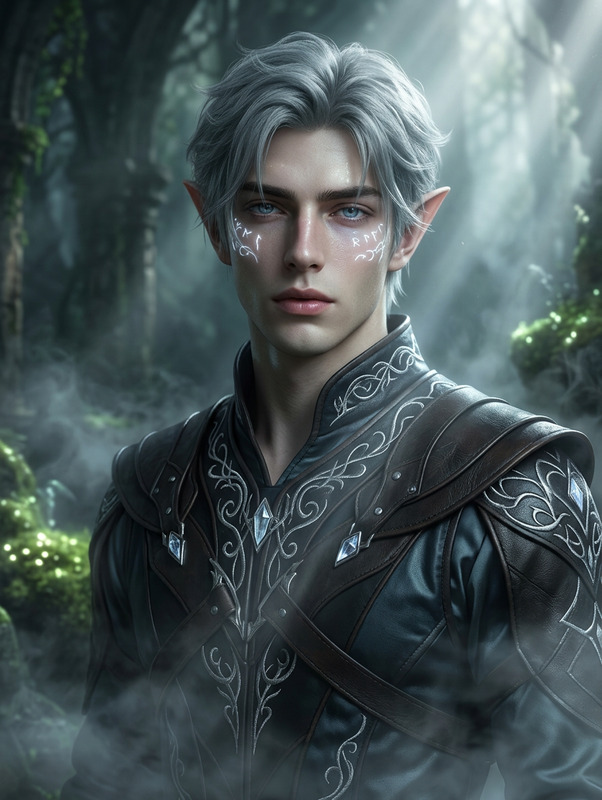
Generate a photorealistic fantasy portrait of an elf-like subject enveloped in soft mist, with cinematic lighting casting intricate shadows and volumetric light beams; the subject features refined, elegant facial structure and a serene, focused expression; the composition emphasizes smooth rendering, high detail, and polished concept-art quality, with ornate design elements subtly integrated into the character; lighting and atmosphere enhance depth, contrast, and mystique while maintaining clarity and sharpness; the overall aesthetic blends realism with fantasy illustration, delivering a refined, cinematic, and highly detailed visual with a sense of quiet elegance and otherworldly presence.
Any aspect ratio
Overview
Transform your ordinary images into extraordinary, photorealistic fantasy portraits with the Elf Portrait template. Utilizing the nano-banana-2 model, this AI Image Editor template crafts mystical visuals that capture the enchanting essence of elves through refined facial features and cinematic lighting.
What It Does
This template generates a stunning elf-like portrait complete with detailed elements like elegant facial structures and serene expressions. The application of volumetric lighting and intricate shadows brings a sense of depth, making the final image look like a polished piece of concept art. Ideal for creating high-quality fantasy imagery, it balances realism with fantasy aesthetics.
Who It's For
Artists, designers, or fantasy enthusiasts looking to enhance their creative projects will find this template invaluable. It is perfect for use in projects that require detailed and atmospheric character illustrations, such as book covers, game design, and visual storytelling.
Summary
Whether you're aiming for a serene portrayal or an intricate design, the Elf Portrait template delivers exceptional results. By blending the Clothes Changer and Talking Photo functionalities, you can further customize and animate your elf portraits for a complete magical experience.
How To
Select Template

Customize Options

Generate Image

Use Cases
Fantasy Artwork Creation
- Use in book covers
- Incorporate in game design
Concept Art and Design
- Film and animation pre-production
- Character design and development
Social Media and Content Creation
- Enhance Instagram posts
- Create fantasy blog visuals
Best Practices
Focus on Lighting
Experiment with volumetric lighting to add depth and dimension to your portrait.Emphasize Expression
Adjust facial expressions to convey the character's otherworldly mystique effectively.Balance Realism and Fantasy
Ensure that the blend of realistic and fantasy elements is well-balanced for a cohesive look.