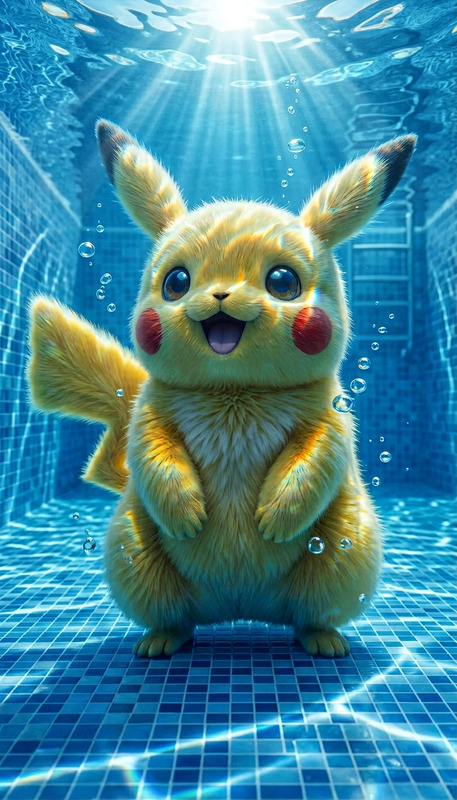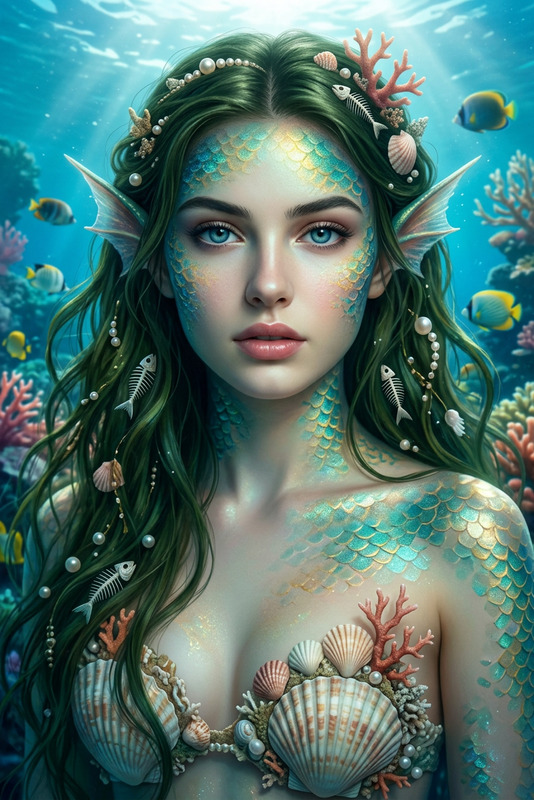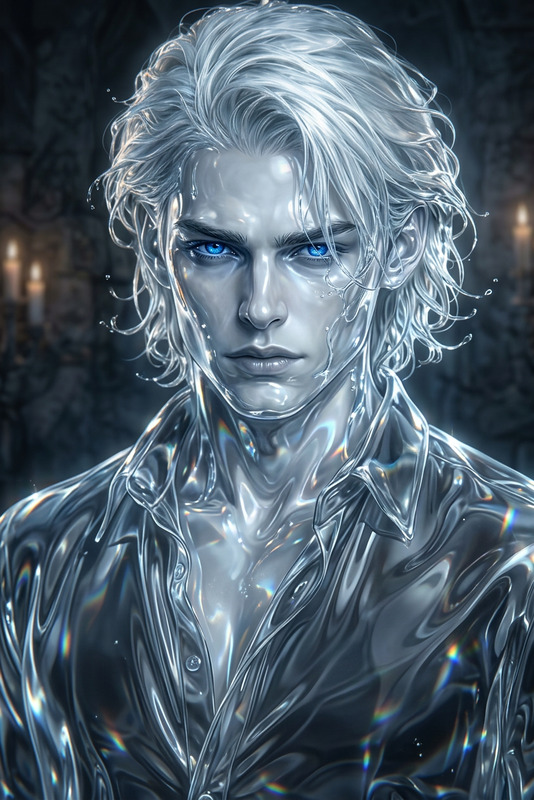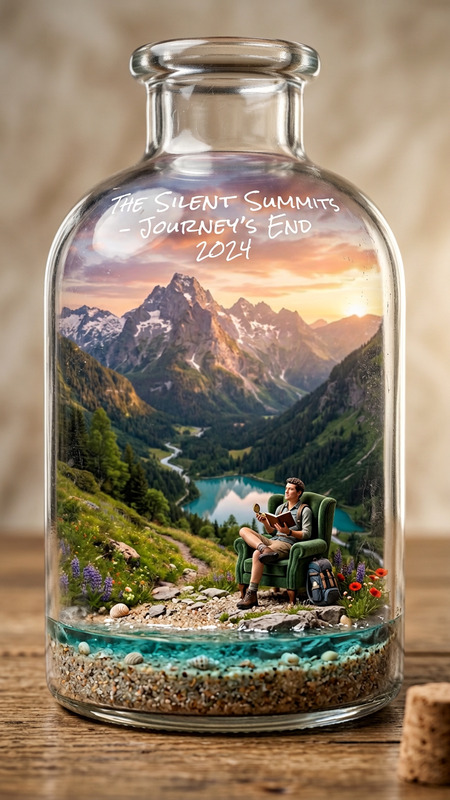
Aqua Diorama
- Model
- Nano Banana 2
- Image
- 768 × 1365 px
Prompt
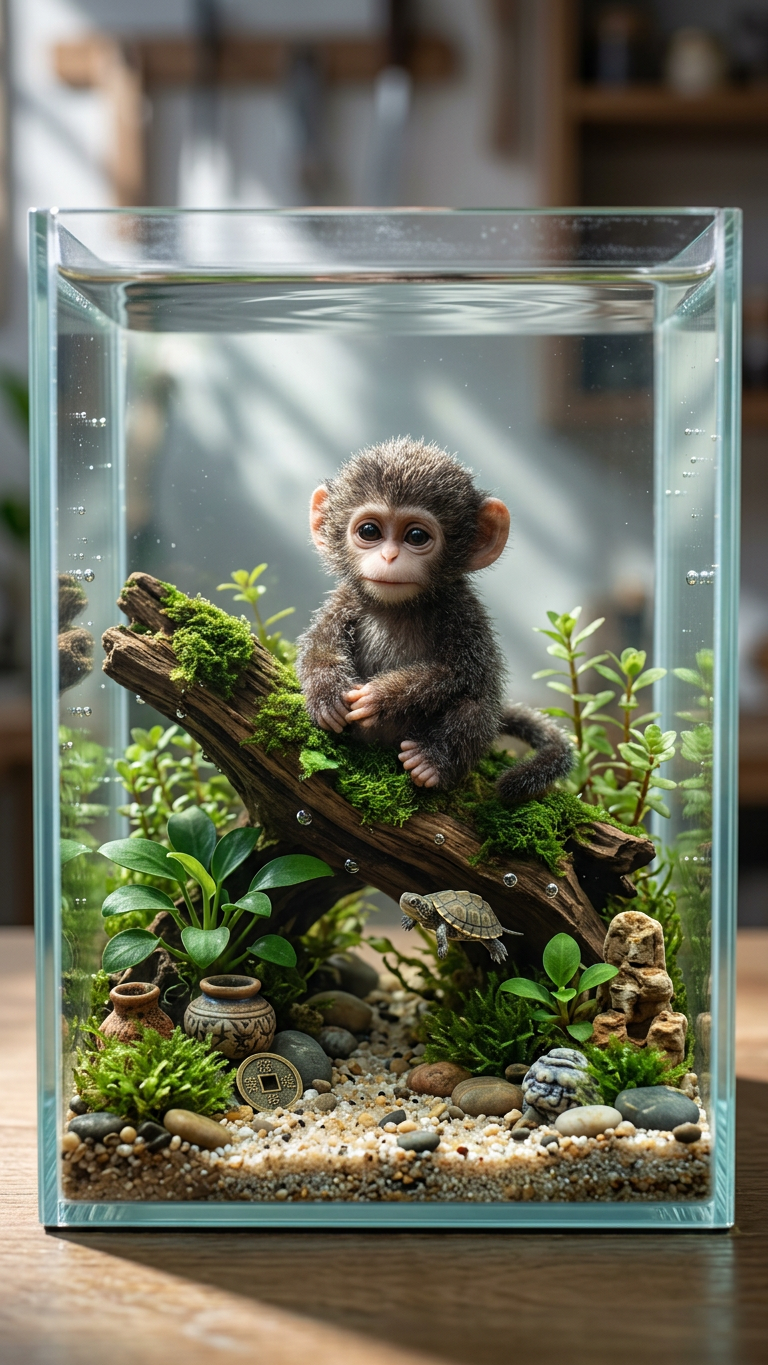
Subject featured as the central decorative element inside an ultra-detailed miniature turtle aquarium diorama; hyper-realistic front view of a crystal-clear glass tank with delicate edges; a tiny cute turtle swims or rests nearby; intricate substrate, aquatic plants, rocks, and micro-decorations surround the subject; realistic water with bubbles and shimmering light caustics; soft natural lighting creates gentle shadows and reflections; photorealistic miniature craftsmanship, collector-quality detail, sharp focus, serene aquatic atmosphere.
Any aspect ratio
Overview
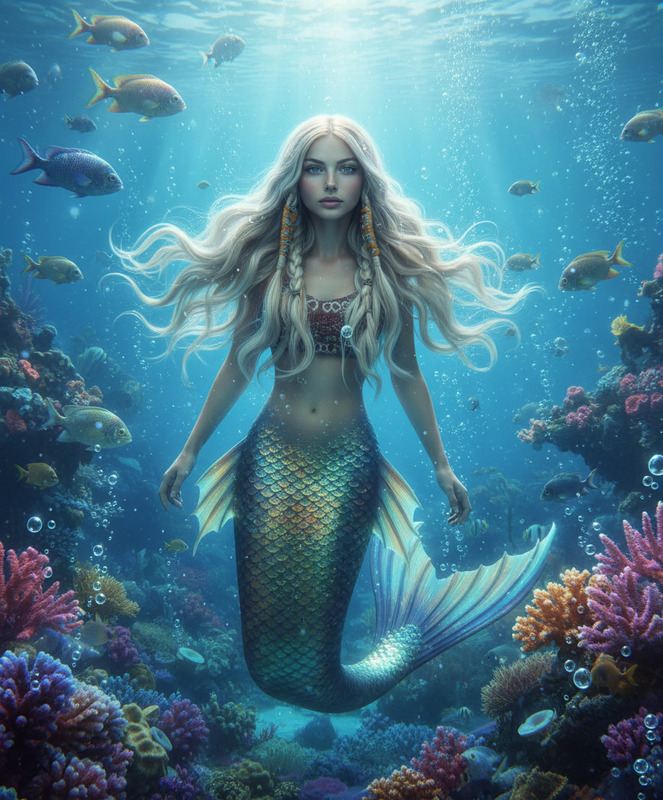
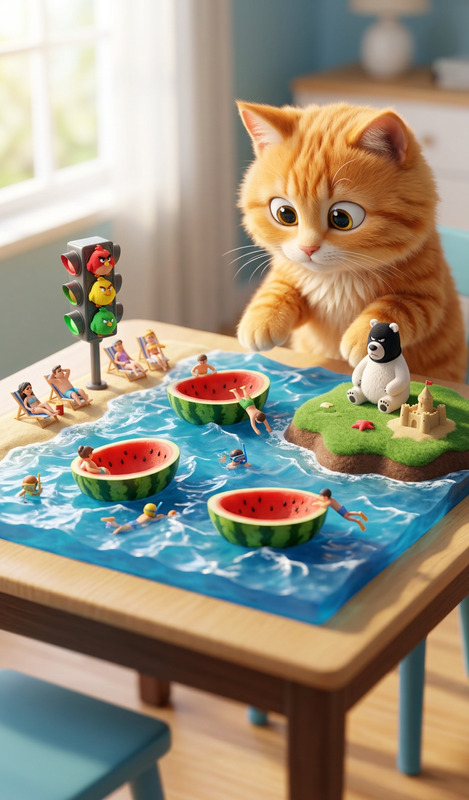
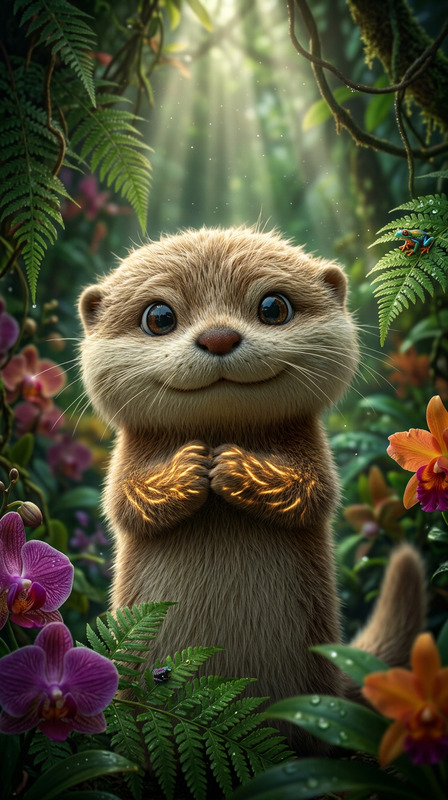
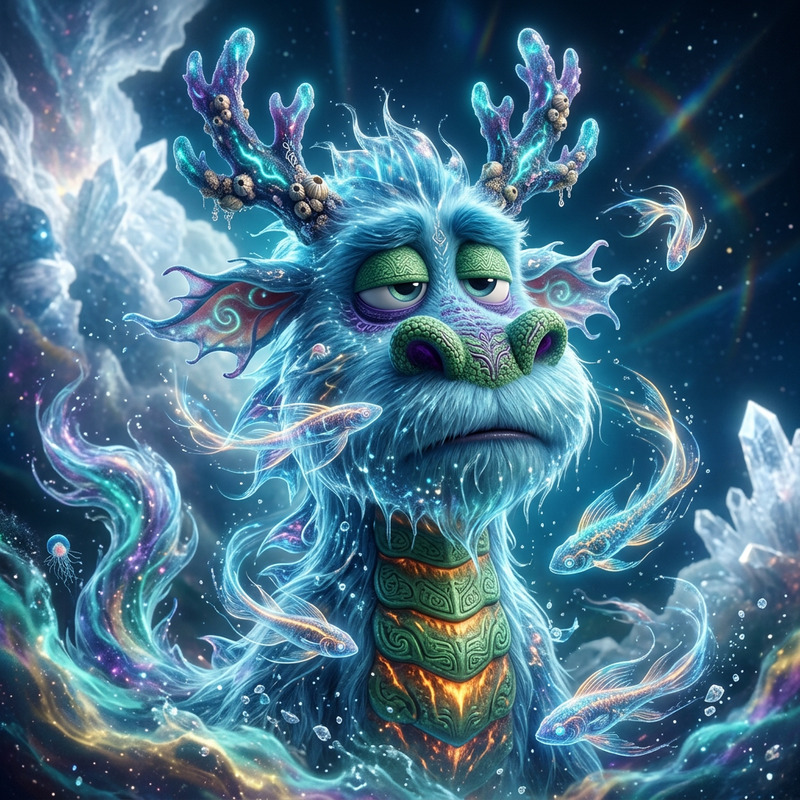
Transform your photos into captivating underwater worlds with the Aqua Diorama template, part of our AI Image Editor offerings. Using the advanced capabilities of the nano-banana-2 model, it turns any image into a meticulously crafted turtle aquarium scene with exquisite details and photorealistic quality.
What It Does
The Aqua Diorama template imbues your subject into a miniature underwater scene, complete with a hyper-realistic glass tank, a cute turtle, and detailed aquatic elements. It provides a crystal-clear view of the diorama with accurate lighting, shadows, and reflections, creating an immersive experience. The AI Image Editor excels in delivering collector-quality detail with sharp focus and a serene atmosphere.
Who It's For
This template is ideal for photographers, artists, and hobbyists eager to explore underwater aesthetics creatively. If your goal is to craft marketing visuals, engage an audience with whimsical scenes, or expand your portfolio with unique designs, the Aqua Diorama delivers. Those in need of custom product photography or collectible display visuals will find this tool especially effective.
Summary
With the Aqua Diorama template, each image transformation reveals a captivating underwater world, perfect for those seeking to create distinctive and engaging aquatic-themed imagery. Coupled with the powerful AI Image Editor, this tool offers both flexibility and finesse in image manipulation, showcasing stunning turtle aquarium dioramas.
How to Use
Choose Your Image

Customize Your Diorama

Generate and Download

Use Cases
Social Media Campaigns
- Promote ocean conservation efforts.
- Engage followers with unique aquarium designs.
Artistic Exhibitions
- Exhibit unique art installations.
- Enhance digital art collections.
Product Promotions
- Feature products as part of a diorama display.
- Develop themed promotional content.
Best Practices
Select High-Quality Images
Ensure images are of high resolution for the best transformation results and intricate detail.Use Complementary Colors
Choose subjects and elements that harmonize with the underwater theme, enhancing realism.Experiment with Lighting
Leverage lighting adjustments to create dramatic shadows and realistic reflections in the scene.