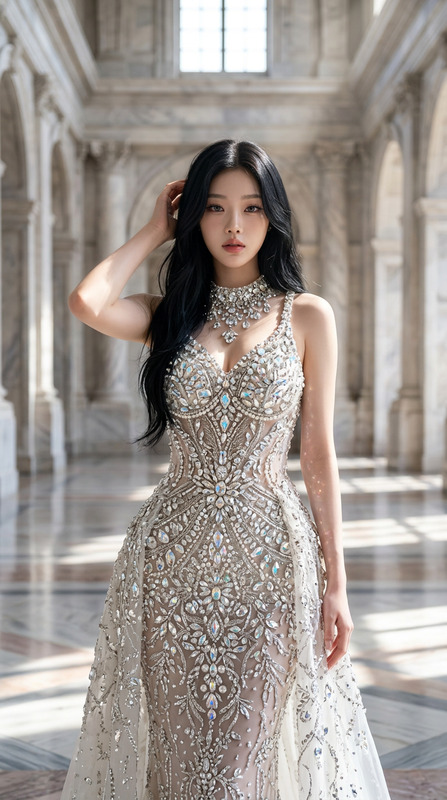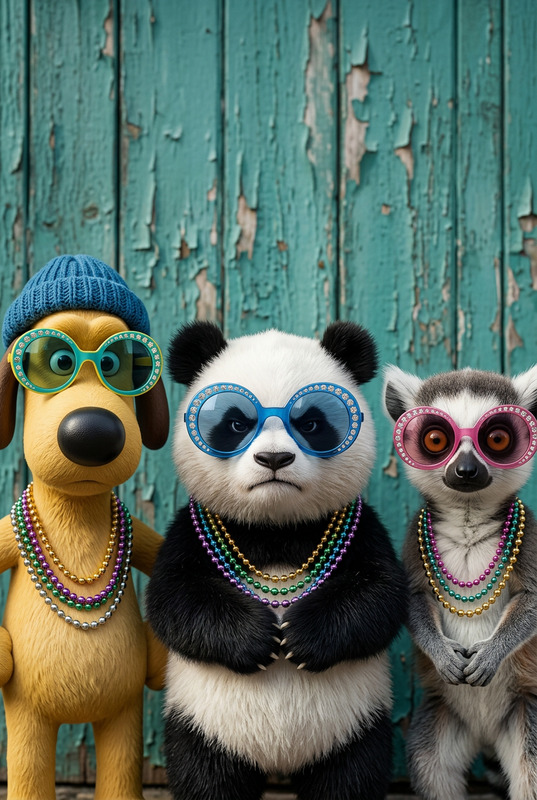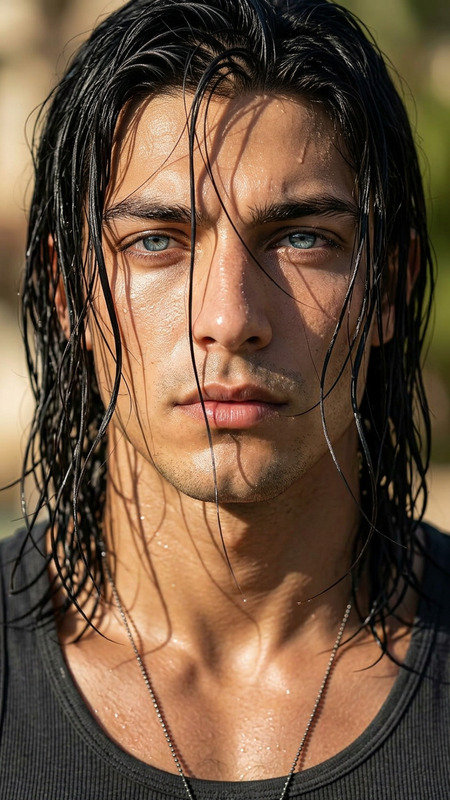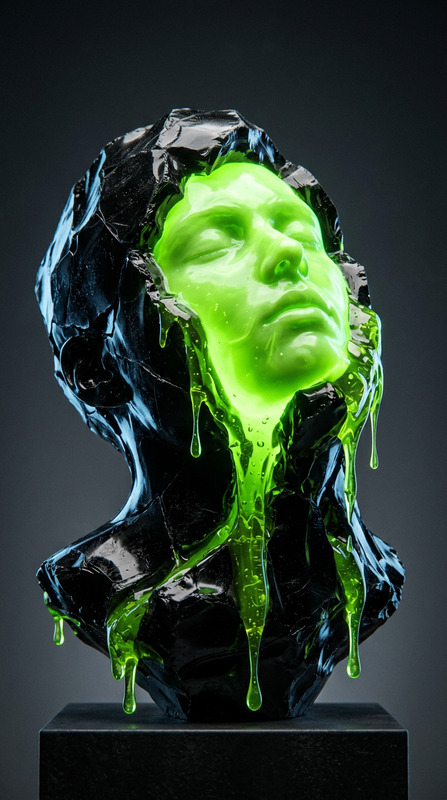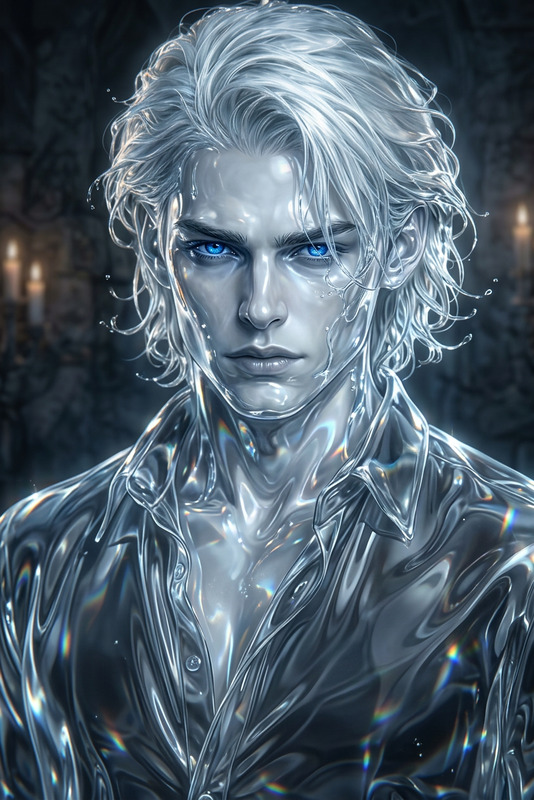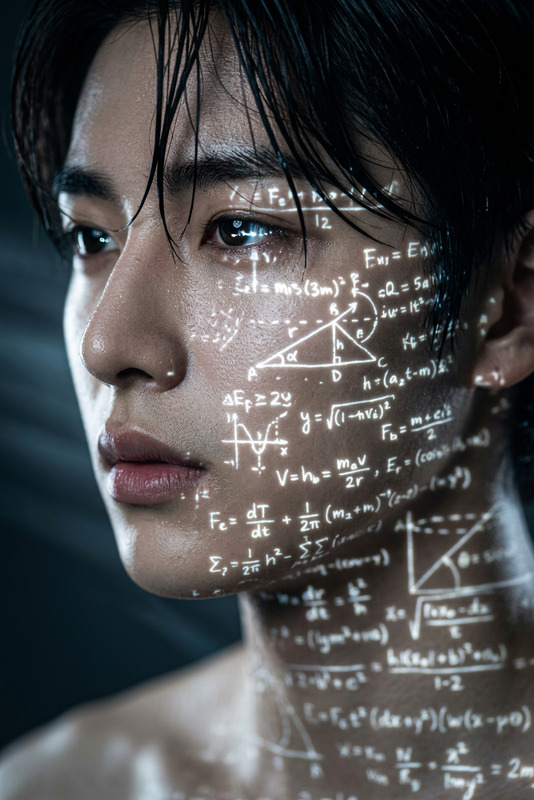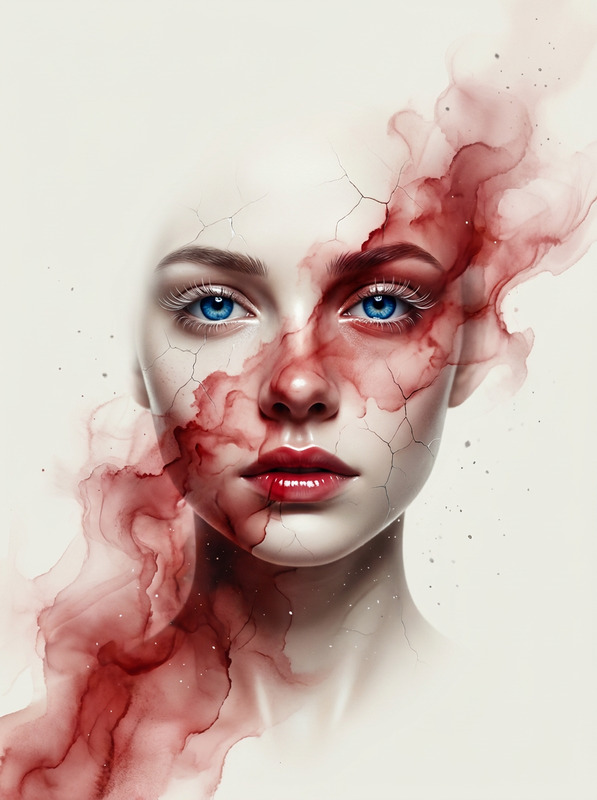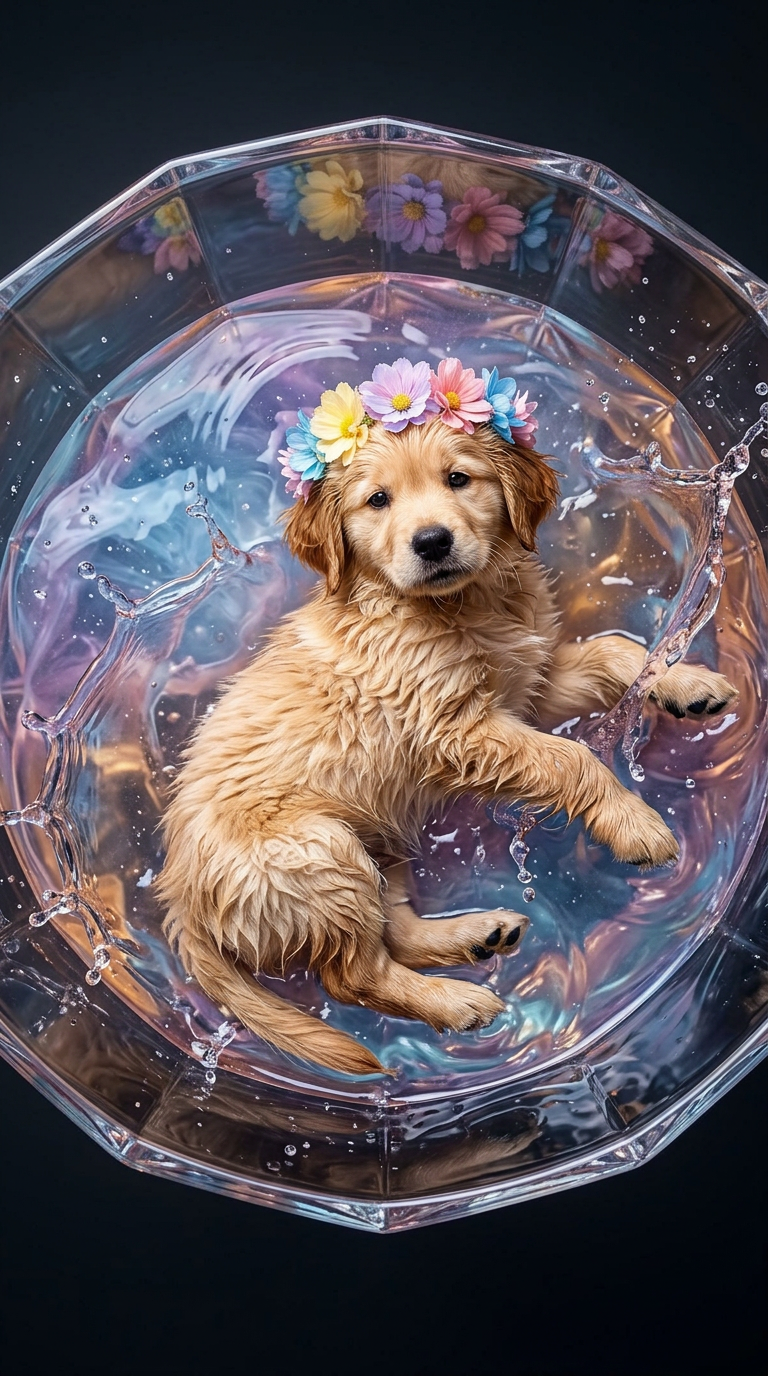
Immerse into Cocktail Glass
- Model
- Nano Banana 2
- Image
- 768 × 1376 px
Prompt
Subject captured in a hyper-realistic studio scene, lying inside a giant cocktail glass filled with colorfur liquid; overhead angle with full body visible, posed gracefully with relaxed limbs, partially submerged; realistic face and hair details with natural skin texture, pores, and accurate proportions; surrounded by dynamic splashes and droplets with glossy reflections; wet skin with luminous highlights enhances realism; dramatic cinematic lighting with strong shadows and glass reflections; high-end fashion aesthetic, ultra-sharp focus, 8K detail, clean composition, single subject, no text or distractions.
Any aspect ratio
Overview
Dive into the world of creative imagery with the "Immerse into Cocktail Glass" template. Designed for the AI Image Editor, this template leverages the advanced capabilities of the nano-banana-2 model. It places your subject in a hyper-realistic setting, showcasing the subject inside a giant cocktail glass, perfect for dramatic storytelling and high-impact visuals.
What It Does
This AI Image Editor template crafts a stunning visual experience by integrating the subject into a hyper-realistic scene. The focus is on capturing rich textures and lifelike proportions, highlighted by dramatic lighting and strong shadows. It's an ideal choice for projects requiring a high-end fashion aesthetic with a cinematic touch, without any distractive elements like text.
Who It's For
The "Immerse into Cocktail Glass" template is tailored for creative professionals in advertising, fashion photography, and design. Whether you're crafting eye-catching visuals for an ad campaign or enhancing a fashion portfolio, this template is perfect for those seeking 8K detail and ultra-sharp focus. It serves anyone aiming for high-quality content production within the AI Image Editor toolset.
Summary
Utilize the resources of the AI Image Editor to bring surrealism and striking realism to your visual projects with the "Immerse into Cocktail Glass" template. Match the elegance of the subject with a sophisticated backdrop, augmented by the nano-banana-2 model to ensure every detail is captured in 8K clarity.
How To
Choose Your Template

Customize Your Parameters

Generate and Download

Use Cases
Fashion Campaigns
- Enhance aesthetic appeal of fashion shoots.
- Showcase product lines with artistic flair.
Advertising Commercials
- Capture attention with dramatic, high-impact images.
- Differentiate your brand with a unique visual style.
Social Media Content
- Gain followers with innovative and artistic images.
- Heighten social media engagement rates.
Best Practices
Focus on Lighting
Utilize the template's dynamic lighting and shadow features to enhance realism and depth in your images.Pay Attention to Details
Fine-tune skin textures and reflections to achieve a hyper-realistic finish that matches your artistic vision.Plan Your Composition
Align the subject within the glass setting strategically to maintain focus and balance, avoiding unnecessary distractions.