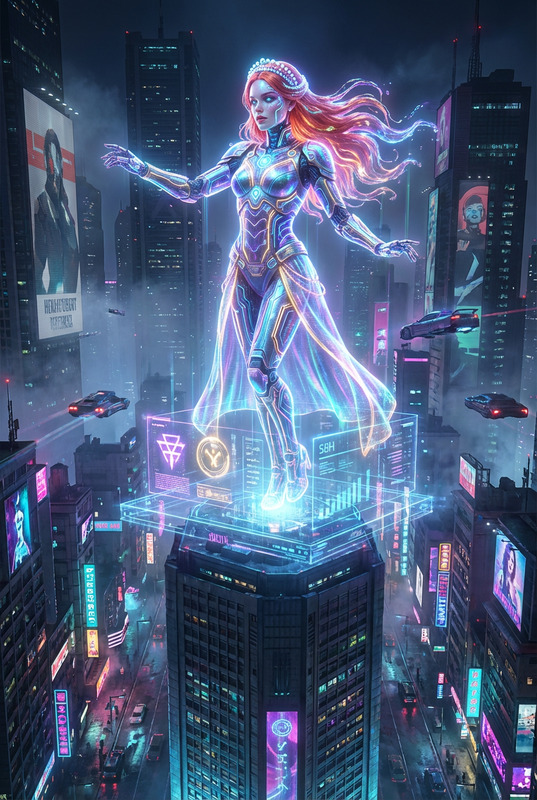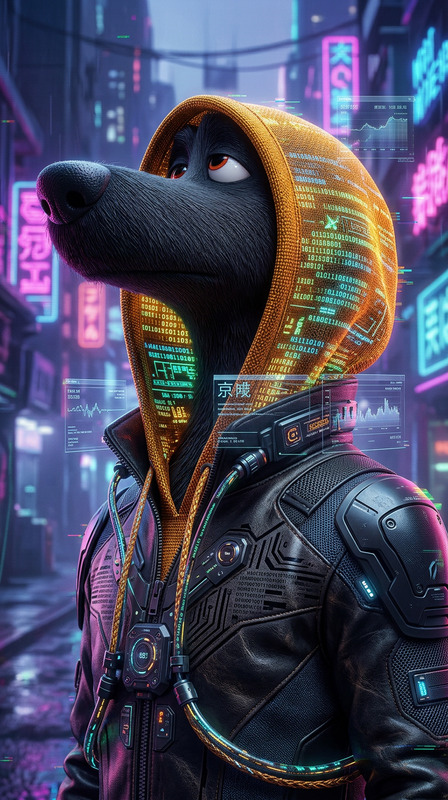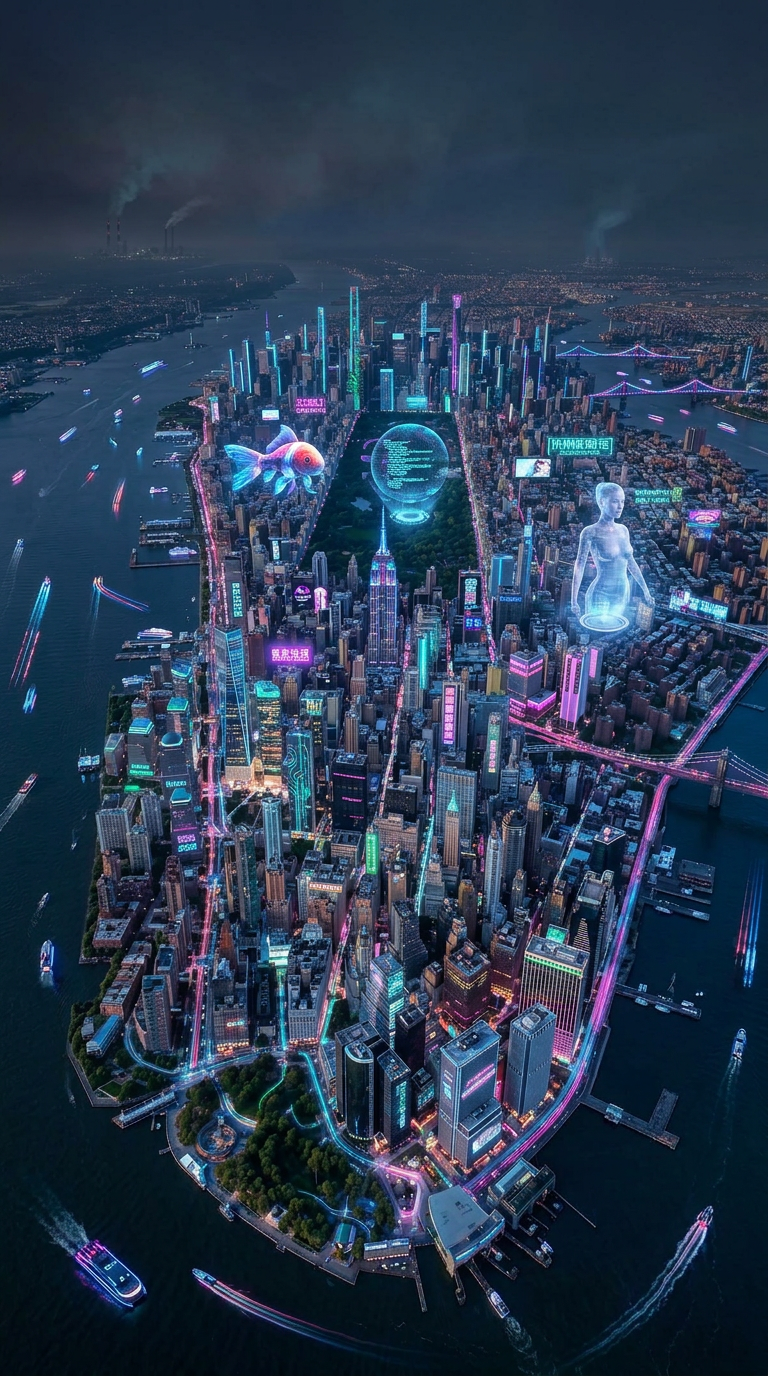
Cyberpunk Scene
- Model
- Nano Banana 2
- Image
- 768 × 1376 px
Prompt
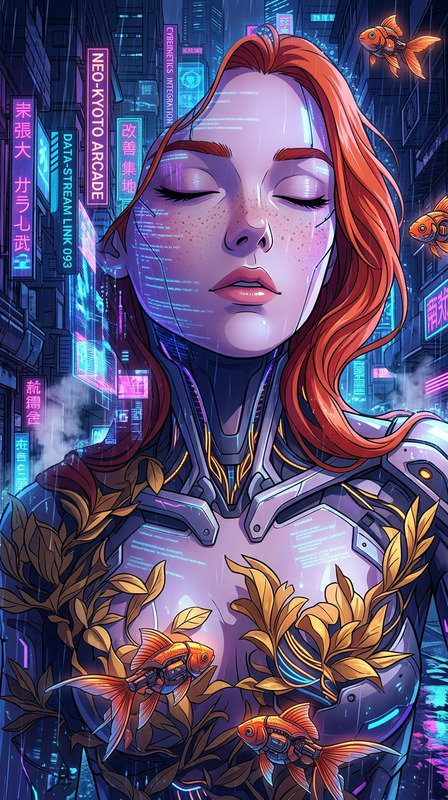
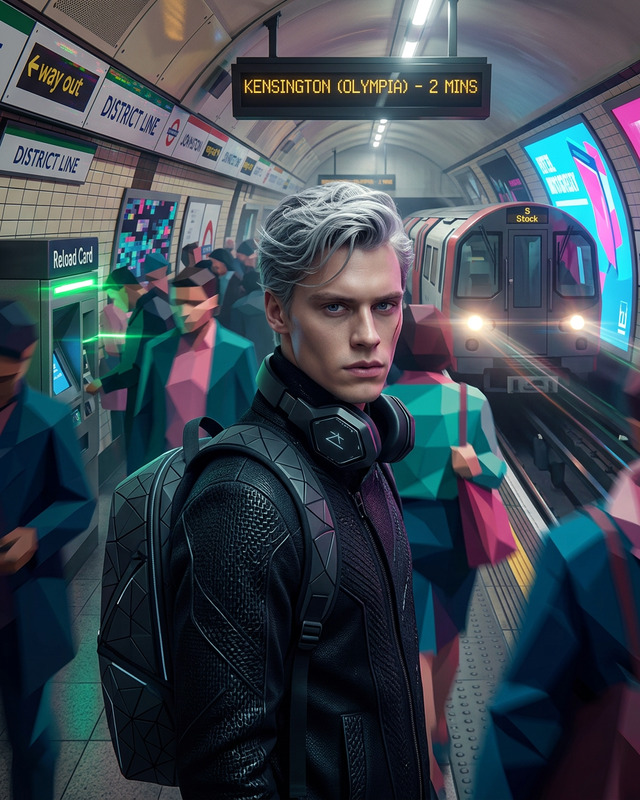
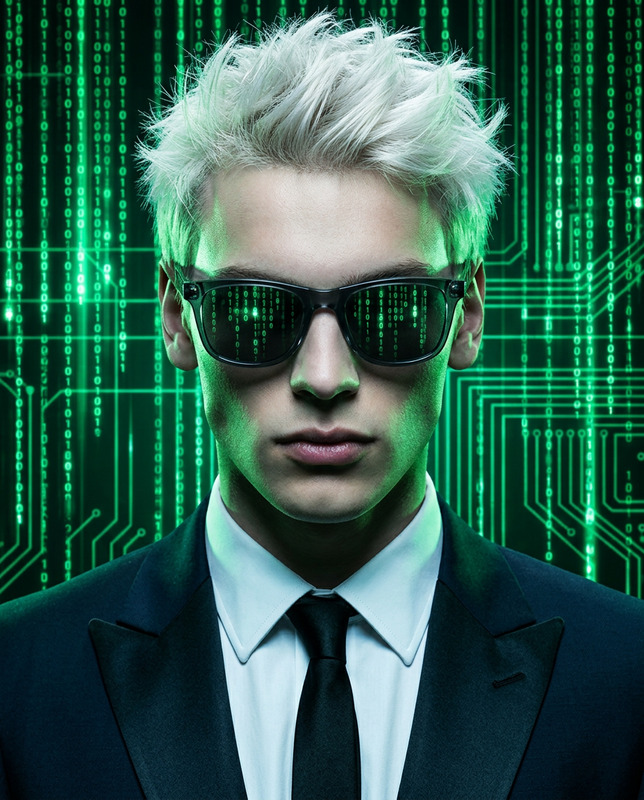
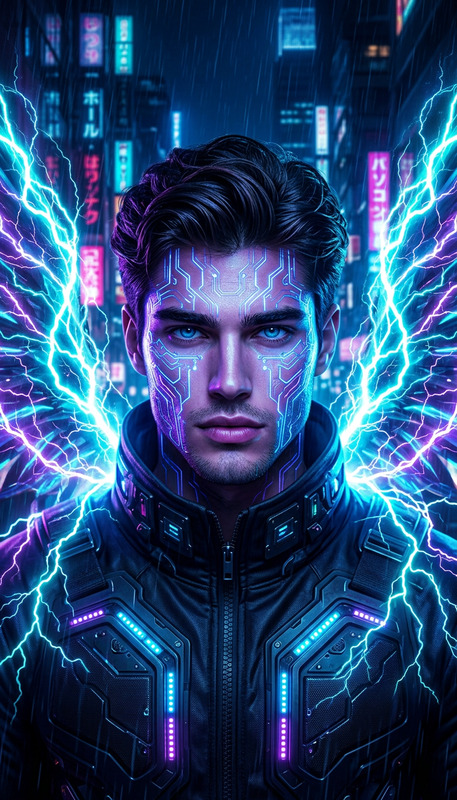
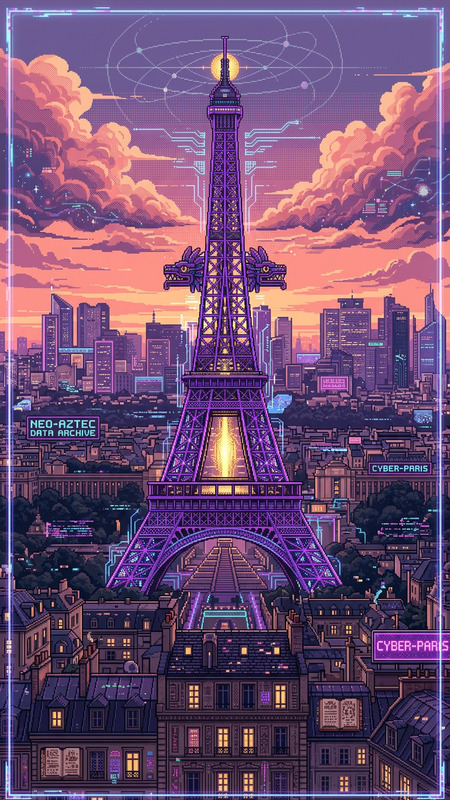
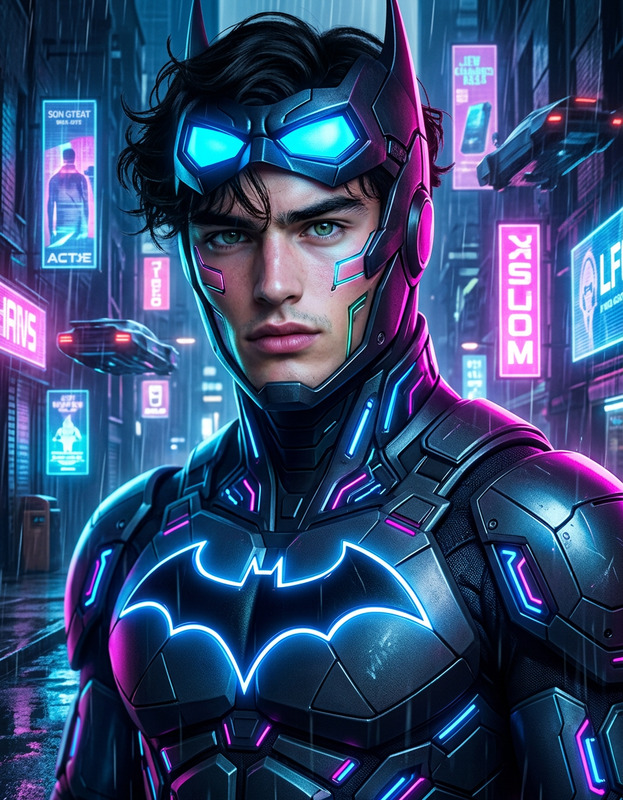
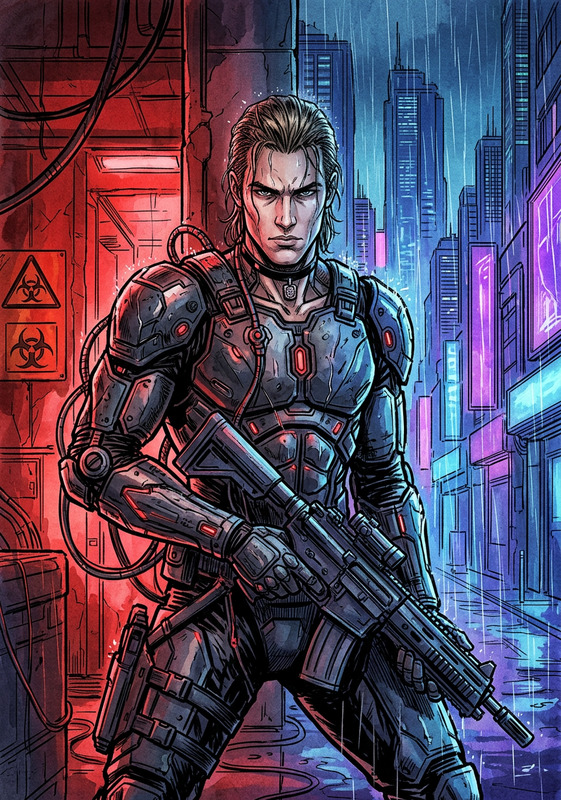
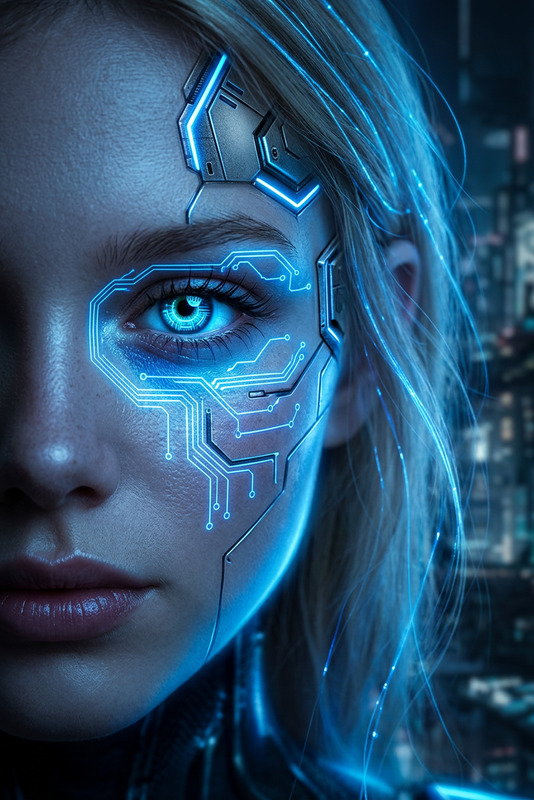
Transform the scene into a cyberpunk style with neon lighting, futuristic elements, and a high-tech urban atmosphere. Introduce glowing signs, holographic details, and reflective surfaces with vibrant colors like electric blue, magenta, and purple. Adjust lighting and shadows to match a night-time, neon-lit environment while preserving the subject’s identity, pose, and overall composition.
Any aspect ratio
Overview
Dive deep into a futuristic narrative with the Cyberpunk Scene template. Designed using the nano-banana-2 model, this AI Image Editor lets you transform any image into a vibrant and dynamic scene. With elements like neon lighting, holographic details, and electric blue tones, you can craft a visually stunning futuristic urban landscape.
What It Does
This template transforms your images into cyberpunk scenes, breathing life into static visuals. By overlaying neon lights and enhancing urban elements, it incorporates striking visuals with holographic details and high-tech textures. The tool also manages to maintain the original composition and subject identity, ensuring a seamless transition into the cyberpunk aesthetic.
Who It's For
The Cyberpunk Scene template is ideal for content creators looking to infuse their work with a unique, futuristic vibe. It's perfect for photographers, digital artists, or any creative professionals who are fans of the cyberpunk theme. Whether you're working on promotional materials, gaming content, or narrative illustrations, this tool adds a distinctive twist to your projects.
Summary
Craft bold, imaginative cyberpunk landscapes using this AI-powered tool. The Cyberpunk Scene template not only adds vibrant neon and reflective surfaces to your imagery but also ensures that the intricacies of lighting and shadow complement the urban narrative. Explore more tools like the AI Image Generator to further enhance your designs.
How to Use the Cyberpunk Scene Template
Choose Your Image

Customize Your Scene

Generate and Save

Use Cases
Promotional Materials
- Highlight products with a futuristic twist
- Design posters or banners with vibrant graphics
Game Development
- Craft backgrounds for sci-fi settings
- Develop character concepts with a cyberpunk flair
Content Creation
- Generate thumbnail images to capture viewer interest
- Add visual interest to <a href="/use-cases/instagram-reels">Instagram Reels</a> or stories
Best Practices
Select High-Resolution Images
For best results, choose high-resolution images to ensure that details and color transformations are vivid and sharp.Balance Neon Elements
Ensure that neon elements don't overwhelm the subject by balancing their intensity relative to the scene composition.Utilize Contrasts
Enhance visual appeal by contrasting neon colors with darker elements, emphasizing the cyberpunk aesthetic.