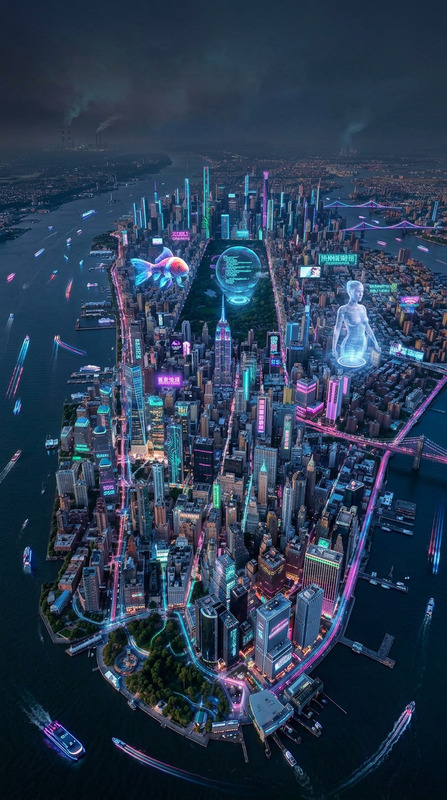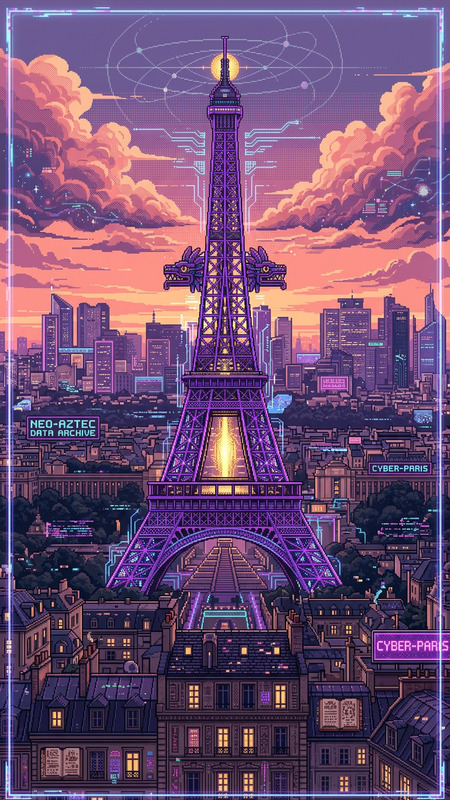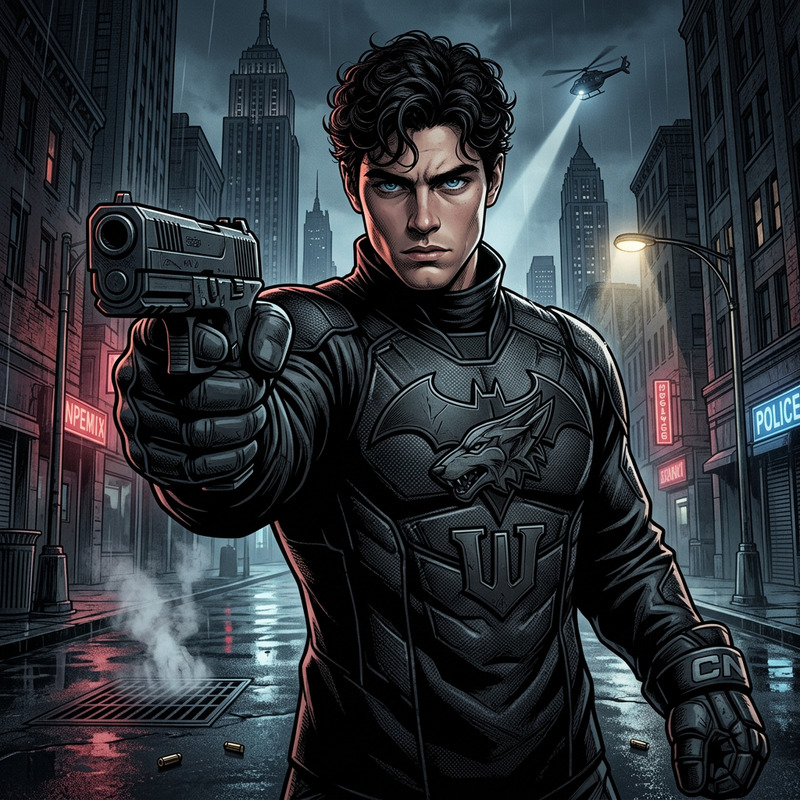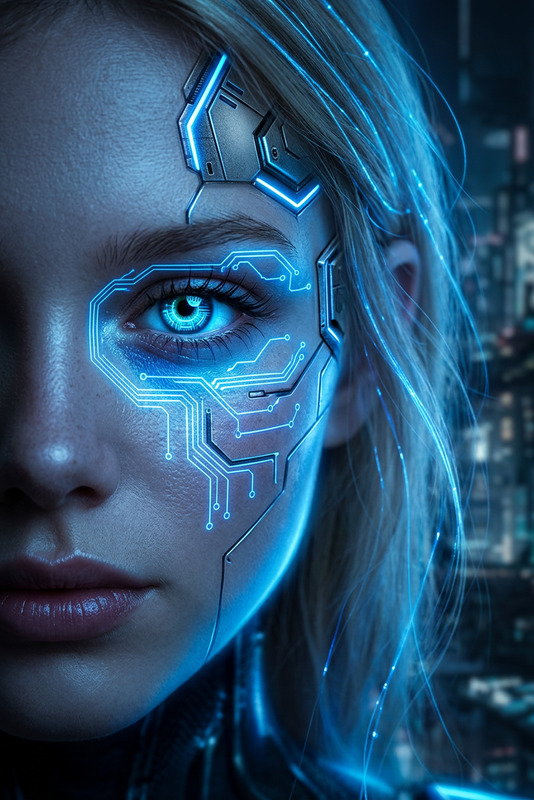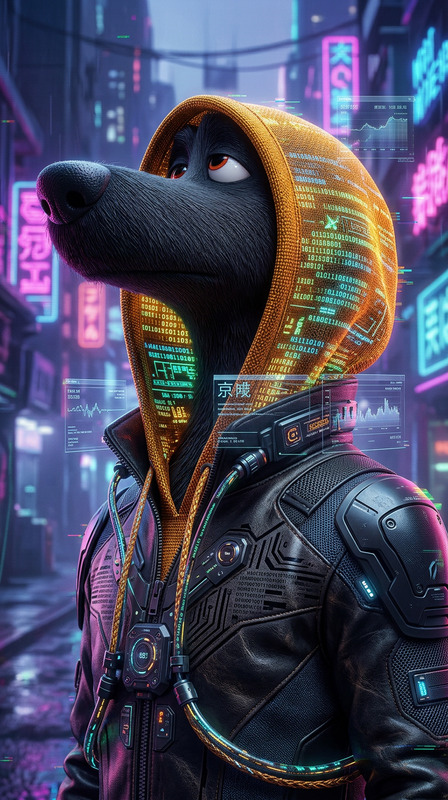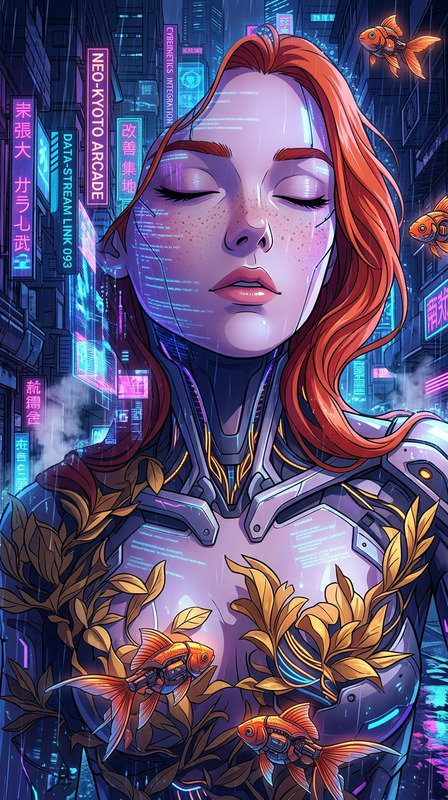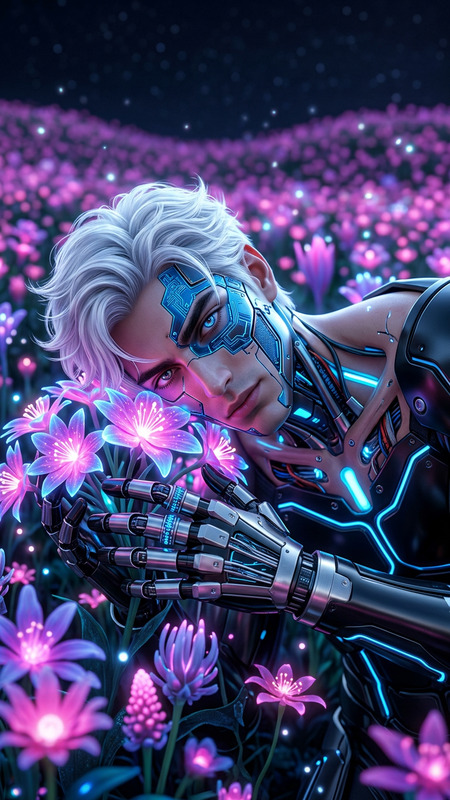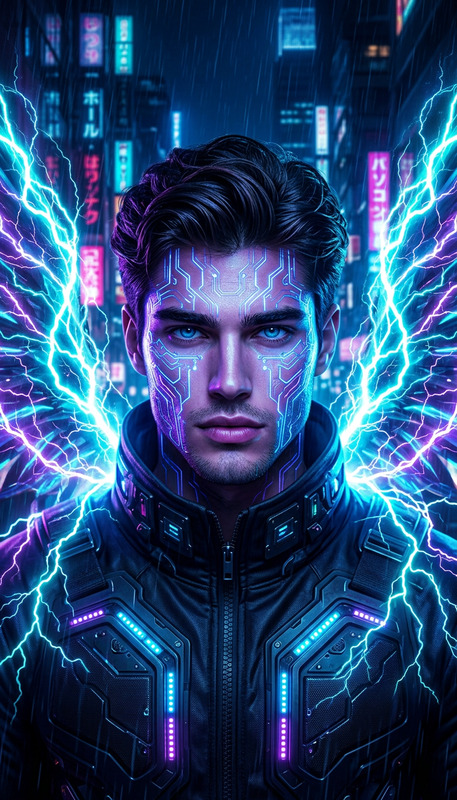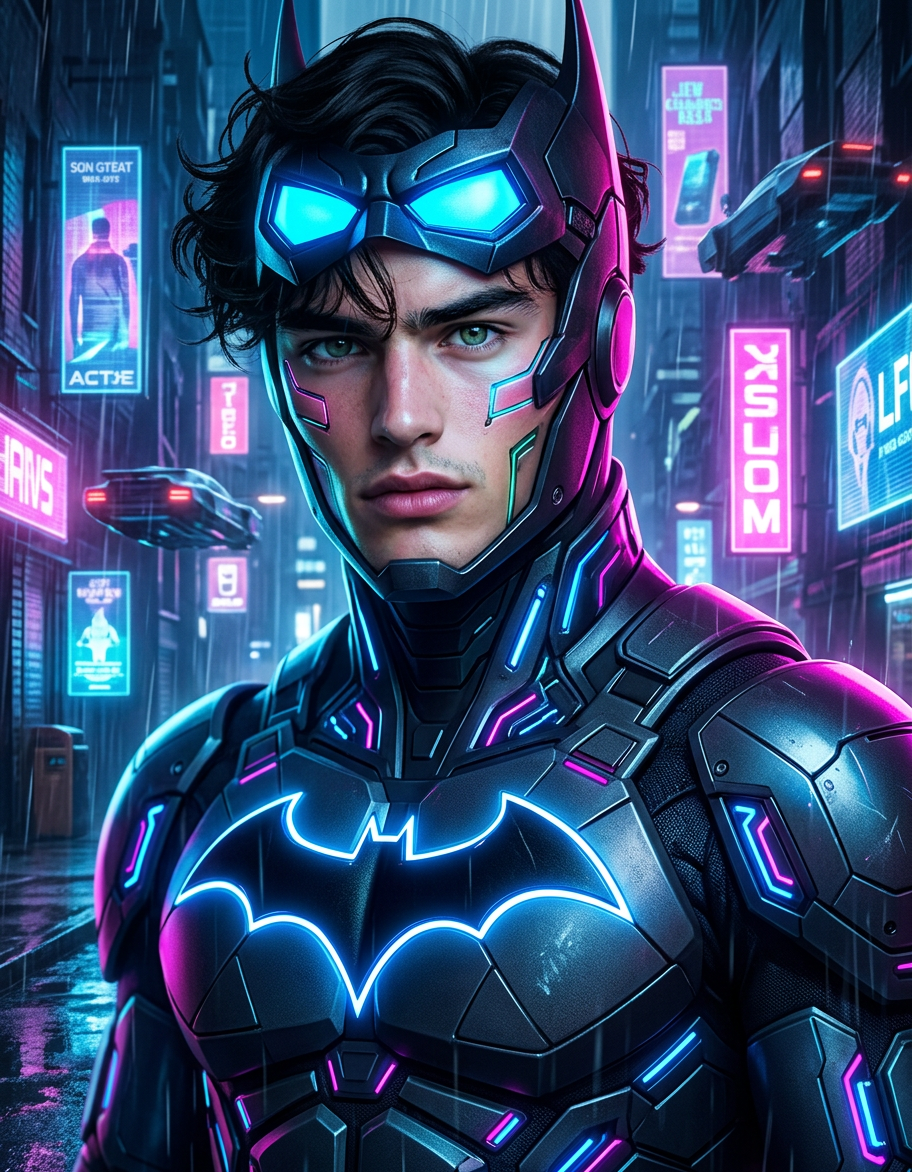
Cyberpunk Batman
- Model
- Nano Banana 2
- Image
- 912 × 1172 px
Prompt
A stylized AI-generated image of a subject inspired by Batman transformed into a cyberpunk aesthetic, featuring futuristic elements, neon lighting, and a high-tech urban atmosphere, showcasing a dramatic style transformation with bold colors and detailed visual effects.
Any aspect ratio
Overview
Dive into the creative world of cyberpunk aesthetics with the Cyberpunk Batman AI Image Editor. This template allows you to transform images into a stylized, neon-lit urban scene inspired by the iconic superhero, Batman, fused with a futuristic twist.
What It Does
The Cyberpunk Batman template leverages advanced AI capabilities to transform core elements of an image—such as lighting and textures—into a vibrant, cyberpunk style. It produces high-impact visuals with detailed effects and bold colors. For those interested in further customization, explore the options available with the AI Image Editor.
Who It's For
This template is designed for sci-fi enthusiasts, Gotham fans, and digital artists looking to explore a futuristic aesthetic. It's a great tool for anyone interested in creating promotional artwork, digital posters, or unique social media content.
Summary
Enhance your images with the Cyberpunk Batman theme, a unique blend of traditional comic motifs and high-tech urban designs. You can also explore the AI Talking Photo tool for more dynamic presentations.
How-to
Choose Cyberpunk Batman Template

Customize Your Image

Generate and Download

Use Cases
Promotional Art
- Attain futuristic visuals for posters
- Enhance storyboards with dynamic imagery
Social Media Content
- Design eye-catching Instagram posts
- Generate unique Facebook cover photos
Digital Artwork
- Produce gallery-quality pieces
- Experiment with new styles
Best Practices
Focus on Lighting
Adjust neon lighting and shadows to make the image pop. Consider referencing examples from the AI Video Generator for inspiration.Utilize Color Contrast
Leverage bold color contrasts to enhance the cyberpunk style. High saturation and vivid colors work best.Experiment with Elements
Add futuristic elements like drones or skyscrapers for an authentic cyberpunk vibe, akin to features you might find with the AI Clothes Changer.