Gothic Moonlit Couture
- Model
- Nano Banana 2
- Image
- 1024 × 1024 px
Prompt
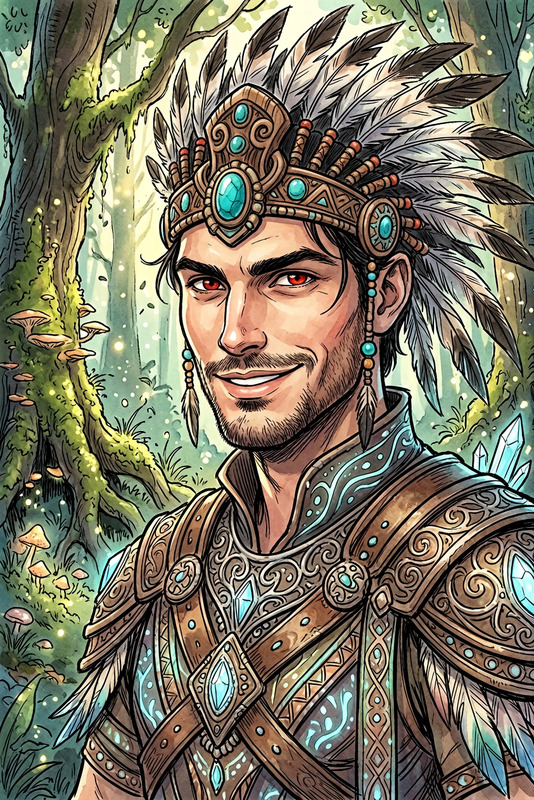
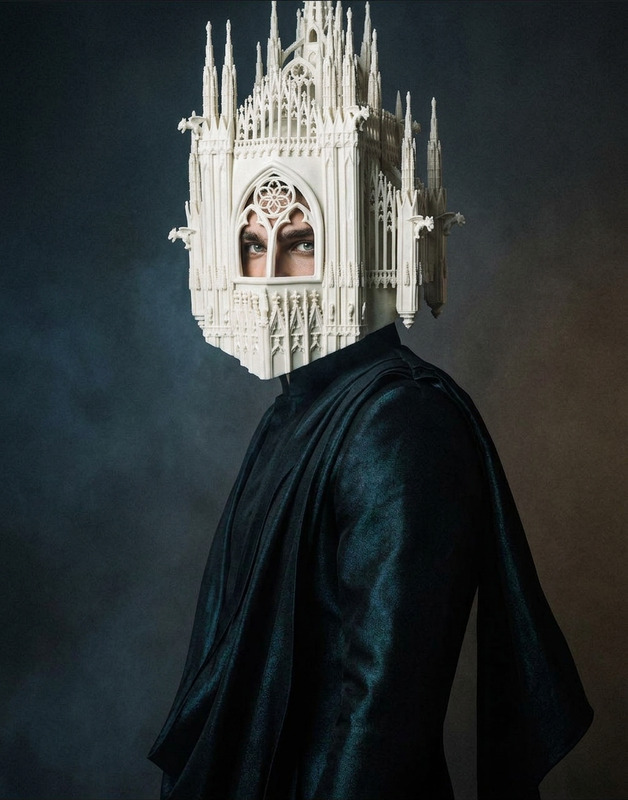
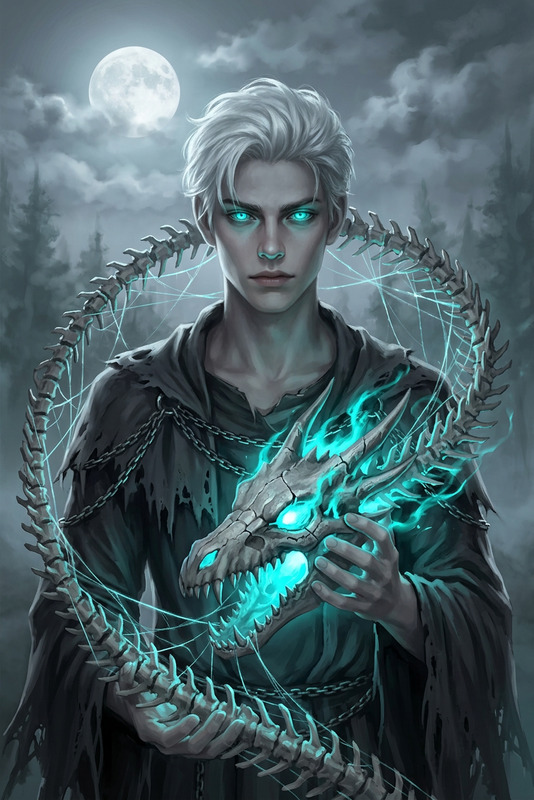
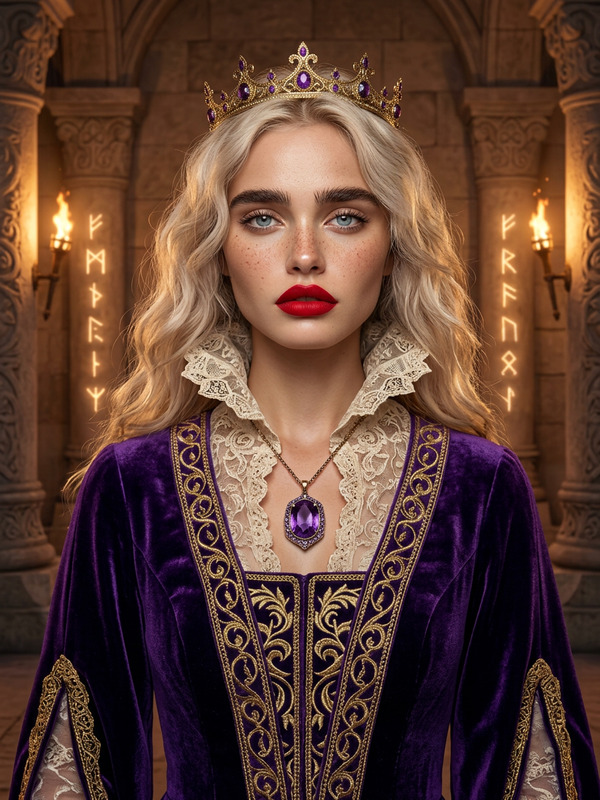
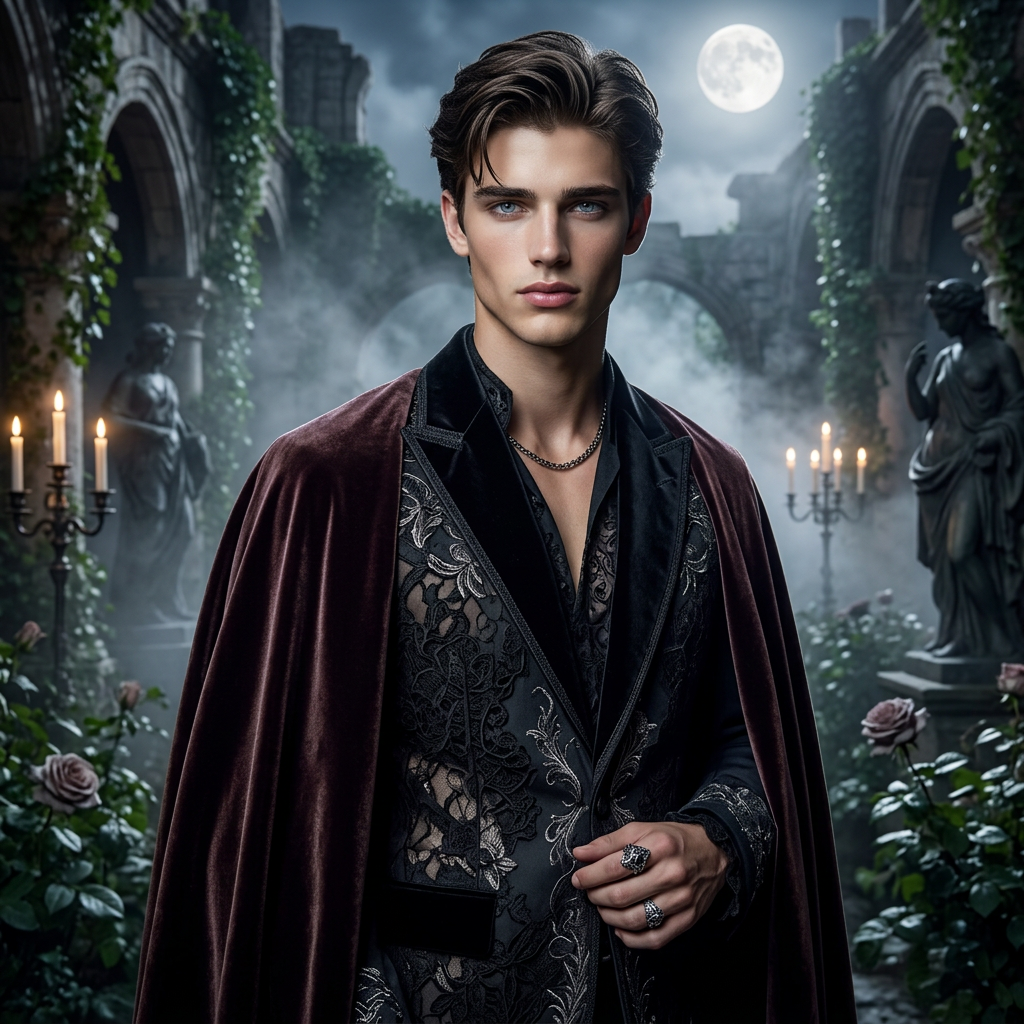
Subject depicts elegant editorial presence in dark-toned couture with intricate lace and velvet textures, enhanced by subtle metallic accessories and a richly textured cloak. Scene set in a serene gothic paradise with ivy-covered ruins, lush gardens, and arched structures. Soft fog and moonlit glow illuminate candelabras and shadowy sculptures, creating an enchanting atmosphere. Composition emphasizes poised stance, sharp features, and an enigmatic, timeless sophistication.
Any aspect ratio
Overview
The Gothic Moonlit Couture template brings an enigmatic elegance to your creative projects. Designed with the sophisticated nano-banana-2 model, it transforms any image into an editorial masterpiece set in a gothic paradise. The interplay of light, soft fog, and rich textures creates a timeless sophistication, perfect for intriguing fashion narratives.
What It Does
This AI Image Editor template adds a darkly elegant touch to your images. By incorporating elements like ivy-covered ruins and moonlit glows with intricate lace and velvet textures, it creates a scene that radiates both mystery and opulence. Use it to highlight fabrics and designs with a focus on sharp, poised features and metallic accents.
Who It's For
The Gothic Moonlit Couture template is ideal for fashion designers, photographers, and digital artists seeking to add a mysterious flair to their portfolios. It serves well for anyone in the fashion industry looking to craft visually compelling narratives or product videos with a unique edge. Perfect for editors working in editorial or conceptual art directions.
Summary
Explore the ethereal beauty of Gothic Moonlit Couture through this template, designed to transform mundane images into captivating works of art. Enhance your fashion photography projects with this AI Image Editor to emphasize gothic elements and elaborate textures, delivering images imbued with an atmosphere of timeless sophistication.
How-To
Choose Your Template

Customize Your Inputs

Generate Your Image

Use Cases
Fashion Editorials
- Create gothic-themed lookbooks
- Highlight design textures with intricate patterns
Digital Art
- Produce compelling digital collages
- Craft artistic pieces for exhibitions
Marketing Campaigns
- Develop visuals for fashion campaigns
- Create social media imagery with a mysterious flair
Best Practices
Focus on Lighting
Utilize the template's inherent focus on moonlit and shadow play to emphasize your subject’s features and outfits.Emphasize Textures
Highlight lace and velvet textures by adjusting prompt settings to make them more pronounced and vivid.Atmospheric Inclusion
Include elements like fog and candelabras to build a more immersive gothic atmosphere, ensuring your images resonate with your intended audience.