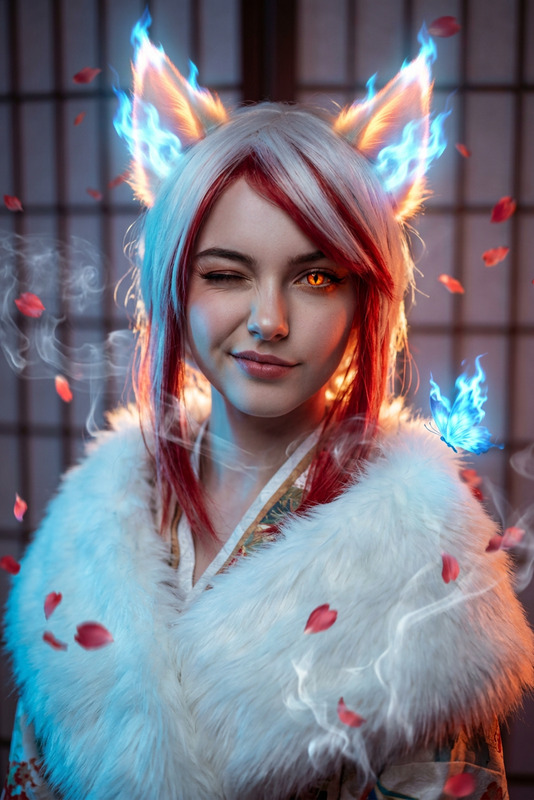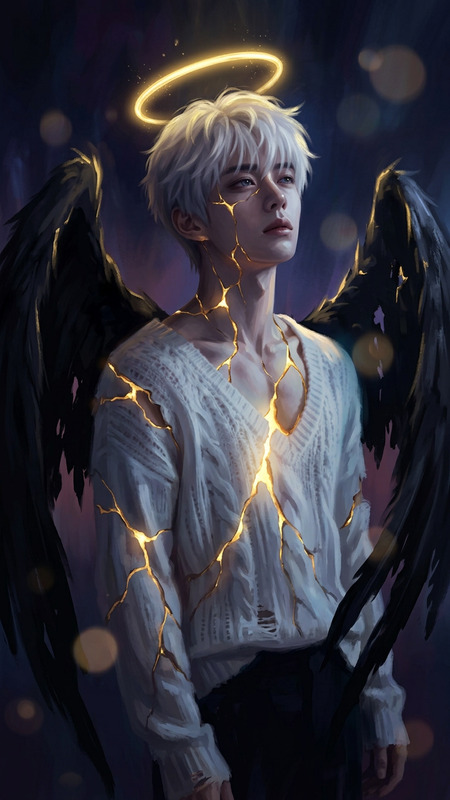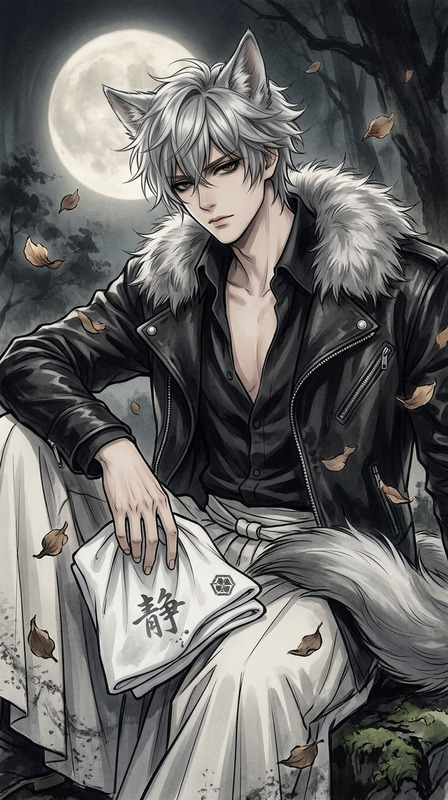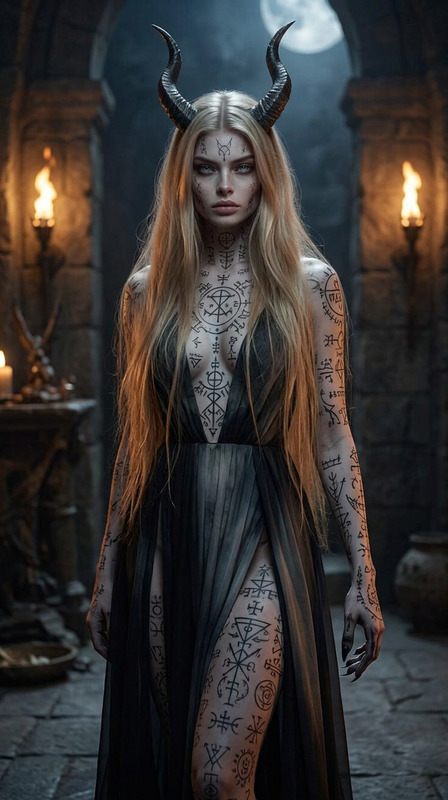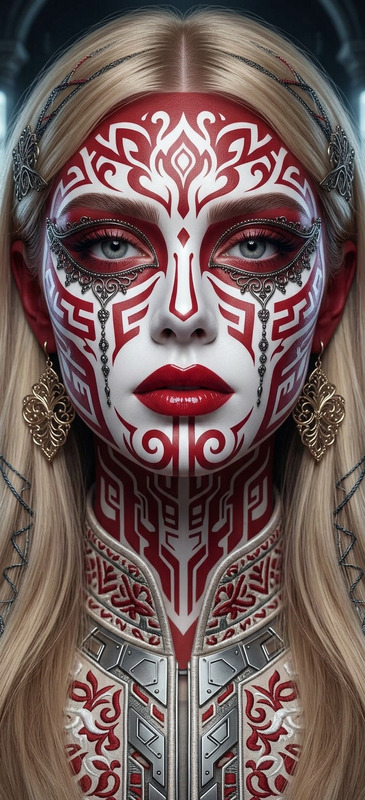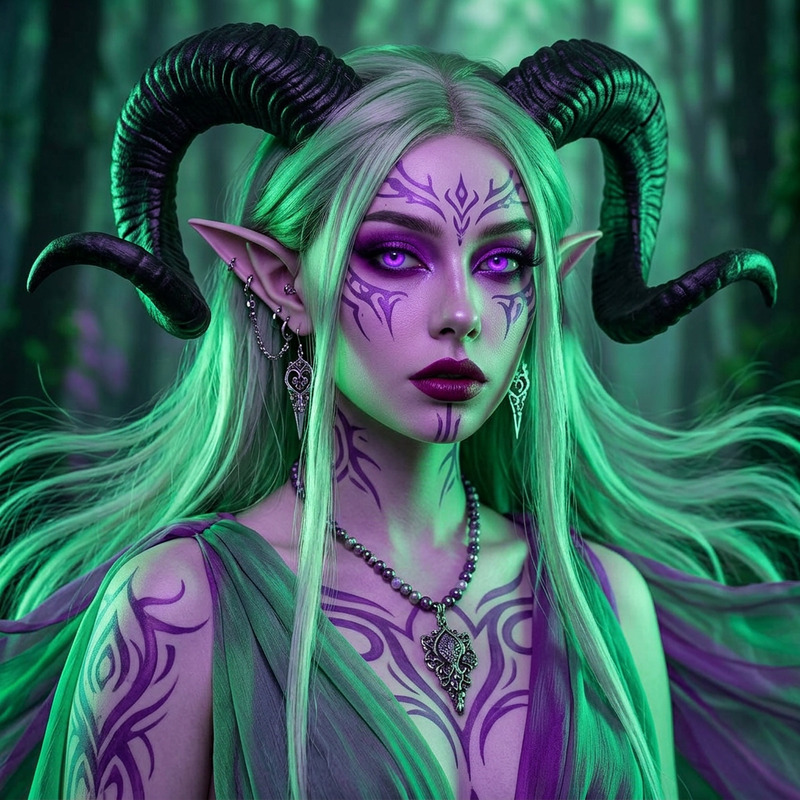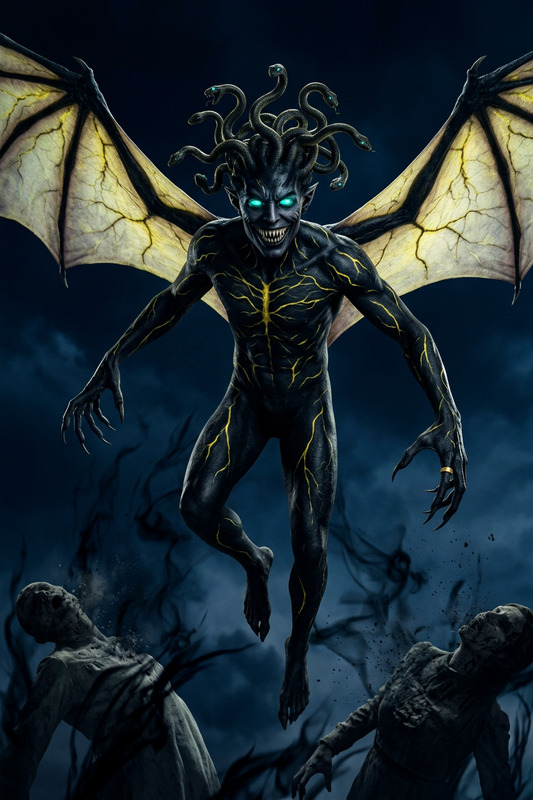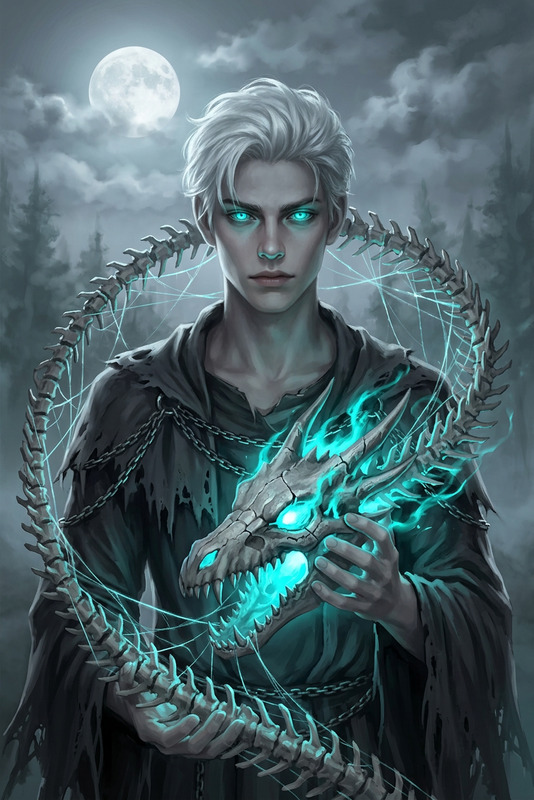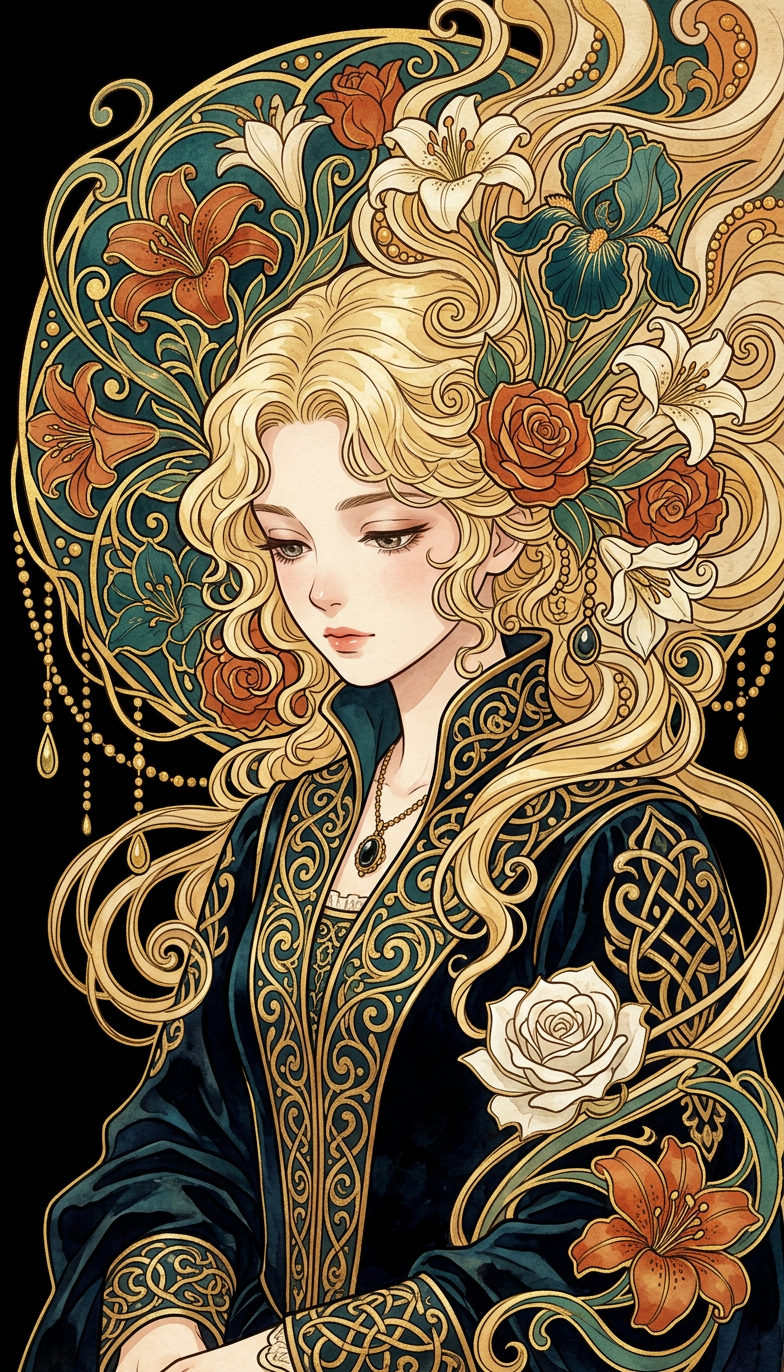
Frightwig, Gaze of Oblivion
- Model
- Nano Banana 2
- Image
- 784 × 1372 px
Prompt
Anime-style portrait of subject with curly blonde hair, subject looking down softly. Subject wears an ornate dark robe with gold filigree, Art Nouveau and medieval inspired. Subject’s hair merges into flowing decorative forms with flowers, leaves, abstract shapes in teal, burnt orange, gold, cream, gold outlines. Solid black background, soft even lighting, rich saturated colors, elegant mystical mood. Intricate details: golden beads, teardrops, swirling tendrils, watercolor texture, subtle grain.
Any aspect ratio
Overview
The "Frightwig, Gaze of Oblivion" template, powered by the AI Image Editor, brings a mystical touch to your imagery. Ideal for creating anime-style portraits, this template utilizes the nano-banana-2 model to produce visually captivating, detailed designs. With elements of Art Nouveau and a mystical medieval flair, it sets a rich and elegant mood.
What It Does
This template transforms ordinary images into intricate, anime-inspired portraits with a mystical edge. It meticulously incorporates details such as golden beads, teardrops, and swirling tendrils against a solid black background. Expect rich saturation and a watercolor texture enhanced by subtle grain effects, perfect for adding depth to horror-themed concepts.
Who It's For
Designed for creative professionals, artists, and marketers, this template is perfect for those seeking to enrich their projects with a unique visual style. Whether you're developing content for social media ads, horror-themed narratives, or elegant artwork, "Frightwig, Gaze of Oblivion" provides the customizable options needed for a standout presentation.
Summary
"Frightwig, Gaze of Oblivion" is more than just an image editor; it's a tool to conjure mystique and allure. Elevate your projects with intricate anime-style portraits, utilizing the best features of the AI Image Editor to capture your audience's imagination. Explore further enhancements with tools like the AI Image Generator for diversified creative outcomes.
How to Use
Choose the Template

Customize the Image

Generate Your Art

Use Cases
Anime Artwork
- Art exhibitions
- Fan art
- Personal projects
Social Media Content
- Instagram stories
- Facebook posts
- Pinterest graphics
Horror-Themed Projects
- Film props
- Book covers
- Event promotions
Best Practices
Focus on Lighting
Ensure soft, even lighting in your original image to maximize the template's mystical effects.Embrace the Details
Take the time to enhance intricate aspects like golden filigree and ornate robes to enrich the final output.Experiment with Prompts
Modify details in the prompt to explore different mystical aesthetics, tailoring the template to your artistic vision.