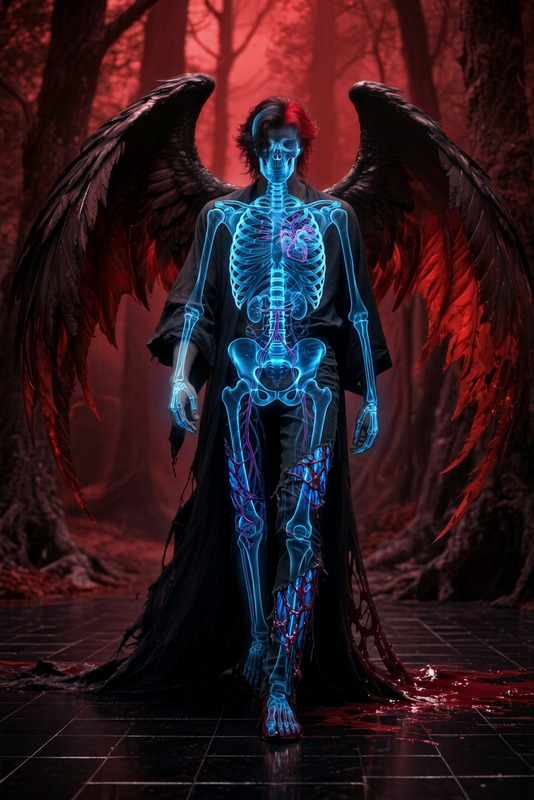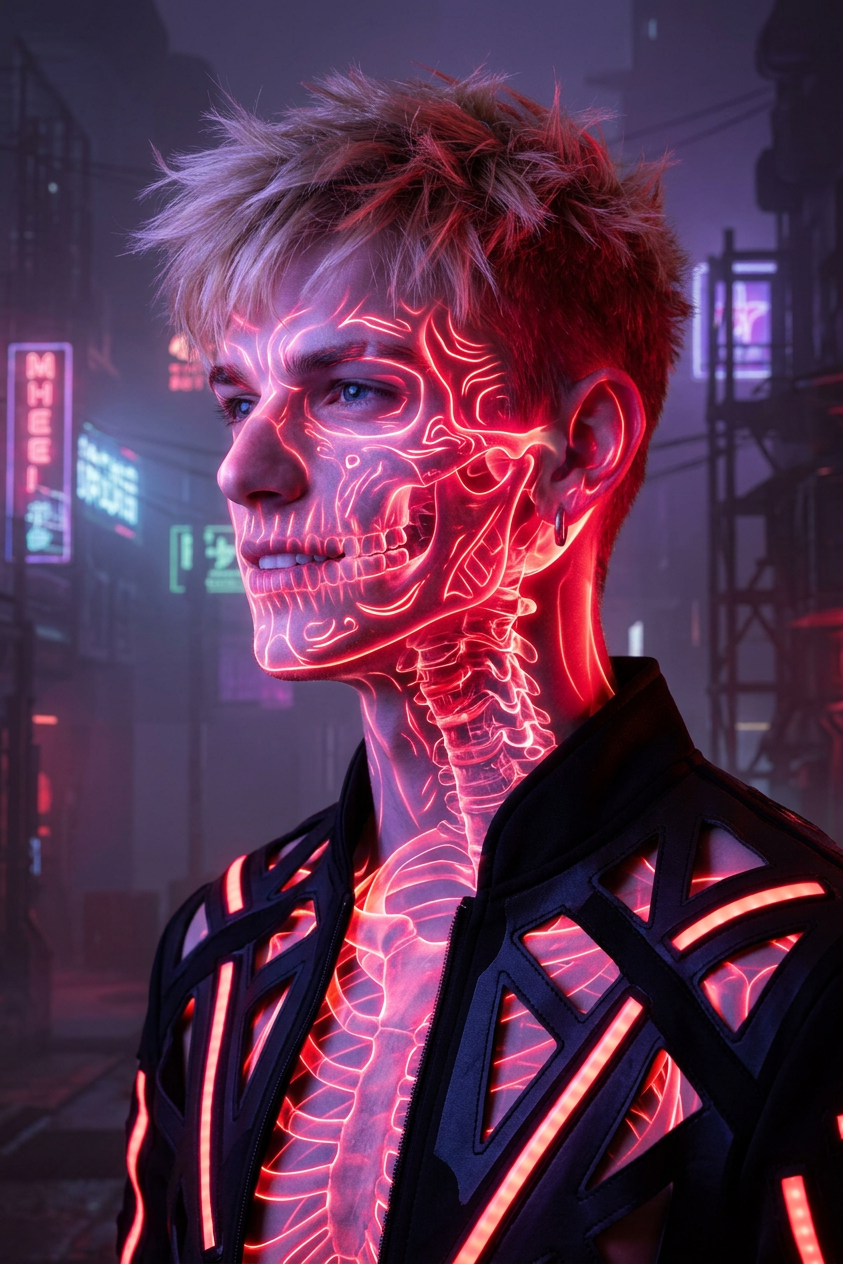
Crimson X-Ray Reverie
ai-image-editor
Any aspect ratio
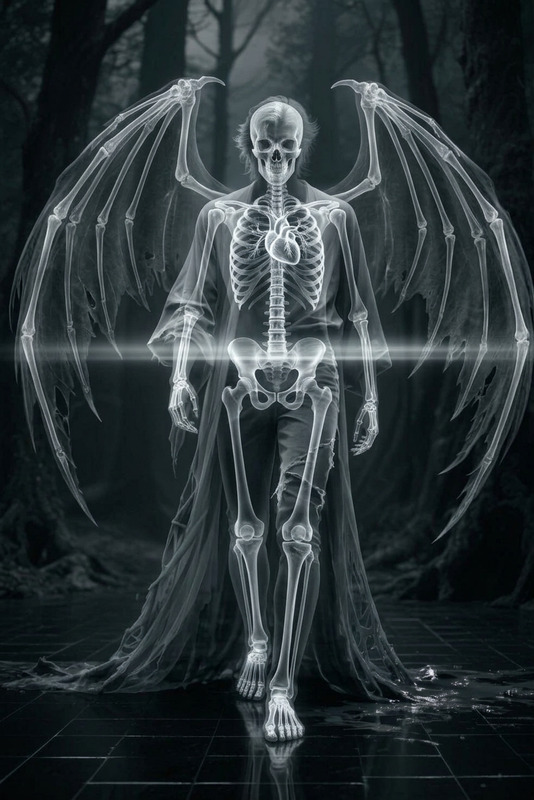
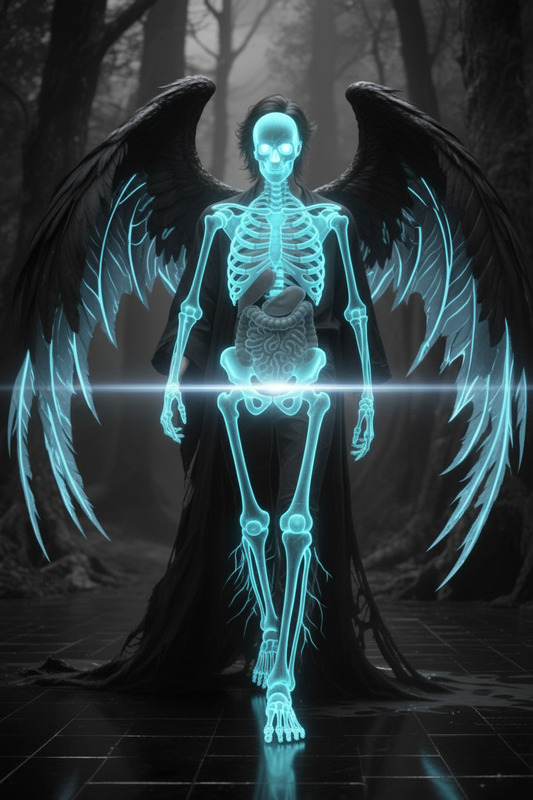
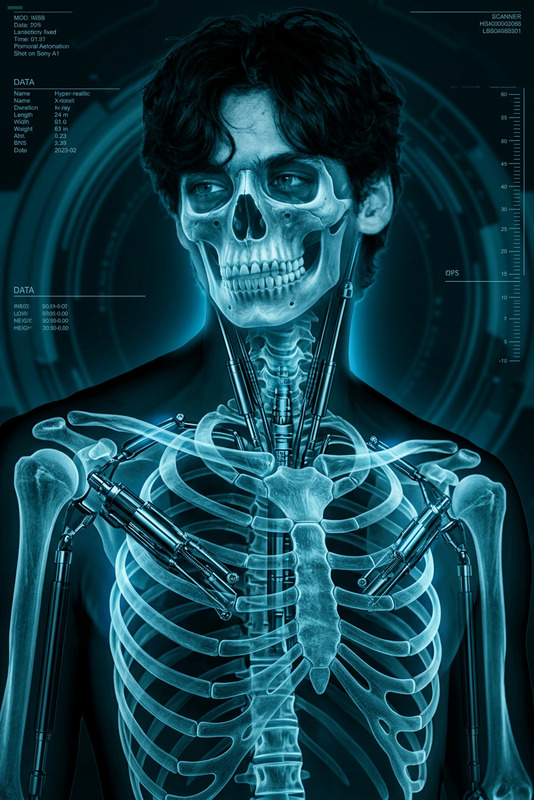
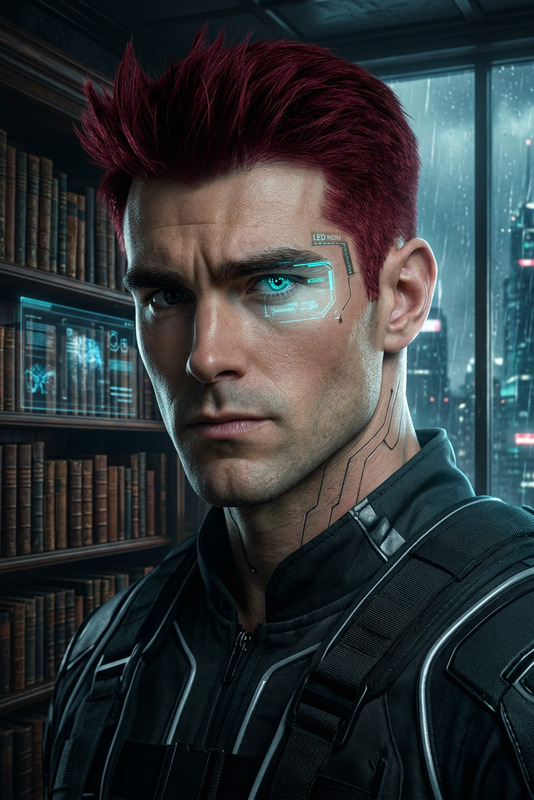
Futuristic surreal side-profile portrait of the subject with translucent skin revealing a neon-red bioluminescent skeleton, wearing minimalist avant-garde attire. Dark, foggy sci-fi environment with soft red/violet lighting, cinematic cyberpunk aesthetics, x-ray vision effect, translucent textures, minimal yet realistic composition
AI Image Editor Template: Turn Any Photo into a Studio‑Quality Shot
Use this template to quickly retouch, enhance, and transform photos with the AI Image Editor. It’s designed for fast, high‑quality edits that look professional without needing Photoshop skills.
What this template is best for
This AI Image Editor–based template is ideal if you need to:
- Clean up product photos for ecommerce listings, pitch decks, or ads
- Create on‑brand marketing visuals from rough drafts or screenshots
- Refresh profile photos, team headshots, or social avatars
- Remove distractions, objects, or people from photos
- Change backgrounds, lighting, or style without re‑shooting
- Prepare assets for video workflows (face swap, animation, talking photos, etc.)
Because it’s built on Magic Hour’s image tools, you can go from “idea” to “ready to ship” creative in minutes.
How to remix this template in Magic Hour
You can duplicate this template and customize it for your own workflow in a few steps:
Open Magic Hour
Sign in to your Magic Hour account and go to the AI Image Editor.Upload a base image
Start with any photo: product shot, selfie, concept art, screenshot, etc. Higher‑resolution inputs work best (you can improve old or blurry photos with the AI Image Upscaler or Unblur Image).Apply the template workflow
- Use this template’s default structure (e.g., clean‑up pass → enhancement pass → style pass).
- Run your first edit to remove clutter, fix composition, or adjust subject emphasis.
- Apply a second pass to refine color, contrast, and sharpness.
- Optionally stylize (more realistic, more cinematic, more illustrative, etc.) depending on your use case.
Swap in your own prompts and image types
- Replace the default prompts with your own brand language (e.g., “minimalist SaaS landing page style,” “clean DTC brand photography,” “LinkedIn‑ready headshot”).
- Save your custom version as a personal template so your team can reuse it.
Integrate with other Magic Hour tools
Once your image is polished, you can send it directly to:- AI Talking Photo to create short talking head clips from a single image
- Face Swap or Face Swap GIF to drop your subject into other scenes
- AI Headshot Generator to build a consistent set of corporate or creator portraits
- Image to Video or Text to Video to turn edited images into motion content
This is usually all you need to build a reusable, brand‑safe image editing system for your team.
Example use cases for this template
1. Product & ecommerce images
- Clean backgrounds and remove visual noise with the Image Background Remover or Remove Object from Photo
- Sharpen and upscale with AI Image Upscaler
- Generate new variants and compositions with the AI Image Generator or AI Photo Generator
- Turn static packshots into short loops or banners via the AI GIF Generator or AI Art Generator
Result: storefront‑ready images that match your brand, made from the same raw photos your team already has.
2. Creator & professional headshots
- Start from a casual selfie or older photo
- Use the AI Face Editor for subtle corrections (lighting, skin tone, imperfections)
- Align with your brand style using the AI Headshot Generator
- Final passes in the AI Image Editor template to unify color and framing across your team
You can then animate these headshots into intros, explainers, or course content using AI Talking Photo or Image to Video.
3. Pitch decks, marketing, and social content
- Turn rough sketches into clean assets using the AI Illustration Generator or Comic Book Generator, then refine with this template
- Build on‑brand thumbnails for YouTube, product launches, or growth experiments with the Thumbnail Maker
- Generate custom icons, logos, and UI elements via AI Icon Generator and AI Logo Generator, then unify style with the AI Image Editor
- Convert static posts into short videos with Text to Video for paid and organic campaigns
Connect this template to Magic Hour’s video templates
Once your image is cleaned up and on‑brand, you can plug it into other Magic Hour creation flows:
Face‑driven content
- Face Swap Video Template: Insert your polished subject into existing footage for ads, memes, or concept tests
- Lip Sync Video Template: Sync your subject’s mouth to any audio for social clips, explainer content, or character demos
- AI Talking Photo: Turn a single image into multiple talking head variations
Style‑driven or character content
- Video‑to‑Video Template: Apply new visual styles to your footage using frames you edited with this template as reference
- Animation Template: Transform your edited characters or scenes into animated sequences
For creators and teams, this makes the AI Image Editor template a “front door” into a complete content pipeline: images → characters → videos → campaigns.
Advanced workflows and ideas
If you’re building more specialized or technical workflows, this template is a strong base layer:
Brand‑consistent character systems
- Design characters with the AI Character Generator or Animated Characters Generator
- Normalize style, color palette, and lighting in AI Image Editor
- Animate or voice them with Animation, AI Voice Generator, and AI Voice Cloner
Stylized visuals for specific niches
- Manga/anime concepts with AI Manga Generator or AI Anime Generator, cleaned and enhanced using this template
- Dark fantasy art via Dark Fantasy AI
- DnD maps and assets using the DnD AI Art Generator and Fantasy Map Generator
Photo restoration and archival content
- Repair damaged photos with Old Photo Restoration and Photo Colorizer
- Use this template to finalize contrast, clarity, and framing for publication or video documentaries
Tips for getting the most out of this template
Start from the highest quality image you have
If you’re working with low‑res or compressed files, run them through the AI Image Upscaler before editing.Keep your own “brand language” prompts handy
The fastest teams keep a small library of prompts that describe their preferred look: lighting, palette, mood, and framing. Reuse those across AI Image Editor, AI Art Generator, and Text to Video.Batch similar assets together
Edit entire sets in one session—product lineups, campaign batches, or headshot sets—so your final results look cohesive.Chain tools instead of overfitting one
It’s often more robust to chain specialized tools (e.g., remove background → upscale → template edit → video) than to push a single step to do everything. Magic Hour’s ecosystem is designed for this.
Related Magic Hour tools worth exploring
If you’re building a more complete pipeline around this template, these tools often pair well:
Visual creativity & branding:
AI Art Generator, Album Cover Generator, Book Cover Generator, AI Fashion GeneratorAvatars, memes, and social:
Avatar Generator, AI Meme Generator, AI Selfie GeneratorSpecialized effects:
Optical Illusion Generator, Graffiti Generator, Pokemon Generator, Superhero Generator, Disney AI GeneratorUtility enhancements:
Watermark Remover, AI Remover, Image Background Remover, Video Upscaler, Auto Subtitle Generator
Use this AI Image Editor template as a starting point, then remix it into your own house style. Once you’ve tuned it for your brand, you effectively have a reusable “AI production assistant” that can clean, standardize, and upgrade almost any image before it moves into design, video, or marketing.