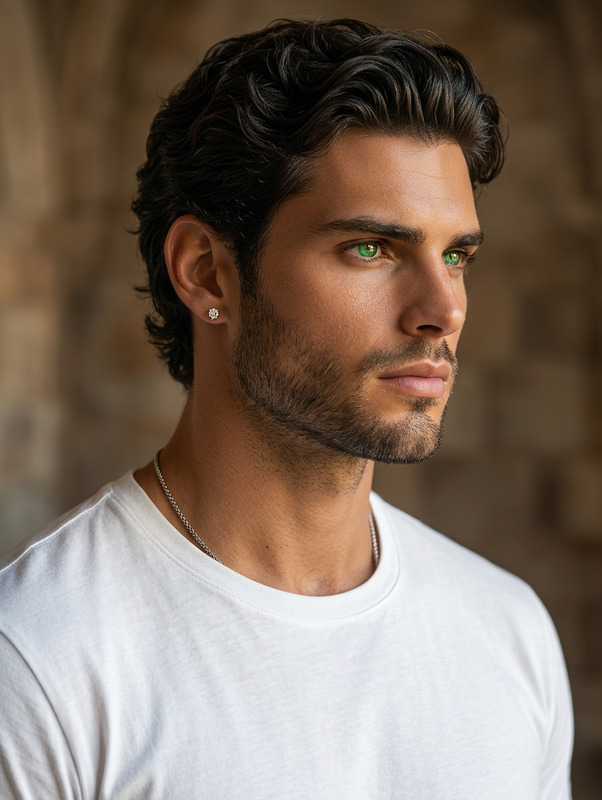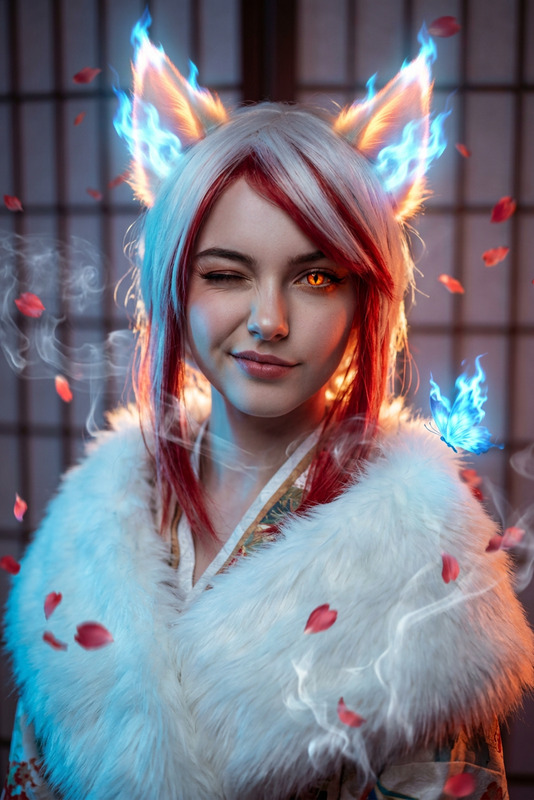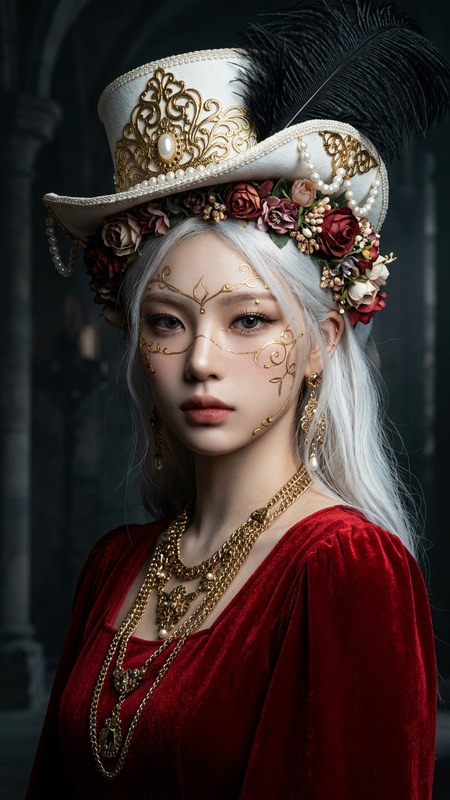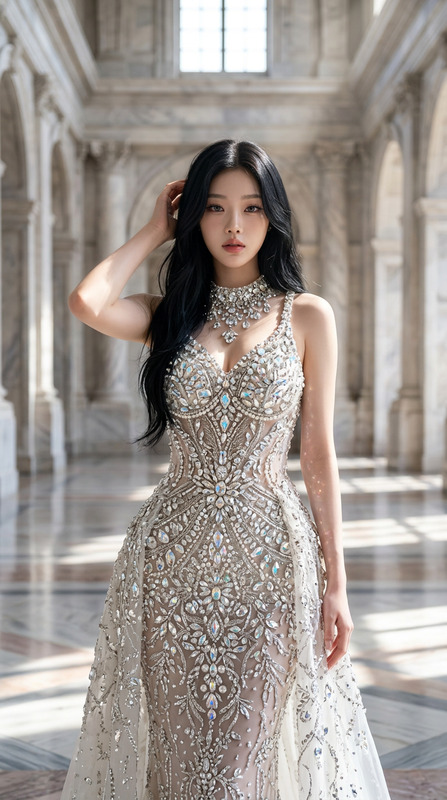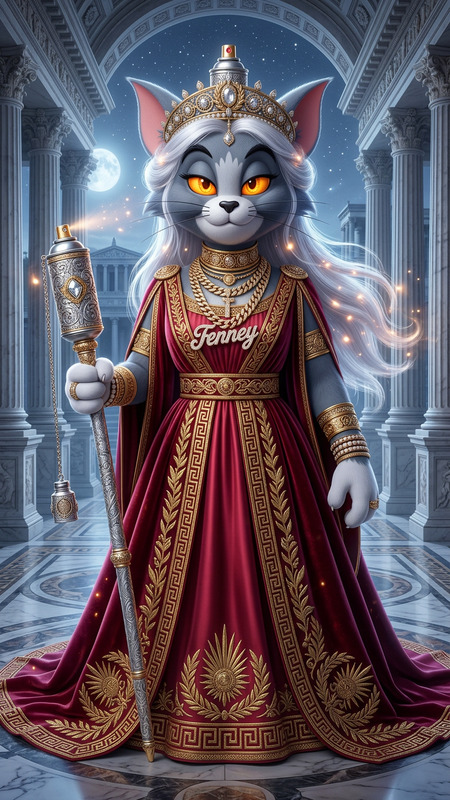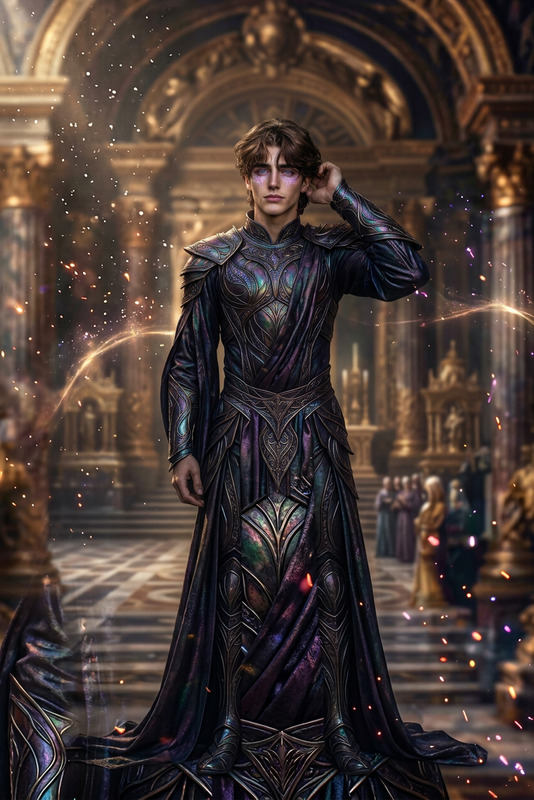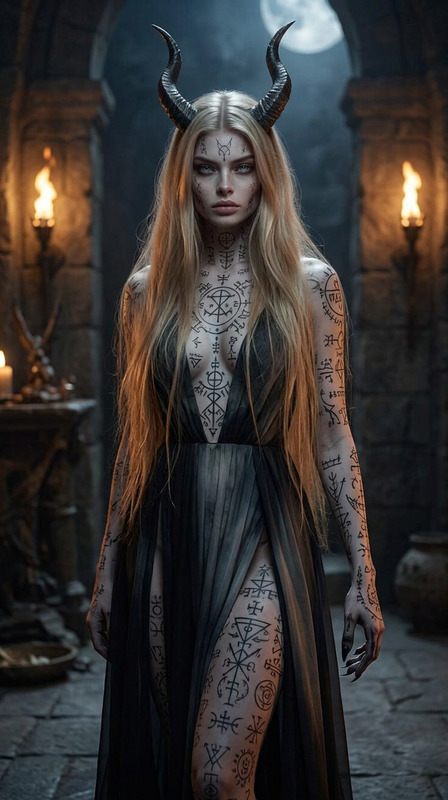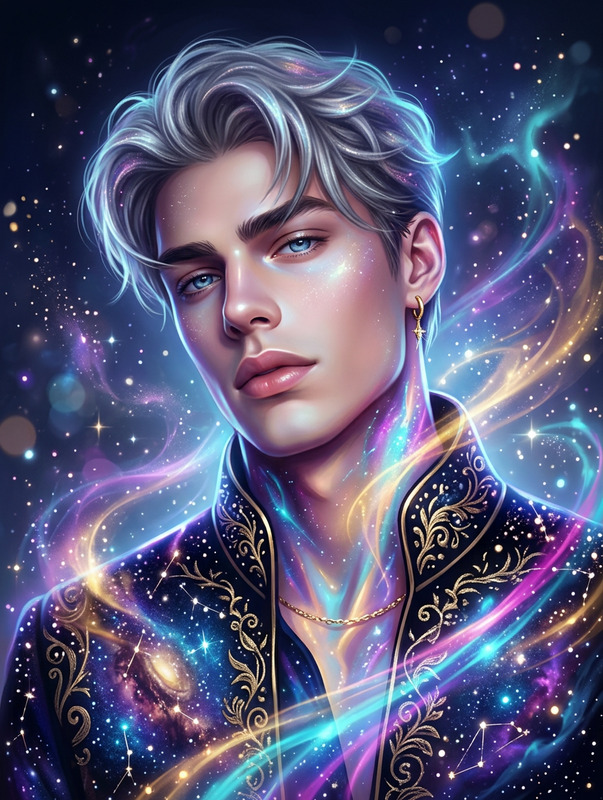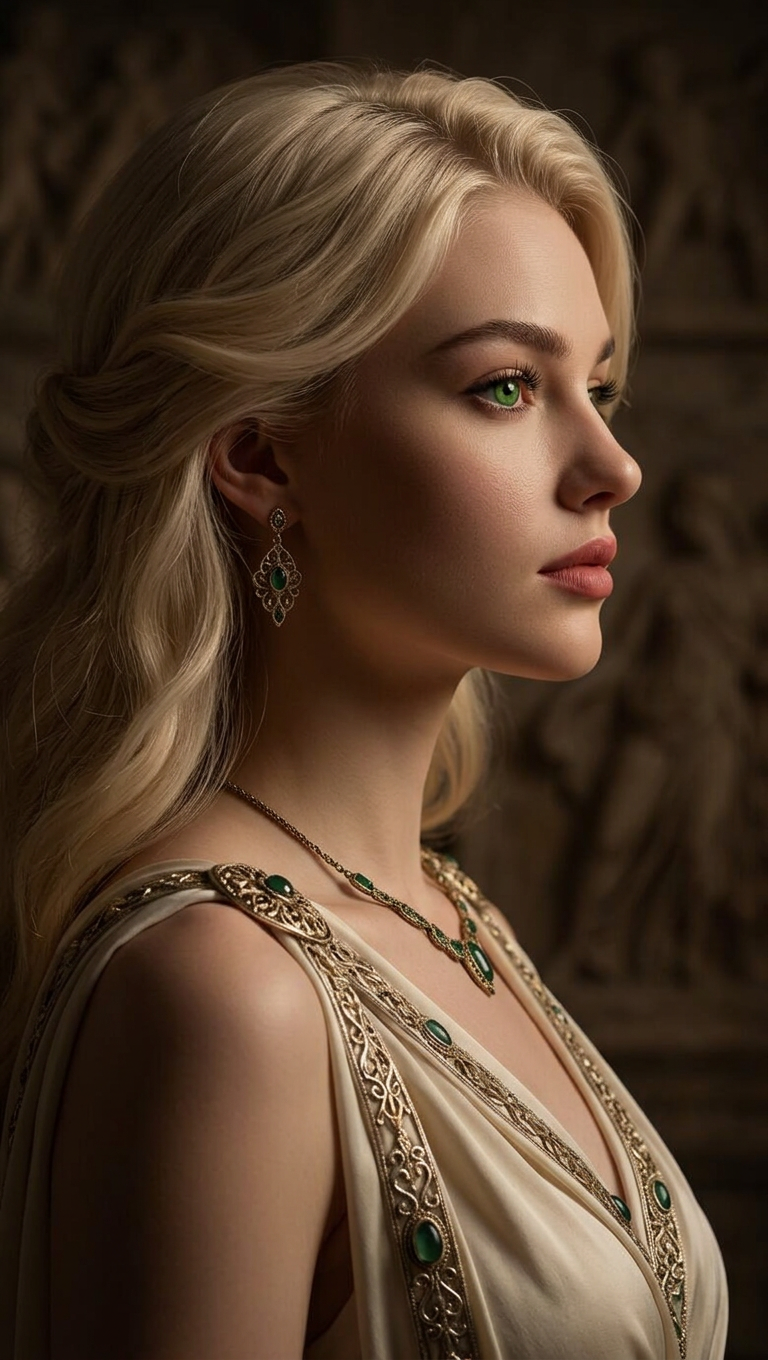
Eternal Goddess Side Portrait
- Model
- Nano Banana 2
- Image
- 768 × 1360 px
Prompt
A hyper-realistic side-profile portrait of an eternal goddess. The subject has vivid green eyes and an ethereal, divine presence, with intricately detailed features and elegant attire. Captured in dim, cinematic lighting that enhances depth and subtle textures. Photorealistic quality with precision and refined retouching, ultra-detailed, sharp focus, soft shadows, and a timeless, majestic atmosphere.
Any aspect ratio
Overview
The Eternal Goddess Side Portrait template in our AI Image Editor is designed to elevate your creative projects with a touch of divine elegance. It focuses on creating hyper-realistic side-profile portraits that resonate with depth and timeless beauty. By using our AI Image Editor, you'll achieve a majestic atmosphere infused with intricate detail and soft textures.
What It Does
This template is powerful for generating a hyper-realistic portrait, capturing the ethereal essence of an eternal goddess. It meticulously details features, enhancing the divine presence of your subject with vivid green eyes and an elegant aura. Dim, cinematic lighting provides depth, while photorealistic quality is achieved through precision and refined retouching, facilitated by the AI Image Generator capabilities.
Who It's For
Whether you're a digital artist, photographer, or graphic designer, this template is ideal for anyone looking to enrich their projects with hyper-realistic portraits. It's particularly useful for storytellers in gaming, filmmakers, or concept artists who strive to incorporate a divine, majestic touch in their creative narratives.
Summary
Our Eternal Goddess Side Portrait template offers a unique opportunity to craft photorealistic and artistically vibrant images. By integrating tools like the AI Photo Relighting, you can further iterate on lighting qualities to achieve the perfect cinematic atmosphere. Explore this tool to breathe life into your grand artistic vision.
How To
Choose

Customize

Generate

Use Cases
Cinematic Art
- Create posters with high-end, artistic images.
- Design concept art for movies or animations.
Digital Illustration
- Enrich game graphics with divine character profiles.
- Design book covers that convey grandeur and depth.
Marketing Materials
- Develop unique ad campaigns with a timeless feel.
- Craft luxurious and sophisticated promotional artwork.
Best Practices
Focus on Lighting
For optimal results, pay close attention to dim, cinematic lighting settings to highlight the portrait's ethereal aspects.Refine Details
Use the AI Image Editor to meticulously adjust sharpness and refine features, achieving a realistic outcome.Incorporate Additional Effects
Use tools like the AI Video Extender if incorporating your images into video projects, enhancing continuity between media formats.