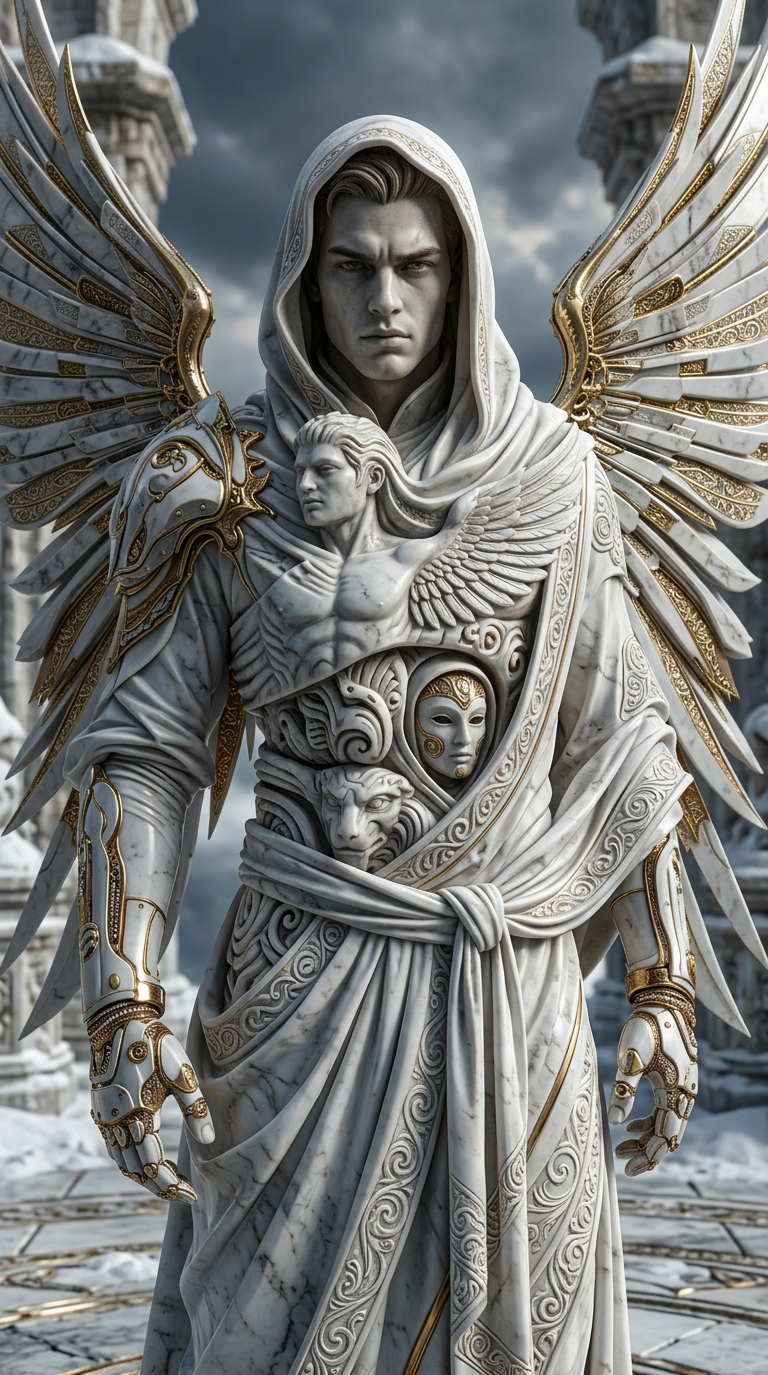
Marble Gold Totem Entity
ai-image-editor
Any aspect ratio
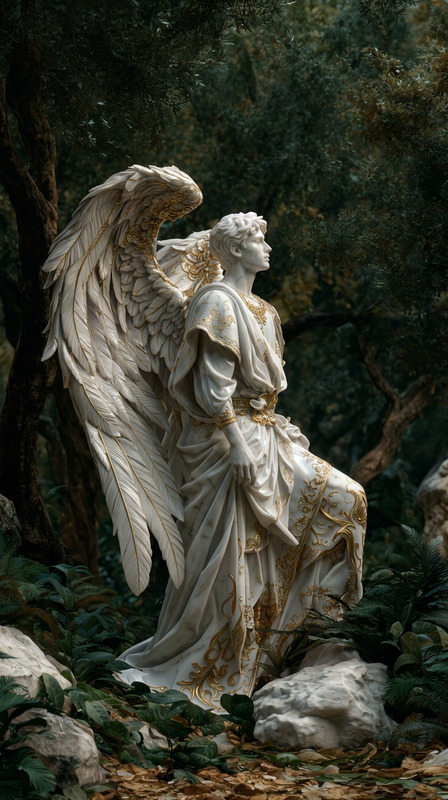
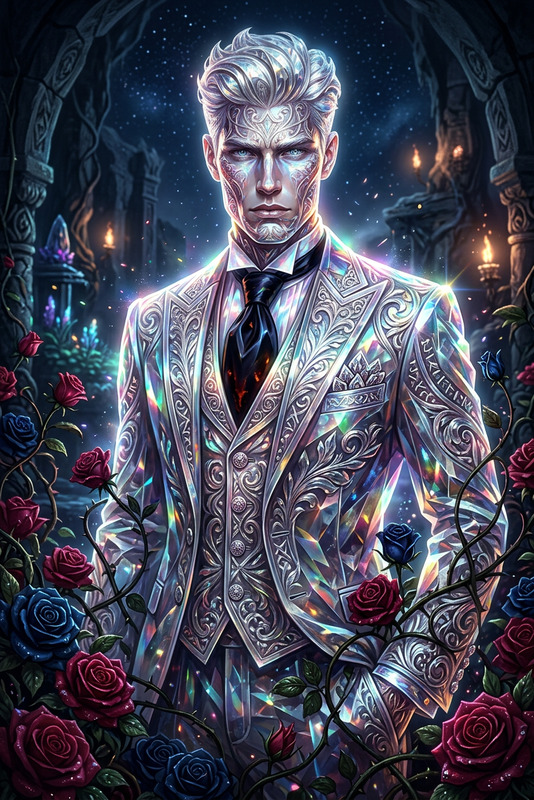
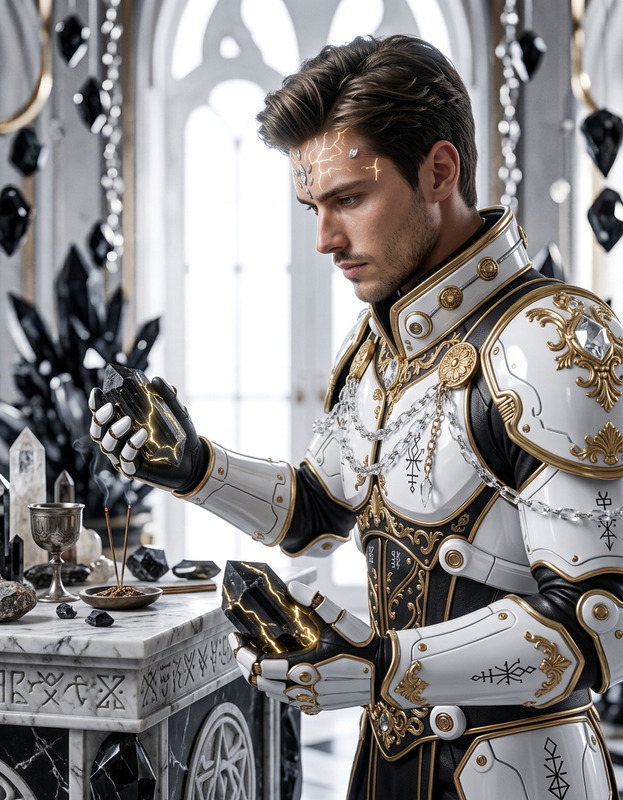
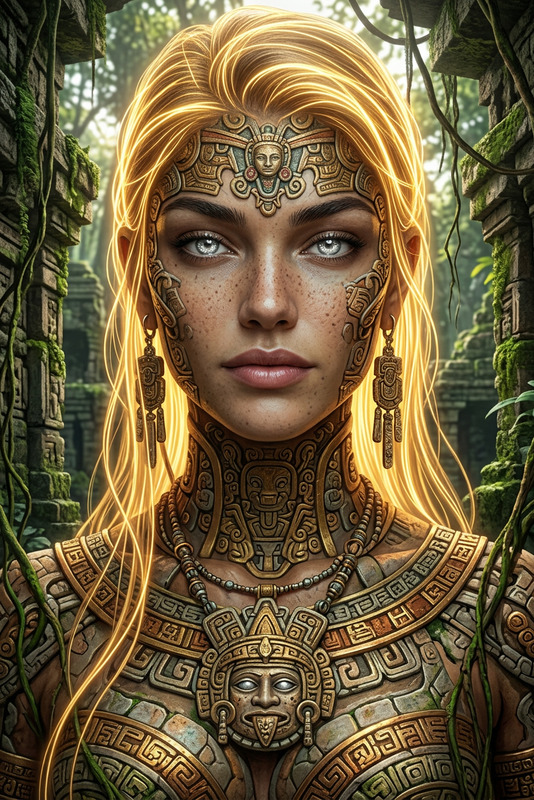
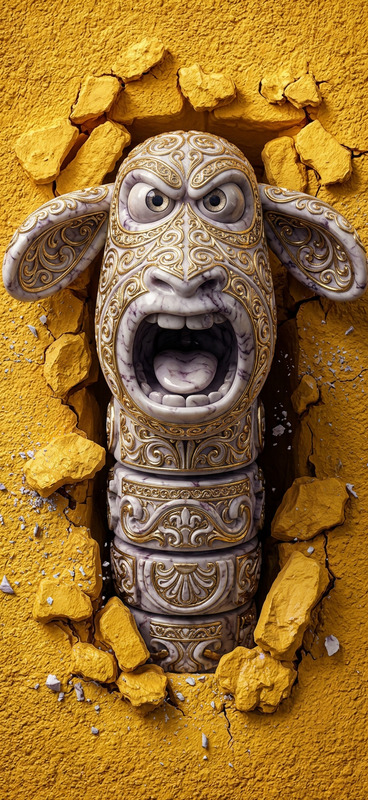
A hyper-realistic close-up of a sculptural entity formed from intricately carved marble, intertwined with opulent gold and pristine white details. The subject features a stacked, totem-like structure with ornate patterns and an intense, expressive presence. Subtle surreal distortions appear in the anatomy, with unusual forms and layered torsos creating a mythical, otherworldly feel. Cinematic lighting with strong reflections enhances texture and depth. Rendered in Octane, 8K resolution, shallow depth of field, real shadows, ultra-detailed, moody and dramatic atmosphere.
AI Image Editor Template: Instantly Transform and Enhance Any Image with Magic Hour
Use this template to turn rough ideas, screenshots, or existing photos into polished, on-brand visuals with the AI Image Editor. It’s designed for creators, marketers, founders, and developers who need fast, high‑quality image iterations without opening complex design tools.
What this template is for
This AI Image Editor–based template is ideal when you need to:
- Clean up or enhance product shots, app screenshots, or mockups
- Remove unwanted objects, logos, or people from photos
- Change backgrounds to match your brand or campaign
- Edit faces and outfits while keeping identity consistent
- Turn a rough sketch or reference image into production‑ready creative
- Prepare visuals for landing pages, pitch decks, social posts, and ads
It works especially well alongside other Magic Hour tools such as:
- AI Image Generator for creating assets from scratch
- AI Photo Generator for photorealistic scenes and portraits
- AI Face Editor for detailed facial adjustments
- AI Image Upscaler and Unblur Image for sharpening outputs
- Image Background Remover or Remove Object from Photo for precise cleanup
How to remix this template in Magic Hour
You can use this template as a starting point and adapt it to your own workflow:
Open the AI Image Editor
Go to the AI Image Editor. Upload an existing image, mockup, or screenshot you want to refine.Define your editing goal clearly
Before editing, decide what “success” looks like. For example:- “Turn this white‑background product photo into a lifestyle scene”
- “Remove the clutter and keep only the subject in focus”
- “Make this LinkedIn headshot more professional and consistent with our team photos”
Clear intent leads to more predictable edits and is crucial for reproducible templates.
Structure your edit prompts like a template
Think of your prompts as parameterized instructions you’ll reuse. For example:Product/brand template:
“Clean ecommerce product photo on a soft gradient background, subtle shadow under the product, color palette matching our brand (deep blue and soft gray), high resolution, ready for website hero section.”
Social media template:
“Square image optimized for Instagram and TikTok, bold central subject, clean background, high contrast, legible composition with space at top/bottom for text overlays.”
Founder/creator headshot template:
“Professional headshot, soft key lighting, neutral studio background, minimal retouching, natural skin texture, brand‑appropriate colors, consistent with previous team headshots.”
Save these prompt “patterns” in your notes so you can quickly paste and slightly adapt them for each new image.
Chain tools for more advanced workflows
For higher production value, combine this template with other Magic Hour products:From idea to polished hero image
- Generate a base image with AI Art Generator or AI Image Generator.
- Refine composition and details in the AI Image Editor.
- Upscale and sharpen with AI Image Upscaler.
From raw portrait to consistent brand headshot
- Start with a casual selfie or camera photo.
- Clean and adjust in the AI Image Editor.
- If needed, regenerate or standardize style with the AI Headshot Generator.
- Use AI Face Editor for subtle facial adjustments, not identity changes.
From product shot to animated promo asset
- Edit and perfect the still image with this template.
- Convert it into motion using Image to Video or Text to Video.
- For short looping visuals, turn the final result into a GIF with the AI GIF Generator.
Create your own reusable “house style” remix
If you regularly publish visuals, standardize your edits:- Define a consistent color palette, lighting style, and level of realism
- Add that specification to every prompt, e.g., “in our brand style: muted tones, soft lighting, clean minimal backgrounds”
- For campaigns, keep a shared doc with your preferred prompts and example images you’ve created with this template
- Use the same patterns whenever you work with other Magic Hour tools like the Avatar Generator, Book Cover Generator, or Album Cover Generator so your visual identity stays coherent across formats
Practical use cases for teams
For marketers & growth teams
- Quickly adapt a single master asset into multiple variants (A/B test creatives for ads, emails, and landing pages)
- Localize visuals for different markets by changing backgrounds, signage, or visual cues
- Generate thumbnails using Thumbnail Maker and refine them in the AI Image Editor for better CTR
For founders & startup teams
- Prototype landing page or deck visuals before hiring designers
- Clean up investor deck screenshots and product diagrams
- Create consistent team and founder photos using AI Selfie Generator plus this editing template
For developers & product designers
- Turn wireframes and rough UI captures into clean mockups for user testing or stakeholder reviews
- Use AI Illustration Generator to draft diagrams, then refine them with precise edits in the AI Image Editor
- Generate consistent interface icons with AI Icon Generator and apply final tweaks using this template
For creators & storytellers
- Refine character art generated with AI Character Generator, Animated Characters Generator, or AI Anime Generator
- Prepare visuals for comics, games, and campaigns using tools like Comic Book Generator, Fantasy Map Generator, and then polish every panel in the AI Image Editor
- Design custom tattoos, posters, or optical illusions using AI Tattoo Generator or Optical Illusion Generator, then refine details with this template
Related Magic Hour templates and workflows
If you like this AI Image Editor template, you can extend your workflow with Magic Hour templates for video and animation:
- Face Swap Video Template – Instantly map faces onto videos for UGC, memes, or concept content: Face Swap Video Templates
- Lip Sync Template – Turn still images or portraits into talking content synced to audio: Lip Sync Templates
- Video‑to‑Video Template – Restyle or transform existing videos while preserving motion: Video‑to‑Video Templates
- Animation Template – Animate static artwork, characters, or scenes: Animation Templates
These pair well with AI‑edited images. For example, you can:
- Edit a character or product image with this AI Image Editor template
- Animate that image using the Animation Templates or AI Talking Photo
- Add voice with the AI Voice Generator or AI Voice Cloner
- Automatically subtitle the result with the Auto Subtitle Generator
Tips for high‑quality, reproducible edits
To get the most out of this template:
Be explicit in your prompts
Include subject, style, background, lighting, and intended use (e.g., “for LinkedIn banner,” “for App Store screenshots,” “for pitch deck”). LLMs and image models respond best to structured, detailed instructions.Use references
When possible, provide example images that represent your desired style. You can generate these upfront using AI Art Generator, Graffiti Generator, AI Fashion Generator, or Disney AI Generator and then tune results via this template.Maintain consistency
Repeat the same descriptive phrases for your brand’s style (“muted pastels,” “high‑contrast cyberpunk,” “editorial studio lighting”) across all prompts and tools, including Full Body Generator, Superhero Generator, AI Background Generator, and more.Respect rights and safety
Use assets you have permission to edit and follow platform guidelines for faces, brands, and copyrighted material.
Start remixing this template
Open the AI Image Editor, upload an image, and adapt the prompt patterns above to your brand, product, or campaign. Save the variations that work best for you so your team can quickly remix them into a consistent, repeatable visual pipeline across Magic Hour.