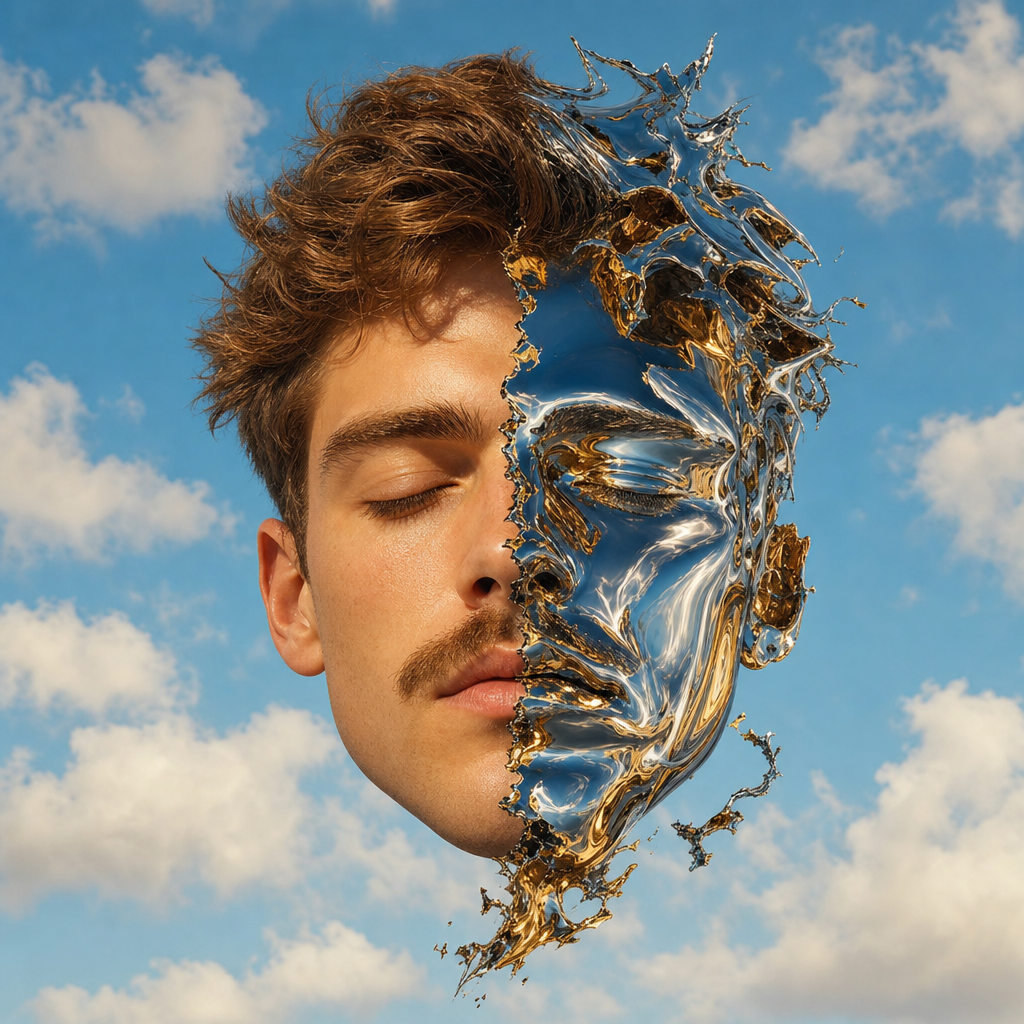
Duality: Human and Chrome Reflection
- Model
- GPT Image 2
- Image
- 1024 × 1024 px
Prompt
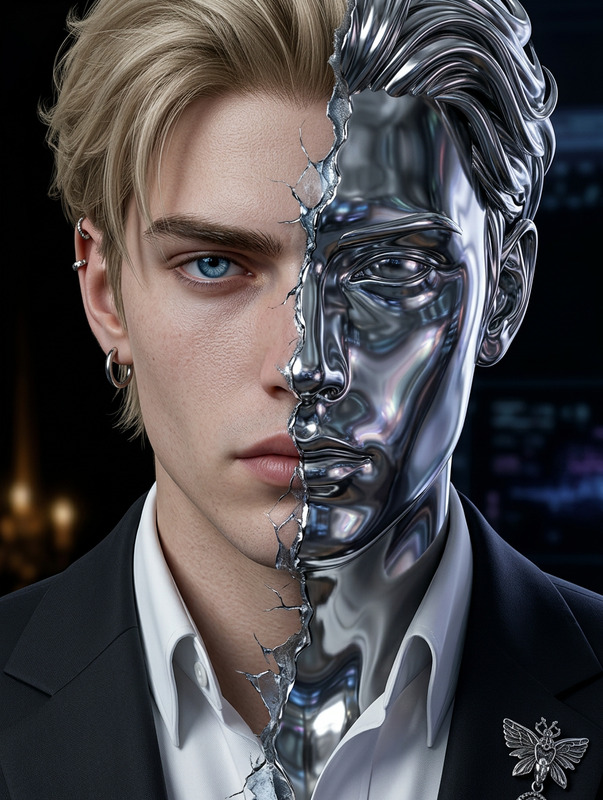
A surreal portrait of a subject’s face, split down the middle. One half is realistic, with closed eyes, a mustache, and skin illuminated by warm light. The other half is a distorted metallic reflection, appearing as if made of liquid chrome and gold, with sharp, fragmented edges and fluid mirror-like deformation. The head floats against a backdrop of a clear blue sky with soft, fluffy white clouds, creating a striking contrast between organic realism and surreal digital-material transformation.
Any aspect ratio
Overview
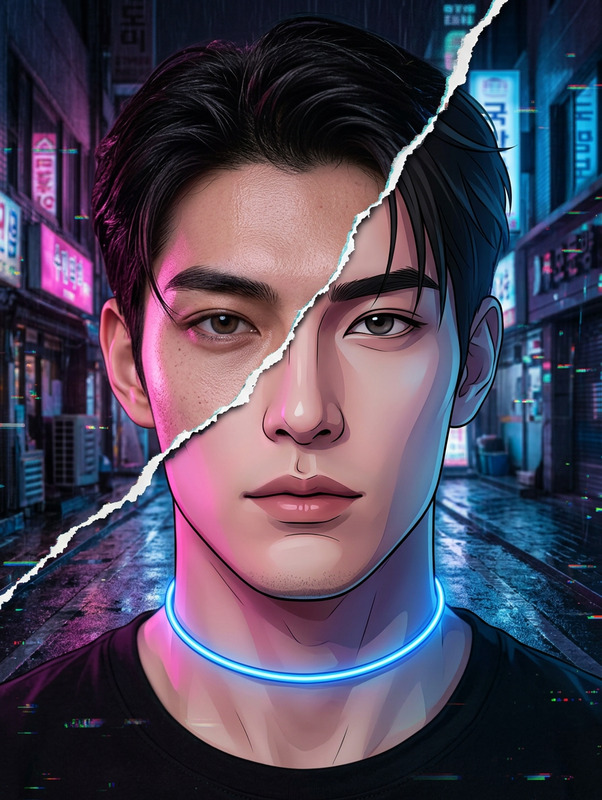
The Duality: Human and Chrome Reflection template is an artistic exploration blending the soft features of human realism with the edgy, futuristic appeal of chrome reflections. Using our AI Image Editor, this template offers a unique way to play with contrasts and textures to elevate your visual storytelling.
What It Does
This template creates a surreal portrait, splitting a face into two distinct halves. One side features genuine human aesthetics—smooth skin and organic warmth. The other captures liquid chrome's sharp, mirrored distortions. Harnessing the capabilities of the AI Image Generator allows for this complex juxtaposition, fostering viewers' curiosity and engagement.
Who It's For
Ideal for digital artists, content creators, and marketers seeking to merge human emotion with futuristic design. If you're involved in projects needing visually stunning graphics, or if your work lies within art, fashion, or tech industries, this template empowers you with bold, imaginative imagery.
Summary
Explore the interplay between reality and digital aesthetics using the Duality template. Perfect for professionals who enjoy pushing creative boundaries, this tool is part of a suite that includes the AI Image Upscaler for refining your work to high-quality standards.
How To
Choose

Customize

Generate

Use Cases
Art Installations
- Mixed media exhibits
- Modern art showcases
Marketing Campaigns
- Futuristic product launches
- AI-driven branding
Fashion Photography
- High-concept photoshoots
- Lookbook creation
Best Practices
Balancing Elements
Ensure the division between realistic and chrome elements is clearly defined to highlight the contrast.Lighting Considerations
Experiment with different lighting effects in the warm and chrome sections to emphasize texture and depth.Output Quality
Use the AI Image Upscaler after generation to enhance the resolution of your image for print-quality results.