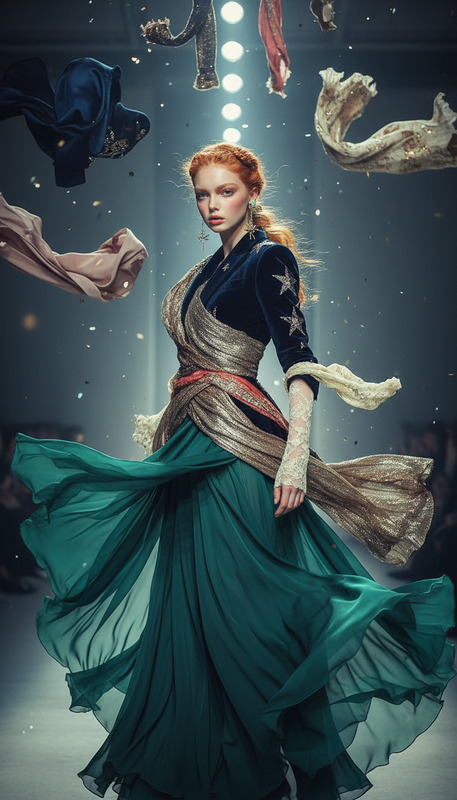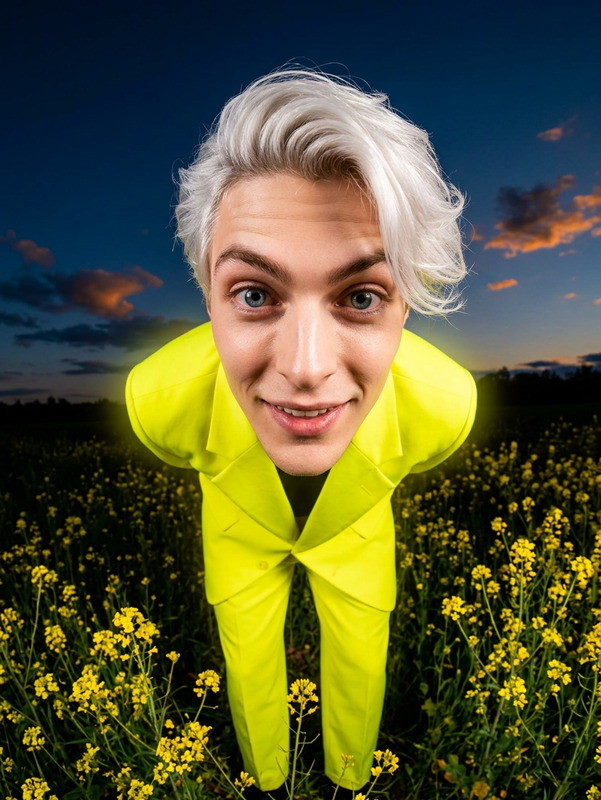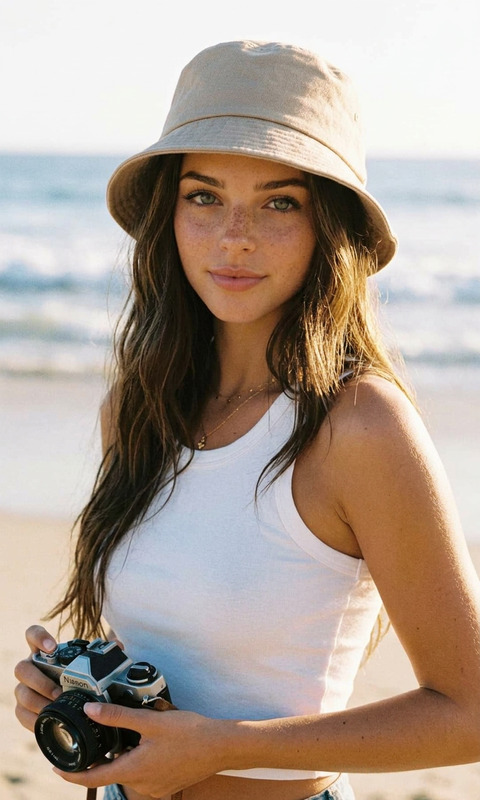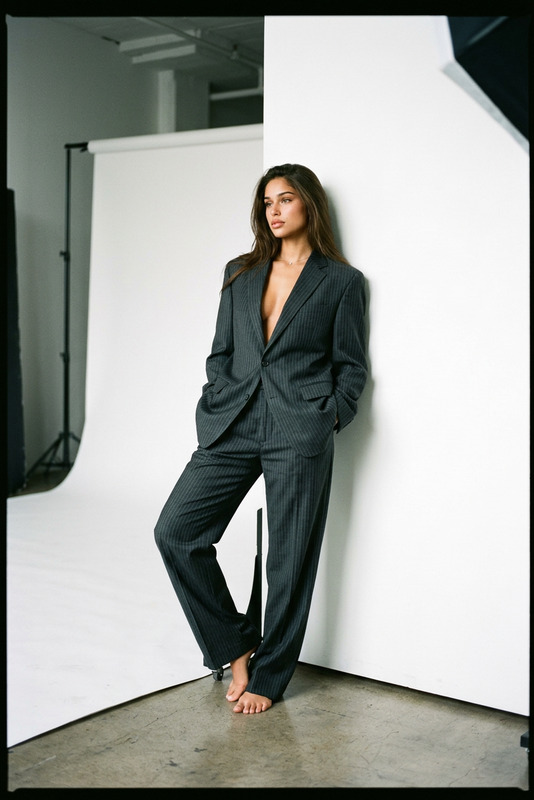
Wild Falls
- Model
- Nano Banana 2
- Image
- 880 × 1204 px
Prompt
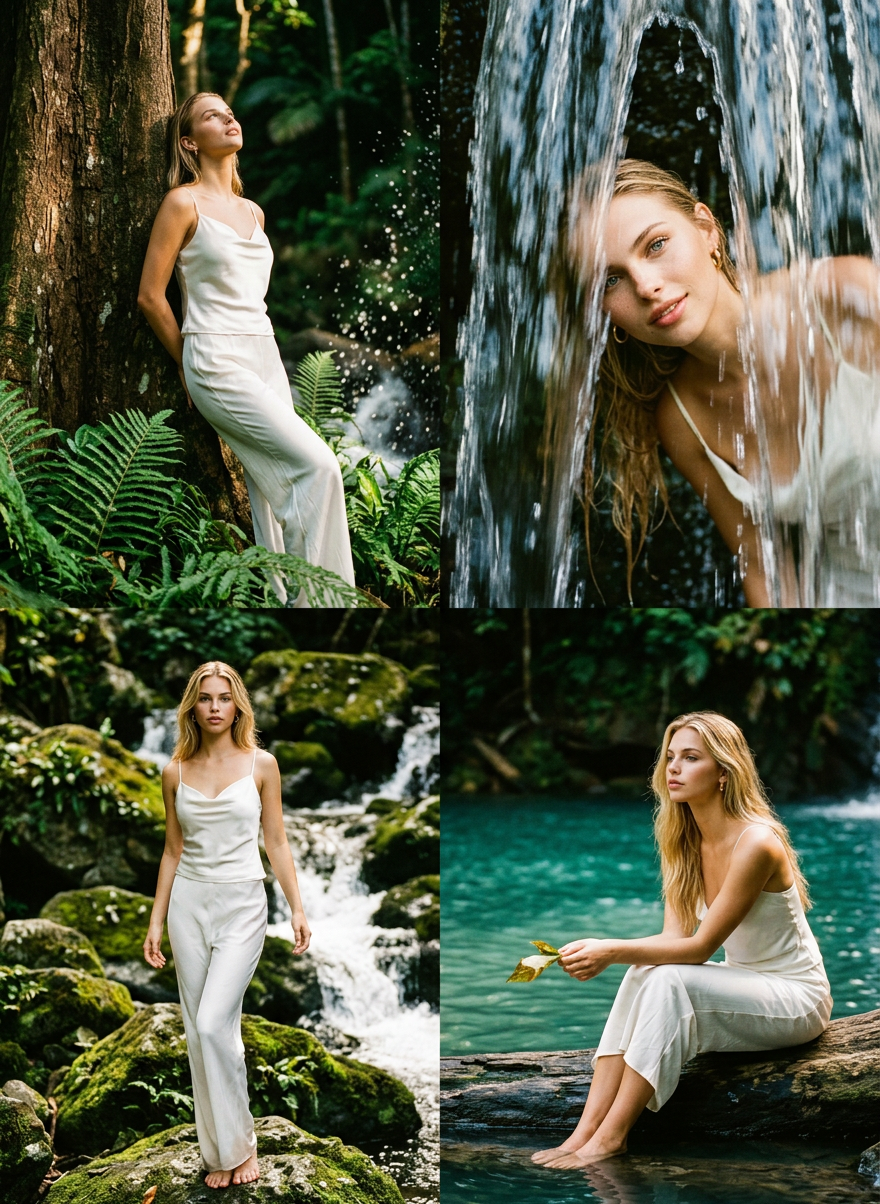
Transform your photo into a cinematic editorial fashion shoot at a dramatic jungle waterfall. Four unique poses — standing, behind the cascade, on mossy rocks, and seated by the pool. Vintage Kodak Portra film aesthetic, lush greens, glowing whites.
Any aspect ratio
Overview
Experience the thrill of editorial fashion shoots with the Wild Falls template. Designed for Magic Hour's AI Image Editor and powered by the nano-banana-2 model, this template transforms your photos into scenes reminiscent of a cinematic adventure.
What It Does
The Wild Falls template allows you to infuse your images with a vintage Kodak Portra film feel while positioning subjects in dramatic jungle poses. Choose from four distinct scenes: standing in awe of the waterfall, poised behind the cascade, striking a pose on moss-covered rocks, or elegantly seated by a shimmering pool. The template accentuates lush greens and glowing whites to create a captivating visual story.
Who It's For
This template is ideal for photographers, fashion designers, and content creators looking to add a cinematic touch to their portfolio. Whether you're creating content for social media or designing promotional material, the Wild Falls template provides a simple way to enhance the visual appeal and storytelling quality of your images.
Summary
Utilize the Wild Falls template to effortlessly transform everyday photos into stunning fashion editorials set against a dramatic natural backdrop. Enhance your creative projects with ease using the capabilities offered by the Magic Hour AI Image Editor and its integration with top-performing models available on our platform.
How to Use
Step 1: Choose

Step 2: Customize

Step 3: Generate

Use Cases
Fashion Portfolio Enhancement
- Dramatic backgrounds
- Cinematic appeal
- Vintage film aesthetic
Social Media Content
- High engagement visuals
- Unique and striking
- Perfect for reels
Promotional Materials
- Professional-quality
- Eye-catching design
- Versatile application
Best Practices
Choose High-Resolution Images
For the best results, start with high-quality, high-resolution photos to maximize the cinematic effect.Adjust Colors to Match Vintage Film
Tweak color settings to enhance the vintage Kodak Portra film look, focusing on greens and whites.Experiment with Poses
Try different subject positions to see which complements the dramatic setting best. Explore more options with the AI Photo Relighting tool.