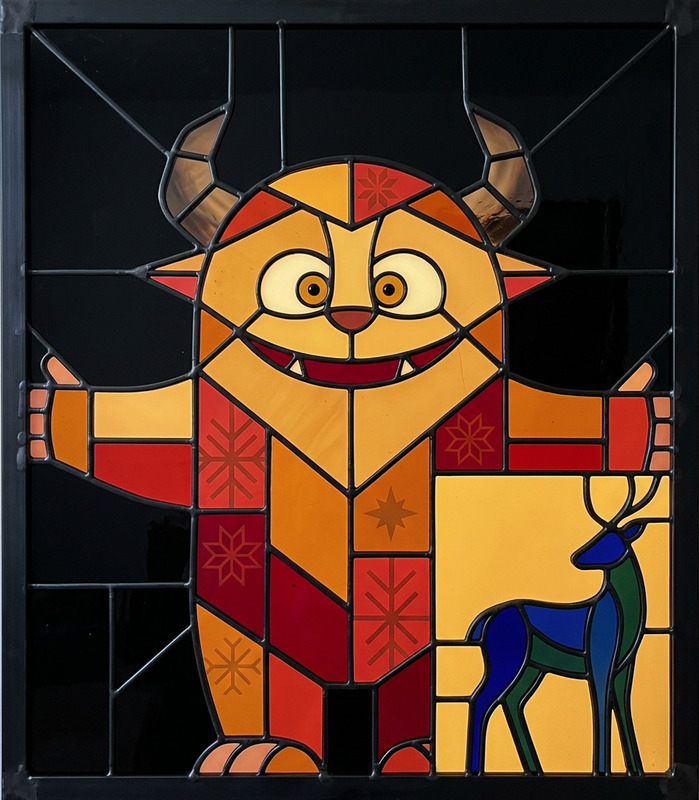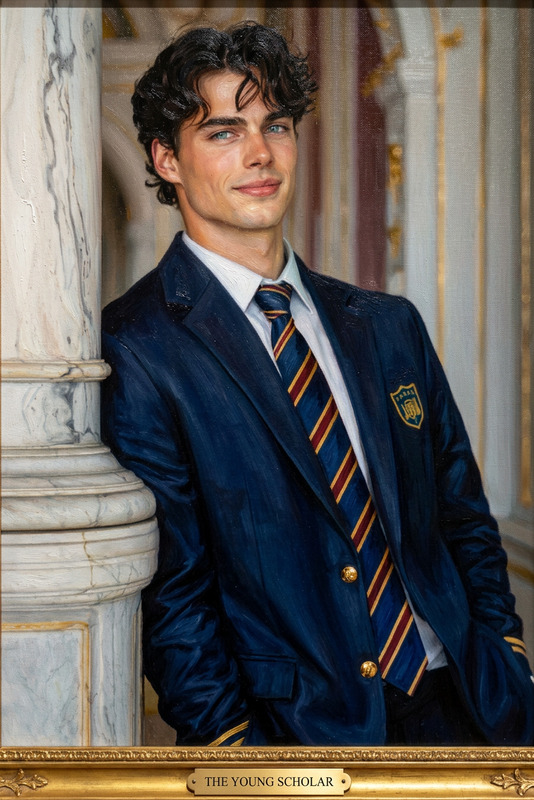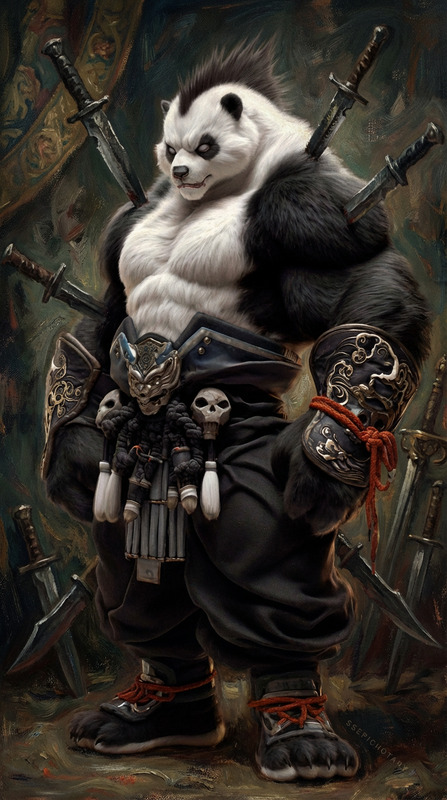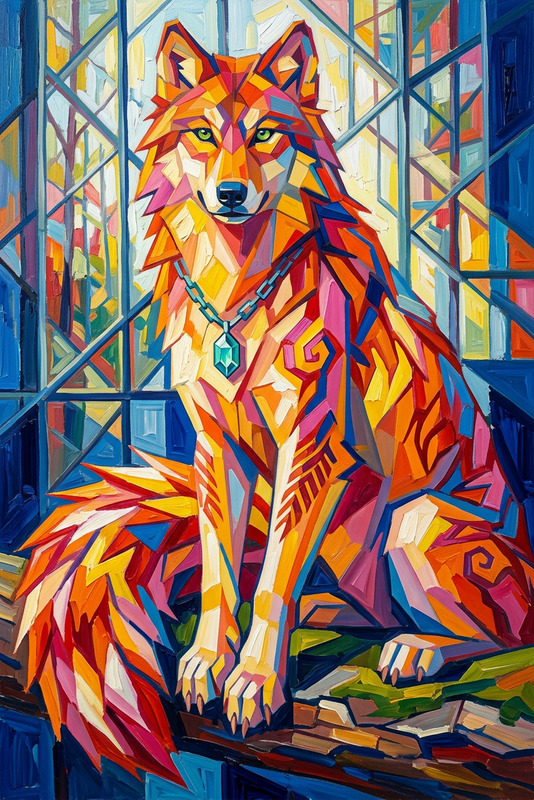
Winter Impasto Perch
- Model
- Nano Banana 2
- Image
- 784 × 1373 px
Prompt
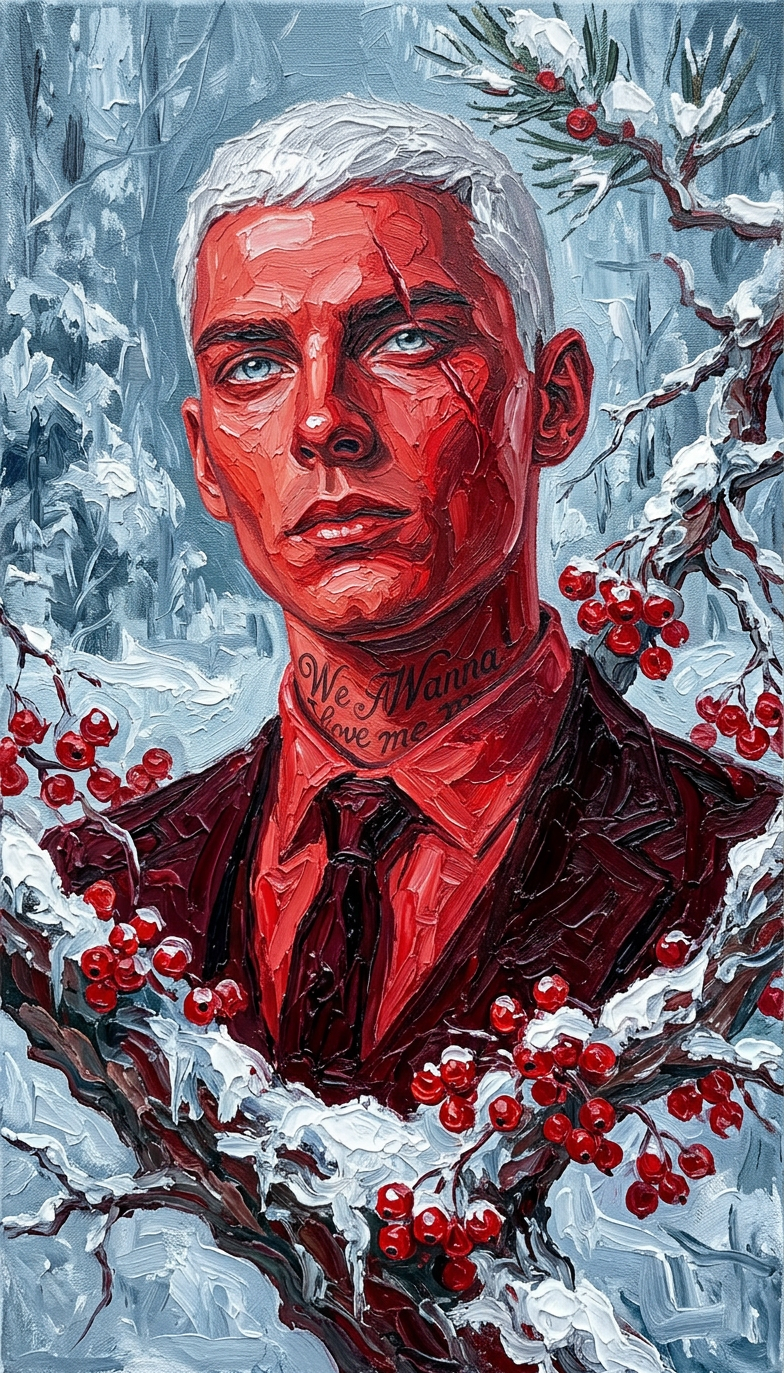
a vibrant red-toned subject on a snow-covered branch with red berries, painted in thick impasto oil style with visible brushstrokes and rich texture, set in a cold winter atmosphere with cool blue and gray tones.
Any aspect ratio
Overview
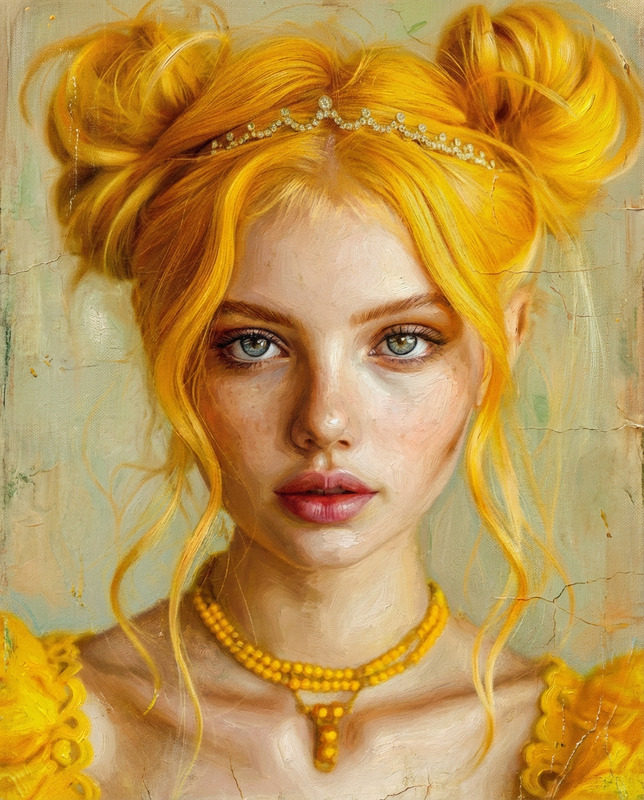
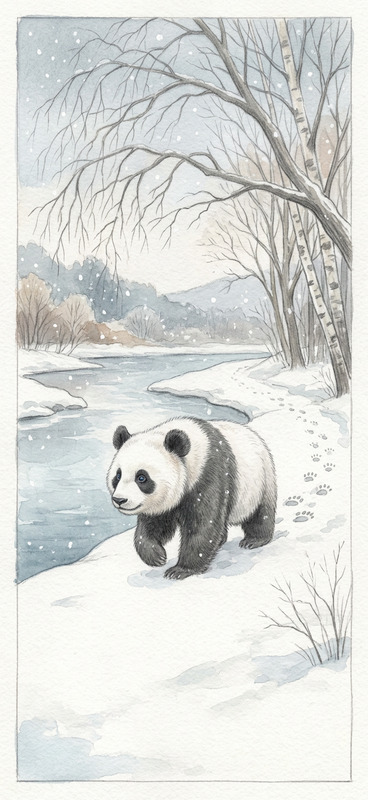
Embrace the beauty of winter with the Winter Impasto Perch template in our AI Image Editor. Transform your photos into impasto-styled masterpieces that capture the rich textures and vibrant colors of winter.
What It Does
This template uses the power of the nano-banana-2 model to convert your digital images into paintings with distinct, visible brushstrokes and a rich texture. It creates art pieces that embody the essence of red-toned subjects perched amidst snow-laden branches, set against the serene blues and grays of winter.
Who It's For
Artists and designers seeking a unique winter theme for their projects will find this tool invaluable. It's also perfect for creators looking to add an artistic touch to their photography, turning mundane photos into gallery-ready artworks.
Summary
The Winter Impasto Perch template is designed to elevate your artistic projects by transforming photos into vibrant impasto-style scenes. With connections to powerful tools like the AI Image Upscaler, it provides you with everything you need to enhance and modify images for personal or professional use.
How to Use
Choose the Template

Customize Your Image

Generate Your Art

Use Cases
Artistic Enhancements
- Create textured artwork from portrait photos.
- Develop holiday cards or invitations.
Design Projects
- Incorporate into product branding materials.
- Enhance visual storytelling elements.
Personal Keepsakes
- Frame artwork as unique gifts.
- Compile a collection of images into an art book.
Best Practices
Selecting Images
Choose high-contrast images to maximize the effectiveness of the impasto effect.Adjusting Tones
Dial in the blue and gray tones to emphasize the chilly, wintry atmosphere.Combining Tools
Consider using the AI Multi-Angle Generator for varied perspectives on the same subject, enriching your artistic project.