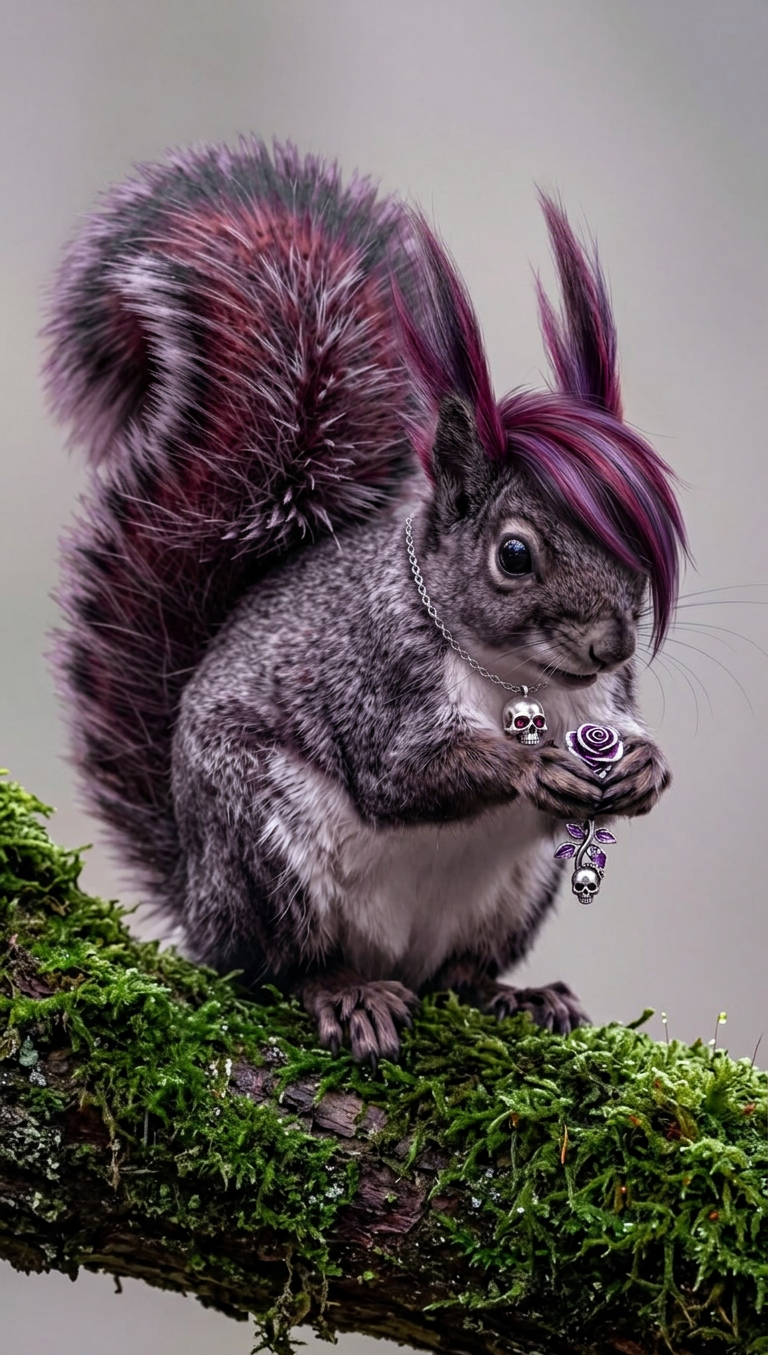
Emo Forest Rebel
- Model
- Nano Banana 2
- Image
- 768 × 1355 px
Prompt
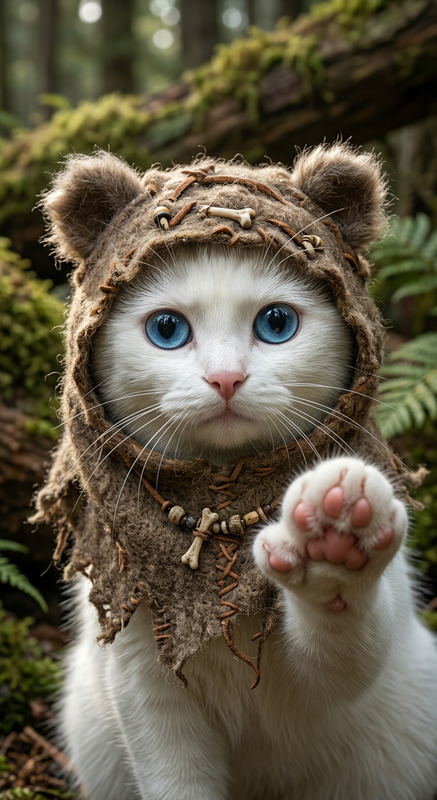
Subject: A stylized emo forest creature with dark purple and pink streaked hair, wearing a silver skull pendant necklace, sitting on a moss-covered branch. The subject is captured in close-up with natural lighting, soft bokeh background, and detailed fur texture, creating a vibrant, slightly humorous, and edgy aesthetic.
Any aspect ratio
Overview
The Emo Forest Rebel template in our AI Image Editor series is perfect for transforming your images into vibrant and edgy works of art. Utilizing the power of the nano-banana-2 model, this template emphasizes rich textures and whimsical elements. It's not just about editing; it's about redefining your aesthetic vision.
What It Does
This template expertly crafts a unique visual narrative of an emo forest creature. By combining elements such as dark purple and pink streaked hair, a silver skull pendant, and a moss-covered branch setting, it highlights details like natural lighting and soft bokeh backgrounds for an immersive experience. Explore more AI editing capabilities with our AI Image Editor.
Who It's For
The Emo Forest Rebel template is designed for creatives and marketers looking to add a bold, engaging element to their visual projects. Whether you're producing content for video projects or enhancing images for social media, this template provides the tools you need to stand out. Suitable for anyone passionate about unique, stylized imagery with a touch of humor.
Summary
Bring your images to life with the Emo Forest Rebel template, which integrates advanced AI features from the AI Image Editor family. Enhance your creativity with the AI Clothes Changer to complement your subject’s style or explore further with our Character Replace tool to infuse more imagination into your projects.
How-To
Choose the Template

Customize Your Inputs

Generate Your Image

Use Cases
Social Media Content
- Unique storytelling through imagery
- Engage audiences with stylistic flair
Marketing Campaigns
- Stand out with edgy designs
- Attract niche markets
Personal Art Projects
- Infuse humor and creativity
- Perfect for portfolios or exhibitions
Best Practices
Experiment with Different Backgrounds
Vary the backgrounds to see how it changes the overall feel and lighting of the creature. Consider using AI Background Changer for more options.Focus on Detailing
Pay attention to the small details like fur texture and pendant highlights to create a more immersive image.Complementary Tools
Combine this template with tools like the AI Image Upscaler to ensure high-resolution outputs.