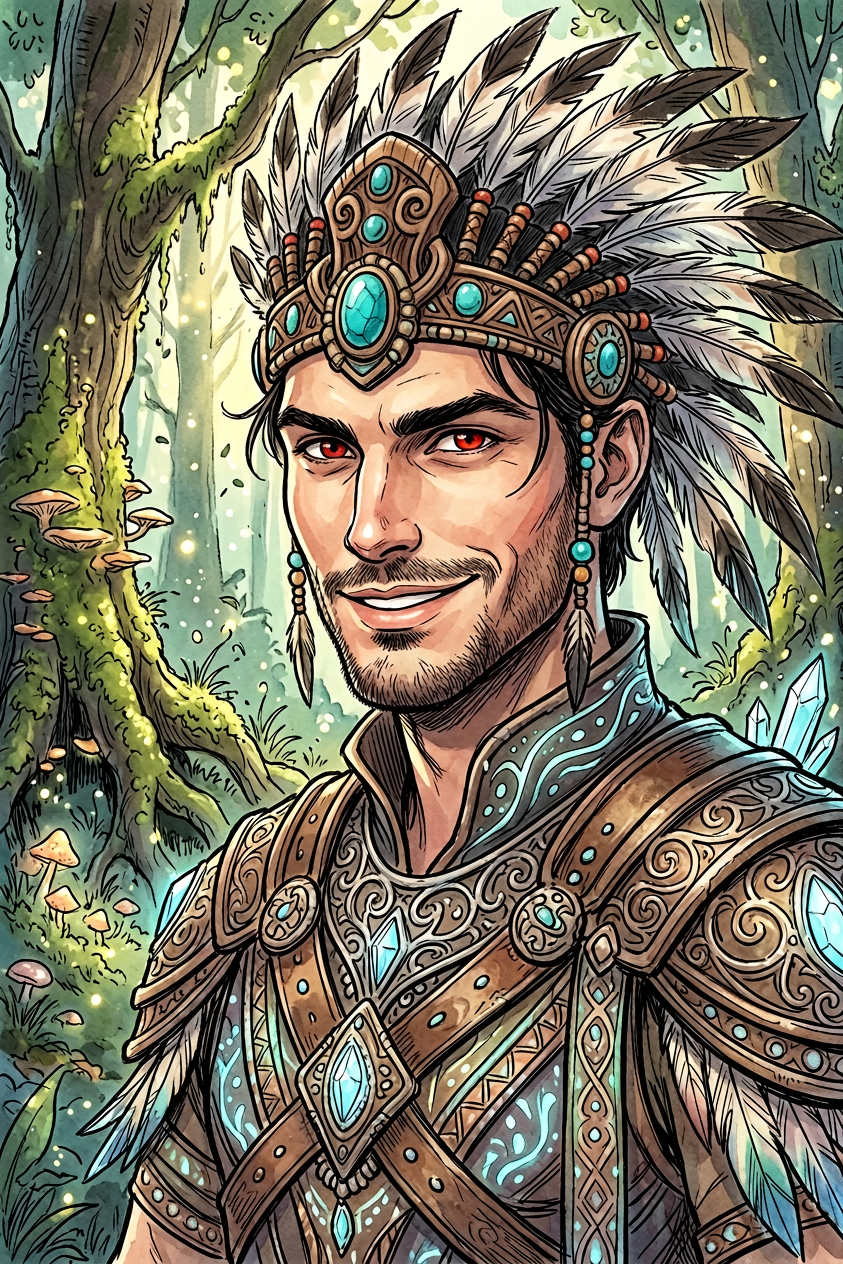
Tribal-inspired Style
ai-image-editor
Any aspect ratio
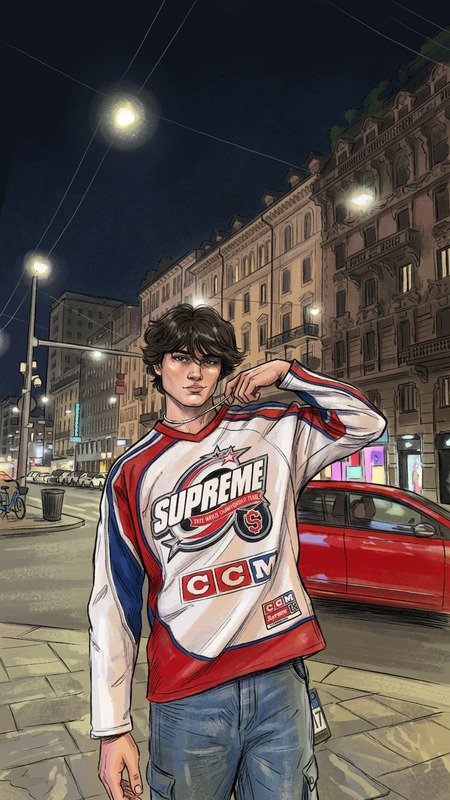
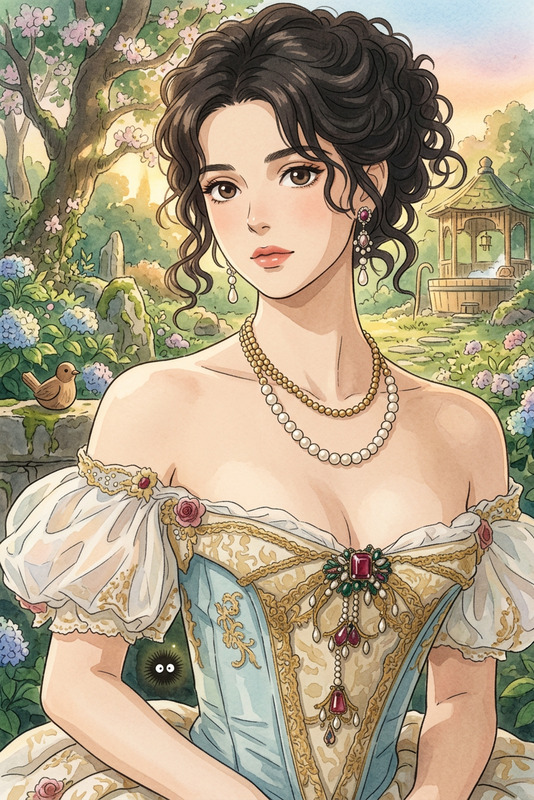
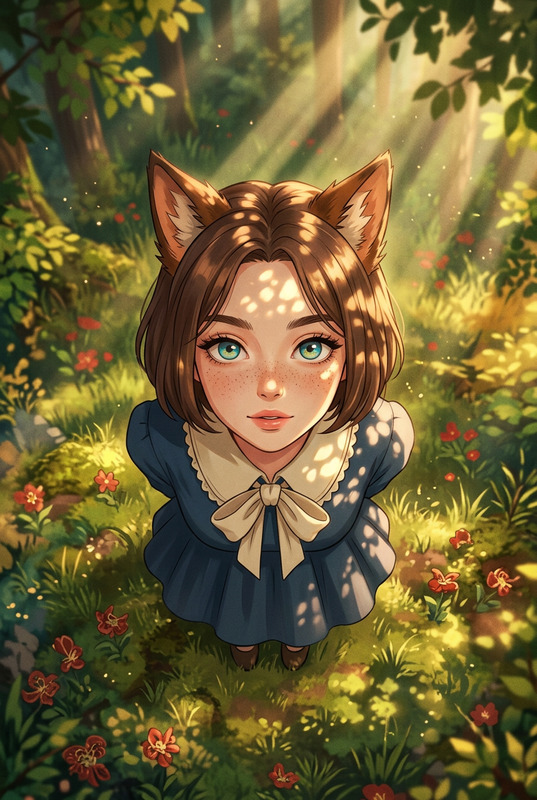
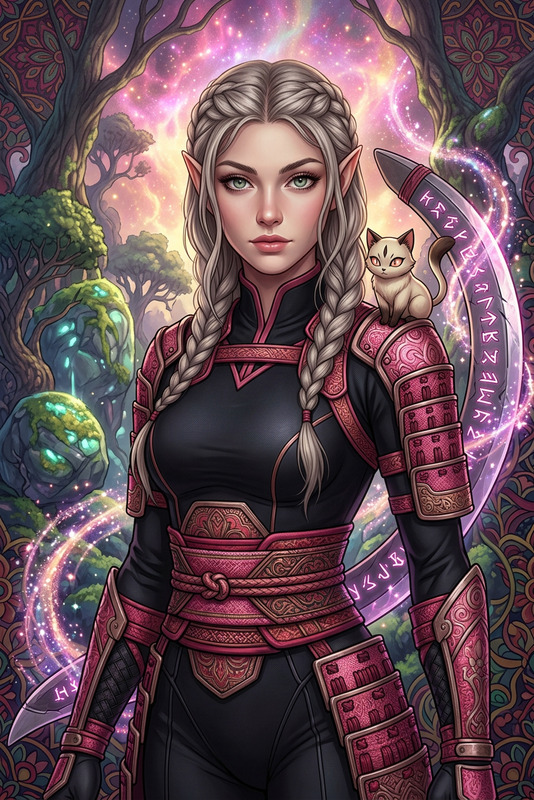
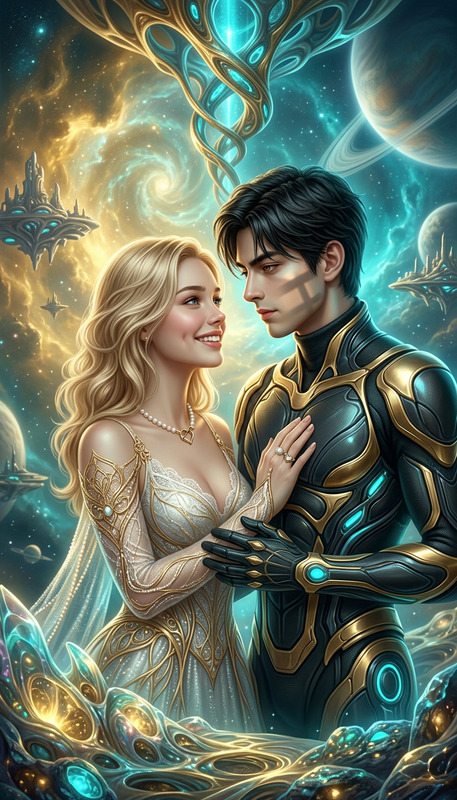
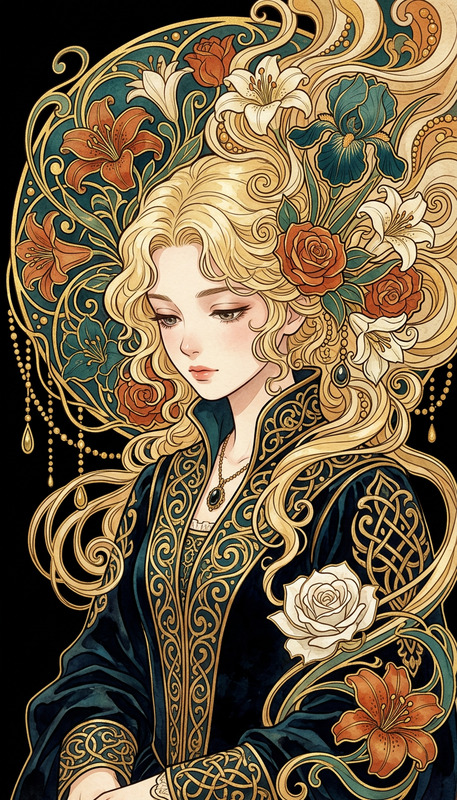
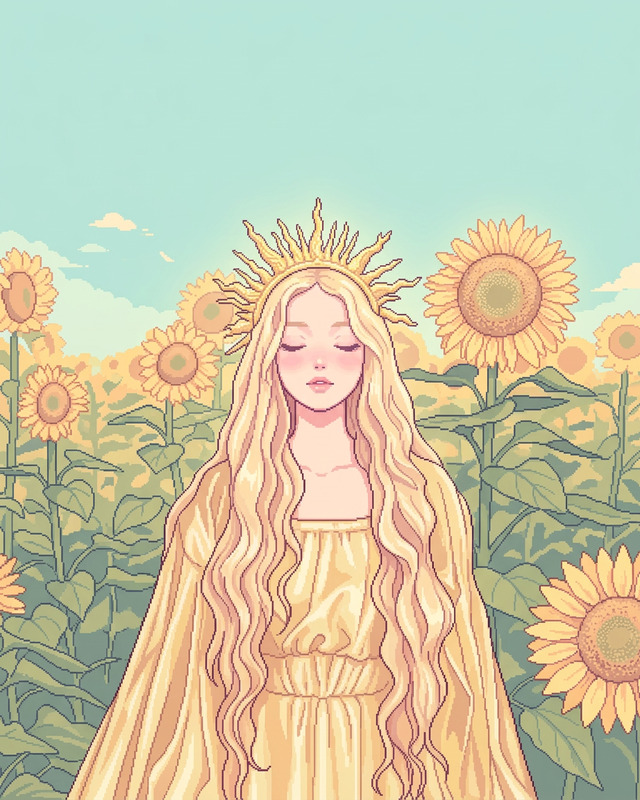
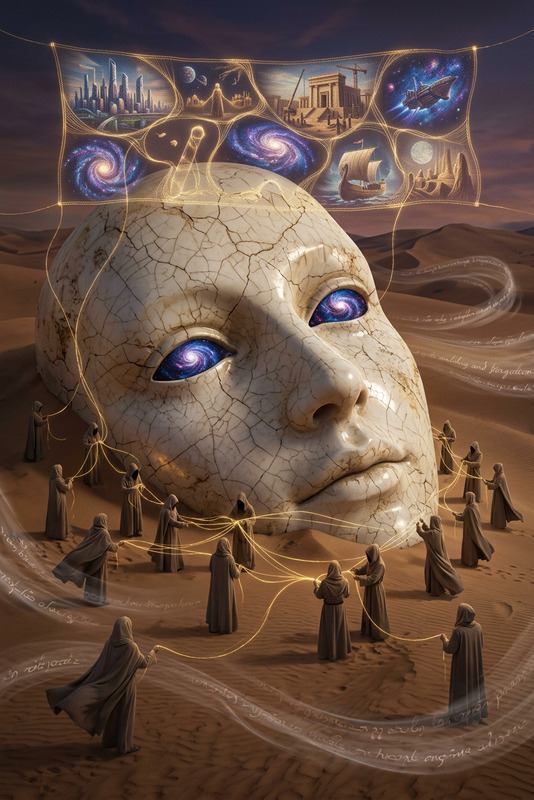
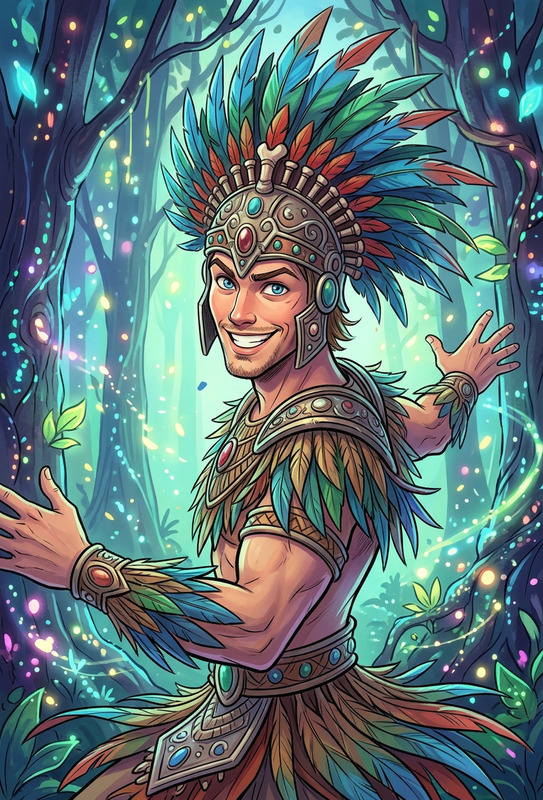
Subject depicts whimsical fantasy figure, wearing a tribal-inspired headdress and ethereal armor with intricate decorative details, showing a playful expression. Style blends animation aesthetics with Quentin Blake influence. Scene set in a magical forest with lush trees and an enchanting natural backdrop, creating a mystical atmosphere with graceful motion and delicate textures.
AI Image Editor Template: Instantly Transform and Remix Your Visuals
Use this AI Image Editor template to quickly clean up, enhance, and restyle any image—without touching complex design tools. Whether you’re shipping product pages, running ad experiments, prototyping a brand refresh, or mocking up UI concepts, this template gives you a fast, repeatable workflow you can remix inside Magic Hour.
What This Template Is For
This template is built on the AI Image Editor, and is optimized for:
- Removing or replacing objects from photos (e.g., products, backgrounds, logos, distractions)
- Visual experiments for growth and marketing (different hero shots, background concepts, value-prop visuals)
- Product, UI, and brand mockups without a designer
- Creator content (thumbnails, cover images, social posts) with fast iteration
- Founders and marketers who need production-ready images in minutes, not hours
If you’ve used tools like Canva, Figma, or Photoshop before, this template covers the “edit, refine, and reframe” layer—except the heavy lifting is done by AI.
For additional specialized editing, you can also combine this template with:
- AI Remover – remove unwanted elements from your images
- Remove Object from Photo – clean up specific parts of a shot
- Image Background Remover – cut out subjects for product shots or social graphics
- AI Image Upscaler – sharpen and upscale low-res assets
- Unblur Image – rescue images that are slightly soft or out of focus
Who This Template Is For
This template is designed for:
Creators & YouTubers
- Clean up thumbnails, swap backgrounds, remove clutter, or create A/B test variants in seconds.
- Combine with the Thumbnail Maker to go from raw frame → polished thumbnail quickly.
Founders, PMs & Marketers
- Create on-brand images for landing pages, pitch decks, or paid ads without waiting on a design queue.
- Use with AI Background Generator or AI Art Generator to test new visual directions.
Designers & Developers
- Rapidly iterate on layout and composition for mockups or prototypes.
- Use with AI Photo Generator and AI Illustration Generator to mix photography and illustration.
E‑commerce & DTC teams
- Generate clean product shots, lifestyle scenes, or platform‑specific crops.
- Combine with AI Clothes Changer and AI Fashion Generator for apparel visuals.
How to Remix This Template in Magic Hour
You can use this template as-is, or treat it as a starting point for your own editing system. Here’s a practical remix workflow you can adapt:
1. Start from Any Image
Upload:
- Product photos
- Screenshots or UI mocks
- Portraits, headshots, or selfies
- Existing marketing or brand assets
If you need a base image first, generate one using:
- AI Image Generator – create original scenes or concepts
- AI Photo Generator – more photographic, realistic outputs
- AI Art Generator – stylized, illustration-style images
- AI Anime Generator or Manga Generator – stylized character or narrative art
Use those generated images as inputs to this AI Image Editor template.
2. Define the Edit You Want
Remixing this template is mostly about being explicit with your intent:
Background changes
- “Replace the background with a minimalist gradient suitable for a SaaS landing page hero.”
- “Turn the background into a cozy living room scene for an e‑commerce lifestyle shot.”
For more control over environments, pair this template with:
Object removal / cleanup
- “Remove logos, watermarks, and distractions while keeping the subject intact.”
- “Clean up clutter on the table and leave only the laptop and coffee cup.”
Complementary tools:
Styling and branding
- “Restyle this image to match a clean, minimal SaaS brand (white, blue, subtle gradients).”
- “Turn this product photo into a bold, high‑contrast ad creative for social media.”
Helpful for branding work:
Portrait and face-focused edits
- “Cleanly retouch this headshot and adjust it for a professional LinkedIn photo.”
- “Edit this selfie into a more polished portrait for a personal website.”
For deeper face or identity‑driven workflows, combine with:
3. Iterate Quickly with Variants
Instead of editing a single version to perfection, use this template to produce multiple options and then choose what performs best:
- Generate several background / composition variants and test them in ads or email campaigns
- Create multiple thumbnail / cover variations for content and measure CTR
- Produce a range of style directions for internal review (e.g., “minimal”, “playful”, “dark fantasy”)
To explore more experimental looks, you can also layer in:
- Dark Fantasy AI – darker, moodier visual explorations
- Superhero Generator or Animated Characters Generator – branded characters or mascots
- AI Fashion Generator or AI Outfit Generator – for apparel brands and creator looks
4. Prep for Production
Once you like the edit, make it production‑ready:
- Upscale & sharpen with AI Image Upscaler
- Fix blur with Unblur Image
- Color‑correct or restore older assets with Photo Colorizer and Old Photo Restoration
- Create platform‑specific crops and graphics with:
From Image Editing to Full Content Systems
This template is often a building block in larger creative systems. Here’s how teams extend it:
Image → Video Pipelines
- Turn edited images into short video clips using Image to Video or Text to Video.
- Animate characters or illustrations generated from this template with:
Face & Performance Workflows
- Use polished portraits or character art as inputs for:
- Face Swap Video Templates
- Face Swap and Face Swap GIF
- Lip Sync Templates for talking characters or founders
- Voice and audio can be layered in with:
- Use polished portraits or character art as inputs for:
Concept and IP Creation
- Build entire worlds or IP from a few edited images using:
Practical Use Cases and Ideas
Here are some concrete ways busy teams use this AI Image Editor template:
Startup landing page refresh
- Generate new hero visuals with AI Photo Generator, then refine them with this template.
- Remove distracting elements, unify style, and export several hero concepts for fast testing.
Performance ad creative pipeline
- Start with raw product or lifestyle photos.
- Use this template plus AI Background Generator to localize scenes (office, gym, home, etc.).
- Upscale with AI Image Upscaler, then adapt into videos via Image to Video.
Creator / influencer content
- Clean up selfies, then generate stylized thumbnails with Thumbnail Maker.
- Turn still images into talking clips using AI Talking Photo and Lip Sync Templates.
Brand experimentation
- Use AI Logo Generator or AI Icon Generator to explore marks and icon systems.
- Apply this template to align imagery to the new directions, then create story‑driven visuals using AI Illustration Generator.
Tips for Better Results
- Be explicit in your editing goals. Instead of “make this better,” specify what “better” means (e.g., “clean white background, brighter lighting, remove reflections”).
- Think in systems, not one‑offs. Design edits you can reuse across campaigns, pages, or channels.
- Combine tools deliberately. Use this template for core edits, then layer in specialized tools (upscaling, removal, animation) only where they add leverage.
- Keep a version history. Save multiple variants and compare them across performance metrics (CTR, conversion, watch time).
Related Tools to Explore Next
If this template fits your workflow, you may also want to explore:
- AI QR Code Generator – branded scannable codes that match your visual system
- AI Tattoo Generator – concept art for tattoo or merch designs
- AI Character Generator and Full Body Generator – reusable brand characters
- AI Emoji Generator – custom reaction emojis for communities or products
- AI Icon Generator – UI and product icons aligned with your brand
Use this AI Image Editor template as your base, then progressively mix in these tools as your visual system and content needs scale.