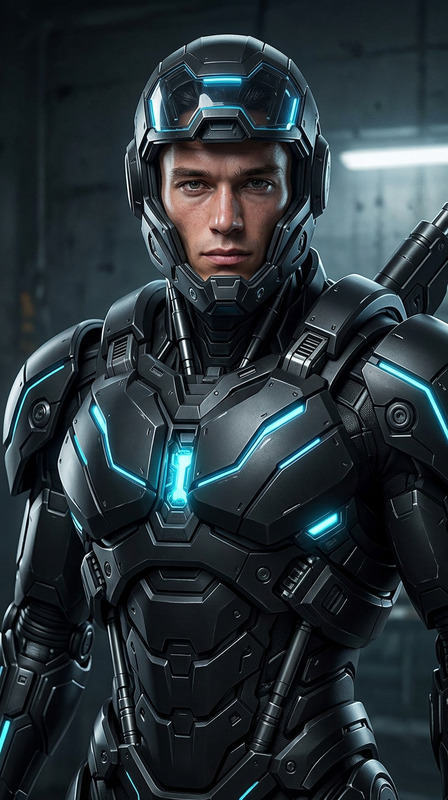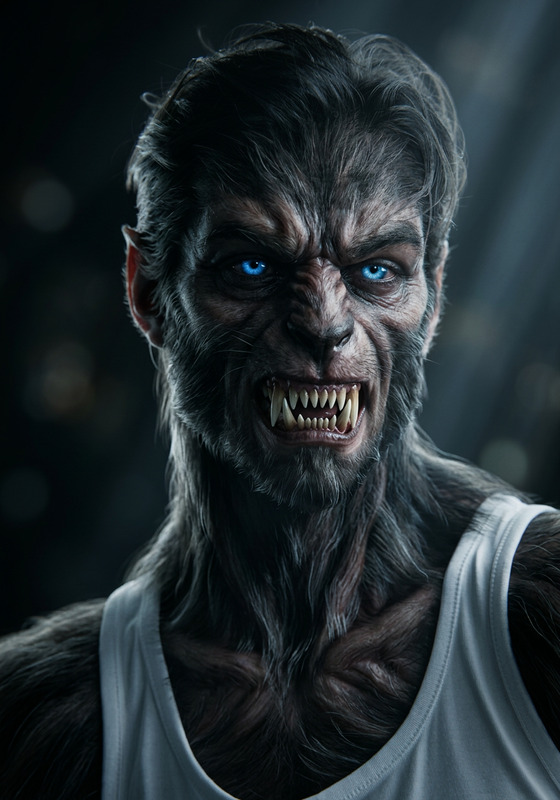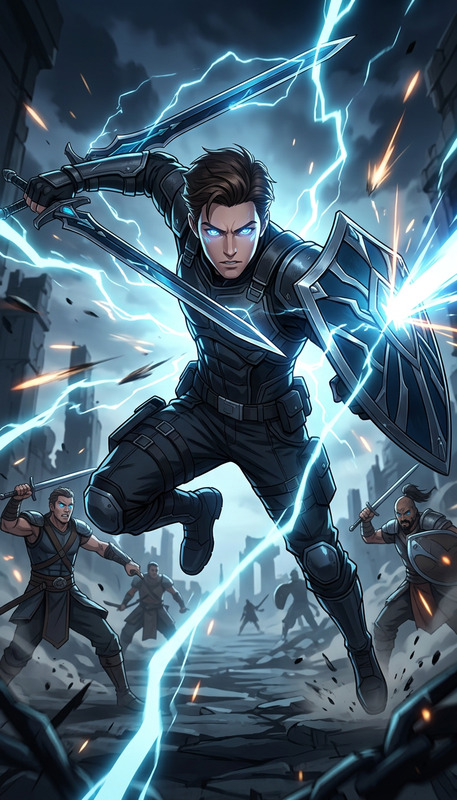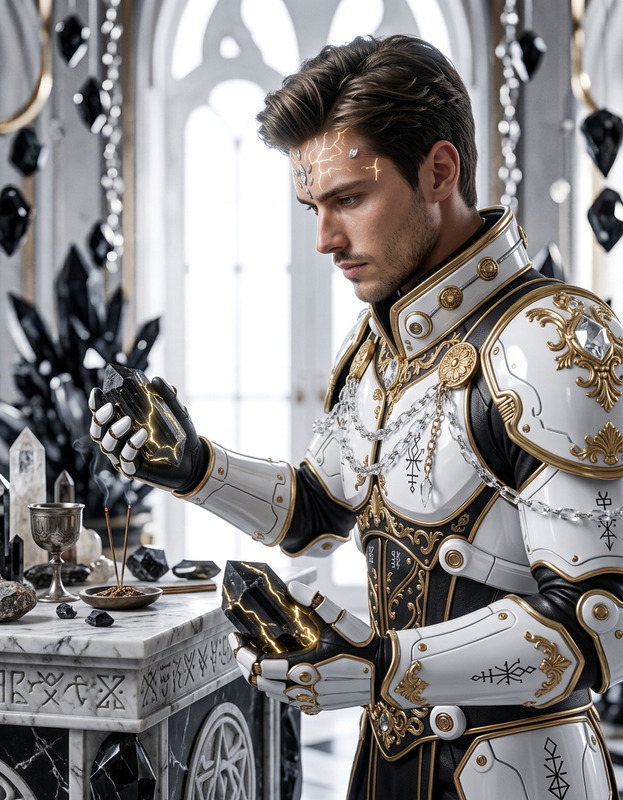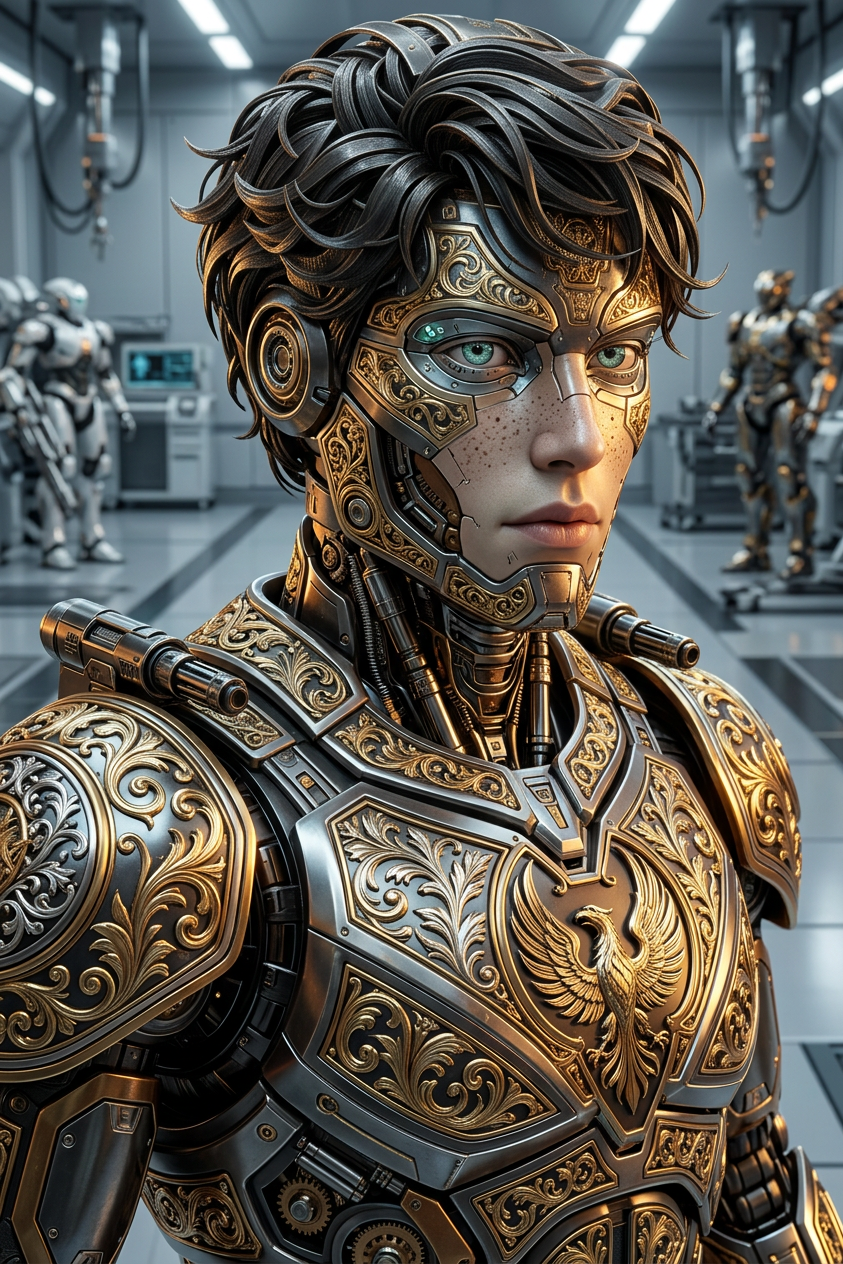
Ornate Battle Automaton
- Model
- Nano Banana 2
- Image
- 843 × 1264 px
Prompt
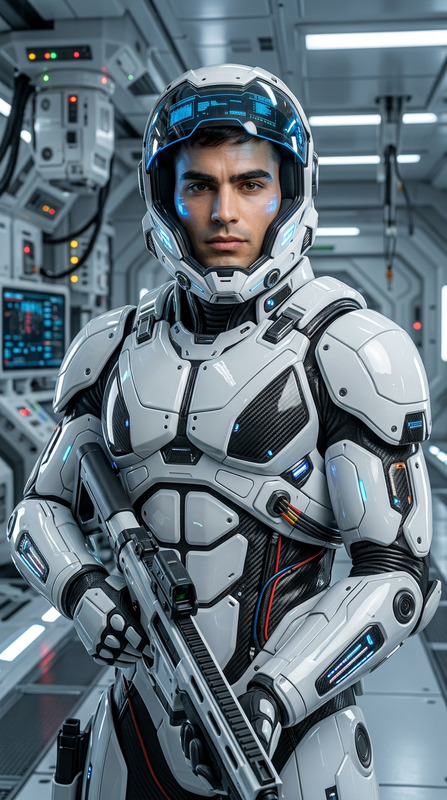
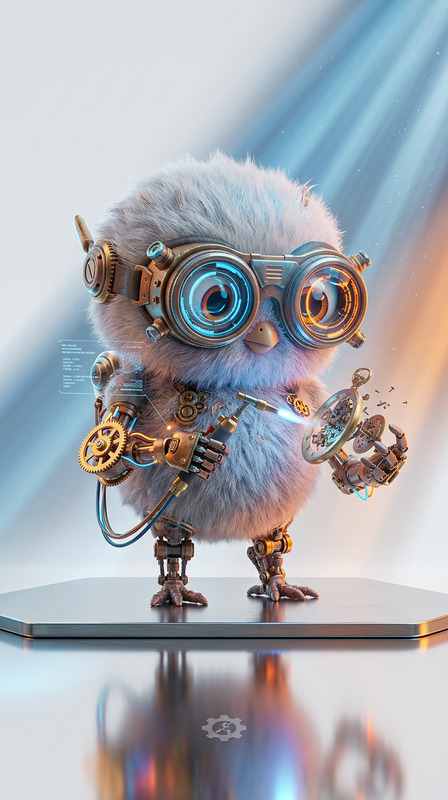
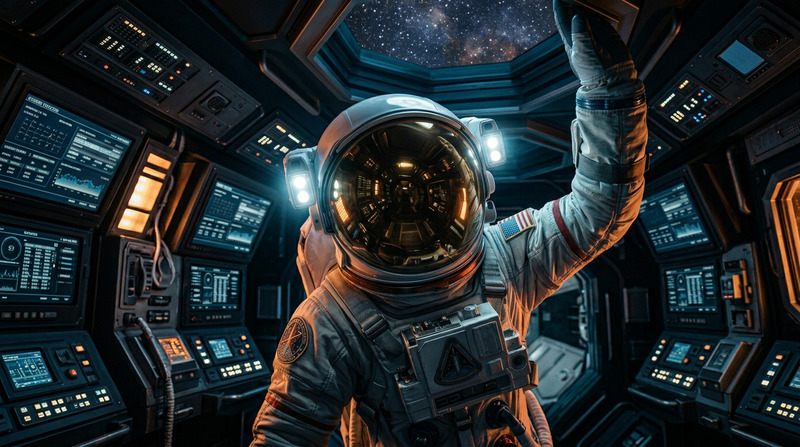
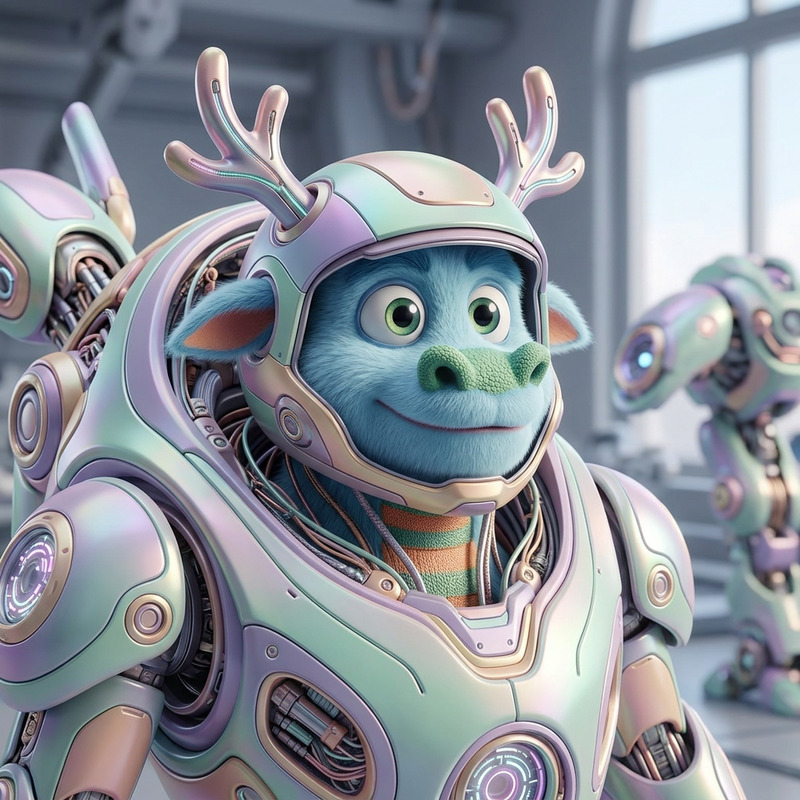
A hyper-realistic portrait of a battle robot adorned in exquisitely ornate armor. The subject features intricate patterns and ultra-detailed craftsmanship, blending futuristic technology with classical artistry. Rendered in 8K resolution with dynamic cinematic lighting, using Octane Render and Unreal Engine 5 quality. Vibrant reflections and rich textures emphasize the grandeur and complexity of the design. Clean, complementary background, sharp focus, powerful and majestic atmosphere.
Any aspect ratio
Overview
The Ornate Battle Automaton template in the AI Image Editor offers creators a robust platform for generating hyper-realistic images of futuristic robots adorned with intricate, ornate armor. Dive into a world where technology meets classical artistry, creating visuals that are both captivating and complex. This template leverages the powerful nano-banana-2 model, ensuring exceptional quality and detail.
What It Does
This template crafts highly detailed portraits of battle robots, emphasizing ornate designs and rich textures. By utilizing advanced rendering techniques like Octane Render, the template delivers stunning 8K resolution images with cinematic lighting. The focus is on blending cutting-edge technology with artistry to produce scenes of powerful and majestic atmosphere, suitable for any fantasy or sci-fi creative project.
Who It's For
The Ornate Battle Automaton template is ideal for digital artists, game designers, and creative professionals working in fantasy or sci-fi genres. Whether you're developing content for video games, creating illustrations, or designing immersive storytelling experiences, this template provides the tools necessary to bring complex and strikingly beautiful robotic characters to life. It's also a great choice for educators and content creators needing visually engaging imagery.
Summary
Incorporate the Ornate Battle Automaton template into your creative toolkit to produce hyper-realistic, artistically rich images of battle robots. With the aid of the AI Image Editor and state-of-the-art rendering models such as nano-banana-2, crafting exquisitely detailed scenes is both efficient and effective. Perfectly suited for enhancing any sci-fi or fantasy project, the template combines technological fidelity with unparalleled artistic detail.
How to Use
Choose the Template

Customize Your Inputs

Generate and Download

Use Cases
Fantasy Game Development
- Create character models for game heroes or NPCs
- Design immersive cutscene visuals
Sci-Fi Illustration Projects
- Produce graphic novels or comic book pages
- Illustrate technical guidebooks for fictional tech
Concept Art for Films
- Create detailed storyboard elements
- Develop promotional artwork for upcoming releases
Best Practices
Refine Your Prompts
Ensure your prompts are detailed to fully utilize the template's capabilities. Mention specific elements you want to highlight, such as armor patterns or lighting effects.Utilize High-Resolution Outputs
Take advantage of the 8K resolution to produce images that stand out, especially useful when displaying on large screens or prints.Blend Styles Innovatively
Experiment with blending futuristic designs with classical art to create a compelling juxtaposition in your visuals.