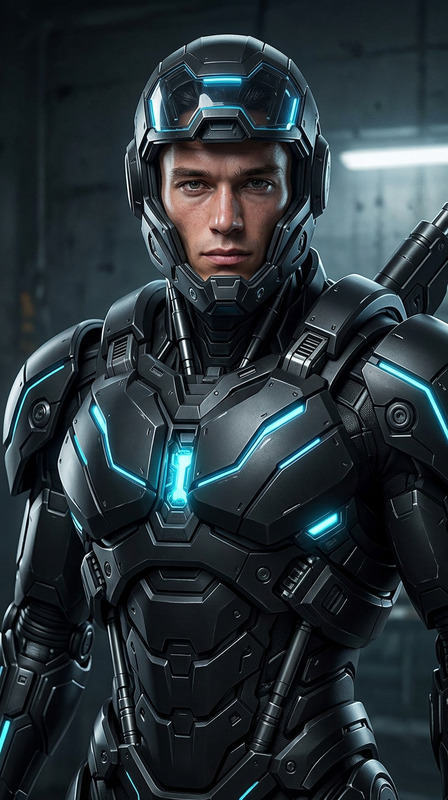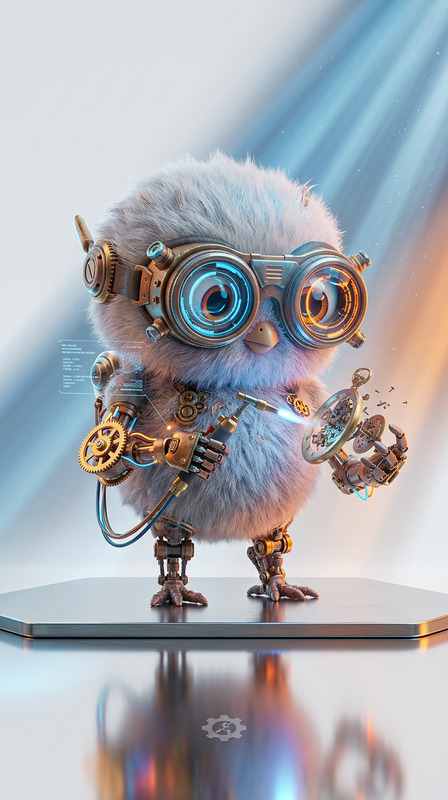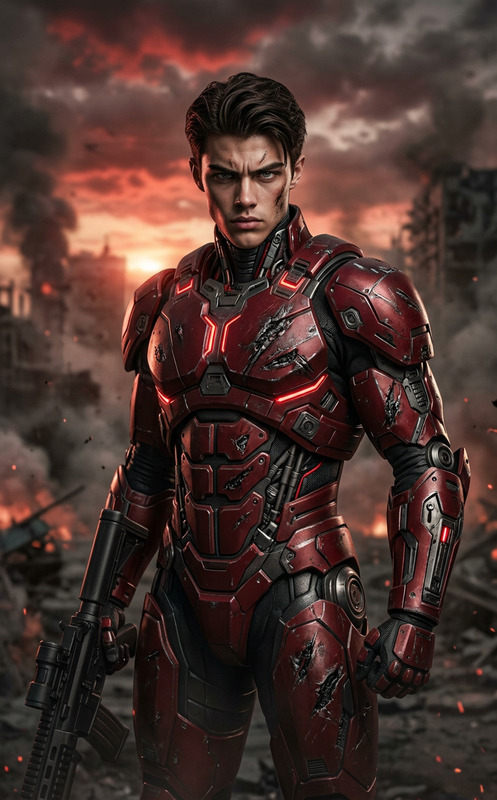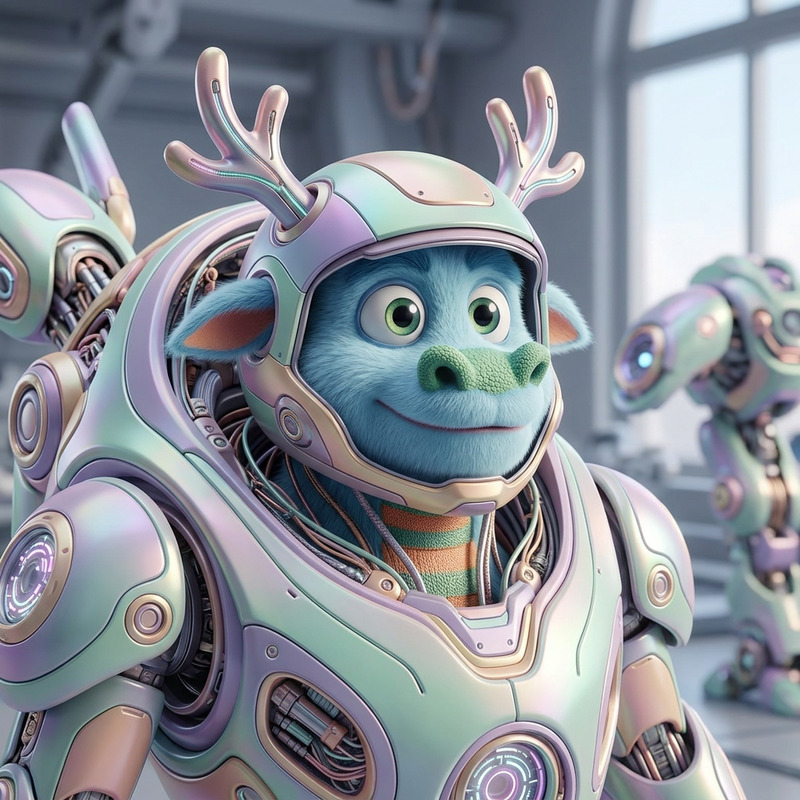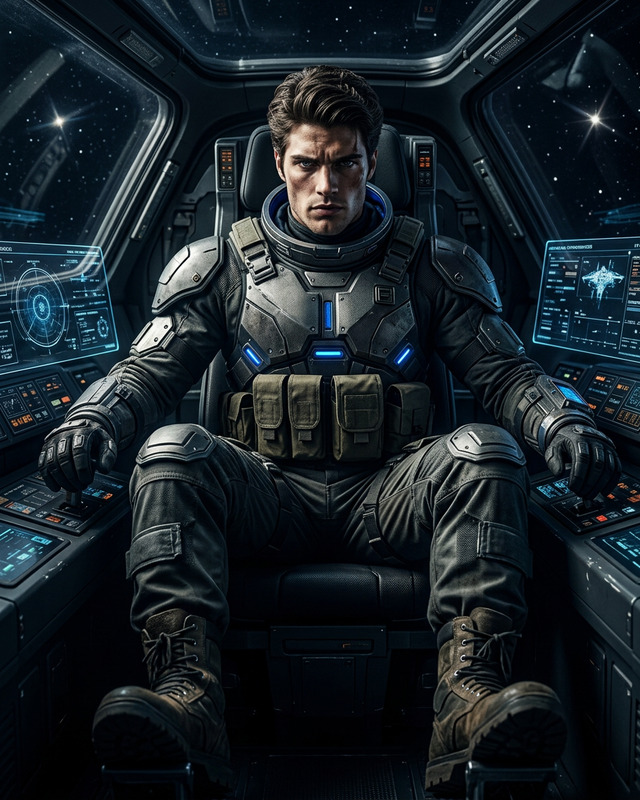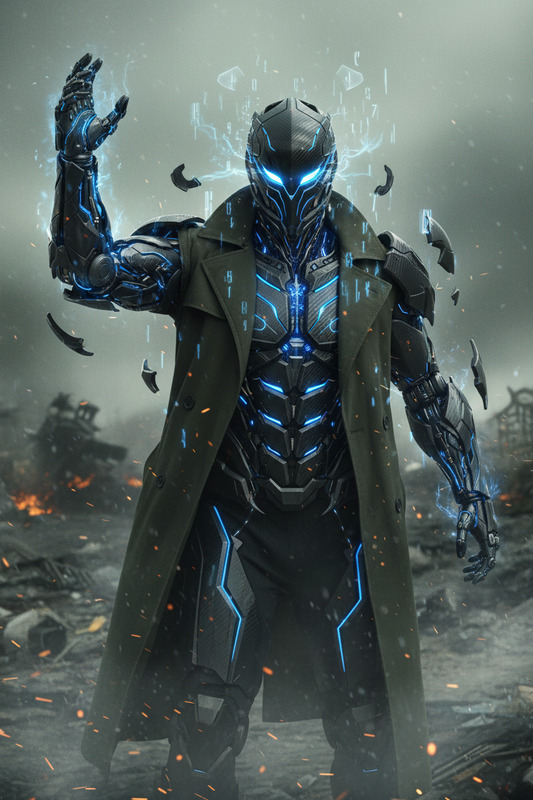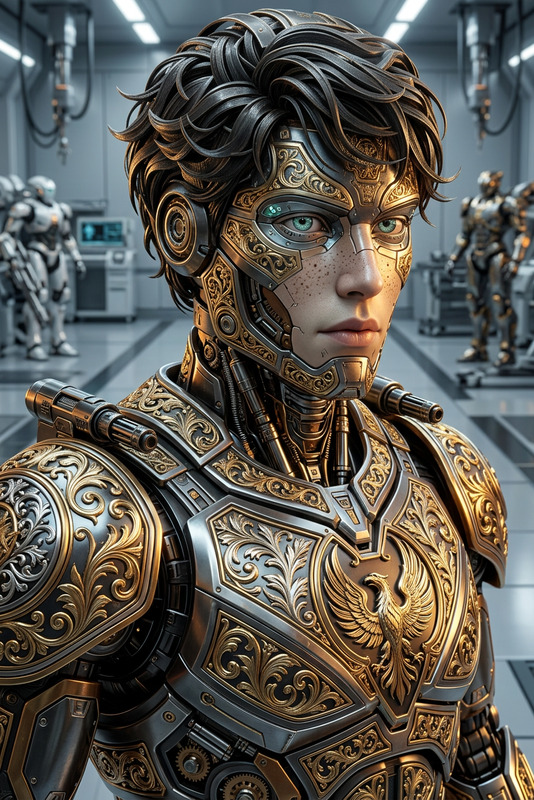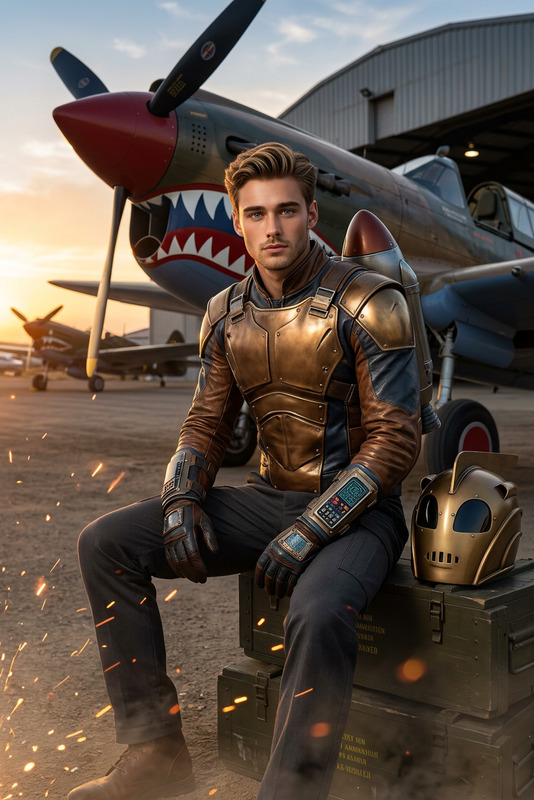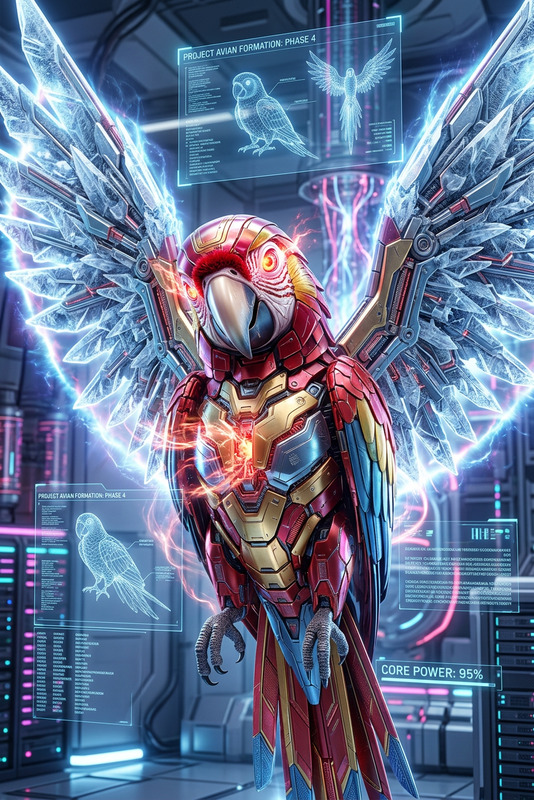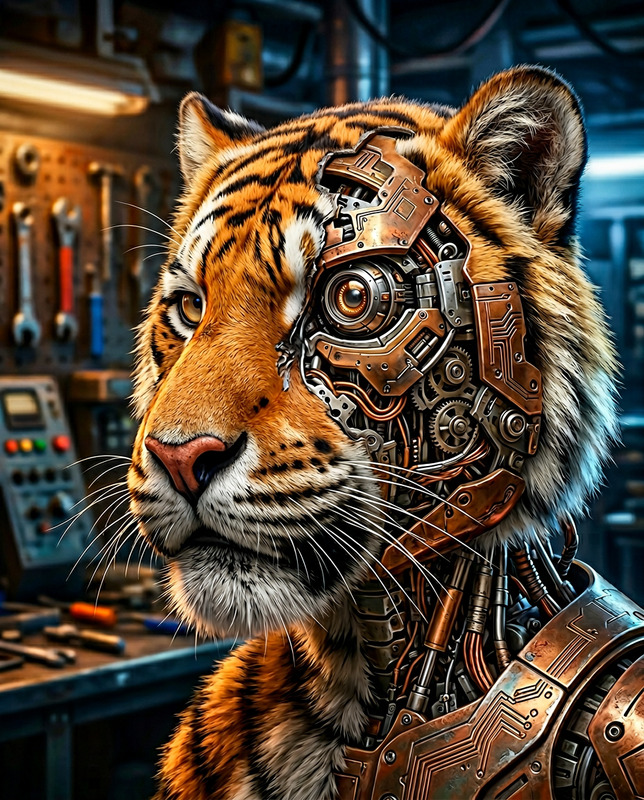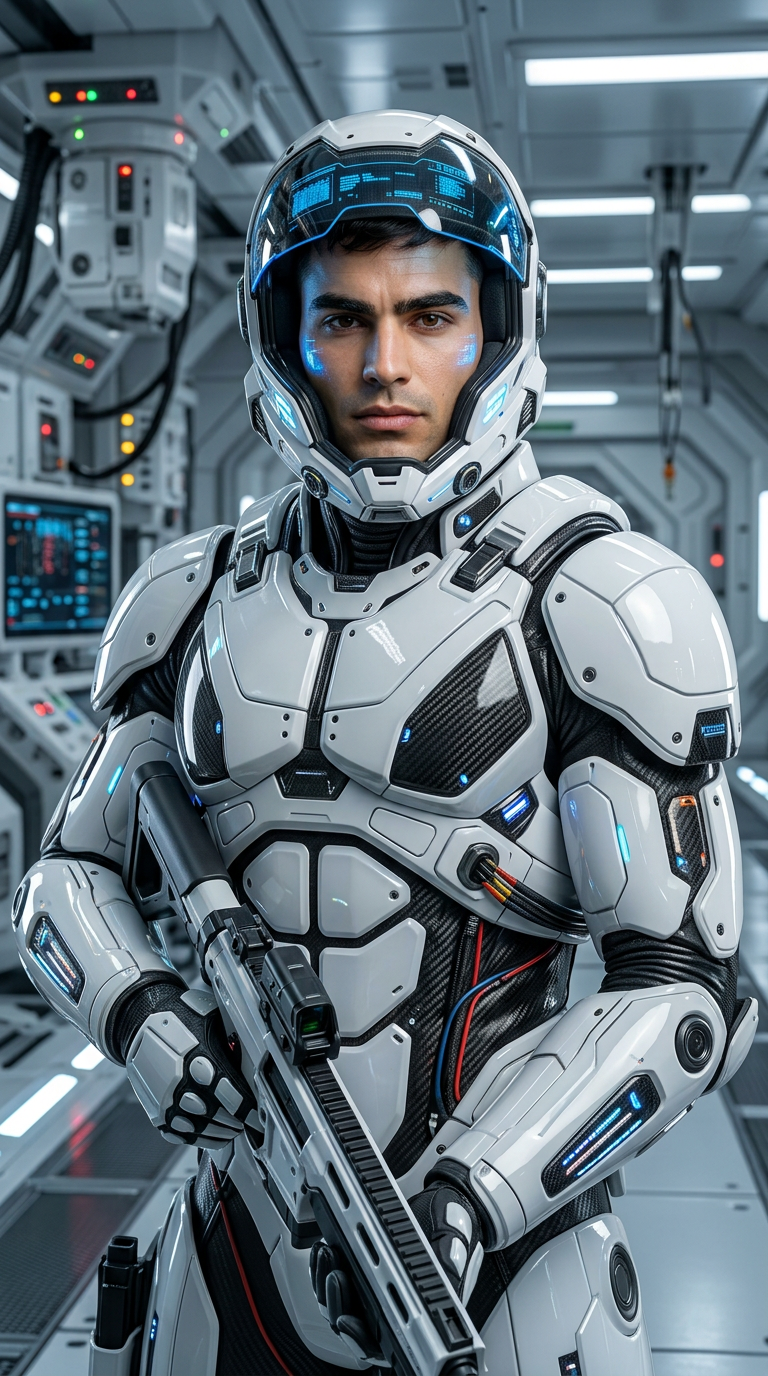
Trooper Variant
- Model
- Nano Banana 2
- Image
- 768 × 1376 px
Prompt
Subject transforms into a realistic figure wearing sleek white sci-fi trooper armor with a futuristic helmet. Hyper-realistic rendering using advanced game-engine visuals. Clean, high-detail surfaces with cinematic lighting and reflections. Powerful, modern sci-fi atmosphere with ultra-polished detail.
Any aspect ratio
Overview
Step into the realm of futuristic imagination with the Trooper Variant AI Image Editor. This tool allows creators to transform any subject into a stunningly detailed sci-fi trooper, clad in sleek white armor with a high-tech helmet. Designed for hyper-realistic rendering, it leverages advanced game-engine visuals to deliver cinematic lighting and reflections.
What It Does
The Trooper Variant AI Image Editor enables you to convert ordinary images into extraordinary sci-fi masterpieces. Utilizing the robust capabilities of the AI Image Editor, this template ensures clean, high-detail surfaces resulting in a powerful modern sci-fi atmosphere. Ideal for creators seeking ultra-polished detail and immersive visuals.
Who It's For
This template is perfect for game developers, sci-fi enthusiasts, and content creators looking to infuse their projects with next-level visuals. Whether you're aspiring to produce captivating marketing materials or engaging digital art, the Trooper Variant offers the tools to create compelling narratives. Consider pairing it with other tools like the AI Image Generator for a comprehensive creative suite.
Summary
By integrating detailed sci-fi visuals with the Trooper Variant, users can easily enhance their content's visual appeal. It's designed for those aiming to produce high-quality imagery that captivates audiences. For other transformation needs, you might explore the Image to Video tool for seamless media transitions.
How To
Choose Your Template

Customize Your Input

Generate and Download

Use Cases
Game Development
- Custom skins for characters
- Promotional material visuals
Digital Art
- Illustration projects
- Gallery displays
Marketing Campaigns
- Ad campaigns
- Social media visuals
Best Practices
Use High-Resolution Images
For the best results, start with high-resolution images to ensure details are captured effectively.Experiment with Lighting
Test different lighting conditions in your images to see how they interact with the template's visual effects.Combine with Other Tools
For a versatile workflow, combine your creations with the AI Clothes Changer to modify attire while retaining the trooper motif.