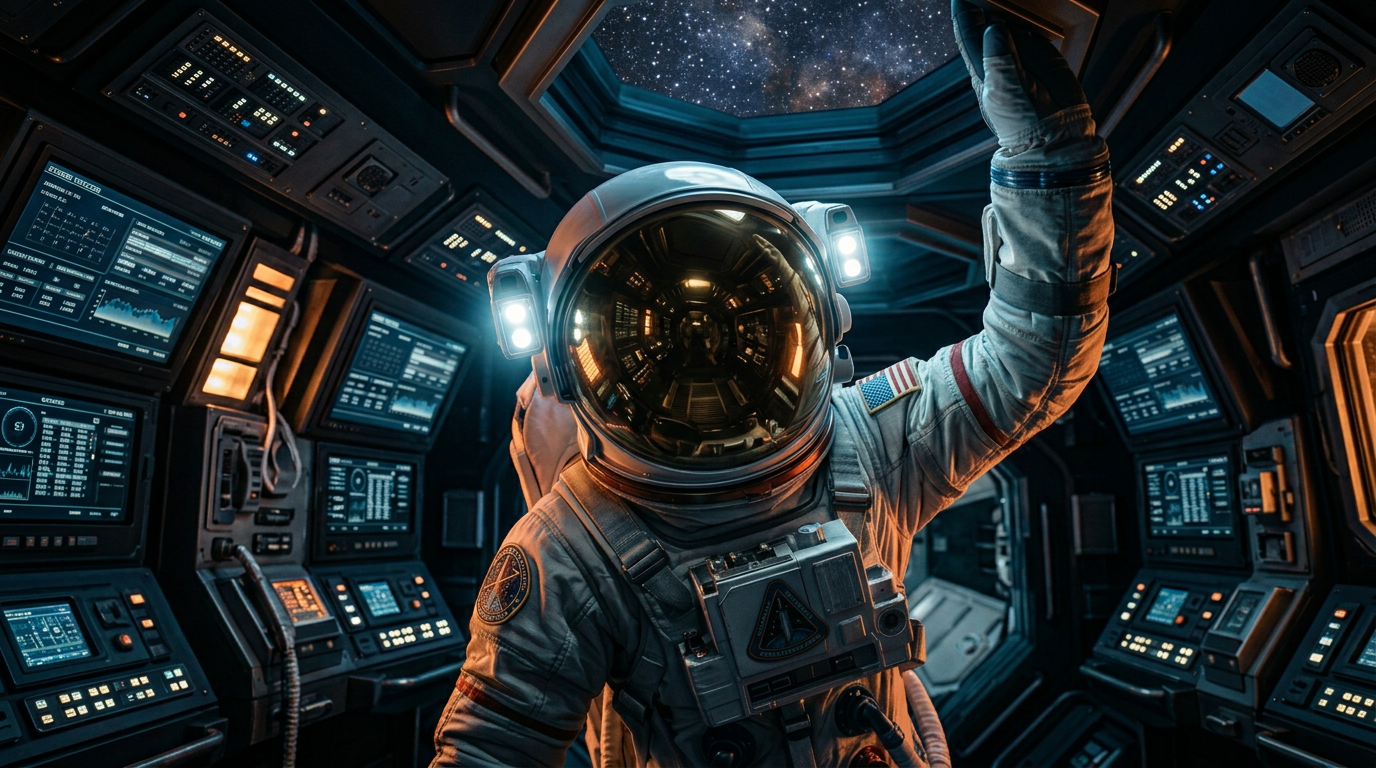
Voidborne Ascension
ai-image-editor
Any aspect ratio
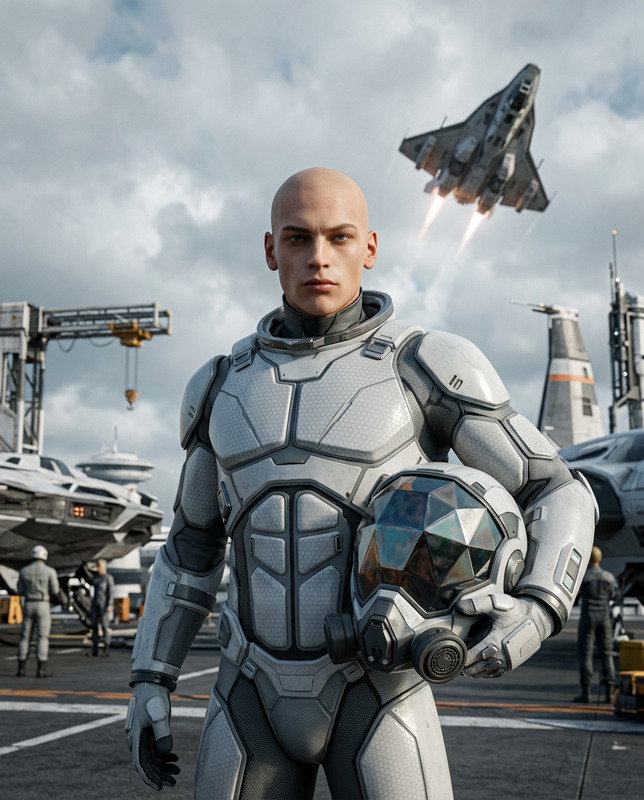
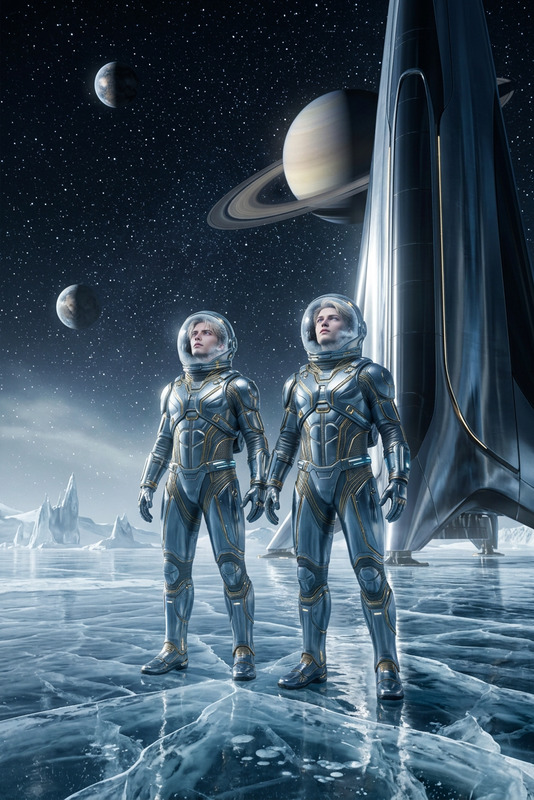
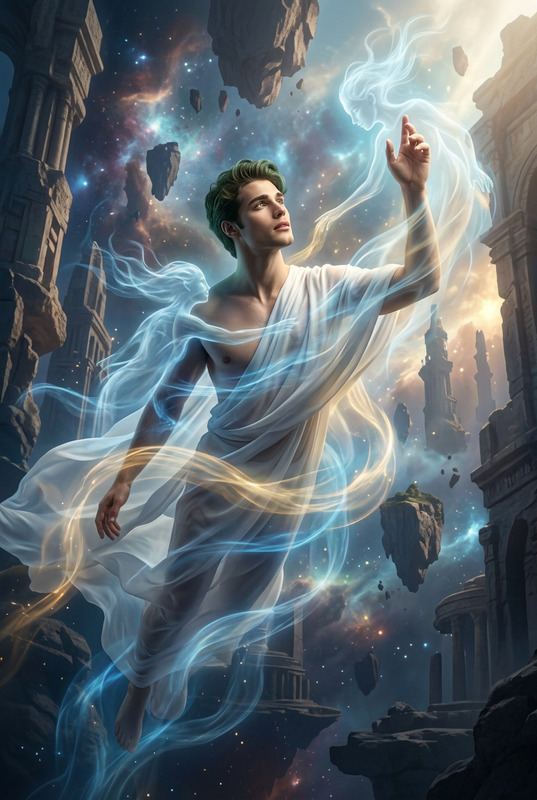
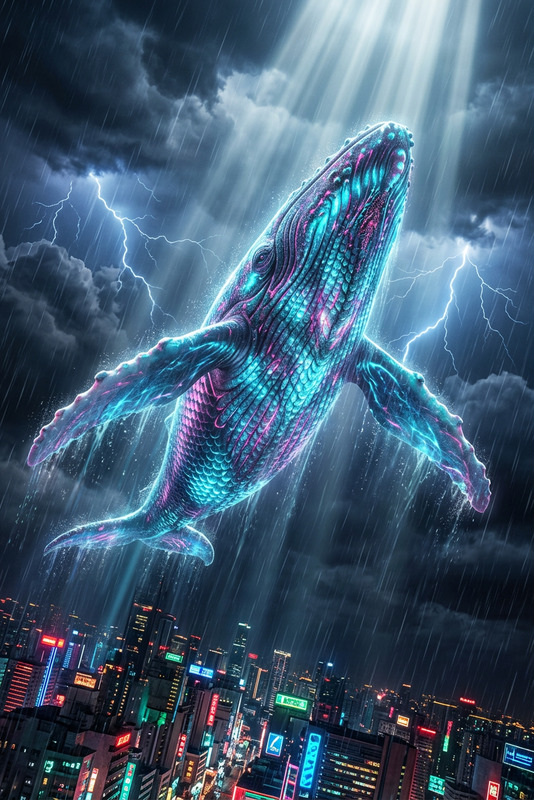
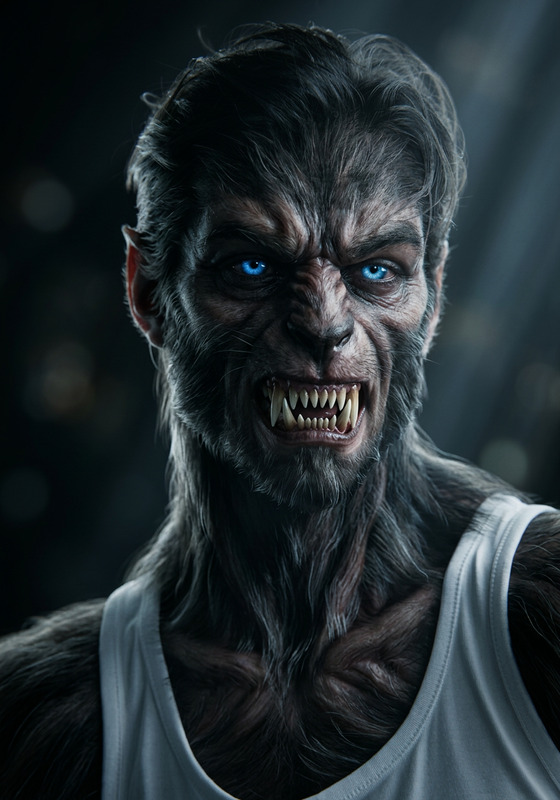
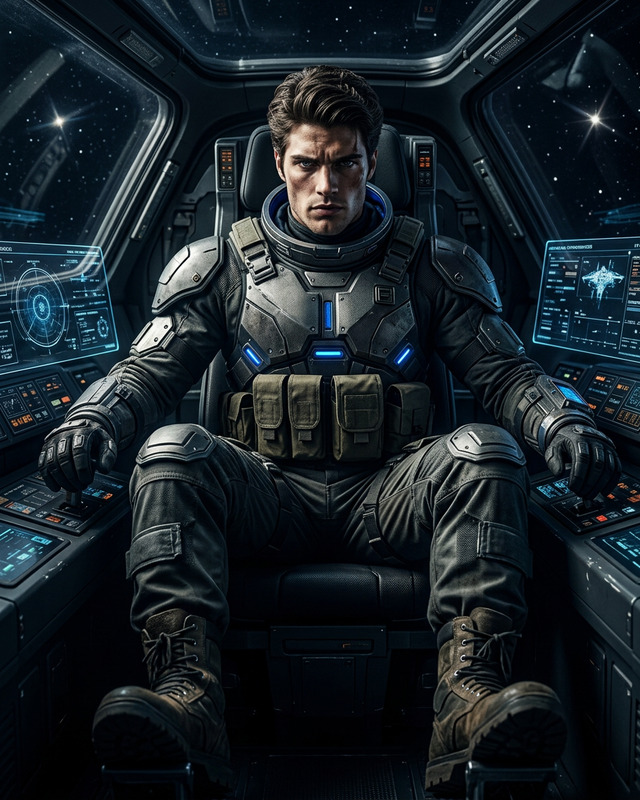
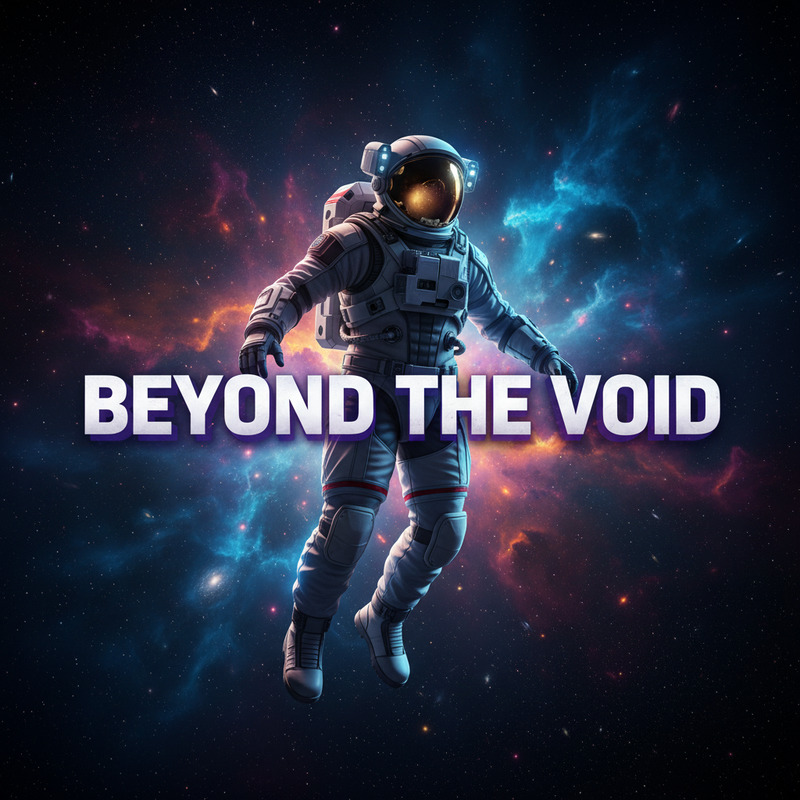
Cinematic 8K wallpaper of the subject in a sealed astronaut suit, visor closed, striking a dynamic upward pose inside a detailed sci-fi spacecraft interior. Dark, intricate environment with chiaroscuro lighting, ray-traced reflections, rim lighting, and overcast reflection mapping. Ultra-realistic, hyper-detailed, Octane-rendered, Canon 5D precision, epic and stoic cinematic mood.
AI Image Editor Template: Turn Any Image Into a Studio-Grade Visual in Minutes
Use this template to quickly transform, enhance, or repurpose any image with the AI Image Editor. It’s built for creators, marketers, and product teams who need on-brand visuals fast—without jumping between complex tools.
What You Can Do With This Template
This template gives you a repeatable editing flow that works especially well for:
- Marketing & ads
- Clean product shots from rough photos
- Swap backgrounds to match campaign themes
- Generate multiple variations for A/B tests
- Social & content
- Turn casual photos into polished posts
- Remove distracting objects or people
- Create consistent visual style across a series
- Product & UX
- Update UI mockup screenshots
- Replace placeholder images with AI-generated visuals
- Localize visuals for different markets (backgrounds, environments, styles)
- Brand & creative
- Align images to a specific art direction
- Convert photos into illustration or “brand style” looks
- Prototype visual ideas without full design cycles
Under the hood, the AI Image Editor uses advanced image-to-image models and inpainting techniques similar to those described in recent diffusion model research (e.g., Stable Diffusion, Imagen, DALL·E), so you can make large or subtle edits while preserving structure and important details.
How to Remix This Template in Magic Hour
You can use this template as-is or treat it as a starting point for your own custom workflow. To remix it inside Magic Hour:
- Open the template in Magic Hour (from your templates library or the template gallery).
- Duplicate / Remix the template so you can safely experiment without changing the original.
- Swap in your own source image
- Product photos
- Portraits or headshots
- UI/UX screenshots
- Brand or campaign assets
- Edit and iterate with AI Image Editor
- Use it to remove, replace, or add elements
- Adjust style (photo-realistic, illustrated, cinematic, minimal, etc.)
- Change background scenes or environments while keeping the subject
- Chain with other Magic Hour tools (optional)
- Turn your edited image into motion with Image to Video
- Upscale final assets for print or high-res web using AI Image Upscaler
- Convert improved portraits into talking avatars via AI Talking Photo
Because everything is template-based, once you like the result, you can re-use the same flow for future images—ideal for campaigns, product catalogs, and content series.
Example Use Cases and Remix Ideas
Use this template directly, or adapt it for more specialized workflows:
1. E‑commerce & Product Photography
- Remove cluttered or inconsistent backgrounds with the Image Background Remover, then refine with AI Image Editor.
- Normalize lighting and framing across a whole catalog.
- Generate lifestyle variations and then animate hero images with Image to Video or turn them into short loops via the AI GIF Generator.
Remix idea: Create one “product visual pipeline” template that:
AI Image Editor → Background removal/replacement → AI Image Upscaler → Thumbnail Maker.
2. Portraits, Avatars, and Headshots
- Clean up casual photos and convert them into professional portraits using AI Face Editor and AI Headshot Generator.
- Use AI Image Editor to refine background, color grading, and style to match your LinkedIn, website, or portfolio.
- Turn portraits into branded avatars with the Avatar Generator or AI Selfie Generator.
Remix idea: A “brand avatar” template that:
AI Image Editor for color & background → AI Face Generator for variations → AI Icon Generator for social/profile icons.
3. Creative, Illustration, and Concept Art
- Start from a rough sketch or reference and refine it visually with AI Image Editor.
- Explore different aesthetics by combining with specialized generators like:
Remix idea: An “IP or universe lookbook” template that:
AI Image Editor → stylized with AI Art Generator → character poses via Animated Characters Generator → world assets with Fantasy Map Generator or Architecture Generator.
4. Brand & Campaign Systems
- Lock in a repeatable visual style for a brand or campaign.
- Use AI Image Editor to enforce consistent palettes, textures, and lighting across assets.
- Generate specific assets with:
- AI Logo Generator
- Book Cover Generator
- Album Cover Generator
- AI Fashion Generator for apparel or lookbooks
Remix idea: A “campaign kit” template that:
Base photo → AI Image Editor style pass → multiple derivatives (social thumbnails, story covers, ad creatives) via Thumbnail Maker, AI Meme Generator, and AI QR Code Generator.
5. “From Photo to Motion” Pipelines
Once your image looks right, you can extend it into video, animation, or interactive content:
- Convert static visuals into short clips with Image to Video.
- Use Text to Video to add scenes around your edited image.
- Sync talking faces or characters via:
- Enhance output quality with Video Upscaler and add voice via AI Voice Generator or AI Voice Cloner.
Remix idea: A “promo video from one hero image” template that:
AI Image Editor → Image to Video → Face Swap Video or Lip Sync → Auto Subtitle Generator.
How This Template Fits Into the Magic Hour Ecosystem
This AI Image Editor template is intentionally minimal: it focuses on a core, reliable step—high-quality, controllable image editing—so you can plug it into larger flows:
- Generate from scratch with the AI Image Generator or AI Photo Generator, then refine with this template.
- Clean and repair legacy assets first:
- Adapt to format-specific needs
- Transform photos into line art with Photo to Sketch
- Create stylized backgrounds via AI Background Generator
- Build avatars, full bodies or outfits with Full Body Generator and AI Outfit Generator
Because templates in Magic Hour are composable, you can:
- Start from this AI Image Editor template
- Add upstream steps (generation, restoration)
- Add downstream steps (video, voice, subtitles, asset variations)
- Save the whole flow as your own custom template for teams or clients
Tips for Getting Reliable, Reusable Results
Think in systems, not one-offs
Design your template so it works for an entire batch of assets (e.g., a product line or content series), not just a single image.Separate “content” from “style”
Use AI Image Editor to standardize style—color, background, mood—so your original content (product, person, UI) is consistent across campaigns.Combine with role-specific tools
- Creators: pair with AI Meme Generator, Emoji Generator, AI Icon Generator.
- Marketers: integrate Thumbnail Maker, AI QR Code Generator, and video tools.
- Builders & devs: prototype characters, worlds, and UI with AI Character Generator, Architecture Generator, AI Interior Design Generator.
Version your template
Keep different versions for different brands, clients, or visual directions so your team can select the right “look” instantly.
Related Templates and Workflows to Explore
If you like this AI Image Editor template, you can expand your toolkit with:
- Face Swap Video templates – for turning edited portraits into dynamic content.
- Lip Sync templates – for making your edited faces talk in sync with audio.
- Video to Video templates – for restyling or refining videos created from your edited images.
- Animation templates – for character-based motion built on top of your visual edits.
Use this template as your base layer: a consistent, controllable editing step powered by the AI Image Editor. Remix it, chain it with other Magic Hour tools, and save your own customized versions so high-quality, on-brand visuals become a repeatable process—not a one-off design sprint.