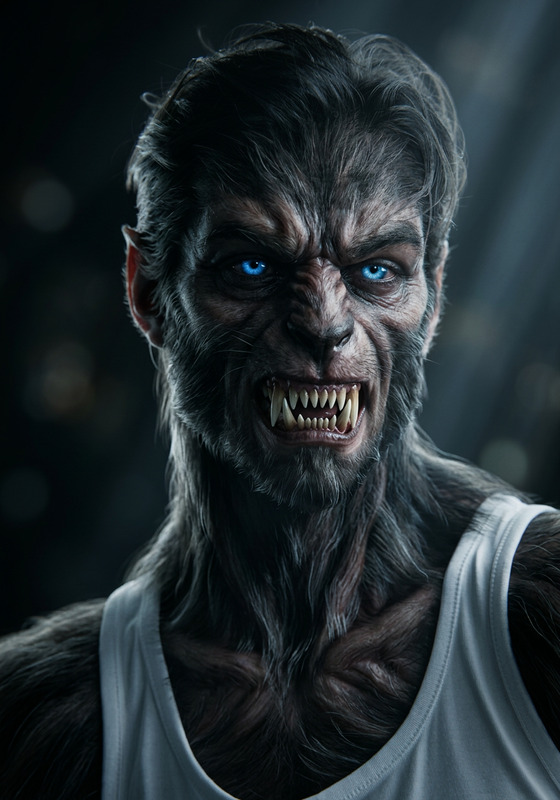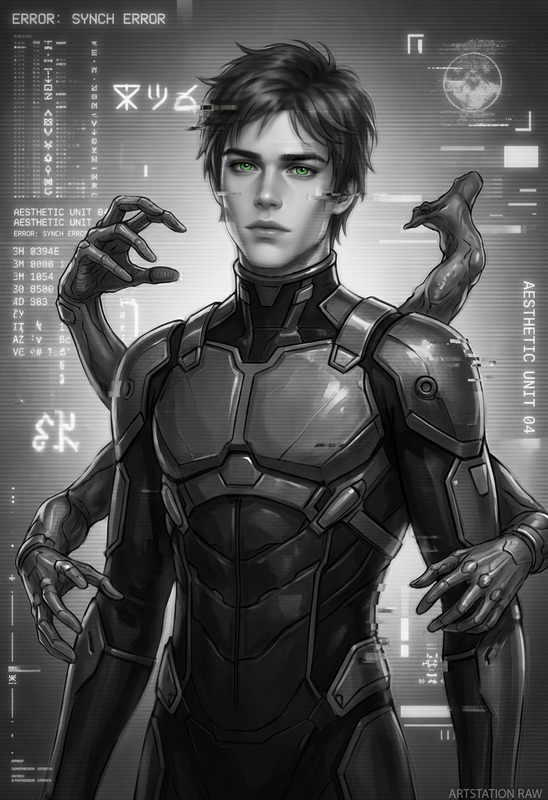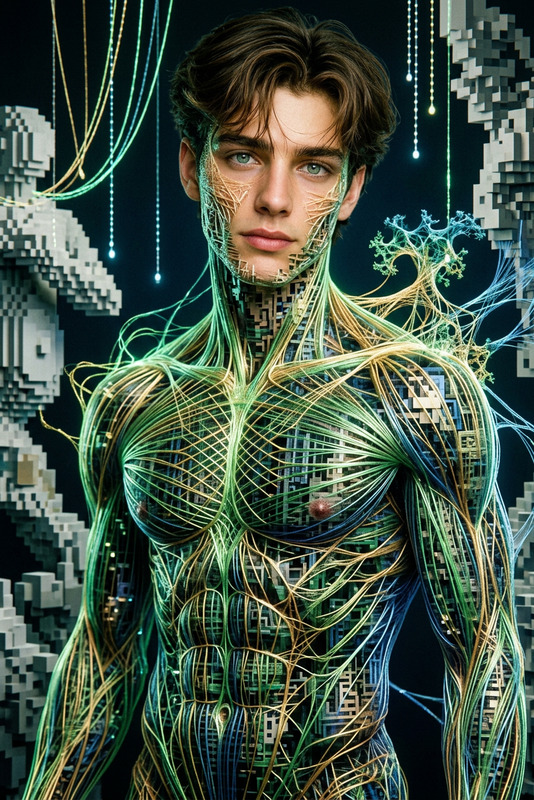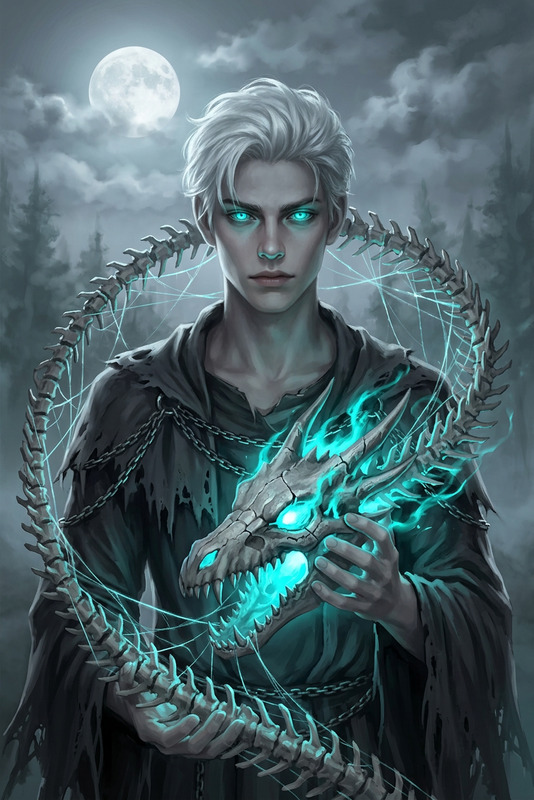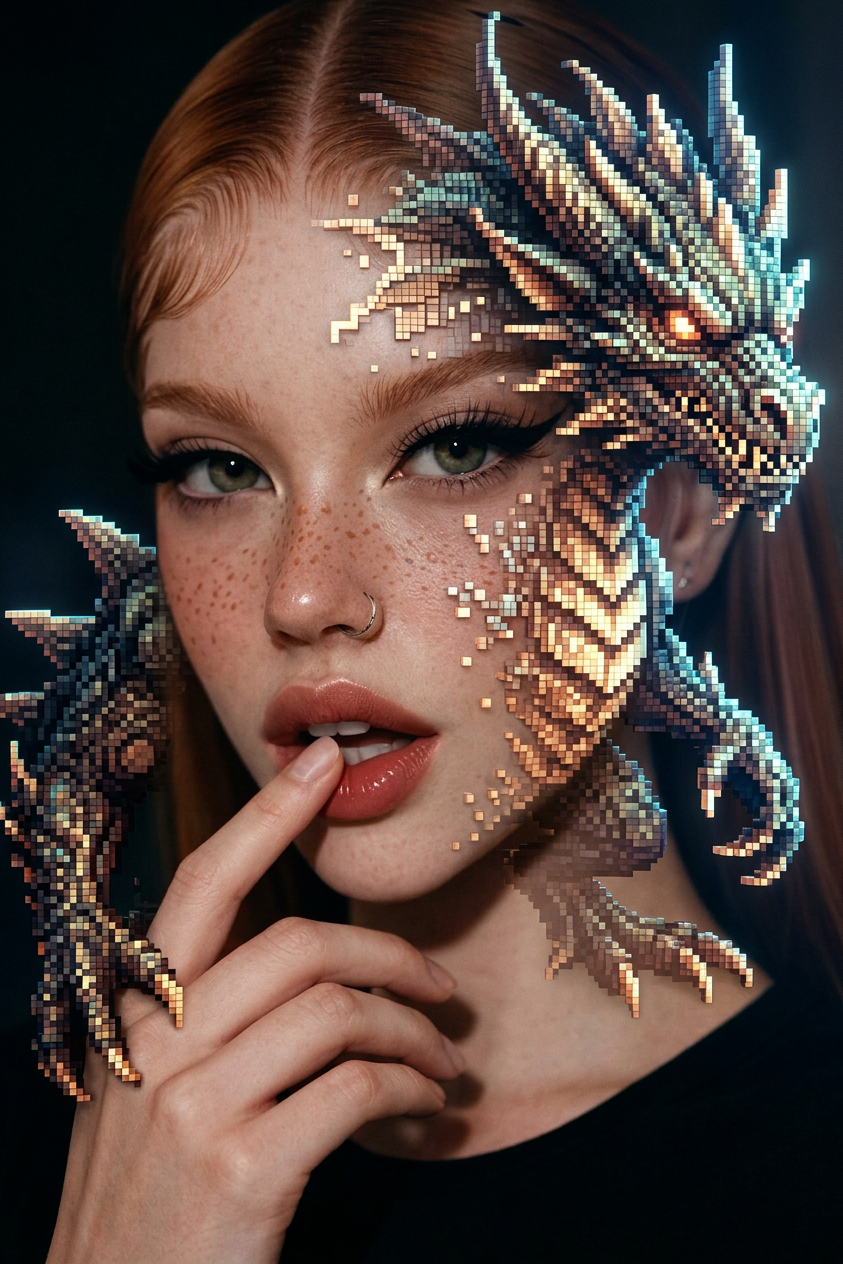
Hyperreal Dragon Pixel Art
- Model
- Nano Banana 2
- Image
- 843 × 1264 px
Prompt
Subject: A surreal hybrid composition blending pixel art photography with hyperrealistic fantasy aesthetics, featuring a detailed fantasy monster rendered with intricate pixel structure and photorealistic depth. The scene combines influences of cinematic poster design, analog film photography, and fine art installation visuals, with subtle subsurface scattering, soft lighting, and volumetric atmosphere. Highly detailed, ArtStation-quality rendering, surreal yet realistic texture fusion, dramatic composition, rich tonal contrast, and ultra-intricate visual layering inspired by experimental digital-art photography
Any aspect ratio
Overview
Create visually captivating dragon imagery with the Hyperreal Dragon Pixel Art template. Leveraging the power of the nano-banana-2 model, this AI Image Editor template offers an exceptional mix of pixel art and hyperrealistic rendering, ideal for digital artists seeking unique and intricate designs.
What It Does
This template blends pixel art with hyperrealistic aesthetics, crafting detailed fantasy monsters with depth and texture reminiscent of analog film photography and cinematic poster design. By integrating elements such as soft lighting and rich tonal contrast, the design achieves an ArtStation-quality rendering. For more artistic inspiration, explore our Mood Boards section.
Who It's For
The Hyperreal Dragon Pixel Art template is perfect for digital artists, creators, and gamers who appreciate the fusion of pixel art and hyperrealism. Ideal for personal projects or professional art installations, this template supports the creation of standout visuals with ease. It also complements products like the AI Image Generator for broader image-creation projects.
Summary
Incorporating advanced AI tools, this template transforms your base inputs into mesmerizing artwork. Use it alongside our AI Image Editor to refine your compositions further and achieve the perfect balance between realism and artistic abstraction.
How To
Choose Your Template

Customize Your Inputs

Generate Your Artwork

Use Cases
Game Asset Design
- 2D character designs
- Scenic backdrops
- Fantasy elements
Digital Art Installations
- Solo exhibitions
- Collaborative projects
- Virtual galleries
Marketing and Promotion
- Cinematic posters
- Social media teasers
- Brand identity materials
Best Practices
Balance Art Styles
Ensure a harmonious blend of pixel art and realistic textures to maintain visual interest and avoid overwhelming details.Adjust Lighting
Play with lighting settings to enhance depth and dimensionality, creating a more immersive scene.Experiment with Textures
Utilize different textures to emphasize the pixel structure while maintaining photorealistic elements.