Dragon Ball-inspired Design
- Model
- Nano Banana 2
- Image
- 720 × 1456 px
Prompt
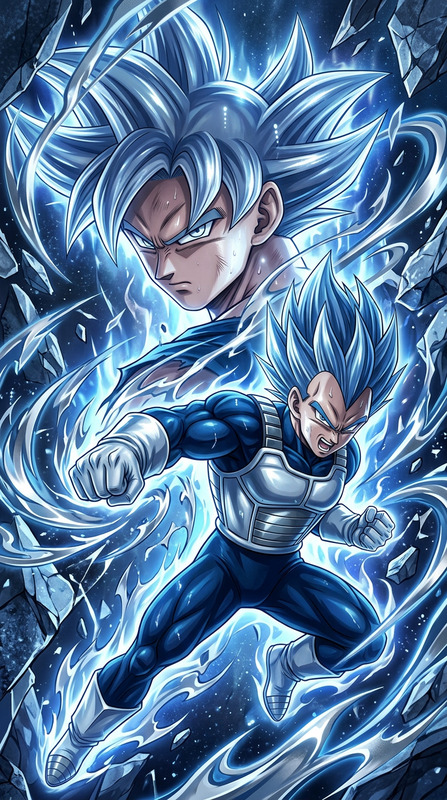
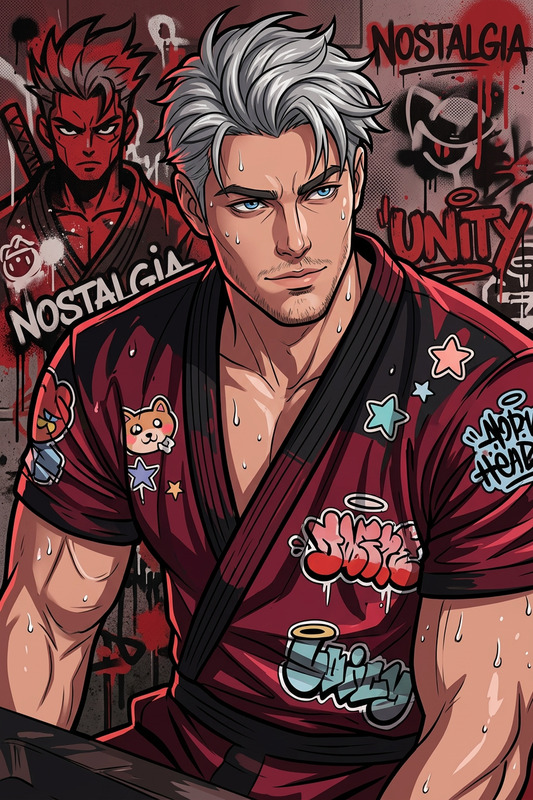
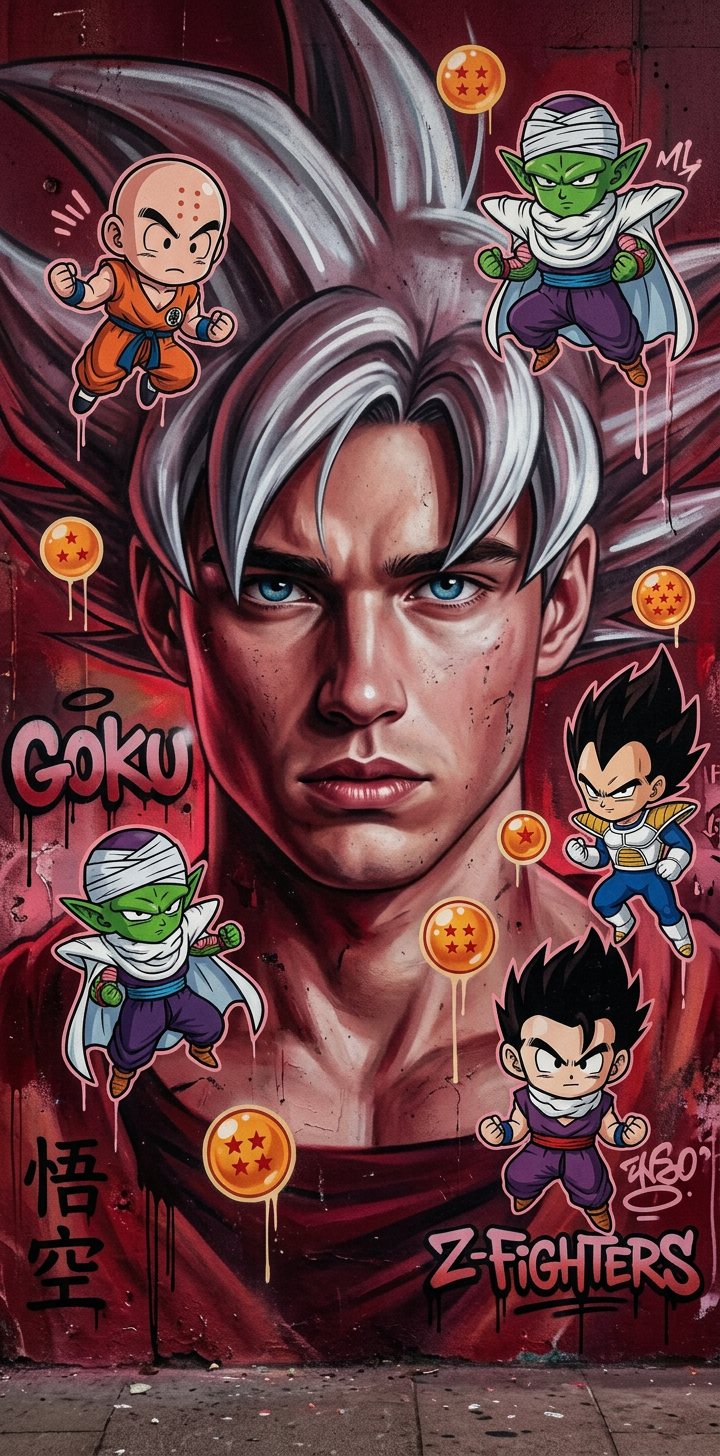
View this AI-generated image featuring dragon ball inspired portrait of goku in a street art aesthetic with cute cartoonish designs blending photo realistic techniques dominant dark red hues evoke childhood arcadias merging anime aesthetics with cartoon like figures in a 1 2 aspect ratio infused wit
Any aspect ratio
Overview
Embrace the spirit of anime with our Dragon Ball-inspired design template. This AI Image Editor template allows you to create vibrant street art aesthetics, reminiscent of childhood arcade games with a focus on the dark red hues that bring dragon ball nostalgia to life.
What It Does
The Dragon Ball-inspired Design template transforms any photo into a fusion of anime aesthetics and cartoon-like imagery. This tool is powered by the nano-banana-2 model, enabling you to blend realistic techniques with cute, cartoonish designs. Its primary focus is on delivering a 1:2 aspect ratio portrait that captivates and engages with its vibrant imagery.
Who It's For
This template is perfect for anime fans, digital artists, and content creators seeking to incorporate anime nostalgia into their work. Whether you're an illustrator looking to enhance your portfolio or a social media influencer aiming to create unique posts, this tool offers something for everyone interested in enriching their visual content.
Summary
By leveraging the capabilities of the AI Image Editor, this template offers a seamless integration of anime-inspired elements into your visual content. The dragon ball theme, combined with realistic photo techniques, creates a dynamic and compelling image experience.
How to Use the Dragon Ball-inspired Design
Choose the Dragon Ball-inspired Design

Customize Your Image

Generate Your Design

Use Cases
Social Media Content
- Anime-inspired portraits for profile pictures
- Themed posts for fan pages
- Promotional content for anime events
Merchandise Design
- T-shirt prints
- Poster designs
- Sticker packs
Digital Art Projects
- Concept art for gaming projects
- Character design in portfolios
- Creative challenges and collaborations
Best Practices
Choose High-Quality Images
For the best results, use high-resolution images. This ensures that the template can effectively apply its textures and effects without losing detail.Experiment with Aspect Ratios
While the template defaults to a 1:2 aspect ratio, don't hesitate to adjust this to fit your project needs, whether for web banners or social media posts.Adjust Red Hue Intensity
The default setting uses dominant dark red hues. Experiment with this to see how it affects the overall mood and nostalgia of the image.