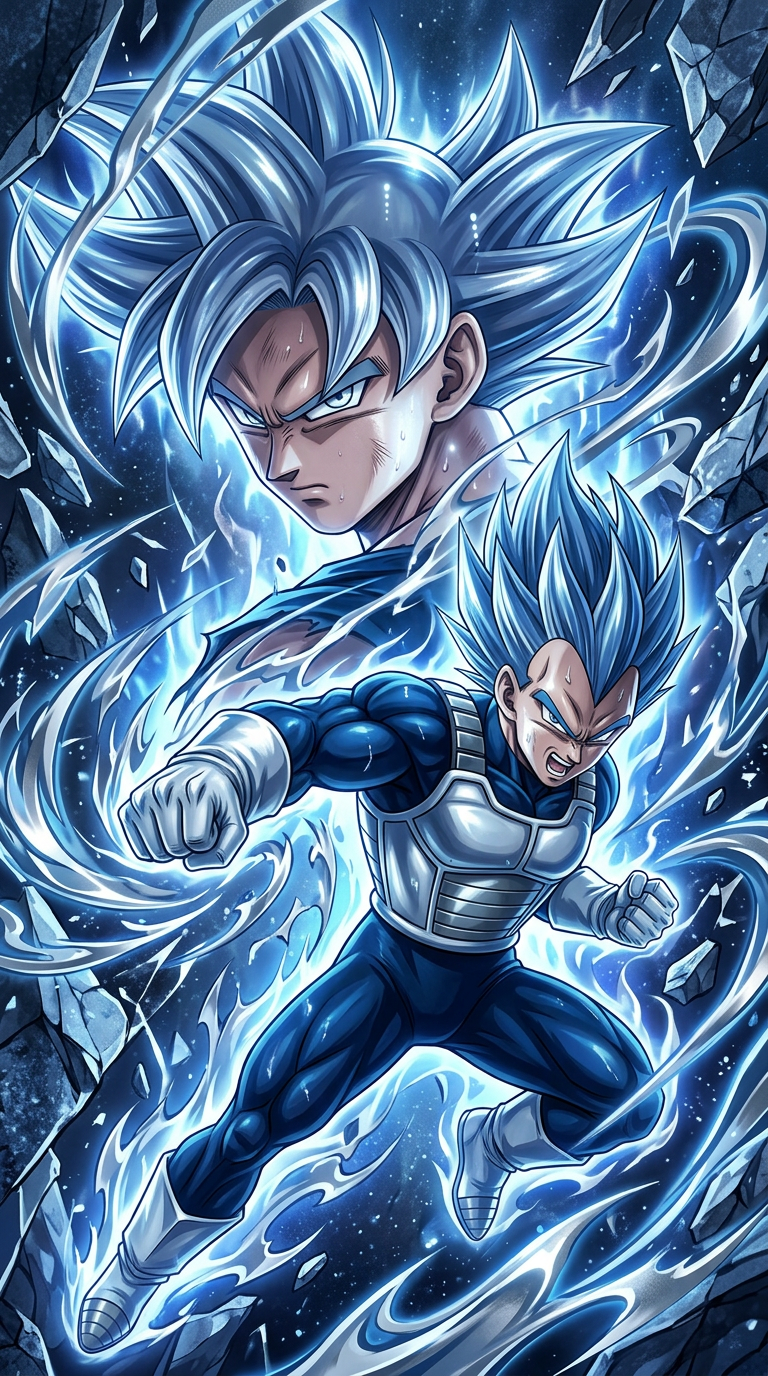
Dragon Ball Anime Artwork
- Model
- Nano Banana 2
- Image
- 768 × 1376 px
Prompt
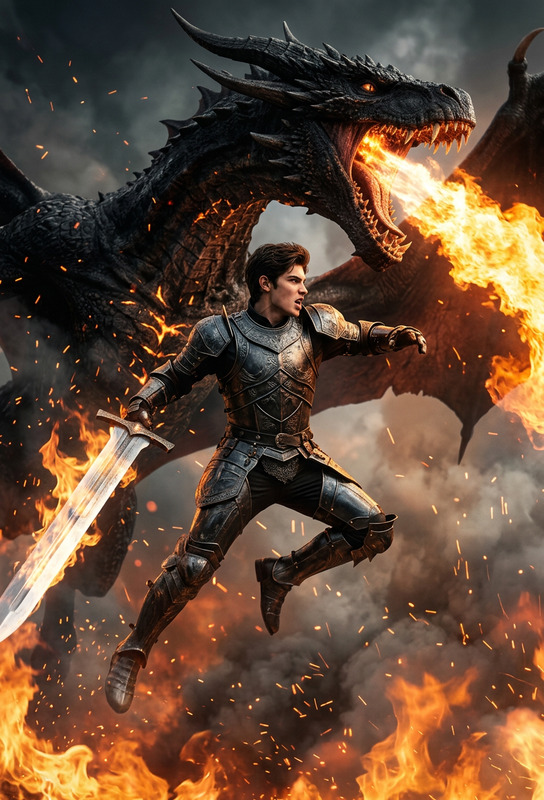
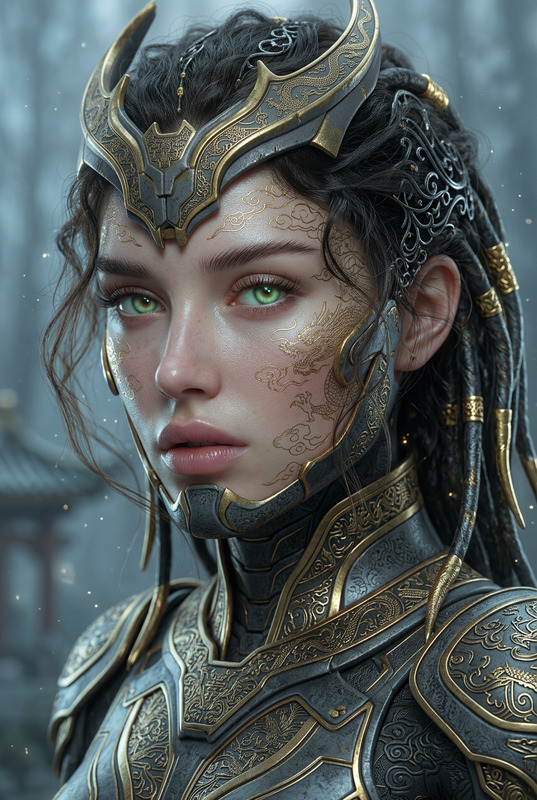
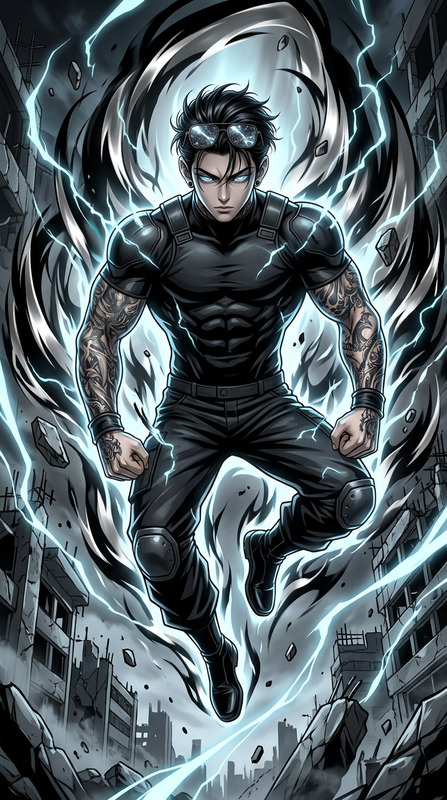
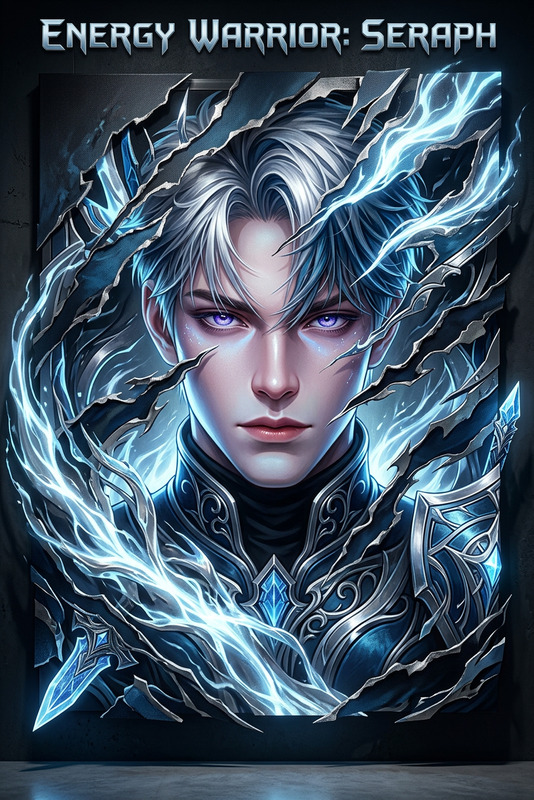
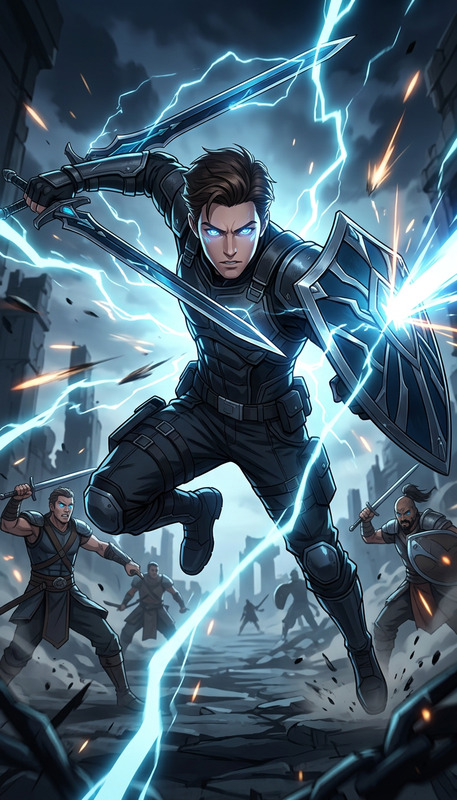
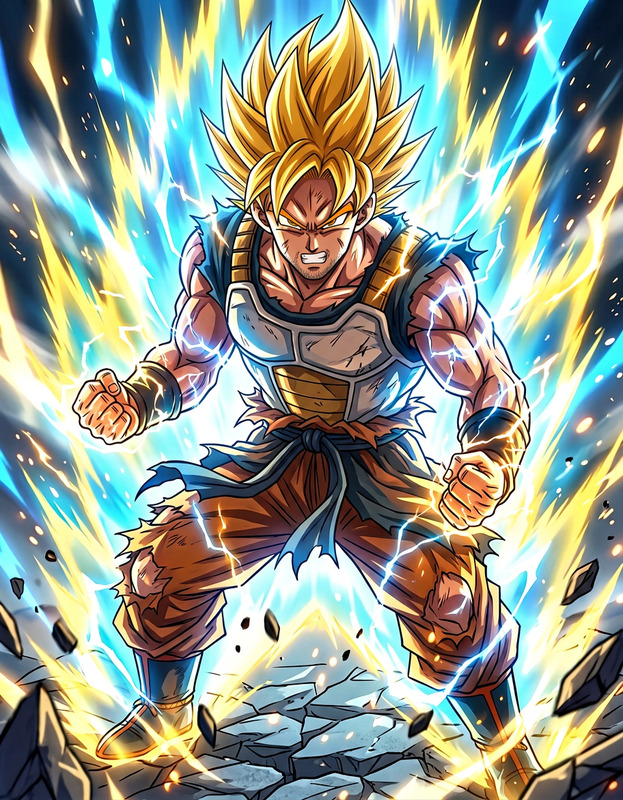
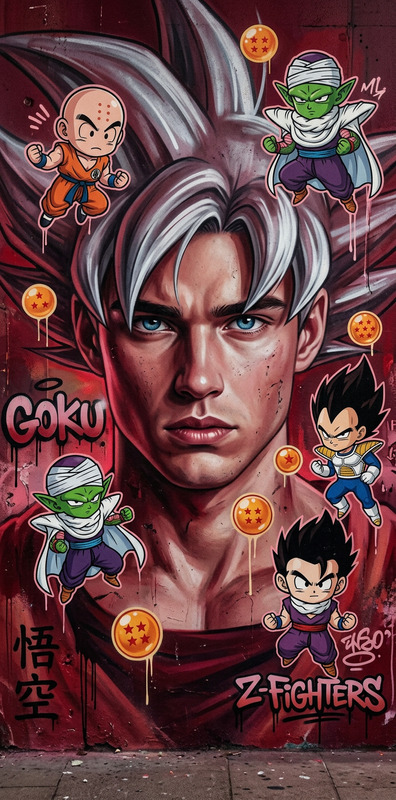
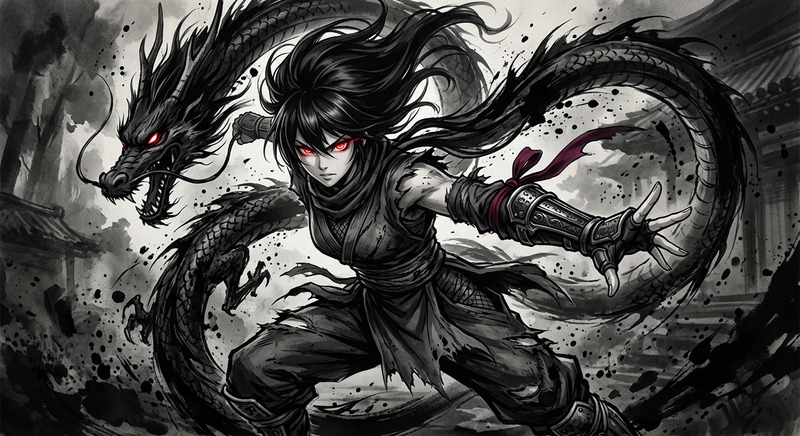
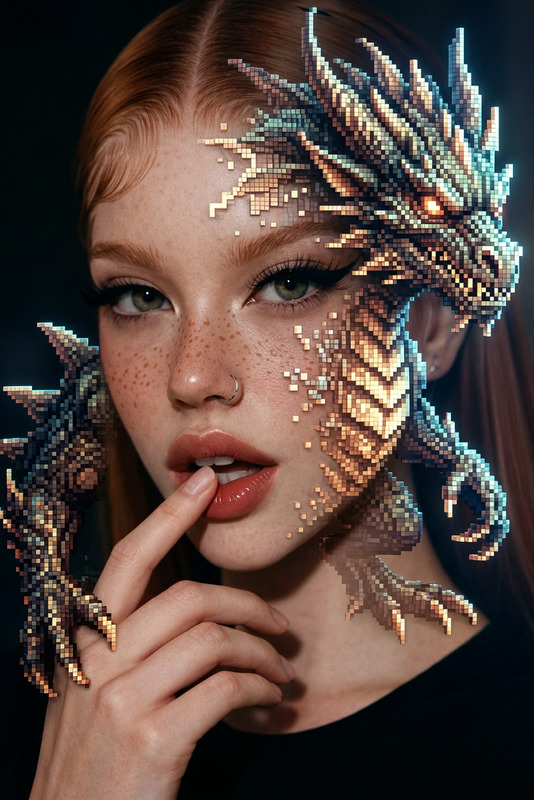
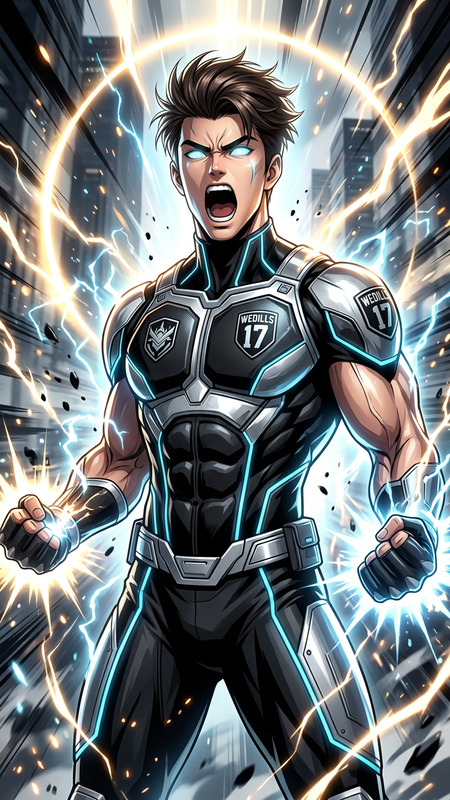
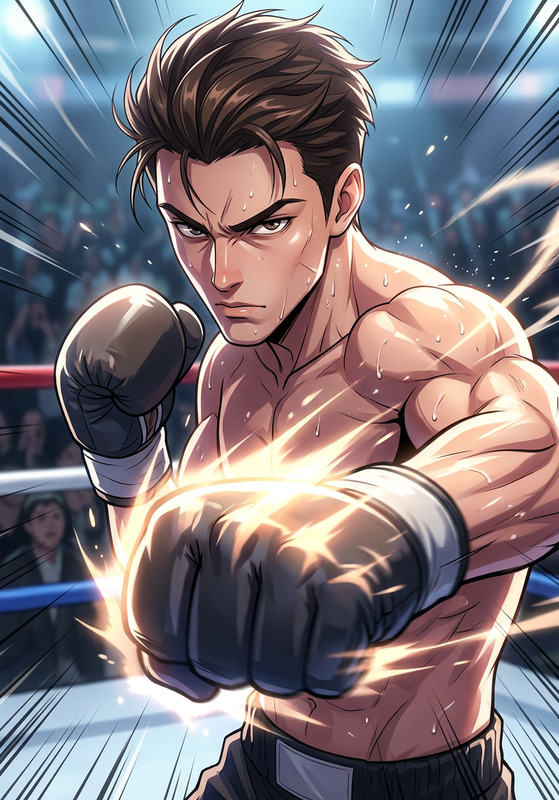
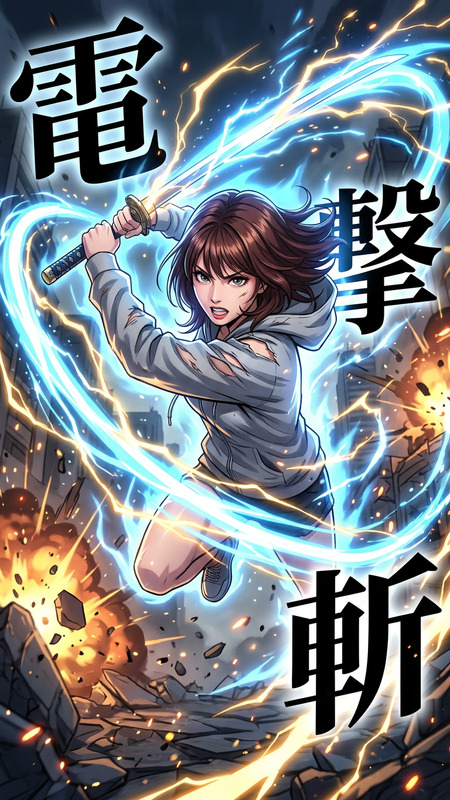
A dynamic Dragon Ball anime art piece featuring a powerful depiction of characters in a vibrant dark azure and silver palette, inspired by yanjun cheng. The composition is energetic, showcasing dynamic poses and intense action in a tall 9:16 aspect ratio. Light silver and blue hues blend seamlessly, creating a realistic play of light and shadow reminiscent of RTX graphics. The scene feels almost cut or ripped from an epic moment, with a visually compelling mix of sharpness and fluid motion, capturing the essence of Dragon Ball XV with a fresh, innovative twist.
Any aspect ratio
Overview
This Dragon Ball Anime Artwork template within our AI Image Editor allows creators to design visually captivating Dragon Ball-inspired scenes. Using the sophisticated nano-banana-2 model, this template conveys the energy and dynamic nature of anime with a modern aesthetic using azure and silver tones.
What It Does
Capture the essence of Dragon Ball scenes with this template by generating artwork that combines vibrant colors with realistic light effects. Designed to produce high-quality images that are perfect for posters, wallpapers, or as part of larger digital art projects, it maintains an energetic feel with rich details.
Who It's For
This template is perfect for anime fans, digital artists, and content creators looking to enhance their visuals with unique Dragon Ball artwork. Whether you're creating personalized merch or adding flair to your website, this tool aids in achieving professional-grade results.
Summary
Engage with a new style of anime art using our Dragon Ball Anime Artwork template. With support for dynamic rendering and a visually compelling color scheme, it offers an innovative way to produce art that impresses and captivates audiences. Learn more about the broader capabilities of our AI Image Editor to explore further creative possibilities.
How To
Choose the Template

Customize Your Inputs

Generate Your Artwork

Use Cases
Fan Art Creations
- Bring epic moments to life with enhanced realism
- Ideal for social media sharing
Digital Wallpapers
- Use custom designs to express fandom
- Compatible with mobile and desktop resolutions
Interactive Media
- Enhance gaming interfaces or story arcs
- Add visual appeal to fan-made games
Best Practices
Focus on Character Elements
Highlight key character traits and costumes to stay true to the Dragon Ball aesthetic.Incorporate Dynamic Backgrounds
Develop backgrounds that complement the movement and action scenes to add depth.Optimize Color Blending
Experiment with the azure and silver palette to achieve a balanced light effect using techniques found in the AI Photo Relighting tool.