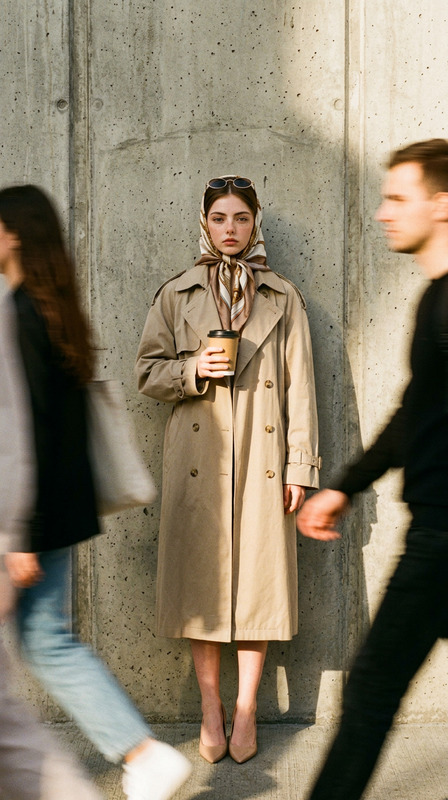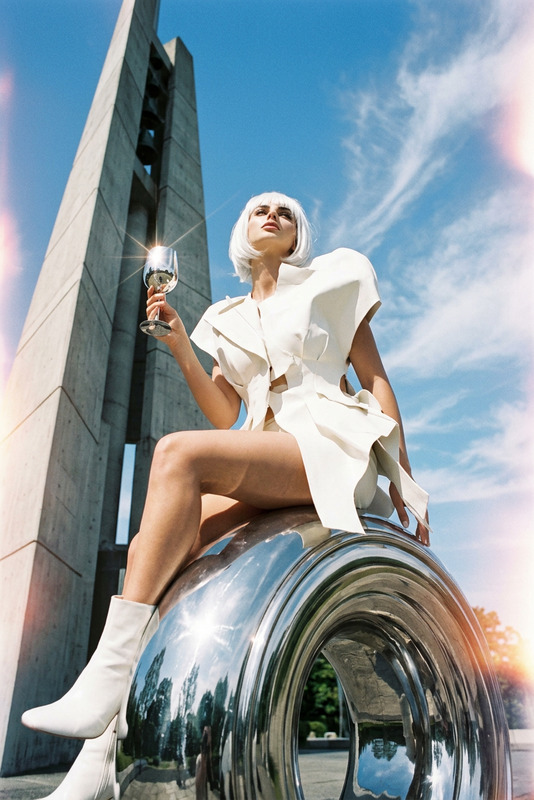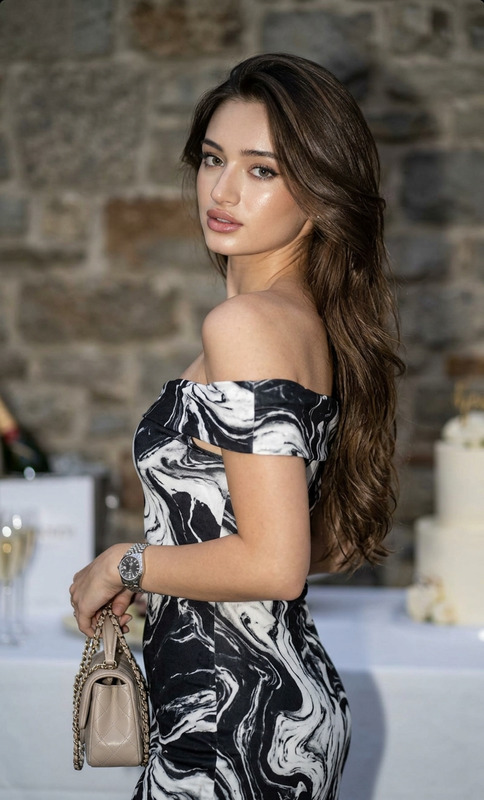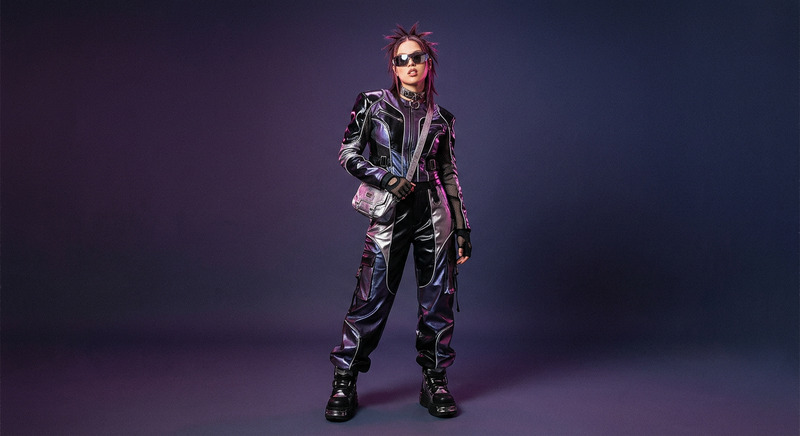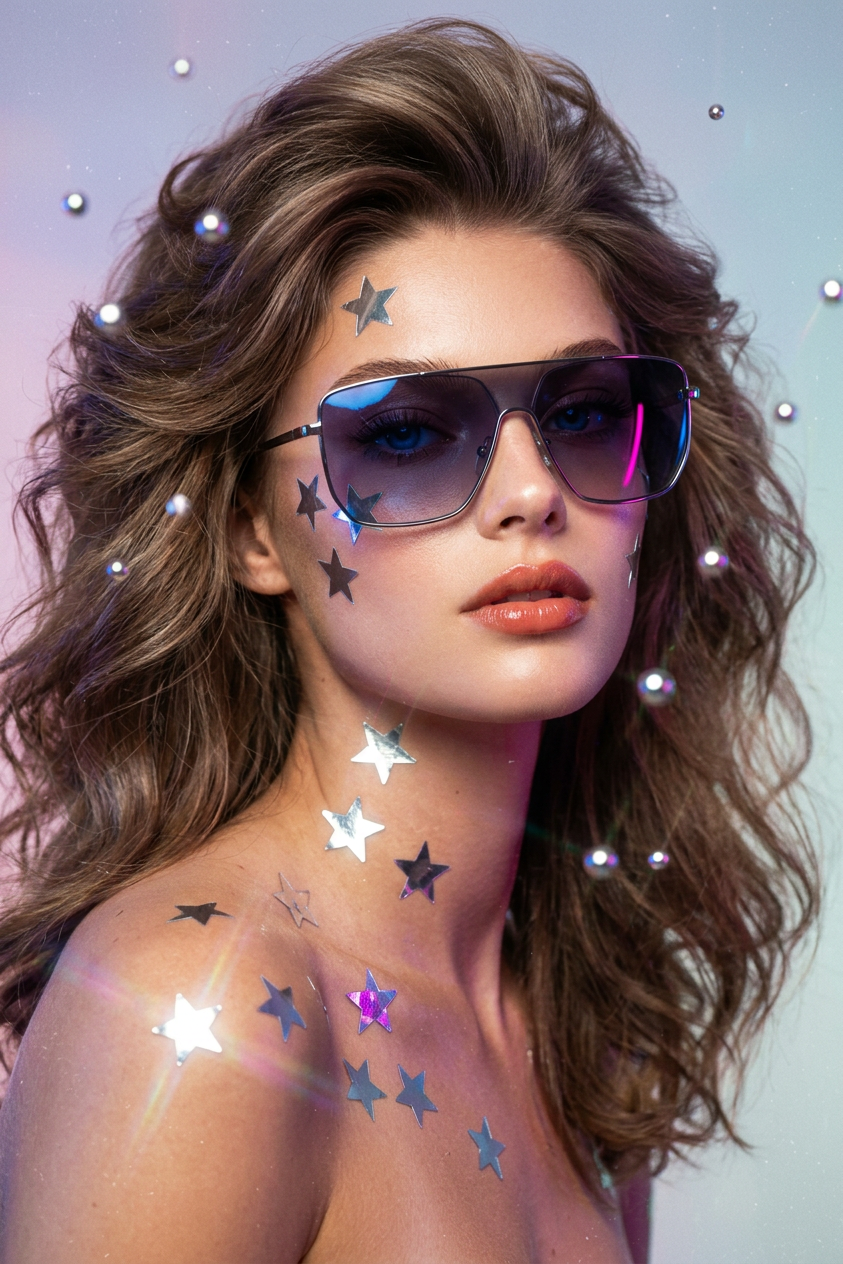
Retro-Futurist Chrome Gloss
- Model
- Nano Banana 2
- Image
- 843 × 1264 px
Prompt
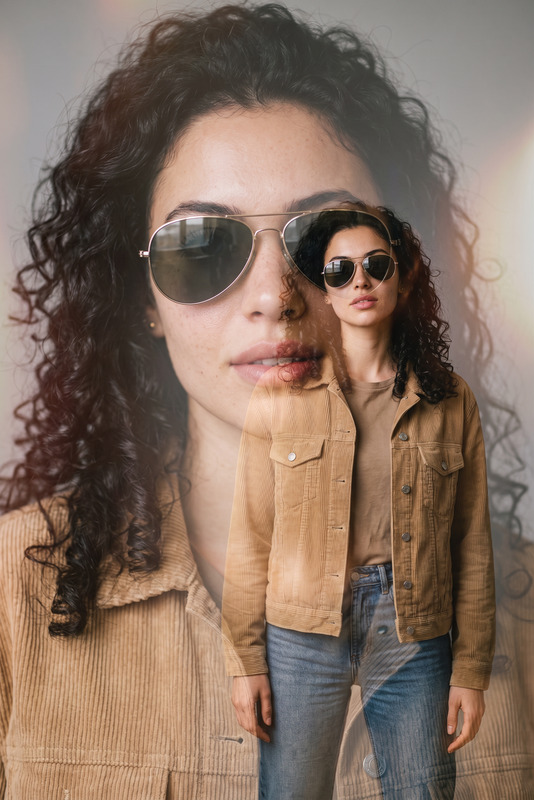
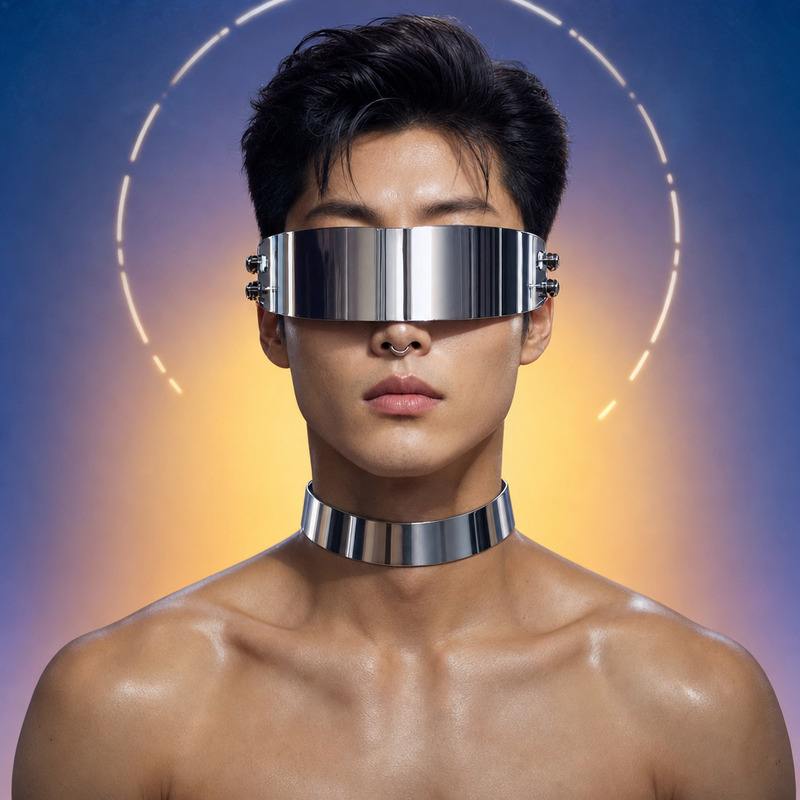
Bathed in a sharp mirror-like high-gloss finish inspired by vintage fashion magazines from the late 1970s and early 1980s, the image portrays a poised woman with a retro-futuristic allure. Her oversized angular sunglasses dominate the close-up frame, featuring smoky gradient lenses, polished chrome edges, and realistic reflections of sapphire blue and magenta neon studio lights. Floating star-shaped reflective silver stickers surround her luminous skin, catching tiny points of metallic light like a futuristic sci-fi editorial. Her carefully styled hair is voluminous yet sleek with a subtle feathered lift, softly framing her face while catching a diffused amber tungsten rim light reminiscent of a classic 35mm film studio. Her expression is enigmatic and confident, lips slightly parted with a muted coral gloss contrasting against the cool metallic tones. She holds a composed half-turn pose with a subtle head tilt, allowing reflections to move across the glossy surfaces. The background fades into a dreamy gradient of pastel blues and purples, resembling Fuji dusk film tones, with authentic analog grain, slight film gate weave, and natural vintage texture. Captured as a close-up portrait through an 85mm prime lens with shallow depth of field, the image preserves realistic skin pores, fine textures, chrome reflections, and subtle imperfections. A luxurious cinematic fashion photograph blending futuristic glamour with nostalgic 35mm aesthetics, inspired by late-70s and early-80s editorial photography, with controlled studio lighting, high contrast, saturated chromatic harmony, and an authentic vintage film atmosphere.
Any aspect ratio
Overview
The Retro-Futurist Chrome Gloss template offers designers and photographers an advanced tool to reimagine their imagery with nostalgic yet futuristic elements, reminiscent of iconic editorial styles from the 1970s and 1980s. This AI Image Editor template uses the nano-banana-2 model to craft a sophisticated, cinematic photograph with high-gloss finishes, bold chrome accents, and a luxurious retro vibe.
What It Does
The template transforms your images by adding a high-gloss retro-futuristic style characterized by chrome edges, vibrant reflections, and star-shaped silver stickers. It emulates the vintage fashion magazine aesthetics, combining modern techniques with the dreamy textures of an authentic 35mm film finish. Perfect for those aiming to merge futuristic vibes with retro allure, capturing every detail with precise chrome reflections and vintage textures.
Who It's For
This template is ideal for fashion photographers, creative directors, and retro enthusiasts looking to enhance their images with a cinematic touch. It serves those who appreciate the intersection of modern technology and vintage aesthetics, allowing them to create images that are both timeless and futuristic. It's a perfect choice for those involved in editorial shoots or creating comprehensive fashion product videos.
Summary
With its retro-futuristic design, the Retro-Futurist Chrome Gloss template is a powerful resource in the AI image editing toolkit, tailored for producing stunning, avant-garde visuals. It's part of a growing suite of creative tools, complementing options like the AI Talking Photo and AI Image Generator, offering diverse applications from editorial photography to cutting-edge digital art.
How to Use the Template
Choose Your Image

Customize the Look

Generate and Download

Use Cases
Fashion Editorials
- High-gloss reflective surfaces
- Vibrant color contrasts
- Authentic 35mm film textures
Album Covers
- Retro-futuristic appeal
- Cinematic quality
- Bold, chromatic imagery
Creative Digital Art
- Dual-tone lighting effects
- High detail preservation
- Artistic chrome accents
High-End Advertisements
- Luxurious imagery
- High-impact visuals
- Distinctive retro touch
Best Practices
Focus on Lighting
Pay attention to how the lighting interacts with chrome elements and reflections. Adjust the light positioning in the template to enhance certain features and create dramatic effects.Emphasize Contrast
Utilize the contrast settings to create distinct separation between elements, highlighting the retro-futuristic vibe. This helps in maintaining the integrity of the original image's details.Refine Details
Take advantage of the detailed processing capabilities to maintain the fine textures and realistic imperfections that add authenticity to the image.