City Blur – Static Icons
- Model
- Nano Banana 2
- Image
- 976 × 1089 px
Prompt
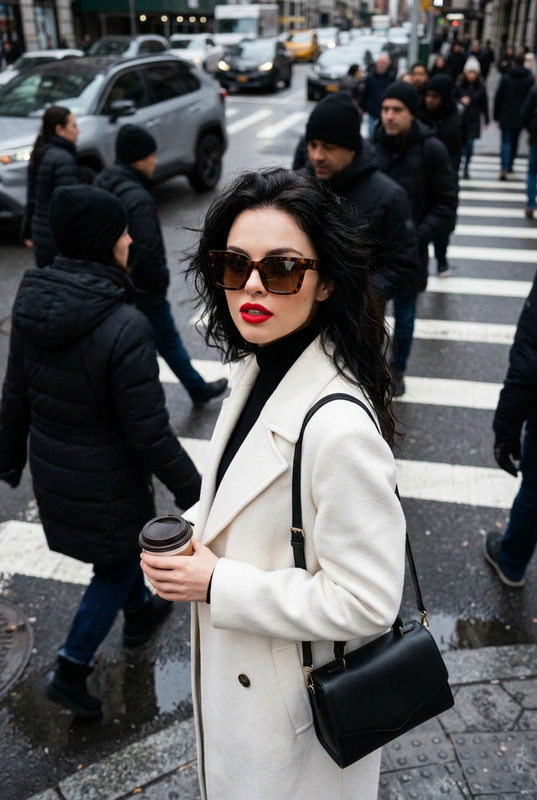
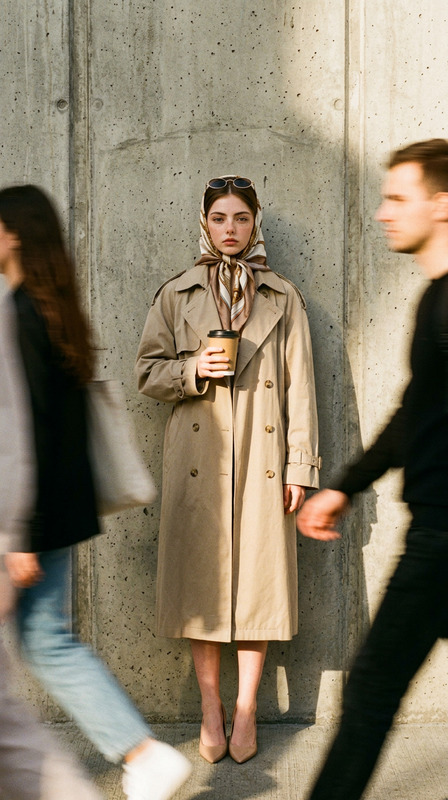
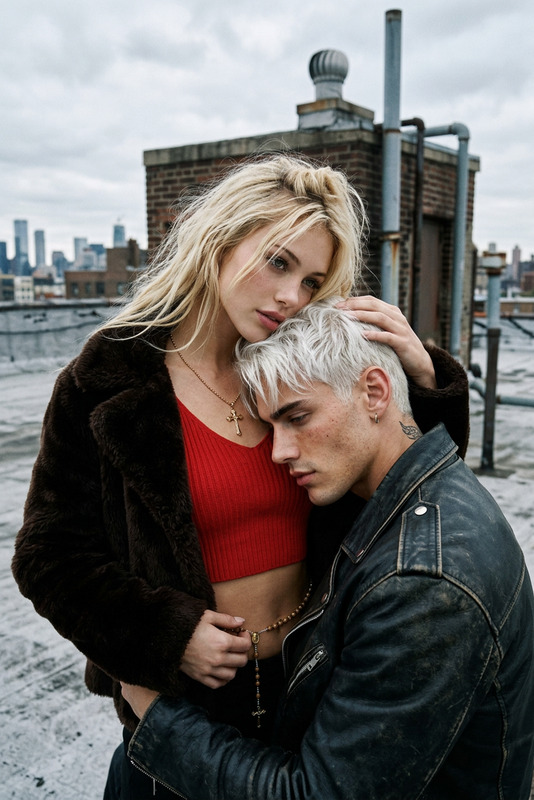
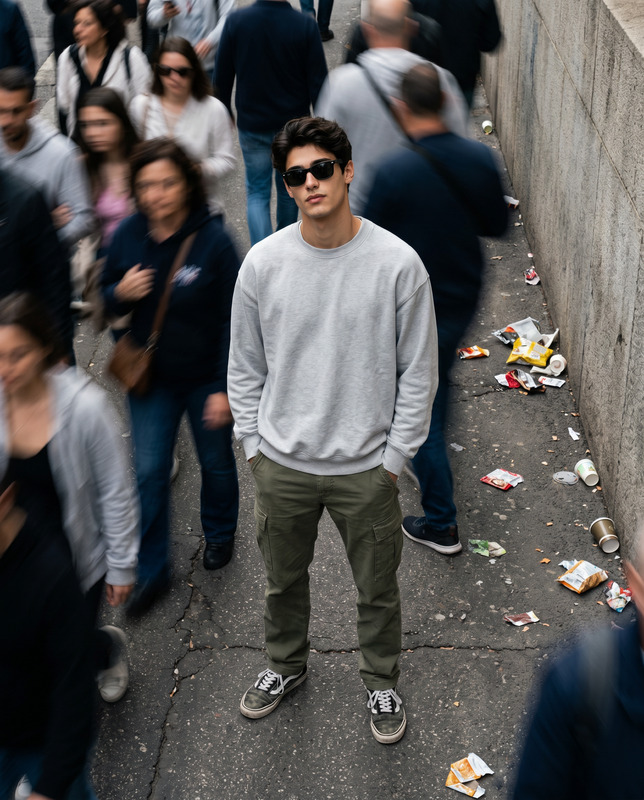
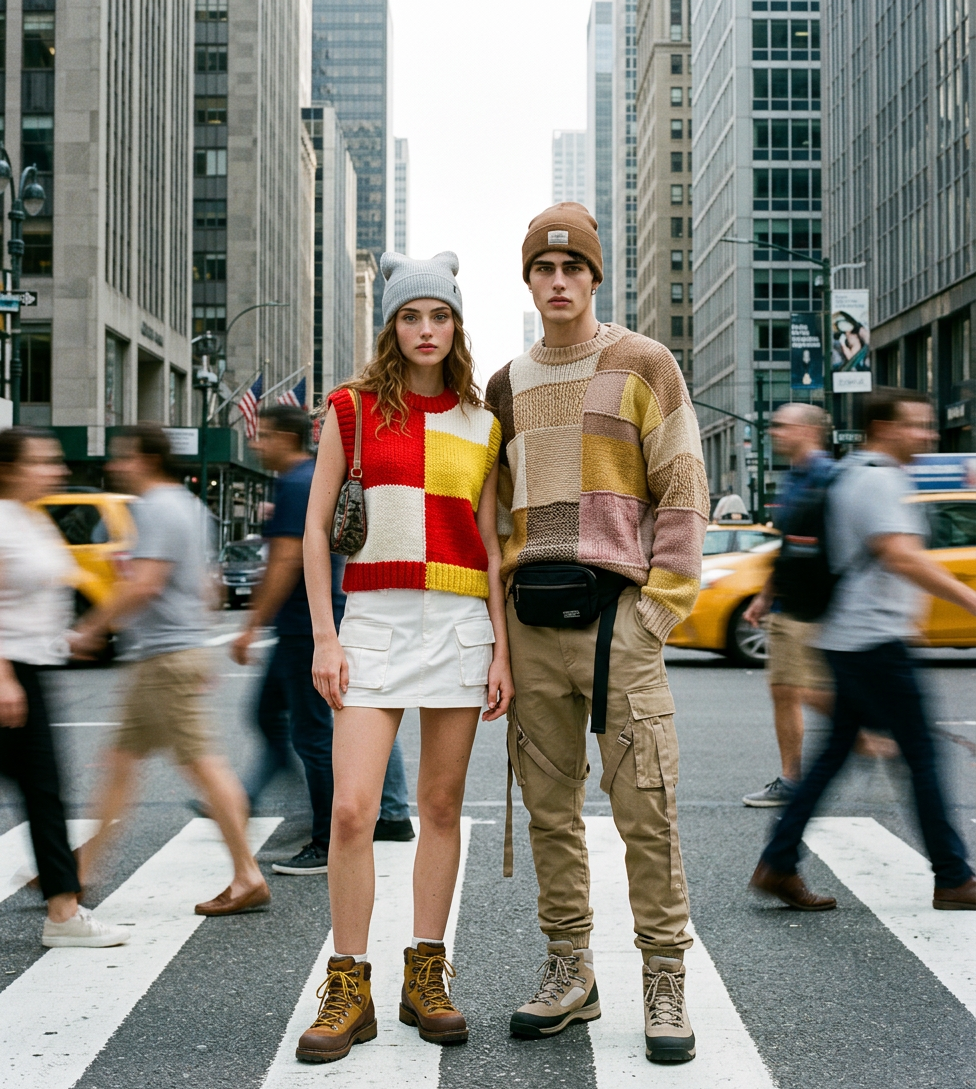
Style & Lighting: High-end fashion editorial photography with a cinematic, urban-organic aesthetic. The image features soft, natural daylight on a bright but slightly hazy day. The technical highlight is a dramatic long-exposure motion blur effect, where pedestrians walking past the subjects appear as ghostly, blurred streaks, while the central models remain in sharp, static focus. It carries an authentic 35mm film grain and a fine analog noise texture, giving it a high-fashion magazine finish from the early 2000s. Subjects & Pose: Two models—a young woman and a young man—pose confidently and motionless in the middle of a city crosswalk. They are standing close together, looking directly at the camera with neutral, cool expressions. Their static presence creates a powerful contrast against the rushing movement of the city around them. Fashion & Clothing: They are dressed in eclectic, high-texture street fashion: Female Model: Wears a chunky, sleeveless patchwork knit vest with bold blocks of red, yellow, and white. She pairs it with a short white utility mini skirt, a light grey beanie with subtle cat-ear-like points, and heavy brown-and-yellow lace-up hiking boots. She carries a small patterned bag tucked under her arm. Male Model: Wears an oversized, multi-textured patchwork knit sweater in shades of beige, brown, yellow, and muted pink. He is styled with a brown beanie, khaki cargo pants with dangling strap details, a black belt bag (fanny pack), and beige-and-grey lace-up hiking boots. Setting & Composition: The scene is set in a bustling urban canyon, likely New York City, with towering concrete skyscrapers and city architecture filling the background. They are standing on the white stripes of a zebra-style crosswalk. The perspective is a full-body shot that captures the scale of the city and the unique silhouettes of the clothing.
Any aspect ratio
Overview
The City Blur – Static Icons template on Magic Hour takes your urban-themed visuals to a new level with its high-fashion editorial photography style. Built with the state-of-the-art AI Image Editor using the nano-banana-2 model, it delivers cinematic urban-organic aesthetics featuring soft, natural daylight. The dramatic long-exposure motion blur effect ensures your subjects stand out while the bustling city life forms a beautiful backdrop.
What It Does
This template creates compelling images that juxtapose sharp, static-focused models against ghostly streaks of blurred pedestrians. It leverages a cinematic style combined with authentic 35mm film grain and analog noise texture to produce visuals that appear straight out of a high-fashion magazine from the early 2000s. Ideal for capturing the energy of a city while keeping narrative focus on the models in high-texture street fashion.
Utilize the AI Image Editor not only for image consistency but also for adding that professional edge to your photography projects.
Who It's For
The City Blur – Static Icons template is tailored for fashion photographers, urban artists, and brands seeking to elevate their content with a cinematic and editorial touch. It's an excellent choice for those who work within the realms of fashion magazines, social media visuals, and product promotions where the vibrant city life contrasts with well-composed static imagery.
Summary
Whether you're looking to create striking advertisements or artistic photography, the City Blur – Static Icons template offers the tools to do so with finesse. By integrating high-end fashion styles with urban backdrops, it ensures your imagery remains both dynamic and captivating. For those wanting to explore more creative possibilities, check out Face Swap for additional editing enhancements.
How-To
Choose Your Template

Customize Your Inputs

Generate and Download

Use Cases
Fashion Editorials
Product Promotions
Social Media Campaigns
Best Practices
Select the Right Lighting
Ensure that your original images have a clear source of natural daylight, as this enhances the effect of the cinematic attributes.Optimize Model Positioning
The models should be placed centrally and remain motionless to create an effective contrast with the motion blur effect of the surroundings.Match Fashion with Setting
Coordinate the models' street fashion attire to fit the urban city backdrop, maintaining the template's high-fashion editorial vibe.