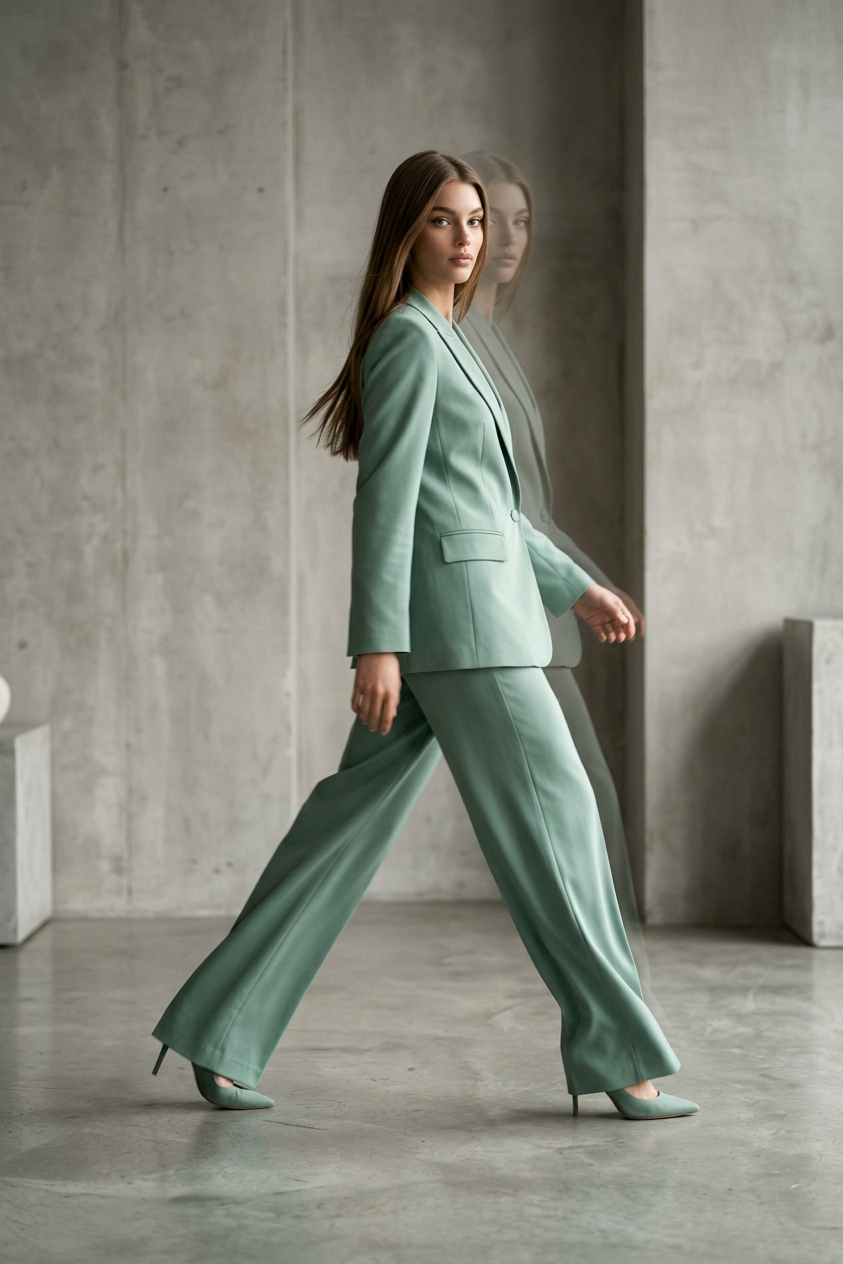
Motion Blur Mint
- Model
- Nano Banana 2
- Image
- 843 × 1264 px
Prompt
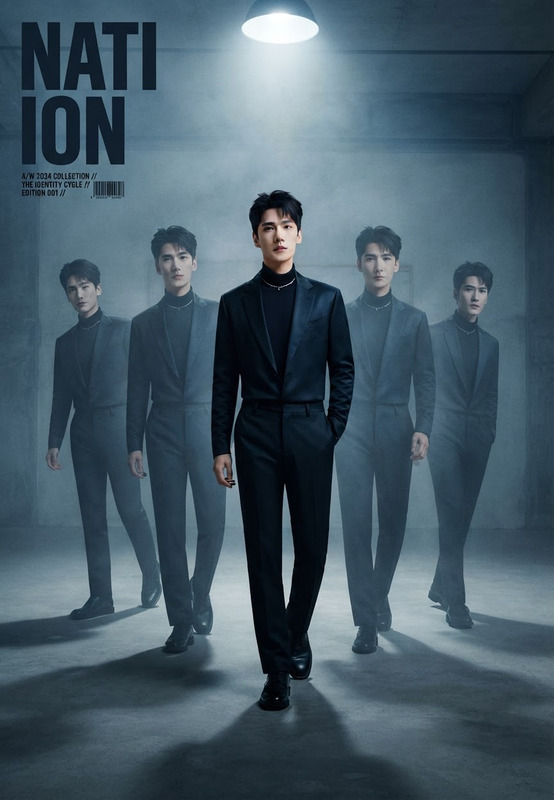
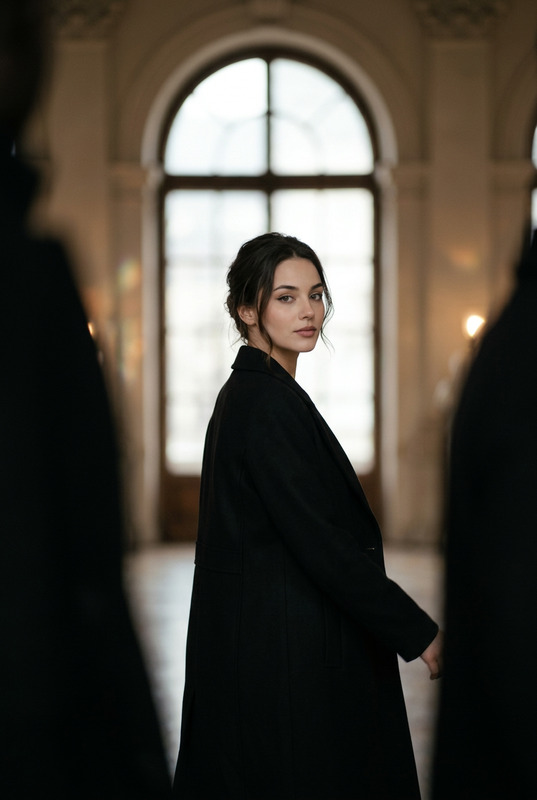
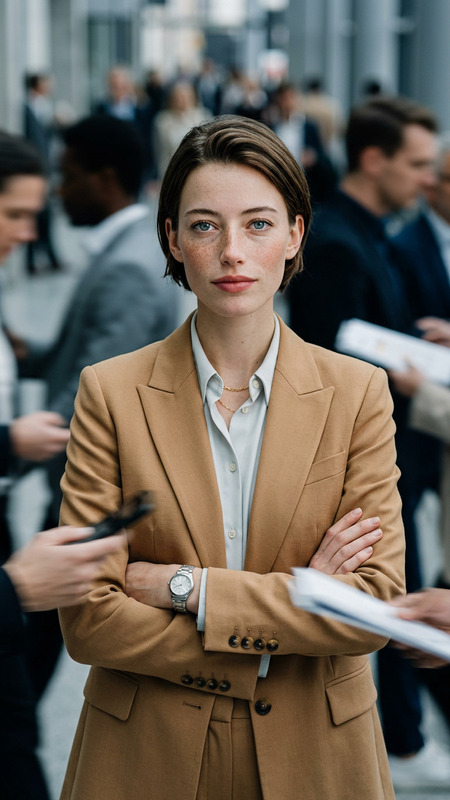
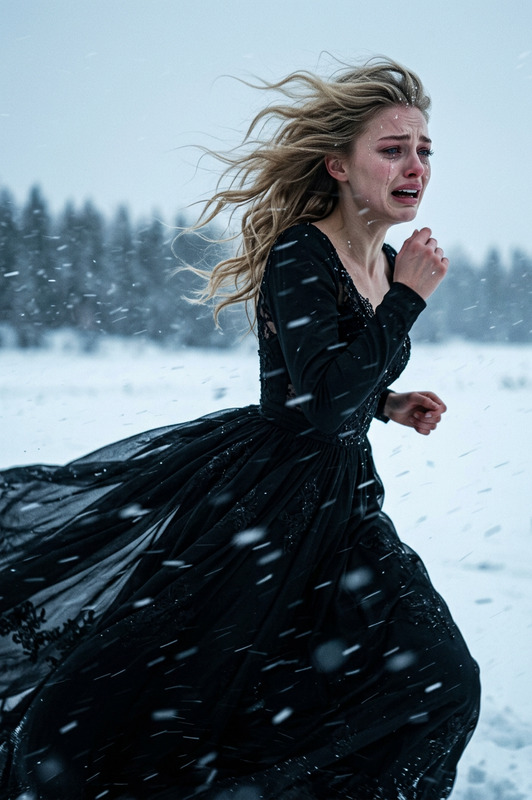
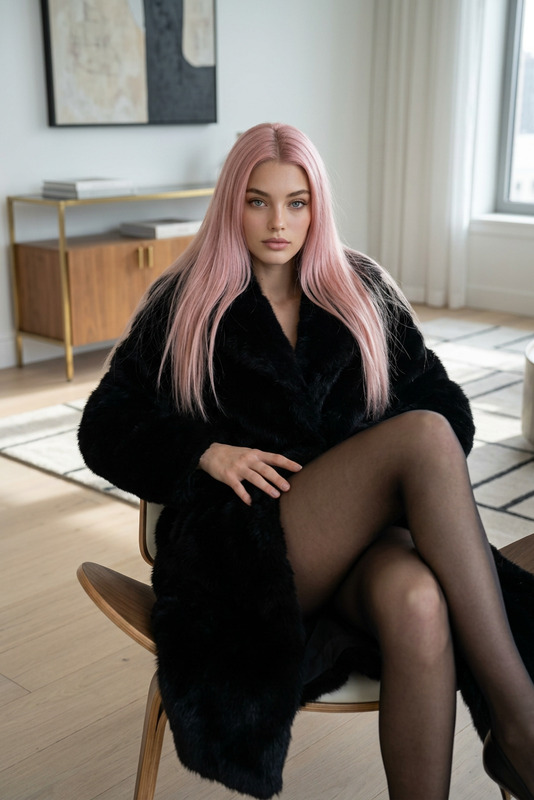
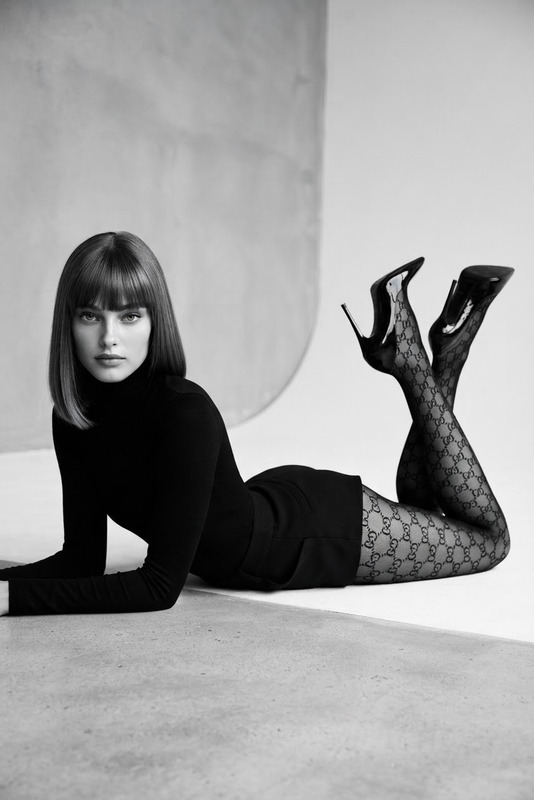
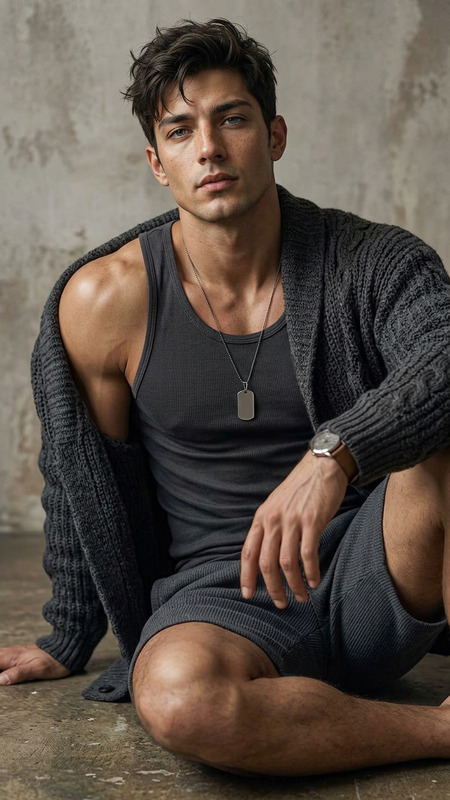
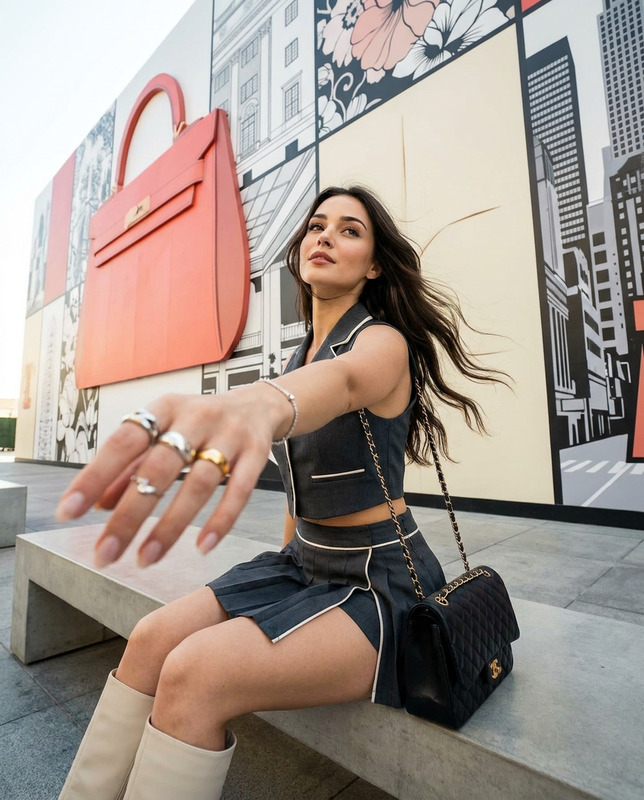
Create a high-end fashion editorial photograph featuring the subject in a medium full-body studio shot, captured mid-step while walking naturally through a minimalist luxury studio environment. The subject moves sideways across the frame with one leg extended forward and the other trailing behind, creating a fluid, realistic walking motion. The body is angled slightly away from the camera while the head turns toward the lens, maintaining direct eye contact and creating a dynamic editorial composition. The posture is elongated and confident, with relaxed shoulders, natural body movement, and effortless runway energy. One arm swings naturally with the step while the other remains slightly bent and relaxed, with anatomically correct hands and realistic movement. The subject wears a tailored monochrome mint-green suit in a slightly deeper muted tone, featuring wide-leg trousers flowing naturally with movement and a structured blazer worn open over a minimal top. Pointed-toe heels make realistic contact with the floor, emphasizing balance and grounded motion. Long straight brown hair moves subtly with the stride, showing natural flow and momentum. The expression is calm, confident, and editorial, with a slightly serious fashion-forward gaze. The setting is a clean high-end studio with textured concrete walls and a minimal floor, creating a modern architectural atmosphere. Use soft directional cinematic lighting with controlled contrast, gentle shadow falloff, and refined tonal depth. Add a subtle realistic motion effect: a semi-transparent ghosted duplicate of the head and upper torso trails slightly behind the movement direction, softly blended like a fashion double-exposure technique, with no distortion or artificial artifacts. The color palette consists of muted mint green, soft gray, neutral skin tones, and cinematic desaturated colors. Inspired by contemporary luxury fashion campaigns and minimalist runway aesthetics. Shot on an 85mm lens with shallow depth of field, sharp focus on the face, slight motion blur on the moving body and fabric, realistic fabric dynamics, high-detail editorial photography, premium fashion magazine quality, photorealistic.
Any aspect ratio
Overview
With the Motion Blur Mint template, elevate your fashion photography by capturing dynamic, sophisticated imagery. This AI Image Editor template utilizes the nano-banana-2 model to create stunning editorial photos with a subtle motion effect. It's perfect for producing photorealistic images that embody high-fashion aesthetics, making them ideal for contexts such as marketing campaigns and fashion editorials.
What It Does
The Motion Blur Mint template applies precise motion effects to fashion photography, accentuating movement while maintaining sharp facial focus. Capturing dynamic full-body shots, it blends a ghosted motion trail behind the subject, producing a double-exposure effect that mimics professional studio photography. The result is a high-resolution image suitable for digital and print media, compatible with various formats such as JPEG and PNG. With its AI Image Editor capabilities, the template enhances your images' style and professionalism.
Who It's For
Fashion photographers, digital marketers, and creative directors will find Motion Blur Mint indispensable for their projects. Whether you're finalizing a collection lookbook or curating content for luxury brands, this template ensures your work stands out with a premium editorial touch. It's also suited for influencers and content creators aiming to produce high-end fashion visuals effortlessly.
Summary
The Motion Blur Mint template by Magic Hour is your go-to tool for adding professional-grade motion blur to your fashion photography. With its sophisticated AI capabilities, it creates editorial-quality images perfect for high-end campaigns. For similar solutions, explore the AI Product Photography and AI Profile Picture Generator tools, expanding your creative toolkit to include more personalized and striking visuals.
How to Use Motion Blur Mint
Choose Template

Customize Inputs

Generate Image

Use Cases
Fashion Editorials
- Capture movement and style in a single frame
- Ideal for magazine and online features
Marketing Campaigns
- Create compelling visuals that attract attention
- Perfect for luxury and contemporary brand storytelling
Social Media Content
- Impress followers with high-fashion visuals
- Optimize images for platforms like Instagram and Pinterest
Best Practices
Optimize Lighting
Ensure that the lighting setup matches the cinematic effect described in the prompt. Carefully control shadows to enhance the mood of your image.Focus on Details
Pay attention to garment details and natural movement to ensure realistic fashion presentation simply mirrors brand ethos.Style Consistency
Align the mint-green palette with your existing visual identity. Consistent styling across images will reinforce brand recognition.